
Free · Open source · For AI coding agents
Query any C# codebase from your AI agent.
Metalama MCP loads your C# projects and solutions with MSBuild and Roslyn, then lets your AI coding agent answer questions about types, inheritance and references from the compiler's semantic model. Your projects don't need to reference Metalama.
dotnet tool install -g Metalama.McpWhich types in MediatR implement IPipelineBehavior?
query
workspace.SourceCode.Types
    .Where( t => t.AllImplementedInterfaces
        .Any( i => i.Name == "IPipelineBehavior" ) )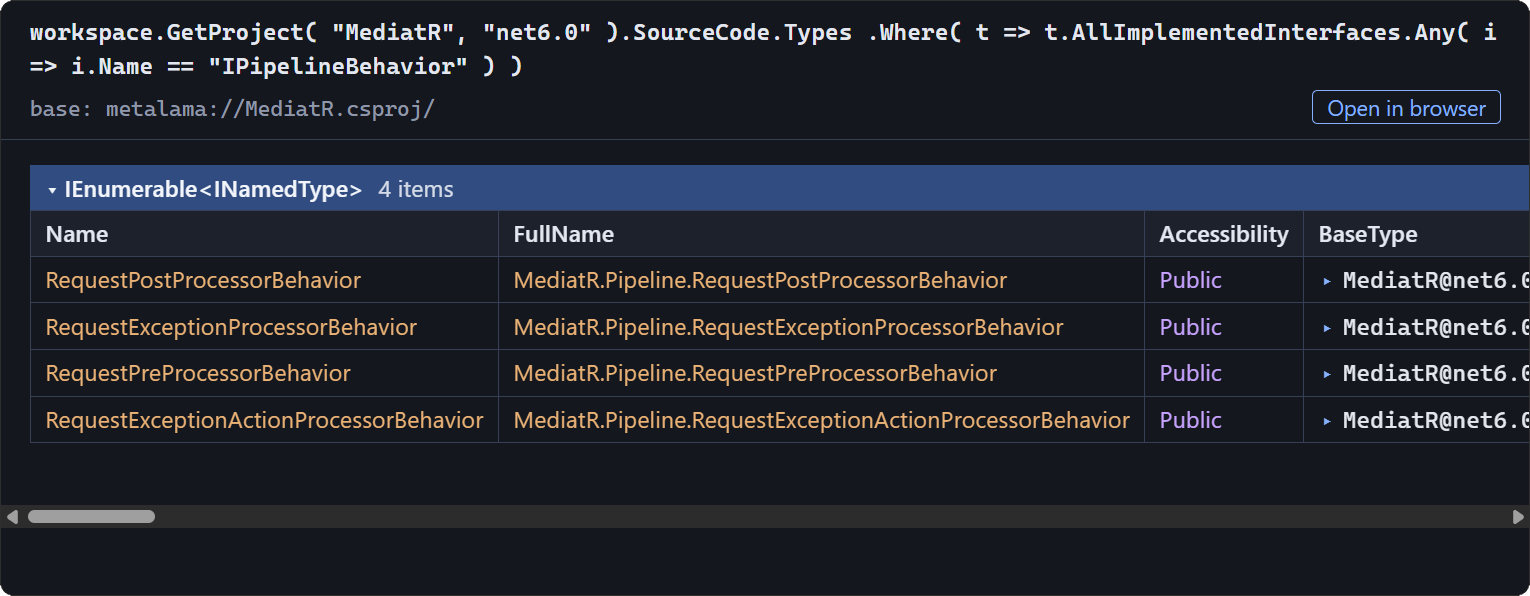
What it answers
Ask in plain English. The agent writes the query.
The agent writes C# queries against the same code model that Metalama aspects use. The workspace is loaded once, so follow-up queries take milliseconds.
-
Which classes implement an interface?
Including the ones that inherit it through a base type, which no text search can find.
.Where( t => t.AllImplementedInterfaces .Any( i => i.Name == "IHandler" ) ) -
Who uses this type, and how?
References come with their kind, so the agent tells an implementation from a registration without opening the files.
D<INamedType>( "T:MediatR.IMediator" ) .GetInboundReferences() -
Where is the complexity?
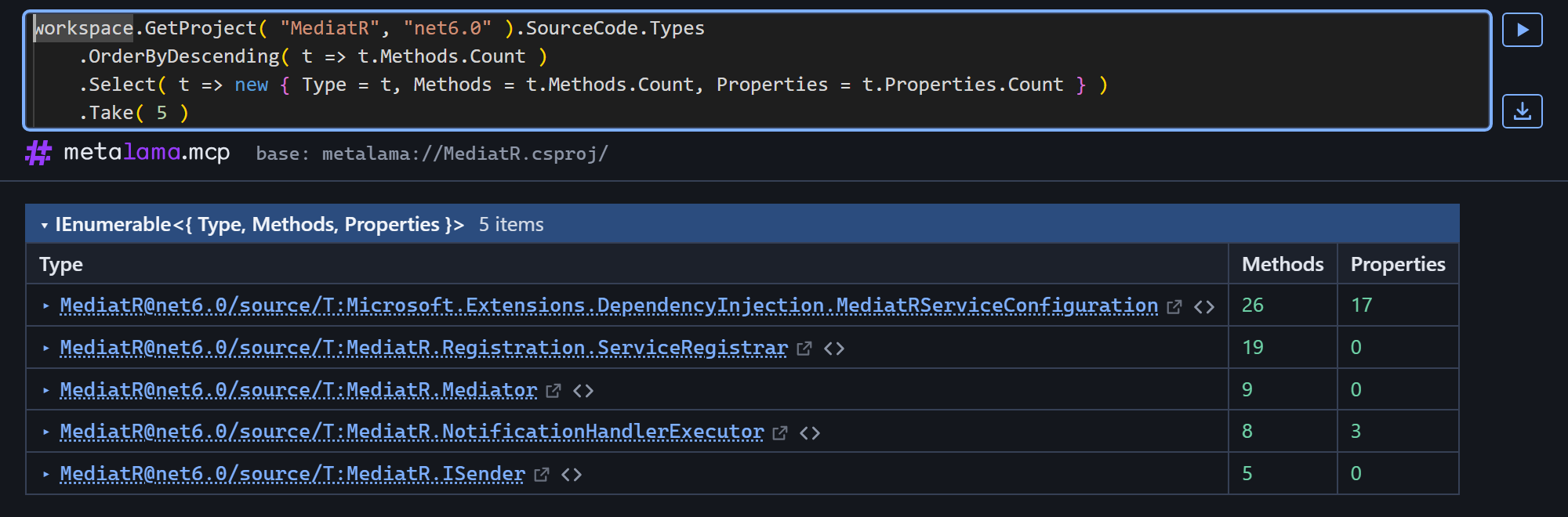
Rank types by their number of methods and properties, or by code metrics such as the number of syntax nodes.
.OrderByDescending( t => t.Methods.Count )
    .Take( 5 )
For you, too
Browse the results like in LINQPad.
Text output is for the agent. Ask to see a result in your browser, and it opens as an interactive grid.
- Sort and filter any column.
- Expand on demand, from a type to its methods, to their parameters, to their references.
- Jump to the source at the right line in your editor.
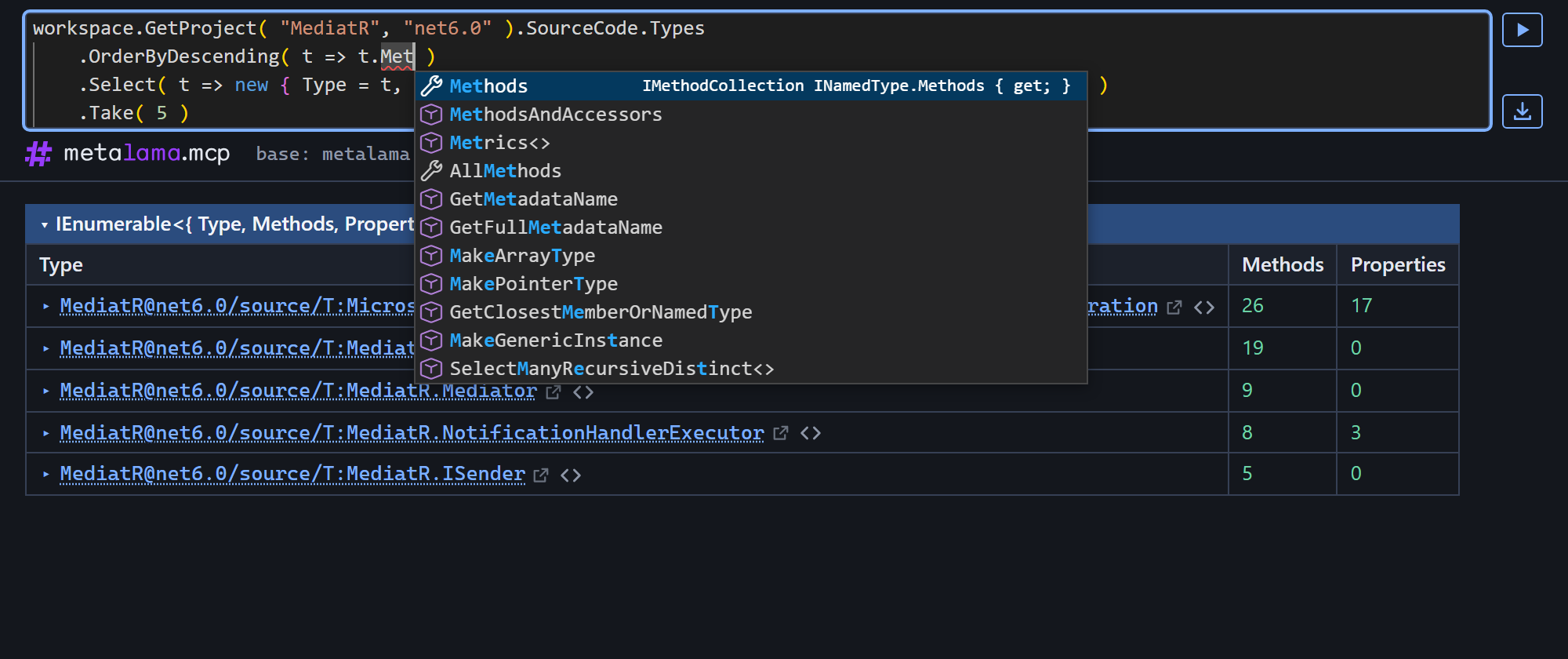
- Refine the query yourself, with completion, tooltips and error underlines.
- Hand back to the agent with the link button.
In Metalama projects
It sees the aspects too.
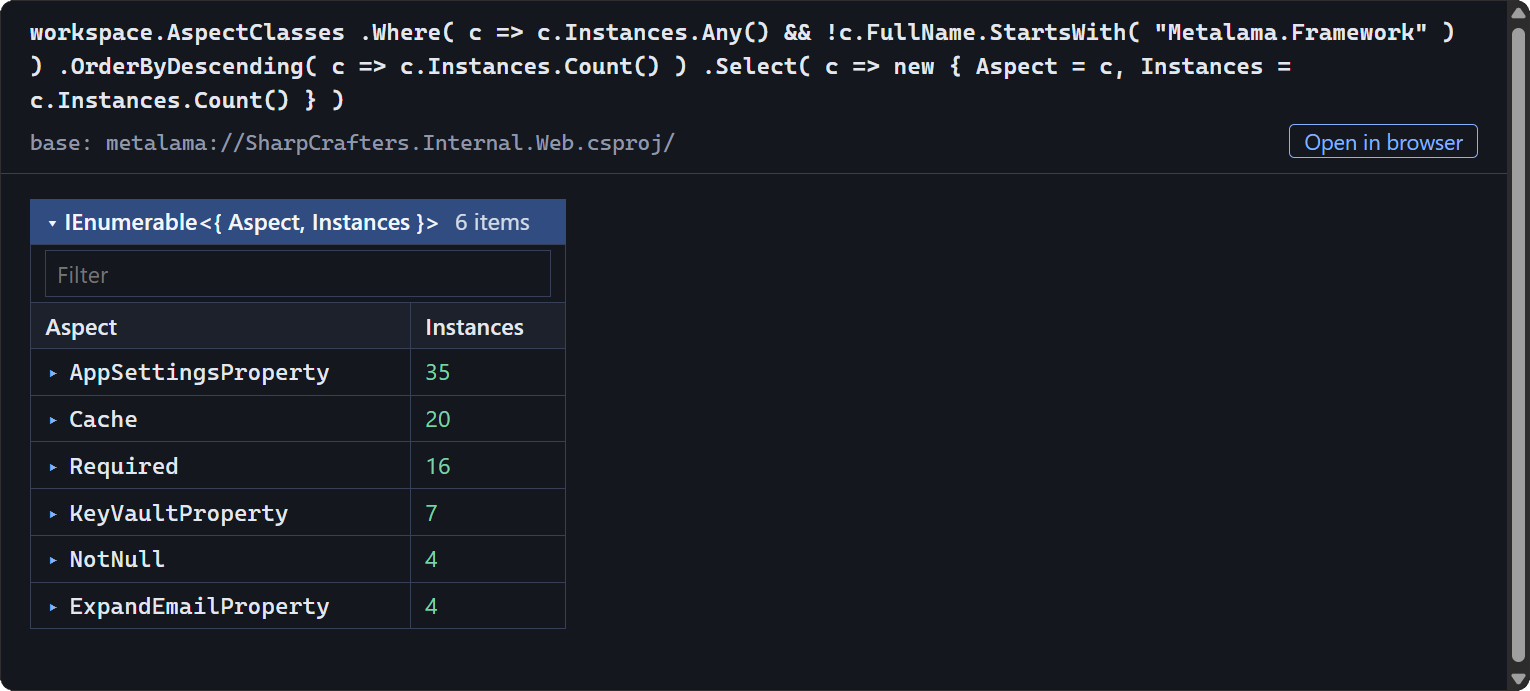
When a project uses Metalama, the agent also sees which aspects are applied and where, the advice they add, and the transformed code as it compiles.
Not using Metalama? Everything above still works. What is Metalama?
What the agent can query
The whole code model, through one workspace object.
Source code
Types, methods, fields, properties, constructors and events, across all projects and target frameworks.
References
Inbound and outbound references, and derived types.
Diagnostics
The compiler warnings and errors, and the load issues of the workspace.
Metrics
Code metrics, such as the number of syntax nodes of a method.
Aspects
Aspect classes and instances, advice, transformations and the transformed code.
Two commands to get started.
Works with Claude Code, GitHub Copilot, Cursor, and any agent that supports MCP. Requires the .NET 10 SDK.
Part of Metalama 2027.0, currently in preview.
Set up your agentdotnet tool install -g Metalama.Mcp
claude mcp add metalama -- metalama-mcp