# PostSharp: full content
> The pages of https://postsharp.net that are written in Markdown, in the section order of https://postsharp.net/llms.txt. Each one is also served on its own, at its URL plus `.md`.
## Section: PostSharp
# PostSharp Technical FAQ
> Answers to the most frequent technical questions about PostSharp: how it transforms your assemblies, what it costs at run time, and which platforms and tools it supports.
Canonical: https://postsharp.net/postsharp/faq.html
How PostSharp works, what it costs at run time, and where it fits in your toolchain.
For licensing and purchasing, see the [pricing FAQ](https://postsharp.net/pricing/faq).
---
## Section: Metalama
# Alternatives to Metalama
Canonical: https://postsharp.net/metalama/alternatives/
This section analyzes alternatives to Metalama for several applications. It tries to fairly present the pros and cons of each approach.
Each comparison page below covers a single low-level approach: one for generating code, another for modifying it, another for validating it, another for offering fixes. Metalama's value is that it unifies all of these in one integrated tool, so teams don't have to combine several tools that don't talk to each other.
| Application | Alternatives |
|---|---|
| [Aspect-oriented programming](https://postsharp.net/metalama/alternatives/aspect-oriented-programming) | MSIL rewriting, middleware-based run-time approaches, and Roslyn-based frameworks. |
| [Code generation](https://postsharp.net/metalama/alternatives/code-generation) | Pre-build scripts, T4, MSIL rewriting, run-time generation, Roslyn code generators, Generative AI. |
| [Architecture verification](https://postsharp.net/metalama/alternatives/architecture-verification) | Code analyzers, architectural unit tests, custom Roslyn analyzers, custom scripts. |
---
# Alternatives for Architecture Verification
> The document discusses various methods for architecture verification, including code style analyzers, architectural unit tests, custom Roslyn analyzers, and custom scripts.
Canonical: https://postsharp.net/metalama/alternatives/architecture-verification.html
## Code style analyzers and linters
One of the most common ways to improve your code quality is to add code linters (called _analyzers_ in .NET) to your projects. However, they can't help you validate your architecture.
.NET comes with a [large set of analyzers](https://learn.microsoft.com/en-us/dotnet/fundamentals/code-analysis/overview) that analyze code style, portability issues, performance pitfalls, and even detect some security problems in your code.
Third-party libraries like xUnit include their own analyzers, and code quality companies like Sonar release [even more linters](https://www.nuget.org/packages/SonarAnalyzer.CSharp/).
These analyzers are very good, and you should probably use some of them in any project.
However, they only enforce _pre-made_ rules. Sometimes, you can configure some parameters of these rules using `.editorconfig`. For instance, you can configure your code style preferences, such as choosing `var` over explicit types or specifying your preferred casing.
_You cannot verify architecture_ with these rules. Code quality is a complex topic, and you need more than one tool in your kit.
### Benefits
- **Simple.** There is nothing to code. Customize the rules to your code style.
- **Behaves like native C# warnings.** You can suppress them or escalate them using `#pragma warning`, `.editorconfig`, `WarnAsError`, etc.
- **Immediate feedback as you type.** There's no need to build the project to refresh the warnings.
### Inconveniences
- **Cannot enforce custom rules.** They are limited to predefined rules, sometimes with parameters that can be configured through `.editorconfig`.
### Use cases
- Check code style and standards.
- Verify pitfalls, best practices, and security violations.
## Architectural unit tests
Probably the easiest way to get started with architectural verification is to use [ArchUnitNET](https://github.com/TNG/ArchUnitNET), an architecture verification _unit test_ framework.
As its name suggests, this framework allows you to write unit tests (using a framework like xUnit) that verify your architecture. You can create one test method per rule, which can either succeed or fail, like a test. The framework decompiles your assemblies using [Cecil](https://github.com/jbevain/cecil) and lets you define architectural rules using a fluent API.
The principal benefit of this approach is that it feels very familiar thanks to its integration with the practice of unit testing.
However, it does not report errors and warnings in a way that feels "native." Defects do not appear directly in the code editor as squiggles but in the test runner. An unfortunate side effect is that you cannot easily manage them using `#pragma warning disable` and `.editorconfig`. Therefore, this approach is only viable if you go for a zero-warning quality strategy.
### Benefits
- **Can enforce custom architecture rules.** ArchUnitNET is designed for architectural verification. You can write your own rules using a C# fluent API.
- **Familiar unit testing experience.** Developers on your team already understand and use unit tests.
### Inconveniences
- **Failed tests instead of warnings.** Developers are used to squiggles in case of structural errors in code, and instead, they will get a failed test.
- **No link to source code.** Although error messages are well-written, you cannot simply navigate from the unit test to the suspect code declaration.
- **Cannot manage warnings.** There are no warnings but failed tests, so you cannot easily manage them using `#pragma warning disable`, `.editorconfig`, or server-side tools like Sonar or Qodana.
### Use cases
- Zero warning strategy.
## Custom Roslyn analyzers
If you value real-time code analysis and native warnings that can be managed using `#pragma warning disable`, `.editorconfig`, and code quality services such as Sonar or Qodana, your only alternative to Metalama is to build a set of custom analyzers.
Indeed, Metalama Architecture Verification is itself built on top of Roslyn analyzers.
Without the Metalama layer, you will have to code directly against the Roslyn API. It's going to be much more complex.
### Benefits
- **Behaves like native C# warnings.** Developers get the same look and feel with architecture verification warnings as with any other compiler or analyzer warnings.
- **Immediate feedback as you type.** No need to run a build or a test. You get feedback within seconds.
- **Easy distribution.** You can easily include your analyzers in your NuGet packages. An advantage compared to Metalama is that you don't need a reference to a third-party package.
### Inconveniences
- **Complex.** Implementing simple rules is relatively straightforward, but building more complex architecture rules can quickly become much more intricate and require you to build a framework on top of the Roslyn API.
### Use cases
- Validation of API usage for packages with a large distribution.
## Custom scripts
Heading in a completely different direction, you can create custom scripts that query your code for specific patterns you don't want to see.
You can run these scripts in a small console app or use an interactive tool like LINQPad.
The `System.Reflection` namespace is not sufficient to navigate through the code references.
A good option is to use [Metalama's introspection API](https://doc.metalama.net/preview/conceptual/introspection/linqpad) through the `Metalama.Framework.Workspaces` namespace.
### Benefits
- **Maximum freedom.** It's your process. You have complete control over the execution, inputs, and outputs of the program.
- **Rich architecture validation API** using `Metalama.Framework.Workspaces`.
- **Interactive queries** with tools like LINQPad.
### Inconveniences
- **Not native C# warnings.** No integration with `.editorconfig`, `#pragma warning`, `WarnAsError`, etc.
## Comparison
| Feature | Metalama | Standard linters | Custom analyzers | Architectural unit tests | Custom build scripts
|---------|----------|-------------------|-------------------|--------------------------|---------------------
| Can enforce custom rules | Yes | No | Yes | Yes | Yes
| Behaves like native C# warnings. | Yes | Yes | Yes | No | No
| Simple, capable API suitable for architecture verification | Yes | No | No | Yes | Yes[^1]
| Understands aspects | Yes | No | No | No | Yes[^1]
[^1]: Possible using `Metalama.Framework.Workspaces`.
---
# Alternatives for AOP
> The document compares aspect-oriented programming frameworks for .NET, detailing approaches like MSIL rewriting, Roslyn-based, and middleware.
Canonical: https://postsharp.net/metalama/alternatives/aspect-oriented-programming.html
Today's aspect-oriented frameworks all rely on one of the following approaches:
* [MSIL Rewriting](https://postsharp.net/metalama/alternatives/msil-rewriting) is the process of modifying the binary assembly during the build process. An additional step is added to this process just after the C# compiler. This approach was pioneered by PostSharp when the C# compiler was a black box. Many tools still rely on it.
* **Roslyn-based** frameworks interact directly with the compiler without requiring an additional process. They are based on official Roslyn extension points such as analyzers and code generators, plus unofficial extension points added by [Metalama.Compiler](https://github.com/metalama/Metalama.Compiler), an open-source fork of Roslyn, allowing arbitrary code transformations. [Metalama](https://postsharp.net/metalama) is the only framework in this category at the moment. Roslyn-based frameworks can give you real-time feedback as you are typing, while MSIL-based ones require you to rebuild.
* [Middleware-based frameworks](https://postsharp.net/metalama/alternatives/middleware) generally rely on a dependency injection framework and generate dynamic proxies at runtime. They are limited to intercepting interface methods and adding new interfaces to types.
Here is an overview of the main aspect-oriented frameworks available for .NET. This list is followed by a table comparing their features.
## PostSharp
[PostSharp](https://postsharp.net/postsharp), developed since 2004, was the first complete implementation of AOP concepts in .NET. It is based on [MSIL rewriting](https://postsharp.net/metalama/alternatives/msil-rewriting). PostSharp became a source of inspiration for several MSIL-based AOP frameworks.
PostSharp includes a broad set of ready-made aspects. It has complete documentation.
It comes with a Visual Studio extension that provides visibility into the transformations performed by aspects.
## Metalama
[Metalama](https://postsharp.net/metalama), PostSharp's open-source patterns & architecture toolkit for C#, was first released in 2023. Based on Roslyn, Metalama works both at design time (within the IDE) and at compile time. It is the most complete implementation of aspect-oriented principles, as the comparison table below shows.
Metalama uses a C#-to-C# template language coined _T#_. T# is 100% C#-compatible, so you can get full IntelliSense support with any IDE.
Since Metalama generates C# and not MSIL, you can preview and even debug the code generated by your aspects.
Metalama shares the same Visual Studio extension as PostSharp.
## AspectInjector
Like PostSharp, [AspectInjector](https://github.com/pamidur/aspect-injector) is based on [MSIL rewriting](https://postsharp.net/metalama/alternatives/msil-rewriting).
While far from PostSharp in terms of features, AspectInjector supports most code overriding and introduction features expected from an AOP framework.
## Rougamo
[Rougamo](https://github.com/inversionhourglass/Rougamo) is another compile-time AOP framework based on [MSIL rewriting](https://postsharp.net/metalama/alternatives/msil-rewriting). Its code transformation abilities are limited. It implements an AspectJ-inspired pointcut mechanism to select code to be modified.
## AspectCore
[AspectCore](https://github.com/dotnetcore/AspectCore-Framework) is an aspect-oriented framework based on [dynamic proxies](https://postsharp.net/metalama/alternatives/middleware). This approach operates at runtime by generating a _proxy_ type between the consumer and the implementation of an interface. It works only with components served by a dependency injection framework.
## Fody
[Fody](https://github.com/Fody/Fody) is an extensible tool for weaving .NET assemblies. While it is not an aspect framework in itself, [some](https://github.com/vescon/MethodBoundaryAspect.Fody) [plug-ins](https://github.com/Fody/MethodDecorator) allow for PostSharp-style decoration of methods, enabling the implementation of some simple aspects.
Fody has a long list of [plug-ins](https://github.com/Fody/Home/blob/master/pages/addins.md) that implement specific code transformations. Because these transformations must be coded directly in MSIL and not in C#, Fody does not fully qualify as an aspect-oriented framework.
## Comparison
| | Metalama | PostSharp | AspectInjector | Rougamo | AspectCore |
|-----------------------------------------------|----------|-----------|----------------|---------|-----------------|
| Technology | Roslyn | MSIL | MSIL | MSIL | Dynamic Proxies |
| Override virtual members | Yes | Yes | Yes | Yes | Yes |
| Override non-virtual members | Yes | Yes | Yes | Yes | No |
| Implement interfaces | Yes | Yes | Yes | No | Yes |
| Introduce new members | Yes | Yes | Yes | No | No |
| Reference introduced members from source code | Yes | No | No | No | No |
| Allocationless context passing | Yes | No | Yes | No | No |
| IDE: Aspect Explorer | Yes | Yes | No | No | No |
| IDE: CodeLens | Yes | Yes | No | No | No |
| View/Debug Generated C# | Yes | No | No | No | No |
| Large library of pre-built aspects | Yes | Yes | No | No | No |
---
# Alternatives for Code Generation
> This document discusses various approaches for code generation in .NET, highlighting benefits, inconveniences, and use cases for each method.
Canonical: https://postsharp.net/metalama/alternatives/code-generation.html
There are many approaches to code generation in .NET, and Metalama is not necessarily the best choice for all use cases. In particular, Metalama should _not_ be used to generate code based on a _slow_ source like a database or a web API.
## Pre-build scripts, programs, or tasks
When your code generation logic does not depend on the source code itself, it is convenient to write this as a script-like C# program that simply writes its output with a `TextWriter`.
You can choose to execute the program upon different triggering events:
- On demand, if the input data does not change often. In this case, you should store the output in source control.
- As a [pre-build event](https://learn.microsoft.com/en-us/visualstudio/ide/how-to-specify-build-events-csharp).
### Benefits
- **Simple and familiar**. After all, it's just C#.
- **Very simple to debug**.
- When executed on demand, it can handle a slow generation process (such as generating code from a database schema) without affecting the build time.
### Inconveniences
- **No source code access**. The control logic cannot rely on your C# source code to generate code.
- **Cannot override handwritten code.** You can generate new files, but you cannot inject new logic into existing source code.
- **Purely text-based**. No error checking, syntax coloring, or syntax completion for generated code.
- **Not real-time**. You need to rebuild after modifying the source files to see new errors or use newly generated methods.
### Use cases
- Generate data objects from databases, XML schemas, or UML models.
- Generate service proxies for REST, SOAP, gRPC, or Web APIs.
- Generate C# wrappers for non-.NET libraries.
In theory, your script could also access the source code by loading it using a [Roslyn workspace](https://learn.microsoft.com/en-us/dotnet/csharp/roslyn-sdk/work-with-workspace). However, in this case, you might want to consider using Metalama or Roslyn code generators instead.
## T4 (Text Template Transformation Toolkit)
[T4](https://learn.microsoft.com/en-us/visualstudio/modeling/code-generation-and-t4-text-templates) is a Microsoft technology for the generation of text files based on templates. T4 templates are a mixture of text blocks and control logic that can generate a text file. The control logic is written as fragments of program code in C#. The generated file can be text, such as a web page, a resource file, or program source code in any language. T4 uses a similar syntax as ASP.NET WebForms, with control blocks delimited by `<%` and `%>`.
T4 templates can be executed as a pre-build event or on demand.
They are a special case of pre-build scripts and share the same benefits and inconveniences.
Writing a T4 template is more convenient than writing a pure C# program when there is relatively little control logic. When the template is dominated by control logic, writing C# code is often more productive.
### Benefits
- **Simple**. The control logic is C#, with the familiar `<%` and `%>` delimiters.
- **Real-time feedback.** With an optional Visual Studio extension, templates can be automatically executed when the input file is modified.
- When executed on demand, it can handle a slow generation process (such as generating code from a database schema) without affecting the build time.
### Inconveniences
- **No source code access**. The control logic cannot rely on your C# source code to generate code.
- **Cannot override handwritten code.** You can generate new files, but you cannot inject new logic into existing source code.
- **Purely text-based**. No error checking, syntax coloring, or syntax completion for the non-control part of the code.
#### Use cases
The same use cases as for pre-build scripts.
## MSIL Rewriting
Tools based on MSIL Rewriting run after the C# compiler. They decompile the assembly written by the compiler, run it through some plug-ins that generate new code into it, and compile it back to a binary assembly.
Examples of such tools include PostSharp and Fody.
MSIL rewriting was the only possible approach that allowed mixing generated logic with handwritten logic back in the days when the C# compiler was a black box. Roslyn-based tools now do the same work at the source level.
### Benefits
- **Code model access**. The generator can reflect the source code through decompilation.
- **Can override handwritten code.** Ability to add new behaviors to existing methods.
### Inconveniences
- **No generated code access.** Source code cannot reference generated classes or members.
- **No real-time feedback.** You need to rebuild after modifying the source files to see new errors.
- **Complex.** Unless a general-purpose AOP framework like PostSharp is used, it's difficult to implement generators using MSIL.
### Use cases
- General aspect-oriented programming (all aspects) with PostSharp.
- Limited aspect-oriented programming (decorators, interceptors, mixins) with Fody.
- INotifyPropertyChanged, contracts.
## Run-time generation
Instead of generating code at build time, you can do it at run time, typically during application start-up, using the `System.Reflection.Emit` namespace.
Many well-known libraries, including different serializers and the `Regex` class, use this approach instead of using `System.Reflection` alone to improve performance.
### Benefits
- **Partial code model access.** Control logic has partial access to the code model using `System.Reflection`. However, it cannot access the method bodies, but only the metadata.
### Inconveniences
- **Cannot override handwritten code.** Generators can only create new types.
- **AoT Incompatible.** Ahead-of-time (AoT) compilation, required by .NET Native, does not support `System.Reflection.Emit`.
- **Slower startup.** Emitting code at run time causes a performance overhead at each application startup.
- **Complex.** Must emit IL code.
- **No generated code access.** Source code cannot reference generated types.
## Roslyn Code Generators
Roslyn generators are plug-ins of the C# compiler that generate code based on the source code or other files in the project. They are executed in real-time as you type code in the IDE, and at build time.
Before Roslyn generators existed, `System.Reflection.Emit` was the only "official" way to generate code based on source code. The main problem was that this approach is not compatible with .NET Native and AoT. When Microsoft decided to improve support for AoT in .NET, they had to improve the code generation scenario, and came up with Roslyn Code Generators.
### Benefits
- **Full source code access.** The generator logic can inspect the whole source code.
- **Real-time feedback.** The new code is generated immediately as you type.
- **Generated code access.** Source code can reference generated classes or members, with full support for IntelliSense.
### Inconveniences
- **Cannot override handwritten code.** Generators can only create new types or extend existing `partial` ones.
- **Cannot report errors or warnings.** Roslyn code generators have no mechanism to report errors or warnings. A separate Roslyn analyzer must be created.
- **Complex.** The Roslyn code generator is a low-level one optimized for performance. Implementing complex generation logic with this API can be tricky.
- **Purely text-based.** No error checking, syntax coloring, or syntax completion for generated code.
### Use cases
- Native AoT readiness: Regex, ASP.NET request handlers, serialization/deserialization, ...
- Generate C# code from other source languages (XAML, Blazor/CSHTML).
## Comparison
The following table summarizes the abilities and limitations of the different approaches to code generation for C#:
| Feature | Metalama | Pre-build script, T4 | MSIL Rewriting | Run-time | Roslyn generators |
|---------|----------|----------------------|----------------|----------|-------------------|
| Can reference source code from the generator | Yes | No | Yes | Yes | Yes |
| Can reference generated code from source code | Yes | Yes | No | No | Yes |
| Gives immediate feedback as you type | Yes | No | No | No | Yes |
| Can override handwritten code | Yes | No | Yes | No | No |
| Offers simple, strongly-typed template language | Yes | No | No | No | No |
| Can report errors and warnings to source code | Yes | No | Yes | No | No |
## And generative AI?
Generative AI (GenAI) is often cited as a code generation technology, but it plays a completely different role.
The most significant difference between GenAI and the code generation tools discussed in this article is that **code generated by GenAI must be maintained as source code**. Here, we are talking about techniques that generate throwaway code: code that never needs to be maintained.
Since most of the total cost of ownership of a codebase comes from maintenance and not its initial writing, GenAI replaces handwritten code rather than code generation tools.
GenAI is a good way to get a first draft in a language or area you don't master, but it is not a replacement for deterministic code generation tools.
---
# Fody
> Fody is an extensible tool for weaving .NET assemblies, offering open-source plugins and method decorators but has limitations in complexity and traceability.
Canonical: https://postsharp.net/metalama/alternatives/fody.html
[Fody](https://github.com/Fody/Fody) is an extensible tool for weaving .NET assemblies. Manipulating the IL of an assembly as part of a build requires a significant amount of plumbing code. This plumbing code involves knowledge of both the MSBuild and Visual Studio APIs. Fody aims to eliminate that plumbing code through an extensible add-in model.
## What are Fody weavers?
Fody weavers are plug-ins to the Fody platform. They generally implement a single feature. Fody weavers are packaged separately from Fody itself.
## Fody strengths
- **Open-source plug-ins**: Fody offers a variety of open-source plugins, making it easier to implement common programming patterns. These plugins are user-friendly, with ConfigureAwait, PropertyChanged, and a resource-embedding tool being particularly popular.
- **Method decorators**: Fody's MethodDecorator simplifies the implementation of simple patterns.
## Fody limitations
- **Complexity**: Using existing plugins and method decorators is straightforward, but creating custom patterns at the MSIL level can be intricate, particularly for non-trivial applications.
- **Cannot reference new members from source code**: Since Fody processes output from the C# compiler, the source code cannot directly reference any members introduced by Fody.
- **Lack of aspect traceability**: The code transformations Fody applies aren't visible in the Integrated Development Environment (IDE). To view these changes, one must use a decompiler to examine the compiled application.
- **No commercial support**: Both Fody and `Mono.Cecil`, the underlying library, are maintained by volunteers; no professional support offering stands behind them.
## Fody alternatives
- [Metalama.Compiler](https://github.com/metalama/Metalama.Compiler) is a fork of Roslyn that adds an extension point allowing for arbitrary code modifications using the Roslyn code model instead of MSIL instructions.
- [Aspect-oriented frameworks](https://postsharp.net/metalama/alternatives/aspect-oriented-programming) for .NET are generally more capable and simpler to customize than Fody add-ins.
- [Metalama](https://postsharp.net/metalama) is the most complete AOP framework for .NET, as this [feature comparison](https://postsharp.net/metalama/alternatives/aspect-oriented-programming) details. It can be extended using [Metalama.Framework.Sdk](https://doc.metalama.net/conceptual/sdk) to support code transformations using the Roslyn code model. [Metalama.Community.Costura](https://github.com/metalama/Metalama.Community/tree/HEAD/src/Metalama.Community.Costura) is a port of the popular `Costura.Fody` weaver built with `Metalama.Framework.Sdk`.
---
# Middleware and Dependency Injection
> This page shows how AOP can be implemented using middleware or dependency injection.
Canonical: https://postsharp.net/metalama/alternatives/middleware.html
Many .NET libraries, such as dependency injection frameworks, ASP.NET action filters, and WCF behaviors, offer features akin to Aspect-Oriented Programming (AOP). Particularly noteworthy are those based on dependency injection frameworks. These frameworks, when an interface is requested, do not directly return the implementation; instead, they provide a _proxy type_, sometimes called a _dynamic proxy_ because it is generated at runtime during the application startup. This proxy, acting as an intermediary, implements the same interface, injects the desired aspects, and then proceeds to call the actual service implementation.
This approach is user-friendly and integrates well into the .NET ecosystem. However, it's important to recognize its limitations. These libraries offer a somewhat limited perspective on the capabilities of AOP, especially when compared to what is achievable with compiler-based AOP methods.
## Implementations
* [AspectCore](https://github.com/dotnetcore/AspectCore-Framework) is a basic but popular aspect-oriented framework based on dynamic proxies. It integrates with the `Microsoft.Extensions.DependencyInjection` namespace and Autofac. Some documentation is available in Chinese.
## Strengths
- **Simplified learning curve**: Middleware-based AOP frameworks align well with concepts like dependency injection and application server architectures. Their configuration mechanisms are intuitive, often mirroring the underlying principles of these environments, which makes them a natural fit. With a focus primarily on interception, these frameworks are more straightforward to understand. Their simplicity extends both to their use and to their internal implementation. This makes them accessible to a broader range of development teams, including those without specialized AOP expertise.
- **Runtime flexibility**: A key advantage of middleware-based AOP is its runtime adaptability. Aspects can be added, modified, or removed as the application runs, offering significant flexibility. This dynamic configurability, achievable through code or configuration files, allows for tailored application behavior under varying conditions. Furthermore, the ability to selectively apply aspects, such as excluding certain aspects during unit testing, enhances development and testing processes.
- **No need for special compilation**: One of the major conveniences of middleware-based AOP is the elimination of a specialized compilation step. Aspects are woven in at runtime, simplifying the build and deployment pipeline and reducing overall complexity in application setup.
- **Serviceability**: The simpler framework structure of middleware-based AOP becomes a significant advantage when it comes to maintenance and bug fixing. In contrast, compiler-based AOP frameworks are often considerably more complex, representing several man-years of development effort. This complexity can make them less serviceable by application developers, who may find it challenging to understand and modify such intricate systems.
## Limitations
Compared to statically-weaved AOP (whether implemented as MSIL or AST rewriting), middleware-based AOP presents the following limitations:
- **Limited code transformation features**: Proxy-based frameworks can only intercept calls at component boundaries, such as interfaces or virtual methods. Compiler-based frameworks, on the other hand, can override any declaration, including private fields or methods, or helper classes that are not part of the component facade.
- **Risk of over-modularization**: Because these libraries are only able to inject behaviors at component boundaries, you may be tempted to over-modularize just to make use of the injection abilities of the framework. This can increase the complexity and decrease the performance of the application.
- **A universal hammer for cross-cutting concerns**: Dependency injection excels at _composing_ an application, wiring services together at their interface and constructor boundaries, and it remains complementary to AOP. The problem is that it is often stretched to also handle cross-cutting concerns such as logging, caching, or validation. Because DI can only intervene at those boundaries, the concern ends up scattered: introduced through proxies where an interface happens to exist, and reimplemented by hand everywhere it does not. An aspect is the better fit here, because it can weave the behavior directly into the method body, or into a non-virtual or private member, exactly where the concern belongs.
- **Performance overhead**: Libraries performing runtime injection tend to be slower because they do their work at runtime.
- **Lack of traceability and intelligibility**: Proxy-based AOP libraries lack visibility into the aspects being applied to the code. Compile-time frameworks have the potential to provide clearer visibility, allowing you to observe which code is being executed and comprehend the impact of aspects without executing or debugging the program.
## Conclusion
In conclusion, middleware-based AOP frameworks in .NET provide user-friendly integration, runtime flexibility, and simplified serviceability without needing special compilation. However, they are limited in their transformation capabilities, risk inducing over-modularization, and may introduce performance overheads and challenges in aspect traceability.
On the other hand, compiler-based AOP methods offer broader aspect-weaving abilities and better performance, albeit with increased complexity. The choice between the two approaches should be based on the project's specific needs, balancing simplicity and integration against comprehensive aspect control and efficiency.
---
# MSIL Rewriting
> MSIL Rewriting modifies binary assemblies post-C# compilation. Tools like PostSharp, Mono.Cecil, Fody, AspectInjector, and Rougamo use this approach.
Canonical: https://postsharp.net/metalama/alternatives/msil-rewriting.html
_MSIL Rewriting_ is the process of modifying the binary assembly during the build process. An additional rewriting step is added to this process just after the C# compiler. These tools can add MSIL instructions, as well as new types and members, during the build.
The following tools are based on MSIL rewriting:
* [PostSharp](https://postsharp.net/postsharp) implements its own MSIL rewriting stack.
* [Mono.Cecil](https://github.com/jbevain/cecil) is a standalone library that can be used to modify .NET assemblies.
* [Fody](https://postsharp.net/metalama/alternatives/fody) is based on `Mono.Cecil`. It integrates with MSBuild and implements a plug-in system so that MSIL transformations can be packaged and combined.
* [AspectInjector](https://github.com/pamidur/aspect-injector) and [Rougamo](https://github.com/inversionhourglass/Rougamo) are AOP frameworks based on `Mono.Cecil`.
---
# PostSharp
> PostSharp is the proven MSIL-based aspect-oriented framework, actively maintained since 2004. Metalama is the same team's open-source patterns & architecture toolkit for C#, built on Roslyn: source-level transformations, real-time feedback in the IDE, and an MIT-licensed core.
Canonical: https://postsharp.net/metalama/alternatives/postsharp.html
[PostSharp](https://postsharp.net/postsharp) is the proven MSIL-based aspect-oriented framework that PostSharp Technologies has built and supported since 2004. Metalama is the same team's open-source patterns & architecture toolkit for C#: the same idea of factoring out cross-cutting concerns, built on Roslyn instead of MSIL rewriting. Both products are actively maintained, supported, and updated for each new .NET release; the difference is _how_ they transform your code and what that buys you.
## MSIL rewriting versus Roslyn
PostSharp works by [rewriting the compiled MSIL](https://postsharp.net/metalama/alternatives/msil-rewriting): it runs after the C# compiler and modifies the binary assembly. The transformation happens below the source level: aspects are applied at build time, you debug your original source, and inspecting the woven code takes a decompiler.
Metalama works at the source level, as a Roslyn source generator. The result is ordinary C# that the compiler, debugger, and IDE all understand, which is what makes its design-time experience possible:
* **You can read and step into the generated code**, because it is C#, not IL.
* **You get real-time feedback in the IDE** (CodeLens, a source ↔ transformed [diff](https://postsharp.net/metalama/features/design-time-feedback), and diagnostics as you type), rather than waiting for a post-build weaving step.
* **Hand-written code can reference generated declarations**, because they exist as Roslyn symbols during compilation.
* **The core is open source** (MIT), where PostSharp is commercial.
## Which one to choose
- **For new projects on the current .NET stack, start with Metalama.** It is in active development and gives you the source-level, design-time, open-core experience above.
- **Existing PostSharp codebases need no migration.** PostSharp is actively maintained and [updated for each new version](https://postsharp.net/support/policies/versions) of .NET, C#, and Visual Studio. A few of its capabilities are not yet in Metalama, and Metalama is a redesign on Roslyn rather than a drop-in binary-compatible port.
Either way, you are working with the same team, the same support channels, and the same long-term commitment to .NET developer tools.
---
# Roslyn Code Generators
> Roslyn source generators can only add new code. Metalama, built on the same Roslyn foundation, also overrides, wraps, and composes over your existing code, and adds a real design-time experience.
Canonical: https://postsharp.net/metalama/alternatives/roslyn-generators.html
Roslyn source generators are the built-in way to generate C# code at compile time. They are a good fit for _additive_ generation: producing new files or filling in `partial` members from attributes, schemas, or other inputs. Their hard limit is that they can **only add code**: a generator cannot change the body of a method you wrote, wrap an existing property, or modify an existing type. Metalama is built on the same Roslyn foundation, but its aspects can also transform existing declarations.
## What a source generator can and cannot do
A source generator inspects the compilation and contributes additional source files. Because it never touches your existing syntax trees, it can:
* add new types, or new members to a `partial` type;
* read attributes and other code to decide what to generate;
* report diagnostics.
It cannot:
* change the body of an existing method, or add code around it (for logging, caching, retries, validation…);
* override or wrap an existing property or field;
* see the output of another generator, so several generators cannot compose on the same declaration.
## How Metalama differs
Metalama runs as a Roslyn source generator under the hood, but exposes a higher-level model (_aspects_) that can **override, wrap, introduce, and compose over existing members**, not just append new ones. That is what makes cross-cutting patterns (logging, caching, `INotifyPropertyChanged`, contracts) possible without editing every method by hand.
In fairness, a source generator is only one of Roslyn's extension points. You can also write _analyzers_ to report diagnostics, and _code-fix_ or _refactoring providers_ to offer corrections in the IDE. Between them they cover more ground than a generator alone. But they are **not integrated with each other in any way**: the generator, the analyzer, and the code fix are three independent plug-ins that each start from the raw syntax tree and semantic model and know nothing of one another. Nothing connects a diagnostic to the code a generator emitted, or a code fix to a generated declaration. You wire the three together by hand and keep them in sync yourself. Metalama exposes generation, validation, and code fixes through a single aspect model, so a validation rule can reason about what an aspect generated, and an aspect can ship its own code fixes.
| Capability | Roslyn Source Generators | Metalama |
|---|---|---|
| Add new types and members | Yes | Yes |
| Reference generated code from hand-written code | Yes | Yes |
| Modify or override existing methods | No | Yes |
| Wrap existing members (logging, caching, retry) | No | Yes |
| Compose several transformations on one declaration | No | Yes, with deterministic [ordering](https://postsharp.net/metalama/features/aspect-composition) |
| Report diagnostics | Yes | Yes |
| Suggest code fixes | No | Yes |
## When a plain source generator is enough
If all you need is purely additive generation (say, generating DTOs, serializers, or registration code from a schema), a hand-written source generator has no extra dependency and is a fine choice. Reach for Metalama when you need to transform _existing_ code, apply a concern across many declarations, or want the design-time tooling and tested libraries.
---
# When to Use Metalama
> This web section lists different use cases of Metalama.
Canonical: https://postsharp.net/metalama/applications/
Metalama is not for every project. Consider using Metalama if one of the following situations applies to your project:
* **Large projects.** Your project contains dozens of entities and hundreds of properties or methods requiring the same behaviors.
* **Large teams.** There is a large team of developers, and it is challenging to align everyone on consistent patterns and practices.
* **Long lifecycle.** You must maintain the project for several years, so an investment in long-term quality makes sense.
## When _not_ to use Metalama
Conversely, *avoid* using Metalama if:
* **Small and simple projects.** If your project is trivial, the added complexity might outweigh the benefits. As a rule of thumb, each aspect should be applied at least 20 times to justify its use.
* **Inexperienced team.** Don't embark on a Metalama journey if you lack senior developers or architects on your team. Like any sharp tool, Metalama requires maturity and wisdom in selecting use cases; misuse can introduce unnecessary complexity.
## Which factors are almost irrelevant
* **Code-generation overhead.** Metalama expands aspects into plain C# at compile time (there is no run-time engine), so the generated code runs exactly like the same logic written by hand, and sometimes faster: idiomatic hand-written C# favors compact, readable patterns, while a generator can emit an uglier but faster one. The functionality an aspect adds still costs what it would cost either way; Metalama itself adds no run-time overhead.
* **Compilation time.** Metalama typically adds 25% to your `dotnet build` time, which is probably not a big difference for most projects. If it does seem important, it might mean Metalama's benefits won't outweigh the added complexity.
## What are the principal use cases?
| Category | Description |
|----------|----------|
| [Principles At Work](https://postsharp.net/metalama/applications/principles) | See how Metalama can help implement fundamental software development principles like Clean Code, SOLID, DRY, Aspect-Oriented Programming, Architecture Verification, or Refactoring.|
| [Classics](https://postsharp.net/metalama/applications/classics) | See typical and concrete use cases of Metalama in software application development. |
| [DevOps](https://postsharp.net/metalama/applications/devops) | Learn how Metalama can help move from a prototype to a production-ready application with technical features like logging, metrics, caching, exception handling, and resilience. |
| [Alternatives](https://postsharp.net/metalama/alternatives) | See alternatives of Metalama in different areas of application. |
---
# Architecture Erosion
> Architecture erosion is the gap between your planned and actual architecture. See why it happens, what it costs, and how to enforce design rules at compile time.
Canonical: https://postsharp.net/metalama/applications/architecture-erosion.html
"*Software architecture erosion refers to the gap between the planned and actual architecture of a software system as observed in its implementation... [It] can result in lower quality, increased complexity, and harder-to-maintain software. As these changes happen, it becomes more and more difficult to understand the originally planned software architecture*", Sean Barow.
## Why does it happen?
Architecture erosion occurs when the planned architecture of a software system does not align with its actual architecture during its implementation. Although the code can look clean at first sight, it is more complex than it should be. This discrepancy may arise due to a lack of automatic validation of source code against architecture, design, and pattern guidelines. Architecture erosion occurs when architecture is expressed in a non-executable form, such as documentation.
As erosion intensifies, the architectural qualities of the codebase deteriorate, which can result in brittle code that is challenging to repair or enhance. The **broken window syndrome** may also occur, which is the idea that visible signs of neglect, unaddressed warnings, or other violations can encourage further neglect or disrepair. This can ultimately lead to a further decline in overall code quality and an increase in technical debt.
## What does it cost to you?
Architecture erosion can have significant consequences on the quality and complexity of the software system, resulting in increased costs and reduced productivity.
- **Increasing complexity.** As the architecture erodes, the codebase becomes more complex and less organized. This makes it increasingly difficult for developers to understand and modify the code. Keeping complexity down is the holy grail of any sizable software project. High complexity is a frequent source of bugs.
- **Cumulative technical debt:** Architecture erosion often leads to the accumulation of technical debt. This debt represents the cost of addressing issues that have been deferred or ignored due to time constraints or complexity. Over time, technical debt can compound, resulting in higher maintenance costs to address it.
- **Higher maintenance costs.** With time, the architecture no longer fulfills its role. A decrease in modularity and separation of concerns will cause a decrease in the ability of the architecture to respond to changes in requirements, increasing maintenance costs.
- **Failure to meet new requirements.** Ultimately, architecture decay may lead to the inability to implement new features in the codebase.
## What causes architecture erosion?
Researchers and practitioners have identified the following causes of architecture erosion:
- **Architecture design defects.** The architecture designed in the first phase of the project might be incorrect, forcing developers to work around it.
- **Inappropriate architecture changes.** When the project is in maintenance, new requirements may not be compatible with the original architecture. Unless the design is updated, developers will be forced to depart from the original architectural design.
- **Disconnection between architects and developers.** Developers may not be aware of the intended architecture, especially if they were not involved in the architecture team, if the architecture was incompletely documented, or simply not communicated to them.
- **Knowledge vaporization.** The initial developers may leave the team, taking their architectural knowledge with them. This cause is even more acute if the architecture is not properly documented.
- **Documentation decay.** Over time, as the codebase evolves, the existing architectural documentation may no longer accurately reflect the current state of the system. This discrepancy makes it harder for developers to rely on documentation for understanding and modifying the code.
## How Metalama helps
The root cause of erosion is that architecture lives as non-executable documentation, which rots as the code evolves. Metalama lets you express your architecture rules as high-level C# code: **architecture as executable code** rather than diagrams and text that no compiler ever checks. Rules that are executed cannot silently drift out of date the way documentation does.
Unlike architecture unit tests, which only run on demand or in the CI pipeline, give poor error messages, and ignore `#pragma warning` suppression, Metalama's rules run continuously in the IDE with real-time feedback, reported as ordinary C# warnings on the exact line that violates them.
## Learn more
To learn more about architecture erosion, check the following references:
* [Understanding architecture erosion: the practitioners’ perspective](https://arxiv.org/pdf/2103.11392)
* [Understanding software architecture erosion: A systematic mapping study](https://arxiv.org/pdf/2112.10934)
---
# Architecture Verification for .NET
> Metalama is a tool for architecture verification, ensuring that your C# codebase complies with the intended software architecture.
Canonical: https://postsharp.net/metalama/applications/architecture-verification.html
Architecture is often defined in non-executable forms such as text and diagrams. Since it cannot be automatically enforced, it is verified during _code reviews_, which can be slow and frustrating for both sides. As a result, the _real_ architecture of the code departs from the _intended_ one, a phenomenon known as _architecture erosion_.
Metalama lets you validate code **usages**, **references**, and **dependencies**, enabling you to enforce architectural rules directly in code, a concept we call **Architecture as Code**.
This feature requires a Metalama Professional license.
Metalama lets you define rules tailored to your architecture and business domain and enforce them in the IDE with real-time feedback.
Expressing architecture in an _executable_ way allows you to validate the codebase in real-time. Most issues can be identified and resolved immediately, making code reviews smoother and less focused on mundane issues. It's like having Roslyn analyzers custom-made for your project, but without the complexity of authoring raw analyzers.
Typically, the following rules can be automatically enforced in a codebase:
- Restrict dependencies between classes, class families, and namespaces.
- Verify naming conventions based on the base class or implemented interface.
- Ensure that code is implemented according to pattern guidelines.
## Benefits
Here are six reasons why you _must_ consider automatically verifying your codebase against your design:
- **Stop architecture decay.** Keep your code aligned with the defined blueprints. Your codebase retains its initial architectural qualities, allowing for low maintenance costs and the ability to implement new requirements. The _broken window_ syndrome stops and reverses.
- **Reduce codebase complexity.** By validating the high-level architecture along with implementation patterns and other coding conventions, you further reduce the complexity of your codebase, making it easier for software developers to understand.
- **Scale expertise.** Instead of repeatedly pointing out the same issues in code reviews, architects can codify their guidance once and apply it everywhere, instantly.
- **Get immediate feedback.** Developers receive real-time notifications of issues while typing, eliminating the need to wait for the next build or code review.
- **Streamline code reviews.** With fewer trivial violations to address, code reviews become more efficient and less frustrating. By addressing most minor issues in real time, code reviews can focus on essential aspects.
- **Validate code that aspects have transformed.** Because Metalama's code analysis is integrated with its aspect framework, a validation rule can account for what an aspect did to the code. Other analyzers get confused by generated or enhanced code; Metalama sees the same code your aspects produce.
If they can author your architecture as executable code, architects stop being gatekeepers and start accelerating the entire team.
## Features
### Custom attributes: hand-pick declarations
Here is how to enforce a naming convention where all classes implementing `IDocumentFactory` must be suffixed `Factory`:
```csharp
[DerivedTypesMustRespectNamingConvention( "*Factory" )]
public interface IDocumentFactory
{
IDocument CreateDocument( DocumentId documentId );
}
```
In the following snippet, we prevent the constructor of the `Invoice` class from being used from a different type than `InvoiceFactory`, enforcing the Factory pattern.
```csharp
public class Invoice
{
[CanOnlyBeUsedFrom( Types = [ typeof(InvoiceFactory) ] ) ]
public Invoice( DocumentId documentId ) { }
}
```
### Fabrics: select in bulk
The following code enforces that `internal` members of the current namespace are not used by a different namespace.
```csharp
namespace MyNamespace;
internal class Fabric : NamespaceFabric
{
public override void AmendNamespace( INamespaceAmender amender )
{
amender.InternalsCanOnlyBeUsedFrom( r => r.CurrentNamespace() );
}
}
```
Here we are using a project fabric to check that floating-point numbers are not used in the Invoicing namespace.
```csharp
internal class Fabric : ProjectFabric
{
public override void AmendProject( IProjectAmender amender )
{
amender
.SelectReflectionTypes( typeof(float), typeof(double) )
.CannotBeUsedFrom(
r => r.Namespace( "**.Invoicing" ),
"Use decimal numbers instead." );
}
}
```
### Behaves like native C# warnings
Warnings reported by Metalama behave like native C# warnings.
This has several benefits:
- They are represented by the familiar squiggles directly in the code editor.
- They can be suppressed or escalated using `#pragma warning`, `.editorconfig`, or `WarnAsError`.
- They can be managed by tools like Sonar or Qodana.
### Immediate editor feedback
Metalama runs within the IDE and verifies your code as you type.
You receive feedback in seconds. No need to wait for a build or the CI/CD pipeline to complete.
### Understands aspects
Other verification tools may fail to understand the code after it has been enhanced by aspects. Metalama Architecture Validation is fully integrated with the Metalama Aspect Framework.
## Resources
- Reference documentation: [Verifying architecture](https://doc.metalama.net/conceptual/architecture).
- Source code: [Metalama.Extensions.Architecture](https://github.com/metalama/Metalama.Extensions/tree/HEAD/src/Metalama.Extensions.Architecture)
- NuGet package: [Metalama.Extensions.Architecture](https://www.nuget.org/packages/Metalama.Extensions.Architecture)
---
# Aspect-Oriented Programming in C#
> Aspect-Oriented Programming (AOP) extends Object-Oriented Programming with a paradigm that focuses on separating the implementation of repetitive code patterns from the main business logic. This page presents the main characteristics of AOP as well as different implementations for C# and .NET.
Canonical: https://postsharp.net/metalama/applications/aspect-oriented-programming.html
Aspect-Oriented Programming (AOP) extends Object-Oriented Programming with concepts and tools that focus on separating the implementation of repetitive code patterns from the main business logic.
Without AOP, repetitive code patterns are implemented manually in source code, resulting in additional (and tedious) work, excessive code complexity, and more defects.
Telemetry from PostSharp shows that AOP typically removes around 15% of the source code, and up to 50% in pattern-heavy projects. Because the cost of building and maintaining software grows roughly with its size, less code means lower cost and fewer defects, along with code that is cleaner and easier to read.
Aspect-oriented programming relies on three concepts:
* _Aspects_ are a mechanism to encapsulate patterns of repetitive code. Aspects know how to mechanically modify your source code to add new behaviors.
Aspects are like custom attributes that alter the way your code executes, e.g., by adding caching, exception handling, or immutability. Aspects work like templates that you can apply to hand-written code. They must be applied to a declaration, typically a method, property, or class.
Aspects are made of several primitive transformations named _advice_. For instance, overriding a method, adding an interface to a class, or intercepting field accesses are different kinds of advice.
In addition to advising the code, good aspect frameworks enable you to analyze source code and report errors and warnings.
* Several targeting mechanisms to apply aspects to source code, including:
* Custom attributes,
* Code queries executed at compile time,
* Inheritance from base types to derived types.
* A composition mechanism ensuring that several aspects (e.g., logging and caching) can be safely and predictably added to the same declaration.
The process of applying one or many aspects to source code is often called weaving.
## Is AOP still useful in C#?
AOP was formalized in the early 2000s as a way to improve the modularity of classic object-oriented languages at a time when Java and C# were still in their infancy. In the meantime, both languages and development practices have evolved. The generalization of the use of higher-order functions (delegates, anonymous methods, lambdas) and dependency injection has greatly improved modularity, covering some of the initial use cases of aspect-oriented programming. Therefore, some developers question the usefulness of AOP in today's applications.
The academic roots of aspect-oriented programming did not help. Esoteric jargon like _advice_, _pointcut_, and _joinpoint_ make AOP sound overly complex. Fortunately, .NET implementations, following PostSharp's lead, never followed this theoretical framework. After all, we don't even position Metalama as an aspect-oriented framework!
But despite the progress of programming languages and software engineering practices, we still think that the gap identified by the early AOP researchers has not been completely addressed by classic languages.
We're talking about the abstraction gap between human reasoning and programming languages.
Software architects think in terms of patterns and may say, "Add logging to all public methods of public classes in namespace `X`, and implement `INotifyPropertyChanged` for all classes derived from `BaseEntity`." But C# has no `pattern` keyword. The language does not have a way to do "for each declaration `X`, add behavior `Y`."
Therefore, to save developers from implementing these requirements by hand, languages like C# must be extended to support this kind of meta-programming feature.
Whether we call these meta-programming features AOP or just code generation is eventually just a secondary question.
## What are the typical uses of AOP in modern .NET?
In .NET, examples of code patterns that can be handled by AOP are:
* logging (AOP's "Hello, World" example), profiling,
* security,
* caching,
* transaction handling,
* observability (`INotifyPropertyChanged`),
* change tracking,
* design patterns such as Builder, Memento, or Factory,
* multi-threading,
* equality,
* `ToString`,
* WPF dependency properties and commands,
* storage (including object-database mapping and serialization),
* pulling dependencies.
## Example
Logging is the "hello, world" example of aspect-oriented programming. Here is a logging aspect implemented with Metalama:
```csharp
public class LogAttribute : OverrideMethodAspect
{
Console.WriteLine( $"{meta.Target.Method}: starting.")
try
{
return meta.Proceed();
}
finally
{
Console.WriteLine( $"{meta.Target.Method}: completed.")
}
}
```
One way to add the aspect to a method is to add a custom attribute:
```csharp
[Log]
public void Greet()
{
Console.WriteLine("Hello, world.");
}
```
If we want to target select targets using a code query instead of hand-picking one, we can use a fabric:
```csharp
internal class Fabric : ProjectFabric
{
public override void AmendProject( IProjectAmender amender )
{
amender
.SelectMany( c => c.Types )
.SelectMany( t => t.Methods )
.AddAspectIfEligible();
}
}
```
Here is the _transformed_ code, i.e., the one that gets executed:
```csharp
public void Greet()
{
// []
Console.WriteLine( $"{meta.Target.Method}: starting.")
try
{
// []
Console.WriteLine("Hello, world.");
// []
}
finally
{
Console.WriteLine( $"{meta.Target.Method}: completed.")
}
// []
}
```
## Benefits of aspect-oriented programming
### Benefit 1. Boosting development efficiency
Utilizing aspects in development frees up time for more meaningful tasks. By employing Metalama, you shift part of the implementation work from your team to the compiler, because patterns typically follow implementation guidelines: algorithmic processes that machines excel at handling. Telemetry from PostSharp projects, consistent with customer reports, shows source-code savings of around 15% on average, ranging from 10% to 50% depending on project type.
With Metalama, you create an aspect once and save time (and source code) each time it is applied. Because the [COCOMO II](https://csse.usc.edu/tools/COCOMOII.php) cost model has software cost grow roughly in proportion to its size, a 10-50% smaller codebase translates into a comparable saving in development and maintenance effort, with the same functionality and better reliability.
This approach allows developers to concentrate on inventive and value-adding tasks, increasing job satisfaction by eliminating the need to write repetitive low-level code. Metalama enables architects and senior developers to address overarching architectural challenges and streamline implementation, acting as talent multipliers within the team. New or junior team members can quickly ramp up and contribute more effectively, as they can focus on specific tasks without being burdened by low-level technical details.
### Benefit 2. Enhancing application reliability
Utilizing AOP enhances application reliability in several ways.
* First, less boilerplate code leads to fewer bugs. As best-selling author Steve McConnell points out, in a typical business application, one defect exists for every 40 lines of code, so reducing the source code also reduces the number of defects. The saving may be more than proportional: academic research (Eaddy et al., _Do Crosscutting Concerns Cause Defects?_, IEEE Transactions on Software Engineering, 2008) found that the crosscutting code aspects factor out is disproportionately associated with defects. Moreover, patterns implemented with aspects require testing only once, not every time they are applied to business code.
* Second, AOP allows you to code at a higher level of abstraction, with most low-level details reliably handled by the compiler. This results in simpler source code that is easier to reason about, thereby reducing the number of defects. AOP enables faster failure detection, often as soon as build time. Consider multithreading, for example. Instead of making field-level decisions with locks or events, you can make architectural decisions to apply the [Synchronized] threading model to the base class, with the aspect taking care of the rest.
* Lastly, AOP makes it affordable to prepare your app for production. You can add comprehensive logging to your entire codebase in minutes and implement features such as caching or exception handling without cluttering your business logic.
AOP is the ideal tool to enhance the reliability of your applications.
### Benefit 3. Taming code complexity
Utilizing aspects effectively reduces code complexity. By clearly separating technical details from business logic, code becomes cleaner, simpler, and easier to read. This clarity allows new team members to quickly understand the code, diagnose problems, fix bugs, and add new functionalities.
> “Sure, we achieved some considerable savings in terms of LOC. But more importantly, the new code is much less complex and much easier to maintain. This is what really saves time and money in the long run.”
> Daniel Wolf, Project Manager, mobileX AG
### Benefit 4. Streamlining maintenance
Ultimately, the primary advantage of using AOP is reducing maintenance costs and extending the codebase's lifespan before a complete rewrite becomes necessary. Maintenance accounts for an estimated 55% to 95% of a software system's total cost, and research by Minelli, Mocci and Lanza (_I Know What You Did Last Summer_, IEEE ICPC, 2015) found that developers spend around 70% of their time reading and understanding existing code rather than writing it. Keeping complexity low therefore has an outsized impact on the maintenance team's productivity.
## Features checklist
### Code transformation (advising)
The main role of an aspect is to transform code. Therefore, the most critical factor when choosing an AOP framework is the kind of code transformation it supports. The more transformations supported, the more complex patterns you can automate.
Here are the advice kinds supported by Metalama:
- Overriding existing type members (including non-virtual, non-interface members).
- Introducing new members to an existing type.
- Introducing new types.
- Implementing new interfaces in existing types.
- Appending parameters to constructors and pulling (required for dependency injection).
### Design-time support
In the past, you had to build your project to refresh errors and warnings. IDEs have come a long way and now provide real-time feedback to developers while typing.
If your aspect introduces new members, types, or interfaces, it's often useful to reference them in _source_ code. If the new member is generated as a post-compilation step, this is not possible. Only Roslyn-based frameworks can bring this real-time development experience to aspect-oriented programming.
### Error reporting
A secondary but important role of aspects is to report warnings and errors. For instance, you might want to report an error if the developer tries to use your caching aspect on a `void` method.
As a bonus, look for the ability to suggest a code fix when you report a warning.
### Targeting mechanisms
How will you choose which types, methods, or properties your aspects will apply to?
Metalama supports the following mechanisms:
* **Custom attributes**: You hand-pick the target declarations and add aspects as custom attributes.
* **Inheritance**: Aspects applied to a base type or member automatically apply to derived types and overriding members.
* **Programmatically**: Aspects can be added using a compile-time C# API that lets you query the code model using a familiar LINQ-style API.
Other frameworks (including PostSharp) may also support adding aspects using a compile-time XML file, but we found this approach less practical than the purely programmatic one when designing Metalama.
### Debugging experience
Can you still meaningfully debug your code after you enhance it with aspects? Can you debug the _generated_ code, or just the _source_ code?
With Metalama, the default debugging experience is to debug the _source_ code, meaning you will step into the source code but step over the generated code. However, by switching to the `LamaDebug` configuration, you will be able to step into every line of code generated by the aspect.
### Testing
How can you test that your aspects are working as expected? Do they consistently generate the code you expect? Do they report expected errors and warnings upon invalid code?
Metalama provides a test framework that allows you to test that the generated code is as expected.
### IDE tooling
The aim of aspect-oriented programming is to get the boilerplate out of sight and keep the source code clean.
However, to understand the code, it's often useful to know _that_ an aspect affects your class or method, even if you don't want to be always bothered by _how_ it is affected, i.e., you don't want to always see the generated code.
Metalama integrates with CodeLens, so you always get a hint when an aspect is applied to your code. If you want to see exactly how your code is affected, you can always open the _diff_ comparing your source code with the generated code.
---
# Builder Pattern
> The Builder pattern constructs complex objects step by step but requires much boilerplate code, which Metalama can help reduce.
Canonical: https://postsharp.net/metalama/applications/builder.html
The Builder pattern is a creational design pattern that allows you to construct complex objects step by step. It is especially useful when you need to create an immutable object with many optional parameters or properties. A variant of this pattern, the Abstract Builder, adds abstraction to the construction process.
The main inconvenience of the Builder pattern is the large amount of repetitive code required to implement it. This can be virtually eliminated with a Metalama aspect.
## Example
In the following example, we will use the `Song` class for the Builder pattern. The `Song` class has two required properties (`Artist` and `Title`) and two optional properties (`Duration` and `Genre`).
```cs
// []
[GenerateBuilder]
// []
public partial class Song
{
[Required] public string Artist { get; }
[Required] public string Title { get; }
public TimeSpan? Duration { get; }
public string Genre { get; } = "General";
}
```
The `GenerateBuilder` aspect generates all the necessary code on the fly. We can use the `Song` class as follows:
```cs
var songBuilder = new Song.Builder( "Joseph Kabasele", "Indépendance Cha Cha" );
songBuilder.Genre = "Congolese rumba";
var song = songBuilder.Build();
```
Show me how it works!
The [GenerateBuilder](https://doc.metalama.net/examples/builder) aspect generates a `Builder` class nested inside the `Song` class and a `ToBuilder` method to create a new `Builder` object.
```cs
// []
public partial class Song
{
public Builder ToBuilder() => new Builder(this);
public class Builder
{
public Builder(string artist, string title)
{
Artist = artist;
Title = title;
}
internal Builder(Song source)
{
Artist = source.Artist;
Title = source.Title;
Duration = source.Duration;
Genre = source.Genre;
}
public string Artist { get; set; }
public TimeSpan ? Duration { get; set; }
public string Genre { get; set; } = "General";
public string Title { get; set; }
public Song Build()
{
var instance = new Song(Artist, Title, Duration, Genre) !;
return instance;
}
}
}
// []
```
That's a lot of boilerplate you want to avoid!
## Metalama benefits
* **Improve productivity**: Any generated code is code you don't have to write and maintain.
* **Reduce human errors**: Whenever you have to add new optional (or required) properties to the `Song` class, the aspect will take care of it. It's the best way to avoid having to remember to update the Builder class manually by adding new fields, properties, and the necessary mappings to move the value of that new Builder property to the `Song` class.
## Resources
* Blog post: [Implementing the Builder pattern with Metalama](https://postsharp.net/blog/builder-pattern-with-metalama)
* Example: [Implementing the Builder pattern without boilerplate](https://doc.metalama.net/examples/builder)
---
# Caching
> Metalama Caching is an aspect library for caching in C# and .NET, including invalidation. It minimizes repetitive code and errors.
Canonical: https://postsharp.net/metalama/applications/caching.html
Caching is probably the simplest way to improve the performance of an application. Maintaining a cache can be cumbersome, especially if you must add caching to dozens of methods and manage dependencies. Metalama makes this process simpler and less error-prone.
Traditionally, setting up caching involves working directly with the caching framework's API. You need to create cache keys, check if items are already in the cache, and add new items when necessary. Additionally, when the original data changes, you must ensure the cache is updated accordingly. It is one of the most error-prone tasks in software development.
With [Metalama Caching](https://www.nuget.org/packages/Metalama.Patterns.Caching), an open-source caching library based on Metalama, adding caching to a method can be as simple as adding a custom attribute.
`Metalama.Patterns.Caching` is a production-ready, professionally supported, and open-source aspect library.
## Example
Here is how caching can look using Metalama:
```cs
internal partial class CustomerServices
{
// []
[Cache]
// []
public Customer GetCustomer(int id)
{
Console.WriteLine($">> Retrieving the customer {id} from database...");
Thread.Sleep(1000);
return new Customer { Id = id, Name = "Rubber Debugging Duck" };
}
// []
[InvalidateCache(nameof(GetCustomer))]
// []
public void UpdateCustomer(int id, string newName)
{
Console.WriteLine($">> Updating the customer {id} in database...");
Thread.Sleep(1000);
}
}
```
To initialize Metalama Cache, add this line to your startup code:
```csharp
// Add the caching service.
builder.Services.AddMetalamaCaching();
```
## Benefits
* **Reduced boilerplate**: Metalama Caching enables you to cache the return value of a method as a function of its arguments with just a `[Cache]` custom attribute. To invalidate the cache, add the `[InvalidateCache]` aspect to the update methods. To use a custom class as a parameter of a cached method, apply the `[CacheKey]` aspect to mark the properties that uniquely identify the object. Consequently, your business code becomes shorter and more readable.
* **Reduced bugs**: Manually generating cache keys with hand-written code is notoriously bug-prone. Metalama Caching eliminates this source of defects by implementing a reliable approach to key generation, combining object-oriented and aspect-oriented techniques.
* **Reduced coupling**: Cache invalidation can be complex and often requires you to review your complete write methods every time you add caching to a read method. Cache dependencies act as an abstraction layer between read and write methods, reducing coupling between them.
## Features
* `[Cache]` aspect for caching.
* `[InvalidateCache]` aspect for cache invalidation.
* `[CacheKey]` aspect to generate cache keys from objects.
* Type-safe cache invalidation API.
* Full support for dependency injection.
* Support for dependencies.
* Support for Redis.
* Support for cache synchronization over a message bus.
## Resources
* Reference documentation: [Metalama.Patterns.Caching](https://doc.metalama.net/patterns/caching)
* NuGet package: [Metalama.Patterns.Caching](https://www.nuget.org/packages/Metalama.Patterns.Caching)
* Source code: [Metalama.Patterns.Caching](https://github.com/metalama/Metalama.Patterns/tree/HEAD/src/Metalama.Patterns.Caching)
* Example: [Create your own caching aspect](https://doc.metalama.net/examples/caching)
* Blog post: [Five ways to add caching to your ASP.NET App](https://postsharp.net/blog/aspnet-caching)
* Blog post: [Simplify your ASP.NET Aspire caching with Metalama](https://postsharp.net/blog/aspire-caching-metalama)
---
# Change Tracking
> The document explains implementing change tracking in .NET UIs using `IChangeTracking` and `IRevertibleChangeTracking` interfaces with Metalama.
Canonical: https://postsharp.net/metalama/applications/change-tracking.html
When programming UIs, especially "transactional" UIs with _Ok_ buttons, it's necessary to detect whether a data object has been modified. This feature is often called the _Dirty Flag_. It allows, for instance, enabling or disabling the _Save_ button. In .NET, this behavior is abstracted by the `IChangeTracking` interface. Another interface, `IRevertibleChangeTracking`, supports the _Reset_ feature.
Here is the definition of these system interfaces:
```csharp
public interface IChangeTracking
{
bool IsChanged { get; }
void AcceptChanges();
}
public interface IRevertibleChangeTracking : IChangeTracking
{
void RejectChanges();
}
```
Implementing these interfaces manually requires a lot of work because it is necessary to instrument every property setter or any method modifying fields.
Generating code in properties and fields is exactly where Metalama excels.
You can create an aspect that adds the `IChangeTracking` or `IRevertibleChangeTracking` interface to the target type and instruments all fields and properties to set the `IsChanged` property.
## Example
Implementing `IChangeTracking` or even `IRevertibleChangeTracking` in the following classes can be as easy as adding a `[TrackChanges]` custom attribute. We made a slight modification to the .NET pattern: we require an `IsTrackingChanges` property to be enabled for change tracking to work.
```csharp
// []
[TrackChanges]
// []
public partial class Comment
{
public Guid Id { get; init; }
public required string Author { get; set; }
public required string Content { get; set; }
}
public class ModeratedComment : Comment
{
public bool? IsApproved { get; set; }
}
```
Here is the aspect in action:
```csharp
var comment = new ModeratedComment
{
Id = Guid.NewGuid(),
Author = "Cicero",
Content = "Non nobis solum nati sumus",
// Must be the last one.
IsTrackingChanges = true
};
Console.WriteLine($"IsChanged={comment.IsChanged}");
comment.IsApproved = true;
Console.WriteLine($"IsChanged={comment.IsChanged}");
comment.AcceptChanges();
Console.WriteLine($"IsChanged={comment.IsChanged}");
```
The program prints the following text:
```text
IsChanged=False
IsChanged=True
IsChanged=False
```
Show me how it works!
The [TrackChanges](https://doc.metalama.net/examples/change-tracking/change-tracking-1) aspect transforms the `Comment` class into this:
```csharp
public partial class Comment : ISwitchableChangeTracking, IChangeTracking
{
// []
private string _author;
private string _content;
// []
public required Guid Id { get; init; }
// []
public required string Author
{
get => this._author;
set
{
if (value != this._author)
{
this._author = value;
OnChange();
}
}
}
public required string Content
{
get => this._content;
set
{
if (value != this._content)
{
this._content = value;
OnChange();
}
}
}
public bool IsChanged { get; private set; }
public bool IsTrackingChanges { get; set; }
public void AcceptChanges()
{
IsChanged = false;
}
protected void OnChange()
{
if (IsTrackingChanges)
{
IsChanged = true;
}
}
// []
}
```
A [more complex variant](https://doc.metalama.net/examples/change-tracking/change-tracking-3) of the aspect can integrate with the `INotifyPropertyChanged` interface or implement the `RejectChanges` functionality.
## Metalama benefits
- Enhance productivity and reduce boilerplate code by automating property and field instrumentation.
- Improve code readability.
- Ensure consistency and reduce human error in implementing change tracking.
- Simplify maintenance by centralizing logic in one aspect class.
## Resources
* Example: [Change tracking](https://doc.metalama.net/examples/change-tracking)
---
# Classic Singleton Pattern
> This document explains the Singleton pattern, highlighting its implementation and benefits using the Metalama framework.
Canonical: https://postsharp.net/metalama/applications/classic-singleton.html
The Singleton pattern is arguably one of the most famous creational design patterns. It focuses on ensuring that a class has only one instance and provides a global point of access to that instance.
## Example
The following `PerformanceCounterManager` class is a classic Singleton example, designed to consistently gather performance counters across an entire application. The `[Singleton]` class attribute indicates it's a Singleton and is also an aspect that can be [developed using Metalama](https://doc.metalama.net/examples/singleton/singleton-1#aspect-implementation). It generates a static `Instance` property and reports an error if there is a public constructor. If needed, it also creates a private constructor.
```cs
// []
[Singleton]
// []
public class PerformanceCounterManager
{
private readonly ConcurrentDictionary _counters = new();
public void IncrementCounter(string name)
=> this._counters.AddOrUpdate(name, 1, (_, value) => value + 1);
}
```
The `[Singleton]` aspect generates the following code:
```cs
public class PerformanceCounterManager
{
// []
public static PerformanceCounterManager Instance { get; } = new();
private PerformanceCounterManager() {}
// []
private readonly ConcurrentDictionary _counters = new();
public void IncrementCounter(string name)
=> this._counters.AddOrUpdate(name, 1, (_, value) => value + 1);
}
```
## Metalama benefits
* **Better expressiveness**. The `[Singleton]` attribute makes the intent of the class clear and explicit. It's easier to understand the code and maintain it.
* **Code consistency**. The generated code is always consistent with the pattern rules. Although the Singleton pattern has very little repetitive code, it is easy to forget to make the constructor private or to call the Instance method in the same way.
* **Less code**. You're just saving two lines of code thanks to this aspect, so boilerplate reduction will not be your main motivation.
## Resources
* Example: [Classic Singleton](https://doc.metalama.net/examples/singleton/singleton-1)
---
# Classic Applications
> Metalama aids in implementing features for mobile, desktop, or web apps using design patterns, UI code patterns, and defensive programming.
Canonical: https://postsharp.net/metalama/applications/classics.html
Whether you're building a mobile, desktop, or web app, Metalama can help implement a broad set of features.
| Category | Patterns |
|----------|----------|
| [Classic Design Patterns](https://postsharp.net/metalama/applications/design-patterns) | Singleton, Memento, Factory, Builder, Decorator, Proxy |
| [UI Code Patterns](https://postsharp.net/metalama/applications/ui) | Change Tracking, INotifyPropertyChanged, Memoization, Undo-Redo, Command |
| [Defensive Programming](https://postsharp.net/metalama/applications/contracts) | Code contracts: pre-conditions, post-conditions, invariants, data annotations. |
| [Classic Object Services](https://postsharp.net/metalama/applications/object-services) | Deep Cloning, ToString, Comparison |
---
# Clean Code
> This page lists several criteria of clean code and shows how Metalama can help improve many of them.
Canonical: https://postsharp.net/metalama/applications/clean-code.html
*Clean Code*, as defined by Robert C. Martin, emphasizes the importance of writing code that is easy to understand, maintain, and modify.
There has been much discussion around the importance of writing clean code, a skill every developer should strive to acquire.
It's crucial to understand that clean code matters most _at scale_, when the application reaches thousands of lines of code.
## Clean code tools
There are several categories of tools:
- **General code analysis tools** detect violations of general principles, industry standards, and best practices, but they cannot easily be customized to your specific situation.
- **Architecture verification tools**, such as Metalama Architecture Verification, allow you to create your own rules.
- **Code generation tools**, including aspect-oriented frameworks, allow you to generate redundant code on the fly during compilation, keeping your source code clean and concise.
Your clean code pipeline will need _all_ of these tools.
## How can Metalama help?
According to Martin, clean code possesses several characteristics. Here is how Metalama can help improve each of them.
Criteria
How Metalama can help
Complementary tools
Readability
Code should be well-organized, and names should clearly indicate their purpose.
Code is often cluttered by operational requirements like error handling, data binding, and caching. With Metalama, you can encapsulate these requirements as aspects and apply them to your code using custom attributes or fabrics. This helps you remove this clutter from the source code, making its essence more apparent.
Using Metalama Architecture Verification, you can enforce naming conventions, for instance, naming classes and members according to their role in the design pattern.
Code style and formatting.
Code cleanup.
Simplicity
Code should be as simple as possible, avoiding unnecessary complexity.
Metalama can seem like a source of complexity in the beginning, but when used wisely (not as a hacking tool) and at scale (dozens of uses of each aspect), it reduces complexity by achieving a better separation of concerns between business logic and non-technical requirements.
Metalama allows easy implementation of performance-improving features such as caching or memoization, or it can instrument the code and collect performance information.
Profilers.
Benchmark and performance tests.
Testability
Code should be easy to test, meaning it's modular and allows for independent component testing.
Operational features such as logging or error handling can be difficult to test effectively as their implementation is replicated in several classes, each of which needs to be tested separately. However, by utilizing Metalama, these features can be implemented in a centralized location, known as an "aspect." Aspects can then be thoroughly tested using Metalama's testing framework.
Refactorability
The code should be written in a way that allows easy modification or refactoring without breaking functionality.
Using aspects can reduce the need for refactoring because features implemented with aspects can be changed or added without refactoring. When a pattern needs change, the only thing to modify is the aspect, not the hundreds of files using the aspect.
You can use Architecture Verification to raise warnings for code that requires refactoring. For instance, if you no longer want a component to be used except from a given namespace, you can report a warning for any undesired use.
Metalama aspects can be programmed to suggest custom refactorings. They are offered to developers as other C# refactorings.
Lack of Duplication
Avoid repetition of code (DRY Principle).
Metalama can further reduce repetitive code that cannot be efficiently abstracted by OOP by encapsulating cross-cutting concerns into aspects.
Code duplication detection tools.
Expressiveness
The code should clearly express the intentions of the developer.
By removing boilerplate, the business meaning of the source code is more apparent.
Instead of using code comments, you can express your design intent using architecture validation custom attributes or fabrics. Metalama will report a warning whenever this rule is violated.
Error Handling
Code should anticipate and properly handle potential errors.
Code should have minimal dependencies on other pieces of code.
Dependencies on technical services such as the logger or cache will be moved to aspects. Your source code will be free of these dependencies. During the build, Metalama will pull them into your code, making them runtime dependencies, but not source-code ones.
Standards Compliance
Code should adhere to industry standards and best practices.
Beyond industry-wide standards, Metalama Architecture Validation can help you validate the code against rules and conventions that are specific to your project.
Generic code analysis tools.
---
# Cloning
> Learn how to use Metalama to automatically implement deep cloning for C# objects, eliminating repetitive ICloneable code and reducing bugs.
Canonical: https://postsharp.net/metalama/applications/cloning.html
The .NET runtime offers a method for _shallow_ cloning with `object.MemberwiseClone`. However, deeply cloning an object tree usually involves a lot of repetitive code, which can add both cost and bugs to your application. This is one of the many patterns you can fully automate with Metalama.
To make an object deeply clonable, you typically need to:
- Implement the `ICloneable` interface for the type.
- Add a method `public T Clone()` and implement it, usually by calling `MemberwiseClone` and then invoking the `Clone` method on each field of a clonable type.
- Implement `object ICloneable.Clone()` as an explicit interface implementation, which calls the public `Clone` method.
Most of the time, this is purely algorithmic work.
## Example
The [Cloneable example aspect](https://doc.metalama.net/examples/clone) covers all the steps mentioned above, and more. It requires you to mark the fields you wish to clone with the `[Child]` custom attribute, but feel free to modify the aspect code to change this behavior.
You can apply this to any class:
```csharp
// []
[Cloneable]
// []
class Game
{
public Player Player { get; set; }
// []
[Child]
// []
public GameSettings Settings { get; set; }
}
```
During compilation, the following code will be generated:
```csharp
using System;
[Cloneable]
class Game
// []
: ICloneable
// []
{
public Player Player { get; set; }
[Child]
public GameSettings Settings { get; set; }
// []
public virtual Game Clone()
{
var clone = (Game)this.MemberwiseClone();
clone.Settings = ((GameSettings)this.Settings.Clone());
return clone;
}
object ICloneable.Clone()
{
return Clone();
}
// []
}
```
If you make the class `partial`, Metalama will also generate the code at design time. This means that Intellisense will "see" that `Game` implements `ICloneable` and includes a public `Clone` method.
## Resources
- Commented example: [Deep Cloning](https://doc.metalama.net/examples/clone)
---
# Command
> Metalama.Patterns.Wpf automates WPF command implementation, enhancing productivity by reducing boilerplate code and supporting `CanExecute` logic.
Canonical: https://postsharp.net/metalama/applications/command.html
One of the [best practices](https://postsharp.net/blog/wpf-best-practices-2024) in WPF is to implement the logic behind buttons and menu items as a Command (`ICommand`) instead of a simple event handler. However, WPF commands require some redundant code, especially to integrate the `CanExecute` logic.
The [Command](https://doc.metalama.net/patterns/wpf/command) aspect of the `Metalama.Patterns.Wpf` open-source package solves this problem by automatically generating the plumbing code.
`Metalama.Patterns.Wpf` is a production-ready, professionally-supported, and open-source aspect library.
Available for WPF only.
## Example
In the following example, the `[Command]` aspect will generate an `ExecuteSaveCommand` property based on the `ExecuteSave` method and the `CanExecuteSave` property.
```csharp
[Observable]
public partial class MainWindow : Window
{
public bool HasChanges { get; private set; };
// []
[Command]
// []
public void ExecuteSave()
{
// Details skipped.
}
public bool CanExecuteSave => this.HasChanges;
}
```
## Benefits
* **Write less code**. Minimize boilerplate code to implement ICommand properties.
* **Keep your code clean and concise**. Your business logic is easier to read and less entangled.
* **Reduce human errors**. Eliminate repetitive code that is prone to mistakes.
* **Improve maintainability**. Keep your codebase clean and easier to understand.
* **Integrates with existing projects**. Works with existing WPF projects without requiring major refactoring.
## Features
* Idiomatically C#: Metalama works _with_ your code, not against it.
* Supports simple, parameterized, async, and background commands.
* Integrates with the `[Observable]` aspect to handle the `CanExecute` functionality without boilerplate.
## Resources
* Blog post: [Implementing WPF Commands with Metalama](https://postsharp.net/blog/wpf-command-metalama).
* Reference documentation: [WPF Commands](https://doc.metalama.net/patterns/wpf/command).
* Source code: [Metalama.Patterns.Wpf](https://github.com/metalama/Metalama.Patterns/tree/HEAD/src/Metalama.Patterns.Wpf).
* NuGet package: [Metalama.Patterns.Wpf](https://www.nuget.org/packages/Metalama.Patterns.Wpf).
---
# Defensive Programming
> Defensive Programming uses redundant validation checks to enhance software robustness, streamlined by Metalama's automatic code generation.
Canonical: https://postsharp.net/metalama/applications/contracts.html
**Defensive Programming** emphasizes adding redundant validation checks (such as preconditions, postconditions, and invariants) to ensure software remains robust against unexpected inputs or failures. Defensive programming prevents the propagation of defects from one component to another, making it easier to trace exceptions to their root cause.
Manually implementing these practices is often labor-intensive due to the need for repetitive boilerplate code. Metalama streamlines this process by automatically generating validation code, enabling developers to reap its benefits without the associated overhead.
Metalama [Code Contracts](https://doc.metalama.net/patterns/contracts), implemented in the `Metalama.Patterns.Contracts` package, are a simple mechanism to validate the value assigned to properties, fields, or parameters.
When applied to Model or ViewModel properties, code contracts can be used to implement _user input validation_. Unlike the [System.ComponentModel.DataAnnotations](https://learn.microsoft.com/en-us/dotnet/api/system.componentmodel.dataannotations) namespace, Metalama's code contracts can be applied to _any_ class and not just ASP.NET ones.
`Metalama.Patterns.Contracts` is a production-ready, professionally-supported, and open-source aspect library.
## Example
The following snippet shows contracts applied to properties of the `Customer` class.
```csharp
public class Customer
{
// []
[Phone]
// []
public string? Phone { get; set; }
// []
[Url]
// []
public string? Url { get; set; }
// []
[Range( 1900, 2100 )]
// []
public int? BirthYear { get; set; }
public string? FirstName { get; set; }
// []
[Required]
// []
public string LastName { get; set; }
}
```
Here we have a contract applied to an `out` parameter.
```csharp
public interface ICustomerService
{
// Returns the name of a given customer or null if it cannot be found,
// but never returns an empty string.
bool TryGetCustomerName( int id, [NotEmpty] out string? name );
}
```
This code will check the value of _all_ non-nullable parameters in the current project.
```csharp
internal class Fabric : ProjectFabric
{
public override void AmendProject( IProjectAmender amender )
{
amender.VerifyNotNullableDeclarations();
}
}
```
## Benefits
* Validate user inputs while keeping your code concise and readable.
* Implement defensive programming and prevent the propagation of bugs from one component to another.
## Features
* Preconditions: input parameter values, field/property setter values.
* Postconditions: output parameter values, return values, property getter values.
* Invariants: method executed before exiting any public method.
* Global null-checking with one line of code thanks to fabrics.
* Customizable and localizable: change the `throw` statement at will.
## Resources
* Reference documentation: [Code Contracts](https://doc.metalama.net/patterns/contracts).
* Source code: [Metalama.Patterns.Contracts](https://github.com/metalama/Metalama.Patterns/tree/HEAD/src/Metalama.Patterns.Contracts).
* NuGet package: [Metalama.Patterns.Contracts](https://www.nuget.org/packages/Metalama.Patterns.Contracts).
---
# Decorator Pattern
> The Decorator pattern adds behaviors to objects without altering their structure, using Metalama for static implementation.
Canonical: https://postsharp.net/metalama/applications/decorator.html
The Decorator pattern is a structural design pattern that allows you to add new behaviors to objects. It is a good alternative to subclassing because it allows you to add new functionalities to objects without changing their structure.
Metalama seems like it was _invented_ to implement decorators. If you want to apply decorators _statically_ to your code, use the [OverrideMethodAspect](https://doc.metalama.net/api/metalama-framework-aspects-overridemethodaspect), [OverrideFieldOrPropertyAspect](https://doc.metalama.net/api/metalama-framework-aspects-overridefieldorpropertyaspect), or [OverrideEventAspect](https://doc.metalama.net/api/metalama-framework-aspects-overrideeventaspect) according to what you want to decorate.
If you want to _dynamically_ apply decorators at runtime, see the Proxy pattern.
## Example
The `Retry` aspect can be applied to a method as a custom attribute:
```cs
// []
[Retry]
// []
public void Send( Message message )
{
Console.WriteLine( "Sending message..." );
// Simulate unreliable message sending
if ( ++this._sendCount % 3 == 0 )
{
Console.WriteLine( "Message sent successfully." );
}
else
{
throw new IOException( "Failed to send message." );
}
}
```
When you compile, Metalama generates the following code for you:
```cs
[Retry]
public void Send( Message message )
{
// []
for ( var i = 0;; i++ )
{
try
{
// []
Console.WriteLine( "Sending message..." );
// Simulate unreliable message sending
if ( ++this._sendCount % 3 == 0 )
{
Console.WriteLine( "Message sent successfully." );
}
else
{
throw new IOException( "Failed to send message." );
}
// []
}
catch ( Exception e ) when ( i < 3 )
{
var delay = this.Delay * Math.Pow( 2, i + 1 );
Console.WriteLine(
$"Method Broker.Send has failed " +
$" on {e.GetType().Name}. Retrying in {delay / 1000} seconds... ({i + 1}/3)" );
Thread.Sleep( (int) delay );
}
}
// []
}
```
Thanks to the `[Retry]` aspect, this method automatically retries when it fails.
Show me how it works!
The `[Retry]` aspect implements a decorator that retries the execution of a method upon exception:
```cs
internal class RetryAttribute : OverrideMethodAspect
{
public int Attempts { get; set; } = 5;
public double Delay { get; set; } = 1000;
public override dynamic? OverrideMethod()
{
for ( var i = 0;; i++ )
{
try
{
return meta.Proceed();
}
catch ( Exception e ) when ( i < this.Attempts )
{
var delay = this.Delay * Math.Pow( 2, i + 1 );
Console.WriteLine(
$"Method {meta.Target.Method.DeclaringType.Name}.{meta.Target.Method} has failed " +
$" on {e.GetType().Name}. Retrying in {delay / 1000} seconds... ({i + 1}/{this.Attempts})" );
Thread.Sleep( (int) delay );
}
}
}
}
```
## Metalama benefits
* **Use decorators everywhere**: With Metalama, we’re not limited to virtual or interface methods (such as with the Proxy pattern); we can intercept anything, even static private fields. This allows you to use the Decorator pattern throughout your code.
* **Keep your code clean**: It's a great way to add new functionalities to objects without changing their structure. It allows you to keep your code clean and maintainable.
* **Improve your code quality**: The generated code is always consistent with the design pattern rules. Every time you apply the aspect, you can be sure that the code is compliant with the Decorator pattern.
## Resources
* Blog post: [The Decorator Pattern in Modern C#](https://postsharp.net/blog/decorator-pattern)
---
# Dependency Properties
> Metalama.Patterns.Wpf is an open-source library for WPF, enhancing productivity by generating dependency properties without boilerplate code.
Canonical: https://postsharp.net/metalama/applications/dependency-property.html
Dependency properties enable advanced property behaviors such as data binding, animation, and styling. However, implementing dependency properties in WPF often requires writing repetitive and error-prone boilerplate code, which can slow down development and introduce bugs.
`Metalama.Patterns.Wpf` addresses this issue by allowing developers to generate dependency properties directly from C# automatic properties. This eliminates the need for boilerplate code and keeps your code cleaner and more maintainable.
`Metalama.Patterns.Wpf` is a production-ready, professionally supported, and open-source aspect library.
Available for WPF only.
## Example
```csharp
public partial class FancyTextBlock : UserControl
{
public FancyTextBlock()
{
InitializeComponent();
}
// []
[Required]
[DependencyProperty]
// []
public string Text { get; set; } = "Hello, world.";
// []
[DependencyProperty]
// []
public Brush FancyBorderBrush { get; set; }
public void OnFancyBorderBrushChanged() { /* Handle changes here. */}
}
```
## Benefits
* **Write less code**. Generate dependency properties from C# automatic properties without boilerplate code.
* **Reduce human errors**. Eliminate repetitive code that is prone to mistakes.
* **Improve maintainability**. Keep your codebase clean and easier to understand.
* **Fits existing projects**. Works with existing WPF projects without requiring major refactoring.
* **Customization**. Add validation rules or `OnPropertyChanged` callbacks tailored to your needs.
## Features
* Integrates with [Metalama.Patterns.Contracts](https://doc.metalama.net/patterns/contracts) to set validation rules.
* Fully customizable: add your own validation or `OnPropertyChanged` callbacks.
## Resources
* Blog post: [Implementing WPF Dependency Properties with Metalama](https://postsharp.net/blog/wpf-dependency-property-metalama).
* Reference documentation: [WPF Dependency Properties](https://doc.metalama.net/patterns/wpf/dependency-property).
* Source code: [Metalama.Patterns.Wpf](https://github.com/metalama/Metalama.Patterns/tree/HEAD/src/Metalama.Patterns.Wpf).
* NuGet package: [Metalama.Patterns.Wpf](https://www.nuget.org/packages/Metalama.Patterns.Wpf).
---
# Design Patterns
> This article details how Metalama can help implement design patterns in C#, including the Memento, Singleton, Factory, Builder, Decorator, and Proxy patterns.
Canonical: https://postsharp.net/metalama/applications/design-patterns.html
Design patterns are repetitive by design. The more your pattern implementations are regular and predictable, the more you can reduce the cognitive complexity of your codebase. If it's repetitive, it can be automated! Metalama can help implement design patterns in two ways:
* **Code generation.** Sometimes patterns require so much repetitive code, with almost no creativity required, that it's possible to algorithmically generate the required code. Good examples of this are the Memento or Builder patterns.
* **Code verification.** For some other patterns, there are fewer opportunities to generate code. However, we still want to verify that handwritten code complies with the design pattern rules. And we can also use Metalama for this. See, for instance, the modern Singleton and Abstract Factory patterns.
## Benefits
* **Less boilerplate code.** Some design patterns require a fair amount of repetitive code. It can be reduced to zero with Metalama.
* **Uniform, predictable codebase.** A key idea of design patterns is that similar problems must have similar solutions, and that components in these solutions must have similar names. Metalama allows you to enforce pattern rules and conventions across your codebase.
* **Enforce dependencies.** Design patterns define how different classes of a pattern are allowed to communicate with each other. For instance, in a factory pattern, the object constructor might be called only from the factory class or method. You can use Metalama to enforce these constraints.
## Design Patterns
Metalama can be used to generate or verify code in the following patterns:
| Pattern | How Metalama can help |
|--------------------|-----------------------------------------------------------------------------|
| [Classic Singleton](https://postsharp.net/metalama/applications/classic-singleton) | Generate the boilerplate and enforce constructors to be private. |
| [Modern Singleton](https://postsharp.net/metalama/applications/modern-singleton) | Enforce constructors to be called only from the dependency container configuration code. |
| [Memento](https://postsharp.net/metalama/applications/memento) | Generate all of the boilerplate code. There's a lot. |
| [Factory](https://postsharp.net/metalama/applications/factory) | Enforce constructors to be called only from factory methods or classes. |
| [Builder](https://postsharp.net/metalama/applications/builder) | Generate all of the boilerplate code. There's a lot. |
| [Decorator](https://postsharp.net/metalama/applications/decorator) | Metalama's override feature is basically an automatic Decorator pattern. |
| [Proxy](https://postsharp.net/metalama/applications/proxy) | Generate proxy classes at compile time instead of at run time. |
---
# DevOps
> Shows how Metalama can help make your C# application production-ready, an important aspect of DevOps.
Canonical: https://postsharp.net/metalama/applications/devops.html
There is a significant difference between a prototype and a production-ready application. The former is meant to serve as a proof-of-concept and should only run on your computer for a 10-minute demo. The latter must be able to run unattended 24/7 at minimal operating costs. Metalama helps you transition your app from prototype to production with less boilerplate and fewer errors.
| Category | Applications |
|--|--|
| [Logging & Tracing](https://postsharp.net/metalama/applications/logging) | Method-level logging, including parameters and return values. |
| [Metrics](https://postsharp.net/metalama/applications/metrics) | Method-level performance and reliability metrics. |
| [Caching](https://postsharp.net/metalama/applications/caching) | Cache a method's return value as a function of its parameters. |
| [Exception handling](https://postsharp.net/metalama/applications/exception-handling) | Implement resilience with or without Polly. Enrich exceptions with parameter values for easier diagnostics. |
| [Security](https://postsharp.net/metalama/applications/security) | Authorization, audit, homomorphic encryption. |
---
# Equality Comparison
> Metalama automates C# equality comparison, generating IEquatable, GetHashCode, and operators to eliminate boilerplate code.
Canonical: https://postsharp.net/metalama/applications/equatable.html
There are times when .NET's default equality comparers are sufficient, but when they fall short, crafting a custom one means writing a host of class members, all of it repetitive code. With Metalama, mark the types or members that need an equality contract, and the code is generated during compilation.
You might think implementing the `IEquatable` interface is enough, but for a consistent equality pattern, you must:
- Add the `IEquatable` interface to the type.
- Implement the `Equals(T)` public method.
- Override the default `Equals(object)` method.
- Override the default `GetHashCode()` method.
- Add `==` and `!=` operators.
With Metalama, all this can be generated using a single custom attribute.
## Examples
In this example, the aspect generates code for the Equatable pattern whenever it detects an `[EqualityMember]` attribute in your code.
For instance, you want two instances of the `Person` class to be uniquely identified by their `Id` property.
```csharp
internal partial class Person
{
// []
[EqualityMember]
// []
public int Id { get; init;}
public string? Name { get; init; }
public DateTime DateOfBirth { get; init; }
}
```
Metalama generates the following code in the background:
```csharp
using System;
using System.Collections.Generic;
namespace Metalama.Samples.Comparison1;
internal partial class Person
// []
: IEquatable
// []
{
// []
public bool Equals(Person other)
{
if (other == null)
{
return false;
}
if (object.ReferenceEquals(this, other))
{
return true;
}
if (!EqualityComparer.Default.Equals(Id, other.Id))
{
return false;
}
return true;
}
public override bool Equals(object? other)
{
if (object.ReferenceEquals(this, other))
{
return true;
}
return other is Person typed && Equals(typed);
}
public override int GetHashCode()
{
var hashCode = default(HashCode);
hashCode.Add(Id, EqualityComparer.Default);
return hashCode.ToHashCode();
}
public static bool operator ==(Person a, Person b)
{
return a == null && b == null || a != null && a.Equals(b);
}
public static bool operator !=(Person a, Person b)
{
return a == null ^ b == null || a != null && !a.Equals(b);
}
// []
}
```
The new members are also generated at design time, so IntelliSense will recognize their existence.
## Resources
- Commented example: [Equatable](https://doc.metalama.net/examples/comparison)
---
# Exception Handling
> This article shows how to use Metalama to improve the resilience and performance of .NET/C# apps by adding exception handling, caching, and other policies.
Canonical: https://postsharp.net/metalama/applications/exception-handling.html
Resilience refers to a system's ability to recover gracefully from failures, handle unexpected situations, and continue delivering what it's supposed to do. To achieve this, engineers use key resilience patterns like circuit breakers, retries, fallbacks, and throttling.
Adding resilience into a codebase usually requires writing boilerplate code, which is often tedious, unproductive, and error-prone.
## Resilience with Polly
Polly is the go-to library for implementing resilience in .NET. It implements the most-used policies and is actively maintained, so there's rarely a reason to write your own.
However, adding Polly to your code can still require some boilerplate code: you still need to pull dependencies and, for each method, wrap it into a delegate call.
With Metalama, you can add Polly without any boilerplate.
### Benefits
Compared to adding Polly manually, adding it with Metalama has the following benefits:
- **Clean code**: There's no need to wrap your code in a delegate call, so it remains crystal clear and is easier to maintain.
- **Modify the pattern**: You can replace Polly with another library or remove it altogether if you want.
### Example
You can create an `[AddPolicy]` Metalama aspect that pulls the Polly dependency and wraps your method into a delegate code:
```cs
public class CalculatorService
{
// []
[AddPolly( "MyPolicy" )]
// []
public int Add( int a, int b )
{
// Your code here
return a + b;
}
}
```
See [this commented example](https://doc.metalama.net/examples/exception-handling/retry/retry-5) to learn how to create such aspects.
Show me my transformed code!
Here is what the `[AddPolly]` aspect may do to your code.
```cs
internal class CalculatorService
{
private ILogger _logger;
private IPolicyFactory _policyFactory;
public CalculatorService(ILogger logger, IPolicyFactory? policyFactory)
{
this._logger = logger;
this._policyFactory = policyFactory;
}
public int Add(int a, int b)
{
// []
object? ExecuteCore()
{
try
{
// []
// Your code here.
return a + b;
// []
}
catch (Exception e)
{
_logger.LogWarning(
$"CalculatorService.Add(a = {{{a}}}, b = {{{b}}}) has failed: {e.Message}");
throw;
}
}
var policy = _policyFactory.GetPolicy(PolicyKind.Retry);
return (int)policy.Execute(ExecuteCore);
// []
}
}
```
### Resources
* Example: [Implementing an auto-retry aspect that uses Polly](https://doc.metalama.net/examples/exception-handling/retry/retry-5)
* Blog: [5 practical ways to add Polly to your application](https://postsharp.net/blog/polly)
## Resilience without Polly
You can also create exception-handling aspects without Polly. See [these examples](https://doc.metalama.net/examples/exception-handling) to get some inspiration.
## Enriching exception stacks
In diagnosing software problems, context is everything. Exception call stacks are a good example of this context, but they are not enough: they lack parameter values that give you an idea of the application state.
You can use an aspect to **append the parameter values** to any `Exception` flying through your method. When reporting the exception, you can add the parameter values to the call stack.
### Example
Suppose we have the following exception:
```text
System.NullReferenceException: Object reference not set to an instance of an object
at CustomerService.GetCustomerCreationDate(Int32)
at HomeController.Index()
...
```
To continue your investigation, you would need to know for which value of `customerId` the `GetCustomer` method returns `null`.
You create an `EnrichExceptionAttribute` aspect that automatically wraps the whole method body in a try-catch block and enriches the exception with the parameter values. You can [see the full code of that aspect here](https://doc.metalama.net/examples/exception-handling/enrich-exception#aspect-code).
However, solely defining an aspect is not enough. You need to apply it to all your methods, so you add this class to your project:
```csharp
internal class Fabric : ProjectFabric
{
public override void AmendProject(IProjectAmender amender) =>
amender
.SelectTypes()
.SelectMany(type => type.Methods)
.AddAspectIfEligible();
}
```
Now, instead of just reporting `exception.ToString()`, you can append the result of `exception.GetContextInfo()` to get the following exception stack:
```text
System.NullReferenceException: Object reference not set to an instance of an object
at CustomerService.GetCustomerCreationDate(Int32)
at HomeController.Index()
...
with
CustomerService.GetCustomerCreationDate(123)
```
Now you see (at the bottom of the block) for which value of `customerId` your code fails.
Show me how it works!
The problematic code is the following:
```csharp
public string GetCustomerCreationDate( int customerId )
=> _customerDb.GetCustomer( customerId ).CreationData;
```
When you build the project, the fabric added the [EnrichException](https://doc.metalama.net/examples/exception-handling/enrich-exception#aspect-code) aspect to any public method, including this one. Therefore, instead of your source code, the following code is executed:
```cs
public string GetCustomerCreationDate( int customerId )
{
try
{
return _customerService.GetCustomer( customerId ).CreationData;
}
catch (Exception e)
{
e.AppendContextFrame($"CustomerService.GetCustomerCreationDate({customerId})");
throw;
}
}
```
In this example, the `AppendContextFrame` is just a method that appends the parameter values to the exception message, providing additional context information that can help developers quickly identify the cause of the error.
### Metalama benefits
- **Low-cost to adopt.** Because the exception-wrapping code is generated at compile time, enriching every method costs one aspect instead of per-method edits.
- **Clean code.** The exception handling code is generated on-the-fly during compilation, so your code remains crystal clear and is easier to maintain.
- **Add or remove anytime.** You can add or remove the feature at any time. You can also enable logging only in select build configurations.
### Resources
* Example: [Enriching exceptions with parameter values](https://doc.metalama.net/examples/exception-handling/enrich-exception)
---
# Factory Patterns
> Factory and Abstract Factory patterns create objects without exposing logic, using Metalama for architecture verification.
Canonical: https://postsharp.net/metalama/applications/factory.html
The Factory and Abstract Factory are creational design patterns used to create objects without exposing the creation logic to the client. The main difference between the Factory and Abstract Factory is that the Factory pattern is a single method that creates objects, while the Abstract Factory is a super-factory that creates other factories.
Although Metalama can be used to create a Factory aspect that generates a factory method for a class (or even an Abstract Factory class), it's generally not worth the effort unless you have a large number of highly trivial factories that just call the constructor.
Instead, you can use [Metalama Architecture Verification](https://doc.metalama.net/conceptual/architecture) to verify that no code except the factories directly calls the constructor. By doing this, you're making the design intent _explicit_ and _executable_, reporting warnings in real-time in case of violation.
## Example
Suppose we have a base interface `IShape` and want to verify that only the `ShapeFactory` class can create instances of the interface. We can add a `[UseFactory]` aspect to it.
```cs
// []
[UseFactory( typeof(ShapeFactory) )]
// []
public interface IShape
{
public Color Color { get; }
}
```
It automatically applies to derived types:
```csharp
public class Circle : IShape
{
public Circle( double radius, Color color )
{
Radius = radius;
Color = color;
}
public double Radius { get; }
public Color Color { get; }
}
```
We now get a warning whenever we try to directly use the constructor:
```csharp
Drawing CreateDrawing()
{
// []
// WARNING! Use ShapeFactory to get an instance of this class.
// []
var circle = new Circle( 1.1, Color.Red );
return new Drawing { circle };
}
```
Show me how it works!
The `UseFactoryAttribute` class is an inheritable aspect that verifies that constructors of derived types are used only from a given type or from a unit test.
```cs
[Inheritable]
internal class UseFactoryAttribute : TypeAspect
{
private readonly Type _factoryType;
public UseFactoryAttribute( Type factoryType )
{
this._factoryType = factoryType;
}
public override void BuildAspect( IAspectBuilder builder )
=> builder.Outbound.SelectMany( t => t.Constructors )
.CanOnlyBeUsedFrom(
scope => scope.Namespace( "**.Tests" )
.Or()
.Type( this._factoryType ),
$"Use '{this._factoryType.Name}' to get an instance of this class." );
}
```
## Metalama benefits
* **Reduce human errors**. You can be confident that no rogue code is calling the constructor directly instead of getting an instance from the DI container.
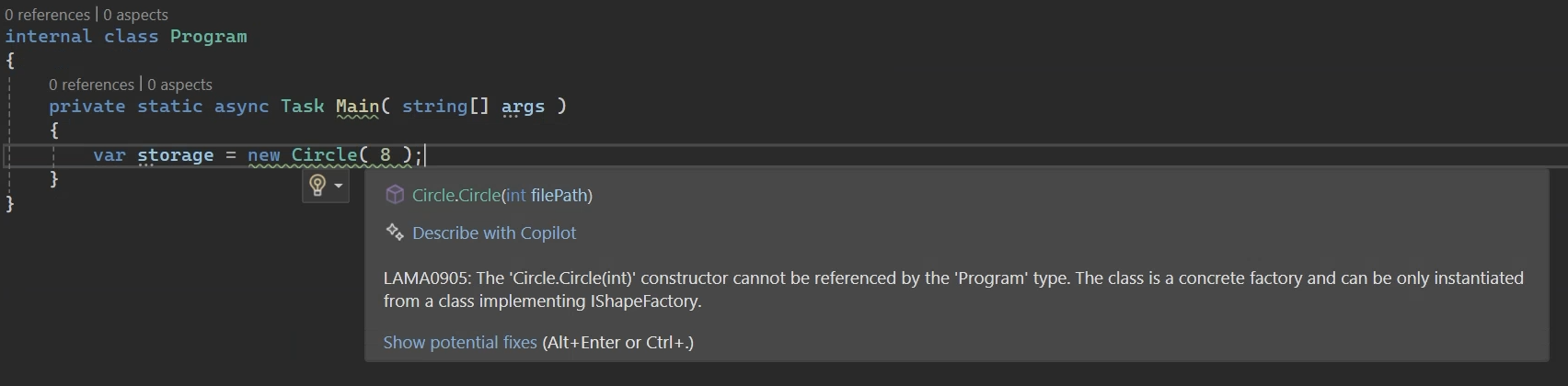
## Resources
* Blog post: [The Factory design pattern in C#](https://postsharp.net/blog/factory-pattern)
---
# INotifyPropertyChanged
> Metalama's `Observable` aspect automates `INotifyPropertyChanged` implementation, enhancing productivity and reducing errors in UI applications.
Canonical: https://postsharp.net/metalama/applications/inotifypropertychanged.html
Most modern UI applications rely on binding data classes to UI classes. The `INotifyPropertyChanged` interface is the standard way to achieve this. However, implementing this interface manually can be cumbersome and error-prone, particularly when dealing with a large number of properties.
Thanks to Metalama's [Observable](https://doc.metalama.net/patterns/observability) aspect from the `Metalama.Patterns.Observability` open-source package, you can implement the `INotifyPropertyChanged` interface automatically. The plumbing code is generated on-the-fly when you compile, so your source code remains clean and concise.
`Metalama.Patterns.Observability` is a production-ready, professionally supported, and open-source aspect library.
Available for all UI frameworks
## Example
In the following code, the `[Observable]` aspect is applied to two classes: `Customer` (the model class) and `CustomerViewModel`.
```csharp
// THAT'S ALL. These classes implement INotifyPropertyChanged
// Thanks to the [Observable] aspect.
// []
[Observable]
// []
public partial class Customer
{
public string FirstName { get; set; }
public string LastName { get; set; }
}
// []
[Observable]
// []
public partial class CustomerViewModel
{
// YES. This property can change.
public Customer Customer { get; set; }
// YES. This property depends on a property of a property.
public string FullName
=> $"{this.Customer.FirstName} {this.Customer.LastName}";
}
```
## Benefits
* **Write less code**. Eliminate almost all of the `INotifyPropertyChanged` repetitive code, as most cases are handled automatically.
* **Avoid errors**. Never forget to call `OnPropertyChanged` again.
* **Keep your code clean and concise**. Your business logic is no longer hidden behind the observability plumbing.
## Features
* Idiomatically C#: Metalama works _with_ your code, not against it.
* Recursive code analysis algorithm that detects dependencies of properties on fields and other properties within.
* Support for complex dependencies, such as properties depending on properties of child objects or of the base class.
* Customizable. Take control when needed to handle corner cases.
* Compatible with MVVM frameworks.
## Resources
* Blog post: [Implementing INotifyPropertyChanged with Metalama](https://postsharp.net/blog/inotifypropertychanged-metalama).
* Reference documentation: [Metalama.Patterns.Observability](https://doc.metalama.net/patterns/observability).
* Source code: [Metalama.Patterns.Observability](https://github.com/metalama/Metalama.Patterns/tree/HEAD/src/Metalama.Patterns.Observability).
* NuGet package: [Metalama.Patterns.Observability](https://www.nuget.org/packages/Metalama.Patterns.Observability).
---
# Logging & Tracing
> This article presents techniques and resources to automatically implement logging and tracing in C# using Metalama.
Canonical: https://postsharp.net/metalama/applications/logging.html
Using aspects to implement high-resolution logging (also called _tracing_) is so popular that it has become Metalama's _hello, world_. There is probably no better example of repetitive code that should never be written by hand in the first place.
Logging and tracing are often used as synonyms (including on this website), but they are slightly different:
* *Logging* is the practice of generating and capturing _significant events_, errors, and messages generated by an application. Adding logging to an app is often done manually because it's difficult to automatically determine what constitutes a significant event. However, some events can be added automatically using a Metalama aspect:
- A method throwing an exception, including its parameter values.
- A method taking more time than expected to execute.
* *Tracing* is the process of generating and capturing detailed information about the _execution flow_ of a program, focusing on individual method calls. Adding tracing to your app is very useful if you want to be prepared to collect detailed information about an issue in production without the ability to use a debugger. Implementing tracing in your app manually would be extremely time-consuming and error-prone. Using Metalama, this can be done in minutes.
## Features
Metalama comes with several [examples of logging aspects](https://doc.metalama.net/examples/log) as we learned that many teams prefer to customize their logging and tracing logic.
You will value the following Metalama features when implementing logging:
- **Fabrics.** No need to add a custom attribute to hundreds of methods. Execute a build-time code query and add logging to hundreds of methods at a time.
- **Dependency injection.** Aspects can automatically pull the `ILogger` class from the DI container.
## Example
The following snippet adds logging to all public methods of public types except `ToString`:
```csharp
internal class Fabric : ProjectFabric
{
public override void AmendProject(IProjectAmender amender) =>
amender
.SelectTypes()
.Where(type => type.Accessibility == Accessibility.Public)
.SelectMany(type => type.Methods)
.Where(method =>
method.Accessibility == Accessibility.Public && method.Name != "ToString")
// []
.AddAspectIfEligible();
// []
}
```
Show me how it works!
Fabric classes execute at compile time. The code above selects all public types and methods and adds a logging aspect to them.
Suppose that you have this class in your project:
```cs
internal class Calculator
{
public double Add(double a, double b) => a + b;
}
```
If you select one of the most sophisticated versions of the [example logging aspects](https://doc.metalama.net/examples/log), it will transform the code into this during the build:
```cs
public class Calculator
{
private ILogger _logger;
public Calculator(ILogger logger)
{
this._logger = logger;
}
[Log]
public double Add(double a, double b)
{
var isTracingEnabled = _logger.IsEnabled(LogLevel.Trace);
if (isTracingEnabled)
{
_logger.LogTrace($"Calculator.Add(a = {a}, b = {b}) started.");
}
try
{
var result = a + b;
if (isTracingEnabled)
{
_logger.LogTrace($"Calculator.Add(a = {a}, b = {b}) returned {result}.");
}
return (double) result;
}
catch (Exception e) when (_logger.IsEnabled(LogLevel.Warning))
{
_logger.LogWarning($"Calculator.Add(a = {a}, b = {b}) failed: {e.Message}");
throw;
}
}
}
```
As you can see, the aspect pulled a dependency, added a `try/catch` block, and a lot of boilerplate code.
You probably don't want to write this code by hand, ever!
## Metalama benefits
- **Less code to write.** No need to write these thousands of lines of code.
- **Clean code.** The tracing code is generated on-the-fly during compilation, so your code remains crystal clear and is easier to maintain.
- **High performance.** The generated code is as fast as hand-written code.
- **Consistency.** Your logs stay consistent across the application: message structure, log level, log category, and destination.
- **Add or remove anytime.** Detailed tracing is no longer an expensive feature that needs to be planned. You can add it or remove it at any time. You can also enable logging only in select build configurations.
## Resources
* Example: [Implementing logging without boilerplate](https://doc.metalama.net/examples/log)
* Blog article: [Serilog log levels, and how to use them](https://postsharp.net/blog/serilog-log-levels)
* Blog article: [Adding Serilog to ASP.NET Core: a practical guide](https://postsharp.net/blog/serilog-aspnetcore)
* Blog article: [Fast and Compact Structured Logging in C# Using String Interpolation](https://postsharp.net/blog/structured-logging-with-string-interpolation)
---
# Maintaining Legacy Code
> Aspects let you add behavior to a legacy codebase without extensive refactoring, and real-time code analysis guides safe modernization, extending a codebase's usable lifespan and helping you avoid the Big Rewrite.
Canonical: https://postsharp.net/metalama/applications/maintenance.html
An old codebase is not old because it is worthless. It is old because it works and has been paying its way for years. The problem is that every change now feels dangerous, and the people who understood the original design have moved on. Metalama lets you keep evolving such a codebase by adding behavior to it without extensive refactoring, and by flagging outdated patterns as you go.
## Why legacy code resists change
Refactoring an aging codebase is risky, and the risk usually comes from the same few sources.
- **No safety net.** When there are few or no automated tests, any significant change is a gamble. Nothing catches the regression until a user does.
- **Vanished knowledge.** The developers who knew why the code was written a certain way leave the team and take that context with them. What remains is code nobody fully trusts to touch.
- **Accumulated churn.** After years of edits by many hands, often on short assignments, the code becomes hard to read. Intent is buried under workarounds, and understanding a method takes longer than changing it.
- **Outdated practices.** Patterns, APIs, and frameworks that were reasonable a decade ago are now deprecated or forbidden, but they are woven through the whole codebase.
Left unaddressed, these forces push teams toward the **Big Rewrite**: starting over from scratch. It is tempting, but it is expensive and risky, and it diverts resources away from new features while the rewrite catches up to what the old system already did.
## How Metalama helps
Metalama does not ask you to rewrite anything. It gives you two ways to keep a legacy codebase alive: adding behavior through aspects, and validating the code as you modernize it.
### Add behavior without refactoring
With [aspect-oriented programming](https://postsharp.net/metalama/applications/aspect-oriented-programming), cross-cutting concerns such as logging, exception handling, security, or validation are factored into an [aspect](https://postsharp.net/metalama/applications/aspect-oriented-programming) instead of being scattered by hand through the business logic.
- **Non-intrusive.** An aspect adds behavior at compile time without altering the code it applies to. On a legacy system, where changing the core logic is exactly what you want to avoid, that matters.
- **Incremental.** You can start with a single method, then a namespace, then a whole project, applying aspects where maintenance is hardest and expanding from there. There is no big-bang migration to schedule.
- **Centralized.** Because a pattern lives in one aspect, changing it means editing one place rather than hunting for every occurrence across the codebase.
### Guide modernization with real-time analysis
Metalama's code-analysis side runs inside the IDE and at build time. You can express rules that flag deprecated APIs or forbidden patterns, and the violation is reported as you type rather than discovered months later. This is the same mechanism behind [architecture verification](https://postsharp.net/metalama/applications/architecture-verification).
- **Find what to change.** Analysis rules highlight the exact places that still use an old pattern, turning a vague modernization goal into a concrete, finite list.
- **Offer the fix.** Rules can supply code-fix suggestions, so the IDE points at the problem and proposes the correction. That makes a long [refactoring](https://postsharp.net/metalama/applications/refactoring) effort safer and less error-prone.
## Benefits
- **Lower risk.** Aspects add behavior without touching the code you are afraid to touch, and real-time analysis stops outdated patterns from spreading further.
- **Knowledge that stays.** Rules and patterns encoded as aspects and analyzers survive the departure of the people who wrote them.
- **A longer usable life.** Modernizing incrementally, one aspect and one rule at a time, extends how long a codebase remains maintainable and defers or avoids the Big Rewrite altogether.
---
# Memento Pattern
> The Memento pattern captures an object's state without violating encapsulation, useful for undo/redo functionality and state restoration. It can be automatically implemented using Metalama.
Canonical: https://postsharp.net/metalama/applications/memento.html
The Memento pattern is a classic behavioral design pattern used to capture the internal state of an object without violating its encapsulation. It allows you to save the state of an object and later restore it. The Memento pattern is useful in many scenarios, such as implementing undo/redo functionality, saving and restoring the state of an object, or saving the state of an object to a file.
As the Memento pattern involves a lot of boilerplate code, it is a good candidate for automatic creation by Metalama.
## Example
In the following example, the `[Memento]` custom attribute is all you need to implement the Memento pattern on the `Fish` class.
```cs
// []
[Memento]
// []
public sealed partial class Fish
{
public string? Name { get; set; }
public string? Species { get; set; }
public DateTime DateAdded { get; set; }
}
```
The aspect implements the `IMementoable` interface, including its `SaveToMemento` and `RestoreMemento` methods.
```cs
var fish = new Fish() { Name = "Hannibal", Species = "Tilapia" };
// Save
var memento = fish.SaveToMemento();
// Change
fish.Species = "Shark";
// Undo change
fish.RestoreMemento(memento);
```
Show me how it works!
The aspect, once applied, will create an internal `Memento` class to capture the state of the `Fish` class. The `Fish` class will also have a `SaveToMemento` method and a `RestoreMemento` method to save and restore the state of the `Fish` object.
```cs
// []
public partial class Fish : IMementoable
{
public void RestoreMemento(IMemento memento)
{
var typedMemento = (Memento) memento;
this.Name = typedMemento.Name;
this.Species = typedMemento.Species;
this.DateAdded = typedMemento.DateAdded;
}
public IMemento SaveToMemento()
=> new Memento(this);
private class Memento: IMemento
{
public Memento(Fish originator)
{
this.Originator = originator;
this.Name = originator.Name;
this.Species = originator.Species;
this.DateAdded = originator.DateAdded;
}
public string? Name { get; }
public string? Species { get; }
public DateTime DateAdded { get; }
public IMementoable? Originator { get; }
}
}
// []
```
You can find the complete `Memento` aspect source code [here](https://doc.metalama.net/preview/examples/memento/memento-1#complete-aspect).
## Metalama benefits
* **Increase your productivity**: The pattern requires a lot of boilerplate code. Instead of writing it manually, an aspect can handle it for you, allowing you to focus exclusively on your business logic.
* **Keep your code consistent**: The generated code is always consistent with the pattern rules.
* **Enhance maintainability**: The generated code will always be up-to-date; you'll never forget to update the Memento class when you add a new property to the *Mementoable* class.
## Resources
* Blog post: [The Memento Design Pattern in C#, Practically With Examples [2024]](https://postsharp.net/blog/memento)
* Example: [Implementing the Memento pattern without boilerplate](https://doc.metalama.net/examples/memento)
---
# Memoization
> Memoization improves app performance by storing read-only property values, avoiding re-evaluation. Use Metalama.Patterns.Memoization for easy implementation.
Canonical: https://postsharp.net/metalama/applications/memoization.html
In high-performance apps or components, [memoization](https://doc.metalama.net/patterns/memoization) is the technique of "remembering" the value of a read-only property of an object to avoid subsequent evaluations. Memoization is helpful when a property always returns the same value for the same object. Unlike caching, memoization is implemented directly in the property rather than relying on an external caching component or a string-based key, making it fast.
High-performance implementations of the memoization pattern can be tricky to implement due to multi-threading issues.
The [Memoize](https://doc.metalama.net/patterns/memoization) aspect from the `Metalama.Patterns.Memoization` package turns a standard read-only property into a memoized one without any boilerplate.
`Metalama.Patterns.Memoization` is a production-ready, professionally-supported, and open-source aspect library.
Available for all UI frameworks.
## Benefits
* Improve your application's performance.
* Avoid common mistakes in implementing the memoization code pattern.
* Keep your code clean and concise.
## Example
In the following snippet, the `PatternBrush` property is memoized, ensuring it is created only once.
```csharp
public class ExpensiveResourceViewModel : DependencyObject
{
// []
[Memoize]
// []
public VisualBrush PatternBrush => new VisualBrush
{
TileMode = TileMode.Tile,
Viewport = new Rect(0, 0, 20, 20),
ViewportUnits = BrushMappingMode.Absolute,
Visual = CreatePatternVisual()
};
private DrawingVisual CreatePatternVisual()
{
var visual = new DrawingVisual();
using (var context = visual.RenderOpen())
{
context.DrawRectangle(Brushes.LightGray, null, new Rect(0, 0, 20, 20));
context.DrawLine(new Pen(Brushes.Blue, 2), new Point(0, 0), new Point(20, 20));
context.DrawLine(new Pen(Brushes.Blue, 2), new Point(20, 0), new Point(0, 20));
}
return visual;
}
}
```
## Resources
* Reference documentation: [Memoization](https://doc.metalama.net/patterns/memoization).
* Source code: [Metalama.Patterns.Memoization](https://github.com/metalama/Metalama.Patterns/tree/HEAD/src/Metalama.Patterns.Memoization).
* NuGet package: [Metalama.Patterns.Memoization](https://www.nuget.org/packages/Metalama.Patterns.Memoization).
---
# Metrics
> This article details how Metalama can help instrument C# applications to make them more observable in production by adding logging, tracing, exception handling, and metrics.
Canonical: https://postsharp.net/metalama/applications/metrics.html
.NET applications can be instrumented using the `System.Diagnostics.Metrics` APIs to track important metrics. Some metrics are included in standard .NET libraries, but you may want to add new custom metrics that are relevant to your applications and libraries.
You can use a Metalama aspect to add metrics that are relevant to the execution of a method, for instance:
- number of executions,
- number of failures,
- total execution time
## Example
You can add metrics to code using custom attributes:
```cs
public class HatShop
{
private int _executionCount;
// []
[MeasureExecutionCount]
[MeasureExecutionTime]
[MeasureExceptionCount]
// []
public void PlaceOrder()
{
this._executionCount++;
if ( this._executionCount % 10 == 0 )
{
throw new Exception();
}
else
{
Console.WriteLine( "Ordering a hat." );
}
}
}
```
Alternatively, if you want to add metrics to several methods (for instance, all public methods) but don't want to add a custom attribute to each of them, you can also add the metrics using a fabric:
```csharp
internal class Fabric : ProjectFabric
{
public override void AmendProject(IProjectAmender amender) =>
amender
.SelectTypes()
.Where(type => type.Accessibility == Accessibility.Public)
.SelectMany(type => type.Methods)
.Where(method => method.Accessibility == Accessibility.Public)
.AddAspectIfEligible();
}
```
The metric aspects will generate new classes that define the metrics. For instance, for `HatShop`, it will generate `HatShopMetrics`. It will also generate an `IServiceCollection` extension method to add these metrics to your apps:
```csharp
services.AddMetrics();
services.AddAutoGeneratedMetrics();
```
Show me how it works!
The aspects first generate the `HatShopMetrics` class:
```csharp
public class HatShopMetrics
{
internal readonly Counter PlaceOrderExceptionCount;
internal readonly Counter PlaceOrderExecutionCount;
internal readonly Counter PlaceOrderExecutionTime;
private IMeterFactory _meterFactory;
private IMetricHost _metricHost;
public HatShopMetrics(IMeterFactory meterFactory, IMetricHost metricHost )
{
this._meterFactory = meterFactory ?? throw new System.ArgumentNullException(nameof(meterFactory));
this._metricHost = metricHost ?? throw new System.ArgumentNullException(nameof(metricHost));
var meter = _meterFactory.Create(_metricHost.ApplicationName, _metricHost.ApplicationVersion, _metricHost.Tags);
this.PlaceOrderExceptionCount = meter.CreateCounter("PlaceOrder.ExceptionCount");
this.PlaceOrderExecutionCount = meter.CreateCounter("PlaceOrder.ExecutionCount");
this.PlaceOrderExecutionTime = meter.CreateCounter("PlaceOrder.ExecutionTime");
}
}
```
It then modifies the `HatShop` class in two ways:
1. It pulls the `HatShopMetrics` dependency, and
2. It instruments the target methods.
```csharp
public class HatShop
{
private HatShopMetrics _hatShopMetrics;
private int _executionCount;
public HatShop(HatShopMetrics hatShopMetrics = null)
{
this._hatShopMetrics = hatShopMetrics;
}
public void PlaceOrder()
{
var timestamp = Stopwatch.GetTimestamp();
try
{
this._hatShopMetrics?.PlaceOrderExecutionCount.Add(1);
try
{
this._executionCount++;
if (this._executionCount % 10 == 0)
{
throw new Exception();
}
else
{
Console.WriteLine("Ordering a hat.");
}
}
catch
{
this._hatShopMetrics?.PlaceOrderExceptionCount.Add(1);
throw;
}
return;
}
finally
{
this._hatShopMetrics?.PlaceOrderExecutionTime.Add(Stopwatch.GetTimestamp() - timestamp);
}
}
}
```
We have a lot of additional code here because there are three metrics.
It also generates the `IServiceCollection` extension method:
```csharp
public static class MetricRegistrations
{
public static void AddAutoGeneratedMetrics(this ServiceCollection serviceCollection)
{
serviceCollection.AddSingleton(typeof(HatShopMetrics));
}
}
```
## Resources
- Example: [Metalama.Samples.Metrics](https://github.com/metalama/Metalama.Samples/tree/HEAD/examples/metrics)
---
# Modern Singleton Pattern
> The modern Singleton pattern uses Dependency Injection to manage instances, improving testability. Use Metalama to enforce architectural constraints.
Canonical: https://postsharp.net/metalama/applications/modern-singleton.html
The classic Singleton pattern has not aged well. It's considered an anti-pattern because it is difficult to test and incompatible with the Dependency Injection paradigm.
A modern approach to the Singleton pattern is to use a Dependency Injection container to manage the lifecycle of the singleton instance (e.g., `IServiceCollection.AddSingleton`).
The main problem with the modern Singleton is that it is challenging to ensure the constructor is used only in the appropriate context, typically from the `Startup` code and unit tests. Metalama can help you [enforce architectural constraints](https://doc.metalama.net/conceptual/architecture) and report violations directly in the code editor as warnings.
## Example
The following `PerformanceCounterManager` class is a modern Singleton example. It has a public constructor but is registered as a Singleton in the DI container.
```cs
// []
[Singleton]
// []
public class PerformanceCounterManager : IPerformanceCounterManager
{
private readonly ConcurrentDictionary _counters = new();
private readonly IPerformanceCounterUploader _uploader;
public PerformanceCounterManager( IPerformanceCounterUploader uploader )
{
this._uploader = uploader;
}
public void IncrementCounter( string name )
=> this._counters.AddOrUpdate( name, 1, ( _, value ) => value + 1 );
}
```
The `[Singleton]` aspect reports warnings when any class other than `Startup` or a unit test attempts to call the constructor.
```cs
class MetricsCollection( IPerformanceCounterUploader uploader )
{
// []
// WARNING: The class is a [Singleton]. Do not create new instances, instead use PerformanceCounterManager.Instance.
// []
PerformanceCounterManager _performanceManager = new( uploader );
}
```
Show me how it works!
Here is the code of the `[Singleton]` aspect:
```cs
public class SingletonAttribute : TypeAspect
{
public override void BuildAspect( IAspectBuilder builder )
{
builder.Outbound
.SelectMany( t => t.Constructors )
.CanOnlyBeUsedFrom(
scope => scope.Type( typeof(Startup) ).Or().Namespace( "**.Tests.**" ),
description: "The class is a [Singleton]." );
}
}
```
## Metalama benefits
* **Reduce human errors**. You can be confident that no improper code is calling the constructor directly instead of getting an instance from the DI container.
## Resources
* Blog post: [The Singleton Pattern in C# Today Is Not Your Dad's One!](https://postsharp.net/blog/singleton-pattern)
* Example: [Validating the modern Singleton](https://doc.metalama.net/examples/singleton/singleton-2)
---
# Object Services
> Learn how to use Metalama to generate common object-oriented services like deep cloning or ToString.
Canonical: https://postsharp.net/metalama/applications/object-services.html
Metalama can generate code for the common services you often need to add in class hierarchies to override their system implementations. While not as fancy as design patterns, they still contribute significantly to boilerplate code and potential defects.
| Service | How Metalama can help |
|---------|-----------------------|
| [Cloning](https://postsharp.net/metalama/applications/cloning) | Automatically implements `ICloneable`, eliminating repetitive code and reducing errors. |
| [ToString](https://postsharp.net/metalama/applications/tostring) | Generates the `ToString` method based on the type properties, with opt-in or opt-out strategies. |
| [Equatable](https://postsharp.net/metalama/applications/equatable) | Implements the equality comparison pattern, allowing you to select the members that are part of the contract. |
---
# Principles at Work
> Shows how to use Metalama to follow industry best practices.
Canonical: https://postsharp.net/metalama/applications/principles.html
Software development practices encompass principles, methodologies, and guidelines that enable developers to write efficient, maintainable, scalable, and high-quality code. By adhering to these best practices, teams can enhance collaboration, minimize technical debt, and make software more readable and easier to modify.
When you’ve pushed C# to its limits as an object-oriented language, Metalama takes it a step further by reducing boilerplate code and enhancing readability and maintainability even further.
Metalama can help implement the following development principles:
| Principle | How Metalama can help |
|-----------|-------------|
| [Clean Code](https://postsharp.net/metalama/applications/clean-code) | Metalama helps you adhere to Clean Code principles by further reducing boilerplate, enforcing architecture rules, and improving readability. It does so by centralizing cross-cutting concerns into aspects, which classic object-oriented programming cannot do. This results in simplified maintenance, a major objective of Clean Code principles. |
| [SOLID & DRY](https://postsharp.net/metalama/applications/solid) | Metalama reinforces Single Responsibility and Dependency Inversion principles by moving cross-cutting responsibilities, including their dependencies, into aspects. It further eliminates repetitive code. |
| [Aspect-Oriented Programming](https://postsharp.net/metalama/applications/aspect-oriented-programming) | Metalama modernizes AOP, embracing Roslyn for real-time transformation, transparent debugging, and maintainable, scalable C# development, breaking free from cumbersome academic concepts of the early 2000s. |
| [Defensive Programming (Code Contracts)](https://postsharp.net/metalama/applications/contracts) | Asserting preconditions, postconditions, and invariants ensures that defects do not propagate from one component to another. Metalama reduces the validation boilerplate code, making it easier to reap the benefits of defensive programming without its costs. |
| [Refactoring](https://postsharp.net/metalama/applications/refactoring) | Detect code that requires refactoring and report warnings. Author custom code fixes and live templates. |
---
# Proxy Pattern
> The Proxy pattern in C# provides substitutes for objects to add behavior and can be implemented via interfaces. Use Metalama to generate static proxies instead of dynamic ones.
Canonical: https://postsharp.net/metalama/applications/proxy.html
The Proxy pattern is a structural design pattern that lets you provide a substitute or placeholder for another object, typically to add new behavior. In C#, the proxied object is generally represented by an interface, although it's also possible to implement the pattern with virtual methods.
Implementing the Proxy pattern involves duplicating all interface members, which requires a lot of boilerplate code. The proxy's added behavior can either be implemented separately in each of these members or can be abstracted. In this case, the abstraction is called an _interceptor_.
There are three ways to generate proxy classes:
* By hand, which is feasible only with a small number of interfaces and members.
* Dynamically at runtime using libraries like [Castle DynamicProxy](https://github.com/castleproject/Core/blob/master/docs/dynamicproxy.md), which increases startup time and is not compatible with ahead-of-time compilation.
* Statically at build time using Roslyn source generators or Metalama.
## Example
Here's how a proxy aspect works in practice. This example is a slightly simplified version of [this sample aspect](https://github.com/metalama/Metalama.Samples/tree/HEAD/examples/Metalama.Samples.Proxy).
Suppose we have an implementation class `OrderService` that we cannot modify, but we want to add logging to it.
The `OrderService` implements the following interface:
```csharp
public interface IOrderService
{
OrderId PlaceOrder(Order order);
void CancelOrder(OrderId orderId);
}
```
We generate a static proxy using the following code:
```csharp
public class Fabric : ProjectFabric
{
public override void AmendProject(IProjectAmender amender)
{
amender
.SelectReflectionType(typeof(IOrderService))
// []
.GenerateStaticProxy();
// []
}
}
```
This instructs Metalama to generate the following code:
```csharp
// []
public class OrderServiceProxy : IOrderService
{
private IOrderService _intercepted;
private IInterceptor _interceptor;
public SomeProxy(IInterceptor interceptor, IOrderService intercepted)
{
_interceptor = interceptor;
_intercepted = intercepted;
}
public OrderId PlaceOrder(Order order)
{
var args = Tuple.Create(order);
return _interceptor.Invoke(ref args, Invoke, nameof(PlaceOrder));
int Invoke(ref Tuple receivedArgs)
{
return _intercepted.PlaceOrder(receivedArgs.Item1);
}
}
public void CancelOrder(OrderId orderId)
{
var args = Tuple.Create(orderId);
_interceptor.Invoke(ref args, Invoke, nameof(CancelOrder));
return;
void Invoke(ref Tuple receivedArgs)
{
_intercepted.CancelOrder(receivedArgs.Item1, receivedArgs.Item2);
return default;
}
}
}
// []
```
We can now use the proxy class as follows:
```csharp
var orderServiceProxy = new OrderServiceProxy(
new OrderService(),
new LoggingInterceptor());
orderServiceProxy.PlaceOrder(order);
```
Show me more!
An interceptor is a class implementing the following interface:
```csharp
public interface IInterceptor
{
public TResult Invoke(
ref TArgs args,
InterceptorDelegate proceed,
string methodName) where TArgs : struct, ITuple;
}
```
For logging, we might use this code:
```csharp
public interface LoggingInterceptor : IInterceptor
{
public TResult Invoke(
ref TArgs args,
InterceptorDelegate proceed,
string methodName) where TArgs : struct, ITuple
{
Console.WriteLine(
$"Executing {methodName}({string.Join(", ", args.ToArray())})");
return proceed(ref args);
}
}
```
## Metalama benefits
* **Fast application startup.** Static proxies are generated at compile time instead of at runtime, so your application starts faster.
* **Compatible with AoT compilation.** No reflection is necessary at runtime.
* **No boilerplate code.** Unlike with the handwritten approach, you write a single line of code.
## Resources
* Source code: [Metalama.Samples.Proxy](https://github.com/metalama/Metalama.Samples/tree/HEAD/examples/Metalama.Samples.Proxy)
---
# Refactoring
> This article covers how Metalama can help with code refactoring in C# projects.
Canonical: https://postsharp.net/metalama/applications/refactoring.html
Refactoring is a broad topic that ranges from limited code changes that can be automated (such as making a field read-only) to large efforts that take several days. Metalama complements mainstream refactoring tools with the ability to spot code that requires refactoring and create your own custom live templates and code fixes.
You will need Metalama Professional to use the approaches described in this article.
## Spot obsolete code and report warnings
When you are in the middle of a large refactoring, it is common to lose track of which code has not yet been refactored.
With Metalama, you can create rules that identify declarations that need to be refactored and report warnings.
For your next large refactoring, consider this approach. At the beginning of the refactoring effort, you create [architecture verification](https://postsharp.net/metalama/applications/architecture-verification) rules for the new intended design. You will have dozens of warnings initially, and you can resolve them progressively until there are none.
### Example
Typically, large refactorings are made necessary by a change in the desired architecture.
Let's take an example. Suppose that the current state of your application is that the OrderFulfillment namespace directly calls methods of the Warehouse namespace. You want to refactor the codebase to use a Mediator pattern. This is a large refactoring, and you plan to work on it for several days. To avoid introducing too many issues in the process, you want to perform tasks by small increments, ensuring that the application builds and that the unit tests pass at each step.
## Add your own one-click refactorings
You are certainly familiar with the lightbulb or screwdriver menu of your IDE, which allows you to perform simple changes in your code without typing it manually. And you've maybe wondered how to extend it.
Metalama allows you to custom create code fixes and refactorings:
* _Code fixes_ are attached to an error or warning and are suggestions of how to _fix_ an issue.
* _Code refactorings_ do not depend upon any errors or warnings.
You can use exactly the same set of techniques as when creating aspects. You can use the whole power of Metalama. The only difference is that the aspect will be applied at _design time_, when the user selects them in the refactoring menu, instead of at compile time.
### Live templates
You can mark an aspect class as a [live template](https://doc.metalama.net/conceptual/aspects/ide/live-template) by using the [EditorExperience](https://doc.metalama.net/api/metalama-framework-aspects-editorexperienceattribute) custom attribute. This will export the aspect class to the refactoring menu. In this approach, it's important to define the [aspect eligibility](https://doc.metalama.net/conceptual/aspects/eligibility).
### Code fixes and refactorings
You can use a fabric or an aspect to detect possible defects and [attach a code fix](https://doc.metalama.net/api/metalama-framework-diagnostics-idiagnostic-withcodefixes) to the error or warning.
You can also detect refactoring opportunities and [suggest a refactoring](https://doc.metalama.net/api/metalama-framework-diagnostics-scopeddiagnosticsink-suggest) _without_ reporting any error or warning.
## Reducing the need for refactoring
The best way to make refactoring easier is to have a good initial design that can evolve with time _without_ requiring extensive changes to accommodate new features.
Take, for instance, caching. You might realize in the middle of a project that your cache key generation strategy is not good enough and needs to be refactored. If the caching strategy was implemented in dozens of places, you have a bigger refactoring problem than if it were implemented in a single place.
By leveraging [on-the-fly code generation](https://postsharp.net/metalama/features/code-generation) early in your design, you reduce the need for large refactorings later in the project. When the need arises to modify the code pattern, the only thing to change is the aspect itself.
---
# Security
Canonical: https://postsharp.net/metalama/applications/security.html
Metalama lets you add cross-cutting security concerns like authorization, auditing, and encryption to your applications without writing boilerplate code.
## Authorization
Metalama can be used to implement authorization by weaving aspects into your code to enforce role-based or permission-based access control. For example, you can create an aspect that checks the user's roles or permissions before allowing access to specific methods or classes.
## Audit
With Metalama, you can implement auditing by creating an aspect that logs method calls, parameter values, and execution results. This aspect can be applied to critical methods to ensure that all actions are recorded for compliance and debugging purposes.
## Transparent encryption
Metalama can help implement transparent encryption by weaving aspects that encrypt and decrypt data at specific points in your code: for example, encrypting a field before it is persisted and decrypting it on read. The encryption logic stays out of your business code.
---
# SOLID & DRY Principles in C#
> This article explains how Metalama can help improve SOLID and DRY principles in .NET and C# codebases.
Canonical: https://postsharp.net/metalama/applications/solid.html
SOLID and DRY principles are universally accepted guidelines in software engineering. Metalama enables you to implement, improve, or promote these principles in your C# code.
The _SOLID principles_ consist of five design principles that help create well-structured, maintainable, and scalable software:
- **S**ingle Responsibility Principle (SRP)
- **O**pen/Closed Principle (OCP)
- **L**iskov Substitution Principle (LSP)
- **I**nterface Segregation Principle (ISP)
- **D**ependency Inversion Principle (DIP)
DRY stands for _Don't Repeat Yourself_. It states that you should avoid duplicating code in your codebase.
We'll show you how to use Metalama to implement the SRP, OCP, DIP, and DRY principles.
## Single Responsibility Principle (SRP)
***"A class should have only one reason to change."***
This means that a class should have only one responsibility. If not, it should be refactored into multiple classes, each with a single responsibility.
Although we can't use Metalama to ensure that a class has only one responsibility, we can use it once you've identified which responsibility doesn't belong to the class. For example, you can use Metalama to move cross-cutting concerns into their own classes, such as logging, validation, and caching.
For instance, let's say we have a `TaxCalculator` class with a `GetTaxAmount` method.
```cs
public class TaxCalculator
{
public decimal GetTaxAmount(Invoice invoice)
{
Console.WriteLine($"Calculating tax for invoice ID {invoice.Id}");
if (invoice == null) throw new ArgumentNullException(nameof(invoice));
var taxPercent = GetTaxPercent(invoice.CategoryId);
var taxAmount = invoice.Amount * taxPercent / 100;
Console.WriteLine($"Tax calculated: {taxAmount:C} for invoice ID {invoice.Id}");
return taxAmount;
}
private decimal GetTaxPercent(int categoryId)
{
// Simulate fetching from a database
return FetchTaxPercentFromDatabase(categoryId);
}
}
```
The `GetTaxAmount` method is responsible for calculating the tax amount, but it also logs the start and end of the method and logs any exceptions that occur. This means that the `GetTaxAmount` method has more than one responsibility.
To remove the logging responsibility from the `GetTaxAmount` method, we can move all the logging code to a Metalama aspect (a separate class) like the `Log` attribute introduced in the [Implementing logging without boilerplate](https://doc.metalama.net/examples/log) article.
Using that new `Log` attribute, the `TaxCalculator` class will look like this:
```cs
public class TaxCalculator
{
// []
[Log]
// []
public decimal GetTaxAmount(Invoice invoice)
{
if (invoice == null) throw new ArgumentNullException(nameof(invoice));
var taxPercent = GetTaxPercent(invoice.CategoryId);
var taxAmount = invoice.Amount * taxPercent / 100;
return taxAmount;
}
private decimal GetTaxPercent(int categoryId)
{
// Simulate fetching from a database
return FetchTaxPercentFromDatabase(categoryId);
}
}
```
Now the `GetTaxAmount` method only has one responsibility: calculating the tax amount. The logging responsibility has been moved to the `Log` attribute.
Another way to implement the Single Responsibility Principle is to use the Decorator design pattern. You can use this pattern to add the logging behavior to a class without changing its existing code. To implement this pattern with Metalama, you can follow the steps in the [The Decorator Pattern in Modern C# [2024]](https://postsharp.net/blog/decorator-pattern) article.
## Open/Closed Principle (OCP)
***A class should be open for extension but closed for modification.***
This means that you should be able to add new functionality to a class without changing its existing code.
Aspects are a great way to add new functionalities to classes without changing their existing code. Consider the `TaxCalculator` class from the previous example. If you want to add logging behavior to the `GetTaxAmount` method, you can use the `Log` attribute to add this behavior without changing the `TaxCalculator` class.
```cs
public class TaxCalculator
{
[Log]
public decimal GetTaxAmount(Invoice invoice)
{
if (invoice == null) throw new ArgumentNullException(nameof(invoice));
var taxPercent = GetTaxPercent(invoice.CategoryId);
var taxAmount = invoice.Amount * taxPercent / 100;
return taxAmount;
}
[Log]
[Cache]
private decimal GetTaxPercent(int categoryId)
{
// Simulate fetching from a database
return FetchTaxPercentFromDatabase(categoryId);
}
}
```
In this example, the `Cache` attribute (part of the [Metalama Patterns](https://doc.metalama.net/patterns/caching)) is used to add caching behavior to the `GetTaxPercent` method. The `TaxCalculator` class is open for extension because you can add new functionalities to it (using attributes in this case) but closed for modification because you don't need to change the existing code of the class.
Metalama also provides something called [Fabrics](https://doc.metalama.net/conceptual/using/fabrics) to add multiple aspects at once using compile-time imperative code, as opposed to the declarative custom attributes we used in the previous example. Why should you need to do this? Because sometimes you need to add aspects dynamically, based on some conditions to several classes/methods at once.
The following snippet adds logging to all public methods of public types (except `ToString`):
```cs
internal class Fabric : ProjectFabric
{
public override void AmendProject(IProjectAmender amender) =>
amender
.SelectTypes()
.Where(type => type.Accessibility == Accessibility.Public)
.SelectMany(type => type.Methods)
.Where(method =>
method.Accessibility == Accessibility.Public && method.Name != "ToString")
.AddAspectIfEligible();
}
```
## Dependency Inversion Principle (DIP)
***High-level modules should not depend on low-level modules. Both should depend on abstractions.***
This means that you should depend on abstractions, not on concrete implementations.
This is another principle that the use of Metalama aspects helps improve. Consider the `TaxCalculator` class from previous examples. The first version of the class had a dependency on the logging mechanism (in this case just a `Console.WriteLine` method, but it could be easily replaced by a more complex logging mechanism generating a stronger dependency).
The final version of the `TaxCalculator` class, thanks to Metalama aspects, depends on the `Log` aspects, not on their concrete implementations. This means that the `TaxCalculator` class depends on abstractions, not on concrete implementations. You can start logging with the `Console.WriteLine` method and then switch to a more complex logging mechanism without changing the `TaxCalculator` class.
## Don't Repeat Yourself Principle (DRY)
In C# development, there are many opportunities to repeat code. For example, you may encounter scenarios where you need to:
1. Write the same validation logic in multiple classes or methods.
2. Implement identical logging logic across different classes or methods.
3. Apply consistent caching logic in numerous classes or methods.
4. Implement the INotifyPropertyChanged interface in multiple classes.
5. Develop cumbersome code when using the Builder design pattern.
Metalama helps you avoid code duplication by allowing you to define reusable aspects that can be applied to multiple classes or methods. This way, you can write the validation, logging, caching, and other logic once and apply it to multiple classes or methods.
Here is an example that applies the DRY principle using Metalama. Suppose you have a `Person` class that implements the `INotifyPropertyChanged` interface. You can use Metalama to avoid writing the same boilerplate code in multiple classes.
```cs
[Observable]
public class Person
{
public string Name { get; set; }
public int Age { get; set; }
}
```
How much code have we saved?
The use of the `[Observable]` attribute generates the boilerplate code required to implement the `INotifyPropertyChanged` interface. Take a look at how much code you saved using Metalama:
```cs
public class Person : INotifyPropertyChanged
{
public event PropertyChangedEventHandler PropertyChanged;
private string name;
public string Name
{
get => name;
set
{
if (name != value)
{
name = value;
```
```csharp
PropertyChanged?.Invoke(this, new PropertyChangedEventArgs(nameof(Name)));
}
}
private int age;
public int Age
{
get => age;
set
{
if (age != value)
{
age = value;
PropertyChanged?.Invoke(this, new PropertyChangedEventArgs(nameof(Age)));
}
}
}
```
The amount of repetitive code here is significant and likely something you'd want to minimize.
---
# ToString
> Learn how to use Metalama to automatically generate ToString methods for C# classes, improving debugging and logging with customizable formatting options.
Canonical: https://postsharp.net/metalama/applications/tostring.html
A well-crafted `ToString` implementation speeds up debugging and log analysis. Typically, it should return a concise description of the object, highlighting its identity and state. With Metalama, you can skip writing this repetitive code manually.
## Example
Consider the [ToString example aspect](https://doc.metalama.net/examples/tostring/tostring-1), applied to a class. In this scenario, we adopt an opt-out approach, marking members with `[NotToString]` that we prefer to exclude.
```csharp
// []
[ToString]
// []
internal class MovingVertex
{
public double X { get; set; }
public double Y { get; set; }
public double DX { get; set; }
public double DY { get; set; }
// []
[NotToString]
// []
public double Velocity => Math.Sqrt((this.DX * this.DX) + (this.DY * this.DY));
}
```
The aspect generates the following code:
```csharp
public override string ToString()
{
return $"{{MovingVertex DX={DX}, DY={DY}, X={X}, Y={Y}}}";
}
```
To modify the code generation pattern, adjust the aspect class itself, `ToStringAttribute`.
## Resources
- Commented example: [ToString](https://doc.metalama.net/examples/tostring/tostring-1)
---
# Metalama for UI Apps
> Shows different use cases of Metalama in writing UI apps (like WPF).
Canonical: https://postsharp.net/metalama/applications/ui.html
Metalama can save you a significant amount of redundant code and reduce errors when implementing UI apps, whether they run on desktop, mobile, or browser through WASM. UI apps are often complex, requiring a lot of boilerplate code to make them reactive to user input. Metalama aids in implementing observability (allowing the UI framework to react to data changes), input validation, memoization, and framework-specific constructs such as dependency properties or commands in WPF.
| Pattern | How Metalama can help |
|---------|-----------------------|
| [Change Tracking](https://postsharp.net/metalama/applications/change-tracking) | Automatically implements `IChangeTracking` or `IRevertibleChangeTracking` interfaces, reducing boilerplate code. |
| [INotifyPropertyChanged](https://postsharp.net/metalama/applications/inotifypropertychanged) | Automatically implements the `INotifyPropertyChanged` interface, eliminating repetitive code and reducing errors. |
| [Memoization](https://postsharp.net/metalama/applications/memoization) | Turns standard read-only properties into memoized ones without boilerplate, improving performance. |
| [Undo-Redo](https://postsharp.net/metalama/applications/undo-redo) | Implements the Memento pattern to support undo/redo functionality. |
| [Command](https://postsharp.net/metalama/applications/command) | Generates plumbing code for WPF commands, integrating with `Observable` aspect for `CanExecute` logic. |
| [Dependency Properties](https://postsharp.net/metalama/applications/dependency-property) | Turn C# auto properties into WPF dependency properties. Compatible with [Code Contracts](https://postsharp.net/metalama/applications/contracts).|
---
# Undo-Redo
> Undo/redo is a popular UI feature, often implemented using the Memento pattern from the "Gang of Four's" Design Patterns.
Canonical: https://postsharp.net/metalama/applications/undo-redo.html
Undo/redo is a consistently popular feature, especially in UIs that do not rely on an _Ok_ button. A common way to implement it is by following the Memento pattern, originally formalized in the "Gang of Four's" Design Patterns book.
For details, see the [Memento Pattern](https://postsharp.net/metalama/applications/memento) on this website.
---
# Features
> Metalama is PostSharp's open-source patterns & architecture toolkit for C#: code generation, validation, and custom refactorings, built on Roslyn.
Canonical: https://postsharp.net/metalama/features/
Metalama is PostSharp's open-source patterns & architecture toolkit for C#, built on Roslyn. It specializes in code generation (including aspect-oriented programming) and code validation. Additionally, it allows you to create custom code fixes or refactorings.
To achieve the same results with raw Roslyn, you would need to combine four separate, low-level tools that don't work together: source generators (which can only _add_ code, never modify existing members), MSIL rewriters like Fody (which modify existing code, but after compilation, so the results aren't visible to your source or IntelliSense), analyzers (to report diagnostics), and code-fix providers (to offer IDE fixes). Metalama replaces all four with a single high-level API in which generation, validation, and fixes cooperate. For instance, a validation rule can account for the code an aspect generated.
| Feature | Description |
|----------|----------|
| [Code Generation](https://postsharp.net/metalama/features/code-generation) | Metalama is the simplest and most capable code generation framework for C#. Where Roslyn source generators can only _add_ code, its aspects also override, wrap, and compose over existing members, so you can express transformations no other Roslyn-based approach can, with generated code integrated with your hand-written code. |
| [Code Verification](https://postsharp.net/metalama/features/code-validation) | Metalama makes it easy to validate hand-written or AI-generated code in real time, reporting errors and warnings when rules are violated. Thanks to the architecture validation package, you can also verify dependencies between classes and namespaces. |
| [Design-Time Feedback](https://postsharp.net/metalama/features/design-time-feedback) | Metalama provides real-time feedback as you type, eliminating the need to constantly rebuild to refresh your IDE. Unlike MSIL-based approaches, and thanks to its integration with Roslyn source generators, Metalama allows you to reference generated declarations from hand-written code. |
| [Code Fix Toolkit](https://postsharp.net/metalama/features/code-fixes) | Boost your team's productivity by suggesting custom code fixes for any errors or warnings reported by your code verification logic. |
| [Ready-to-Use Aspect Libraries](https://postsharp.net/metalama/features/aspect-libraries) | Metalama comes with many professionally built and tested aspects that you can pull from NuGet and start using immediately. |
| [Visual Studio Tooling](https://postsharp.net/metalama/features/tooling) | See how your code is affected by aspects directly in Visual Studio with Code Lens integration, Aspect Diff, and Aspect Explorer. Get syntax highlighting for T#, Metalama's C#-to-C# template language. |
| [Test Frameworks](https://postsharp.net/metalama/features/testing) | Test code generation patterns and the reporting of warnings and errors. |
| [Transformed Code Debugging](https://postsharp.net/metalama/features/debugging) | Choose whether to step into the transformed code or stick to the source code during debugging. You can see exactly which code is executed. |
| [Code Query API](https://postsharp.net/metalama/features/code-query) | Query your code as a database and explore code references using LINQPad. Access the Metalama object model to diagnose how aspects and fabrics affect your code. |
| [Divorce](https://postsharp.net/metalama/features/divorce) | Metalama makes it easy to part ways when needed. Run the `metalama divorce` command to commit the generated code into your source code and return to Microsoft's plain compiler. |
---
# Code Selection Mechanisms
> Metalama provides code selection mechanisms, including custom attributes, fabrics, aspect inheritance, and cross-project fabrics for enhancing or validating declarations.
Canonical: https://postsharp.net/metalama/features/applying.html
From custom attributes to code queries, Metalama offers several ways to select the declarations you want to enhance or validate.
These mechanisms include:
* **Custom attributes** for the manual selection of declarations.
* **Fabrics** for programmatic LINQ-like code queries.
* **Aspect inheritance** for automatic propagation of aspects.
* **Cross-project fabrics** for applying aspects across multiple projects.
## Custom attributes
The simplest way to add an aspect to a class, member, or parameter is by using a custom attribute.
By default, aspects derive from the `System.Attribute` class.
Use this approach when you want to manually select each target, for example when applying a caching aspect.
### Example
In the following snippet, `[Cache]` adds caching to the `GetOpenOrders` method.
```csharp
[Cache]
public IEnumerable GetOpenOrders( Guid accountId ) { ... }
```
## Fabrics
_Fabrics_ are special C# classes that run at compile time within the compiler or at design time within the IDE.
With fabrics, you can programmatically select declarations in bulk using a LINQ-like code query.
Use this approach when you want to select declarations based on rules that are easy to evaluate in the code model.
### Example
The `Fabric` class runs in the compiler and adds an exception handler to all public methods of public types in the current project.
```csharp
internal class Fabric : ProjectFabric
{
public override void AmendProject(IProjectAmender amender) =>
amender
.SelectTypes()
.Where( t => t.Accessibility == Accessibility.Public )
.SelectMany( type => type.Methods )
.Where( m => m.Accessibility == Accessibility.Public )
.AddAspectIfEligible();
}
```
### Resources
* Reference documentation: [Adding many aspects simultaneously](https://doc.metalama.net/conceptual/using/adding-aspects-with-fabrics).
## Aspect inheritance
Some aspects can be marked as `[Inheritable]`. When applied to a class or interface (either via an attribute or a fabric), they are automatically applied to all derived classes.
Aspect inheritance also works across projects.
### Example
In the following example, the `[Observable]` aspect implements the `INotifyPropertyChanged` interface for the `Animal` class. The properties of both `Animal` and `Dog` are instrumented to raise the `PropertyChanged` event.
```csharp
[Observable]
public class Animal
{
public string Species { get; set; }
}
public class Dog : Animal
{
public string Breed { get; set; }
}
```
### Resources
* Reference documentation: [Applying aspects to derived types](https://doc.metalama.net/conceptual/aspects/aspect-inheritance).
## Cross-project fabrics
A `TransitiveProjectFabric` is a fabric that executes in any _referencing_ project. For example, you can create a logging library that automatically adds logging to the methods of all projects referencing this library, whether through a project or package reference.
You can also share fabrics across multiple projects, for instance, to configure several solutions at once.
### Example
In the following example, the `Fabric` class adds an exception handler to all public methods of public types in every project that references the current project, rather than in the current project itself. This works even if the project is compiled and referenced as a library or package.
```csharp
internal class Fabric : TransitiveProjectFabric
{
public override void AmendProject(IProjectAmender amender) =>
amender
.SelectTypes()
.Where( t => t.Accessibility == Accessibility.Public )
.SelectMany( type => type.Methods )
.Where( m => m.Accessibility == Accessibility.Public )
.AddAspectIfEligible();
}
```
### Resources
* Reference documentation: [Adding aspects to multiple projects](https://doc.metalama.net/conceptual/using/amending-many-projects).
---
# Deterministic Aspect Composition
> When several aspects apply to the same declaration, Metalama composes them in a deterministic order you control, so stacking logging, caching, and retry on one method is predictable rather than fragile.
Canonical: https://postsharp.net/metalama/features/aspect-composition.html
Real methods often carry more than one concern. A service call might need logging, caching, and retry at once. Metalama lets several aspects apply to the same declaration and composes them in a deterministic order that you control, so combining aspects is predictable instead of order-dependent guesswork.
## The matryoshka model
Metalama wraps aspects _around_ your code like nested dolls: your source is the innermost doll, and each aspect adds a layer around it. At run time, execution starts with the outermost layer and works inward, so your original code runs last. This composition is why an aspect can wrap another aspect's output (a caching layer can sit outside a logging layer, which sits outside your method) without any aspect knowing about the others.
## You control the order
By default, aspects execute in alphabetical order: deterministic, but not necessarily what you want. To set the order explicitly, an aspect library declares it once with an assembly-level attribute:
```cs
using Metalama.Framework.Aspects;
[assembly: AspectOrder(
AspectOrderDirection.RunTime,
typeof(RetryAttribute),
typeof(CacheAttribute),
typeof(LogAttribute))]
```
Here the retry runs outermost, then caching, then logging, then the original method. Order is defined as a set of pairwise relationships that Metalama merges into one global order for the project, so libraries that don't know about each other can still be combined predictably.
## Whose job it is
Defining the execution order is primarily the responsibility of the aspect library author, not the developer applying the aspects: a well-built library sets a sensible order with the aspects it references, so users get correct composition by default. When you combine two unrelated libraries, you declare the order between them once, in your own project.
---
# Ready-to-Use Aspect Libraries
> Metalama offers open-source, professionally built aspect libraries for caching, code contracts, memoization, observability, and WPF integration.
Canonical: https://postsharp.net/metalama/features/aspect-libraries.html
Metalama comes with a set of professionally built aspects, ready to be used in your projects.
## Features
* **Open source.** Released under the same MIT license as the Metalama Framework.
* **Professionally built.** Crafted by the Metalama core team.
* **Continuously tested.** Integrated into Metalama's CI/CD process.
* **Customizable.** Designed for extensibility and adaptability.
* **Professionally supported.** Covered by Metalama Professional and Metalama Enterprise support.
## Libraries
### Code Contracts
Check preconditions, postconditions, and invariants. Validate fields, properties, parameters, and return values.
[Learn more](https://postsharp.net/metalama/applications/contracts)
### Memoization
Add high-performance, low-overhead caching to get-only properties and parameterless methods.
[Learn more](https://postsharp.net/metalama/applications/memoization)
### Observability
Implement `INotifyPropertyChanged` without any boilerplate code. Never miss a notification again.
[Learn more](https://postsharp.net/metalama/applications/inotifypropertychanged)
### Dependency Properties and Commands
Transform C# automatic properties into WPF dependency properties and methods into WPF commands without redundant code.
[Learn more](https://postsharp.net/metalama/applications/dependency-property)
## Resources
* Source code on [GitHub](https://github.com/metalama/Metalama/tree/HEAD/Metalama.Patterns)
* [Metalama Marketplace](https://postsharp.net/metalama/marketplace) indexes all aspect libraries and extensions
---
# Code Fix Toolkit
> Metalama's Code Fix Toolkit enhances productivity by automating code fixes, improving API discoverability, and reducing developer errors.
Canonical: https://postsharp.net/metalama/features/code-fixes.html
With Metalama, coding architects and senior developers can create custom code fixes and refactorings tailored to your business domain. These can be surfaced through warnings or the IDE’s lightbulb/screwdriver menu, improving team productivity at scale.
## Benefits
* **Accelerate development.** Developers can fix issues with a single click instead of manually figuring out how to resolve a warning or apply a pattern.
* **Improve API discoverability.** Make it easier for new developers to discover less common members of your API.
* **Reduce load on senior developers.** Frequent questions like “how do I fix this?” or “what’s the right pattern here?” are answered automatically with working, production-grade code.
* **Support junior developers.** Junior developers get guardrails and guidance without constant handholding, reducing errors and building confidence.
* **Reduce errors.** Automated fixes reduce the chance of human error when applying repetitive or complex changes.
## Features
* Attach a code fix to any warning or error reported by your aspects or fabrics.
* Suggest a code fix without reporting warnings or errors (also called code refactorings).
* Use the full code generation framework for code fixes.
* Look and feel like native code fixes.
* Work in any IDE.
## Example
Suppose we built a `[ToString]` aspect, which generates the `ToString()` method from all properties. We defined an attribute `[NotToString]` to exclude a property from the generated `ToString()` method. To improve the discoverability of the `[NotToString]` attribute and avoid endless "how do I fix this" questions, we add the following code to the aspect:
```cs
foreach ( var property in GetIncludedProperties( builder.Target ) )
{
builder.Diagnostics.Suggest(
CodeFixFactory.AddAttribute(
property,
typeof(NotToStringAttribute),
"Exclude from [ToString]" ),
property );
}
```
## Resources
* Reference documentation:
- [Exposing an aspect as a live template](https://doc.metalama.net/conceptual/aspects/ide/live-template)
- [Offering code fixes and refactorings](https://doc.metalama.net/conceptual/aspects/ide/code-fixes)
* Examples:
- [ToString: adding code fixes and refactorings](https://doc.metalama.net/examples/tostring/tostring-2)
---
# Code Generation for C#
> This article presents different code generation techniques for C# and compares them to Metalama.
Canonical: https://postsharp.net/metalama/features/code-generation.html
Why write repetitive code by hand when you can generate it automatically? C# lets you name a method or a class, but it has no keyword for a recurring _pattern_, so the boilerplate must be written by hand. That is the gap Metalama fills. Metalama is the most capable code generator for .NET, thanks to its unique C#-to-C# template technology.
## Benefits
Four reasons to eliminate repetitive code with a code generator:
* **Boost development productivity.** Using Metalama can reduce hand-written code by 10–50%, enabling developers to focus on meaningful tasks. Architects and senior developers act as productivity _multipliers_ by minimizing repetitive and error-prone work for the rest of the team.
* **Reduce code complexity.** Separating technical details from business logic results in cleaner, more readable code. New team members can contribute effectively without being overwhelmed by low-level technical details.
* **Improve reliability.** Fewer lines of code mean fewer defects. Lower complexity also contributes. Additionally, Metalama simplifies the implementation of resilience features, further improving your app's reliability.
* **Reduce maintenance costs.** Metalama's ultimate advantage lies in reducing maintenance costs and extending the lifespan of the codebase. Since maintenance accounts for 55%–95% of a software system's costs, keeping complexity low is crucial for post-release team productivity.
## Features
Metalama is the only framework for .NET that offers all of the following:
| Feature | Description |
|---------|-------------|
| [C#-to-C# Templates](https://postsharp.net/metalama/features/templates) | Classic code generators are essentially text generators and don’t provide syntax highlighting, code completion, or error checking for generated code. Metalama is a true, strongly-typed object-oriented code generator featuring T#, a unique C#-to-C# template language. |
| [Enhance Hand-Written Code](https://postsharp.net/metalama/features/override) | Metalama is the only Roslyn-based tool that lets you add behaviors to existing hand-written code. Other C# generators let you _add new classes_ to a project or _extend partial classes_, but they don't allow injecting new behaviors into existing methods, properties, or fields. |
| [Reference Generated Code From Source Code](https://postsharp.net/metalama/features/reference-from-source-code) | With Metalama, your source code can reference generated code as if it were itself source code. This is a significant advancement over previous MSIL-based generation, where code additions were not visible from source code. |
| [Dependency Injection Support](https://postsharp.net/metalama/features/dependency-injection) | You can use dependency injection concepts in your aspects to make both the aspects and the target code more testable. |
| [Flexible Code Selection Mechanisms](https://postsharp.net/metalama/features/applying) | Metalama offers several mechanisms to add aspects (which encapsulate code generation and validation) to target code: custom attributes for selective application, and fabrics for a bulk, programmatic approach. Also, explore cross-project options. |
---
# Code Query API
> Metalama's Code Query API enables querying code like a database, facilitating diagnostics, interactive investigations, and architecture validation in .NET applications.
Canonical: https://postsharp.net/metalama/features/code-query.html
Query your code as if it's a database using the `Metalama.Framework.Workspaces` package. Whether you're running interactive queries in LINQPad or hosting them in any .NET application, it's all possible.
Although Metalama is primarily designed to run within the compiler or IDE process, you can also use its code API from any .NET application.
## Use cases
- **Diagnose the Metalama compilation process.** Inspect aspects and see their effects on source code.
- **Interactively investigate a codebase.** Run queries in LINQPad and search for types or members based on any criteria.
- **Validate architecture.** Spot anomalies in your architecture by running code queries and reporting errors from your CI/CD pipeline.
## Features
- **LINQPad driver.** Execute code queries interactively from LINQPad.
- **Hostable in any application.** After all, it's just a .NET API.
- **Open projects and solutions.** Open `csproj` or `sln` files.
- **Query code references and dependencies.** Access the dependency graph through the API.
## Resources
* Reference documentation:
- [Querying code with or without LINQPad](https://doc.metalama.net/conceptual/introspection/linqpad)
- [Introspection API](https://doc.metalama.net/api/introspection-api)
---
# Code Validation
> Metalama aspects validate code, ensuring assumptions are met, providing error messages, and defining eligibility.
Canonical: https://postsharp.net/metalama/features/code-validation.html
When enhancing a class or method, it's crucial to validate that the target code meets your assumptions. If it doesn't, a clear and appropriate error message should be reported. In Metalama, aspects can both generate code and _validate_ it. You can even create aspects that serve purely as validators without any code generation logic.
## Benefits
- **Least astonishment.** As an aspect author, it's your responsibility to ensure users of your aspects receive clear and meaningful error messages.
- **Fail fast, early.** Avoid exceptions in your aspect logic or confusing C# errors due to invalid generated code.
- **Improved developer experience.** Provide real-time feedback in the IDE, helping developers identify and fix issues as they write code.
- **Enforce coding standards.** Ensure that code adheres to specific rules and guidelines, improving consistency across the codebase.
- **Reduce debugging time.** Catch issues early during development rather than at runtime, saving time and effort.
- **Architecture validation.** Ensure that code adheres to [architectural rules](https://postsharp.net/metalama/applications/architecture-verification) and constraints, preventing violations that could lead to long-term maintenance issues.
## Features
- **Warnings and errors reporting.** Your aspects or fabrics can report custom errors, warnings, or messages.
- **Warnings suppress.** Your aspects or fabrics can suppress warnings reported by the compiler or other analyzers.
- **Aspect eligibility.** Your aspects can specify which declarations the aspect can be applied to. If eligibility conditions are violated, an error is reported, and the aspect is not applied. Additionally, the refactoring menu in the IDE will only suggest adding eligible aspects.
- **Metrics.** You can query code metrics such as the number of nodes or statements in a method and define custom metrics.
- **Reference validation.** Find who in your solution is using your code and enforce your design intent.
All features work both in real time as you type and during the build process. Metalama lets you author custom code validators with a simple, high-level API and run them in real time in the IDE. Competing approaches force a trade-off: real-time, or customizable, or simple, but rarely all three.
## Example
The following aspect makes two assumptions about the method it is applied to:
- The method must be non-static. This is an eligibility condition because the aspect should not appear in the lightbulb menu for static methods.
- The containing class must have a field named `_logger`. If this condition is not met, an error will be reported.
```cs
internal class LogAttribute : OverrideMethodAspect
{
private static readonly DiagnosticDefinition _error = new(
"MY001",
Severity.Error,
"The type {0} must have a field named '_logger'." );
public override void BuildEligibility( IEligibilityBuilder builder )
{
base.BuildEligibility( builder );
// Ensure the target method is non-static; otherwise, do not
// suggest the aspect in the lightbulb menu.
builder.MustNotBeStatic();
}
public override void BuildAspect( IAspectBuilder builder )
{
base.BuildAspect( builder );
if ( !builder.Target.DeclaringType.Fields.OfName( "_logger" ).Any() )
{
// Report an error if the '_logger' field is missing.
builder.Diagnostics.Report(
_error.WithArguments( builder.Target.DeclaringType ) );
}
}
public override dynamic? OverrideMethod()
{
meta.This._logger.WriteLine( $"Executing {meta.Target.Method}." );
return meta.Proceed();
}
}
```
## Resources
* Reference documentation:
- [Reporting and suppressing diagnostics](https://doc.metalama.net/conceptual/aspects/diagnostics)
- [Defining the aspect eligibility](https://doc.metalama.net/conceptual/aspects/eligibility)
---
# Core Features
> Metalama offers features like code generation, verification, real-time feedback, architecture validation, and a code fix toolkit for C#.
Canonical: https://postsharp.net/metalama/features/core.html
| Feature | Description |
|---------|-------------|
| [Code Generation](https://postsharp.net/metalama/features/code-generation) | Metalama is the simplest and most capable code generation framework for C#. Inspired by aspect-oriented programming, it's the only Roslyn-based approach that integrates generated code with handwritten code, making it possible to implement most code patterns. |
| [Code Verification](https://postsharp.net/metalama/features/code-validation) | Metalama makes it easy to validate handwritten or AI-generated code in real time, reporting errors and warnings when rules are violated. With the architecture validation package, you can also verify dependencies between classes and namespaces. |
| [Immediate Editor Feedback](https://postsharp.net/metalama/features/design-time-feedback) | Metalama provides real-time feedback as you type, eliminating the need to constantly rebuild to refresh your IDE. Unlike MSIL-based approaches, and thanks to its integration with Roslyn source generators, Metalama allows you to reference generated declarations from handwritten code. |
| [Architecture Validation](https://postsharp.net/metalama/applications/architecture-verification) | Validate code usages, references, and dependencies, and enforce your architecture straight from the IDE with Architecture As Code. |
| [Code Fix Toolkit](https://postsharp.net/metalama/features/code-fixes) | Suggest custom code fixes for any errors or warnings reported by your code verification logic. |
---
# Transformed Code Debugging
> Metalama's `LamaDebug` configuration enables debugging of transformed code, allowing breakpoint setting and inspection in any IDE.
Canonical: https://postsharp.net/metalama/features/debugging.html
Metalama offers step-into debugging of transformed code, with a switch between the _source_ view and the _transformed_ view. Build with the `LamaDebug` configuration to step through the generated code line by line.
When you build with the `LamaDebug` configuration, the transformed code is stored under the `obj/LamaDebug/metalama` directory. This makes it easy to inspect the generated code and set breakpoints directly in it.
## Benefits
* Focus on the abstraction level relevant to your current task.
* Works with all IDEs.
* Produces readable, well-formatted code.
* Allows you to set breakpoints in the generated code.
---
# Dependency Injection
> Metalama integrates dependency injection with aspect-oriented programming, enhancing testability and supporting multiple frameworks like `Microsoft.Extensions.DependencyInjection`.
Canonical: https://postsharp.net/metalama/features/dependency-injection.html
Metalama offers built-in support for dependency injection. Aspects can introduce dependencies, which are automatically injected into the class where the aspect is applied. Many frameworks are supported.
There's a common misconception that aspect-oriented programming and dependency injection are competing paradigms. In reality, they complement each other. While these concepts were formalized in the early 2000s and weren't initially designed to work together, Metalama, redesigned in the 2020s, integrates both ideas.
Each tool has its own job. Use dependency injection for what it does best (composing the application by wiring services together at their interface boundaries), and use aspects for the cross-cutting behavior that lives _inside_ those services. That way you don't twist dependency injection into solving problems it was never designed for, such as adding logging or caching to methods that sit behind no interface at all.
## Benefits
* **Enhanced testability.** One of the primary benefits of dependency injection is improved testability. It allows you to provide different service implementations for testing and production environments. Unlike other aspect frameworks, Metalama fully supports this approach, enabling you to make your code as testable as needed.
* **Support for multiple DI frameworks.** Metalama natively supports the `Microsoft.Extensions.DependencyInjection` namespace and the _service locator_ pattern. Additionally, you can implement support for other frameworks. Thanks to an abstraction layer, your aspects don't need to be tightly coupled to a specific dependency injection framework.
## Example
Suppose our source code looks like this. We are adding a `[Log]` attribute to the `ExecuteAsync` method.
```csharp
class Worker : BackgroundService
{
[Log]
protected override Task ExecuteAsync( CancellationToken stoppingToken )
{
Console.WriteLine( "Hello, world." );
return Task.CompletedTask;
}
}
```
The `Worker` class would be transformed into the following code:
```csharp
class Worker : BackgroundService
{
ILogger _logger;
public Worker( ILogger logger )
{
this._logger = logger;
}
[Log]
protected override Task ExecuteAsync( CancellationToken stoppingToken )
{
this._logger.LogDebug( "Executing Worker.ExecuteAsync" );
Console.WriteLine( "Hello, world." );
return Task.CompletedTask;
}
}
```
## Resources
* Reference documentation: [Injecting dependencies into aspects](https://doc.metalama.net/conceptual/aspects/dependency-injection)
* Commented example: [Logging with DI](https://doc.metalama.net/examples/log/log-4)
---
# Immediate Editor Feedback
> Metalama provides immediate error notifications and real-time access to code changes within the IDE without recompilation.
Canonical: https://postsharp.net/metalama/features/design-time-feedback.html
Metalama operates both within the compiler process and the IDE. Your aspects are triggered whenever a relevant change is detected in the code.
This means you don't have to build your project to see warnings and errors or to reference generated artifacts in your source code.
## Benefits
Instant diagnostics: Get immediate error and warning notifications directly in the editor, thanks to aspects.
Intellisense: Enjoy real-time access to aspect-introduced code, eliminating the need for recompilation.
---
# Divorcing from Metalama
> Metalama provides tools and procedures for removing its dependency, allowing projects to revert to the standard C# compiler.
Canonical: https://postsharp.net/metalama/features/divorce.html
We understand the risks you're taking by depending on Metalama, so we've made it as simple as possible to remove it from your projects.
We provide a [procedure](https://doc.metalama.net/conceptual/divorcing) and tools to write the generated code back into your source code repository. You can then use any `git` tool to review the changes and commit the generated code back into your source repository.
Metalama Divorce is not designed for regular execution. Like any divorce, breaking up from Metalama can be challenging and might take anywhere from hours to days, depending on the size of your projects. We've aimed to make the process as smooth as _possible_.
## Benefits
* No vendor lock-in. You can revert to the standard C# compiler at any time.
## Resources
* Reference documentation: [Divorcing from Metalama](https://doc.metalama.net/conceptual/divorcing)
---
# Extensibility Features
> Metalama offers extensibility through Roslyn SDK integration, a Code Query API, and easy removal via the "divorce" feature.
Canonical: https://postsharp.net/metalama/features/extensibility.html
We hate lock-ins just as much as you do. You can use the underlying Roslyn SDK or integrate Metalama from any process. We have even made it possible to remove Metalama from your projects when necessary.
| Feature | Description |
|----------|----------|
| [Roslyn Extensibility](https://postsharp.net/metalama/features/roslyn) | Overcome Metalama limitations by directly accessing the Roslyn API. Analyze method bodies or run custom aspect weavers. |
| [Code Query API](https://postsharp.net/metalama/features/code-query) | Query your code like a database and explore code references using LINQPad. Access the Metalama object model to diagnose how aspects and fabrics affect your code. |
| [Divorce](https://postsharp.net/metalama/features/divorce) | Metalama makes it easy to part ways when needed. Run the `metalama divorce` command to commit the generated code into your source code and revert to using Microsoft's plain compiler. |
---
# Enhance Hand-Written Code
> Metalama adds behaviors to existing C# code, enabling features like logging and exception handling without altering the original methods in your source.
Canonical: https://postsharp.net/metalama/features/override.html
Metalama is the only Roslyn-based C# generator that lets you add behaviors to existing hand-written code. While other source generators allow you to add new classes to a project or extend partial classes, they don't let you inject new behaviors into existing methods, properties, or fields.
## Benefits
* Features like instrumentation (logging, metrics), exception handling (retry, throttling), observability (`INotifyPropertyChanged`), and thread synchronization (locking) all require modifying existing code; adding new classes is not enough.
* It's transparent. There is no need for the `partial` keyword.
## Example
Suppose you have this source code:
```cs
public class HatShop
{
public void PlaceOrder()
{
Console.WriteLine( "Ordering a hat." );
}
}
```
We want to measure the number of executions of all public methods in our project, so we add this fabric:
```csharp
internal class Fabric : ProjectFabric
{
public override void AmendProject(IProjectAmender amender) =>
amender
.SelectTypes()
.Where(type => type.Accessibility == Accessibility.Public)
.SelectMany(type => type.Methods)
.Where(method => method.Accessibility == Accessibility.Public)
.AddAspectIfEligible();
}
```
The `[MeasureExecutionCount]` attribute will transform the `HatShop` class into this:
```csharp
public class HatShop
{
// This field is added by the aspect.
private HatShopMetrics _hatShopMetrics;
// This constructor is added by the aspect. It pulls the dependency.
public HatShop(HatShopMetrics hatShopMetrics = null)
{
this._hatShopMetrics = hatShopMetrics;
}
public void PlaceOrder()
{
// This line of code is added by the aspect.
this._hatShopMetrics?.PlaceOrderExecutionCount.Add(1);
// This is the original source code.
Console.WriteLine("Ordering a hat.");
}
}
```
As you can see, it adds new members like the `HatShopMetrics` class and field, and it also injects logic into the `PlaceOrder` method.
## Resources
* Reference documentation: [Creating simple aspects](https://doc.metalama.net/conceptual/aspects/simple-aspects)
---
# Productivity Features
> Metalama offers productivity features like ready-to-use aspect libraries, Visual Studio tooling, test frameworks, and transformed code debugging.
Canonical: https://postsharp.net/metalama/features/productivity.html
Metalama ships aspect libraries, Visual Studio tooling, test frameworks, and transformed-code debugging. By the PostSharp team: meta-programming in .NET since 2004.
| Feature | Description |
|----------|----------|
| [Ready-to-Use Aspect Libraries](https://postsharp.net/metalama/features/aspect-libraries) | Pull professionally built and tested aspects from NuGet instead of writing your own. |
| [Visual Studio Tooling](https://postsharp.net/metalama/features/tooling) | See how your code is affected by aspects directly in Visual Studio with Code Lens integration, Aspect Diff, and Aspect Explorer. Enjoy syntax highlighting for T#, Metalama's C#-to-C# template language. |
| [Test Frameworks](https://postsharp.net/metalama/features/testing) | Test code generation patterns and the reporting of warnings and errors. |
| [Transformed Code Debugging](https://postsharp.net/metalama/features/debugging) | Choose whether to step into the transformed code or stick to the source code during debugging. You can see exactly which code is executed. |
---
# Reference Generated Code From Source Code
> Metalama allows source code to reference generated code, enabling integration and IntelliSense support, enhancing code completion and design-time verification.
Canonical: https://postsharp.net/metalama/features/reference-from-source-code.html
With Metalama, your source code can reference generated code as if it were part of the original source. This marks a significant step forward from previous MSIL-based generation methods, where code additions remained invisible to the source code.
## Benefits
* **Idiomatically C#.** No need for cumbersome constructs like in MSIL-based approaches.
* **IntelliSense.** Code completion works with generated code.
## Example
Consider a scenario where an aspect implements the Memento pattern for the `Fish` class. In this case, the source code will "recognize" that the class implements the `IMementoable` interface, allowing you to invoke the generated `SaveToMemento` and `RestoreMemento` methods. IntelliSense and design-time code verification will function as expected.
Suppose we have the following class in the source code:
```cs
[Memento]
public sealed partial class Fish
{
public string? Name { get; set; }
public string? Species { get; set; }
public DateTime DateAdded { get; set; }
}
```
The `[Memento]` aspect automatically implements the `IMementoable` interface, defined as follows:
```cs
public interface IMementoable
{
IMemento SaveToMemento();
void RestoreMemento( IMemento memento );
}
```
Another part of the source can use the `IMementoable` interface and its methods as if they were defined directly in the source code:
```cs
var fish = new Fish() { Name = "Hannibal", Species = "Tilapia" };
// Save by using the generated SaveToMemento method.
var memento = fish.SaveToMemento();
// Change
fish.Name = "Shark";
// Undo change by using the generated RestoreMemento method.
fish.RestoreMemento(memento);
```
---
# Extensible with Roslyn
> Metalama, built on Roslyn, allows advanced analysis and code transformations using the `Metalama.Framework.Sdk` package for enhanced functionality.
Canonical: https://postsharp.net/metalama/features/roslyn.html
Metalama is a simplified and productive API built on top of Roslyn. When the need arises, you can use the `Metalama.Framework.Sdk` package to access the low-level API and overcome any limitations of Metalama. Disclaimer: this breaks the warranty.
You can use `Metalama.Framework.Sdk` in the following scenarios:
1. **Analyze method bodies.** Metalama's object model does not allow you to analyze method bodies, expressions, or field/property initializers. To perform advanced analysis, such as analyzing the property dependency graph to implement the `INotifyPropertyChanged` interface, you can use Roslyn.
2. **Implement arbitrary code transformations.** You can implement aspects at Roslyn's syntax level by authoring custom aspect weavers. However, this approach is not generally recommended due to its high complexity and performance overhead.
3. **Develop custom metrics.**
## Resources
* Reference documentation: [Extending Metalama](https://doc.metalama.net/conceptual/sdk)
---
# C#-to-C# Templates
> Metalama's T# offers a C#-to-C# template language with syntax highlighting, code completion, and no runtime overhead for code generation.
Canonical: https://postsharp.net/metalama/features/templates.html
Classic code generators are just _text_ generators. They don't offer syntax highlighting, code completion, or error checking for generated code. Metalama is a true, strongly-typed _object-oriented code generator_ that features T#, a unique C#-to-C# template language.
T# templates are pure C# methods and expressions, 100% compatible with any C# editor. They differ from regular C# methods solely in how they are compiled.
With T#, you can blend generated code with hand-written code.
Benefits of T# include:
- **Full Intellisense support.** Enjoy syntax highlighting, code completion, member lists, and error detection.
- **100% C# compatible.** Use any C# editor of your choice.
- **High performance.** Generate high-performance code without any runtime overhead.
- **No need to learn MSIL.** It's just the C# you already know.
- **Completely debuggable.** Step into the code you generate. [Learn more](https://postsharp.net/metalama/debugging).
- Additional syntax highlighting is available as a premium feature via Visual Studio Tools for Metalama.
## Example
Consider this aspect:
```csharp
public class RetryAttribute : OverrideMethodAspect
{
public override dynamic? OverrideMethod()
{
for ( var i = 0;; i++ )
{
try
{
return meta.Proceed();
}
catch ( Exception e ) when ( i < 3 )
{
Console.WriteLine( $"{meta.Target.Method} failed: {e.Message}" );
Thread.Sleep( 100 );
}
}
}
}
```
The `OverrideMethod` is a T# template:
- `meta.Proceed()` is replaced by the implementation of the method being overridden.
- `meta.Target.Method` is the object model of the method being overridden. Here, we are calling the `ToString` method.
Now let's apply this template to a method:
```csharp
[Retry]
public async Task GetExchangeRate()
{
using var client = new HttpClient();
var url = $"https://api.example.com/exchange?base=CZK&target=USD";
var response = await client.GetAsync(url);
response.EnsureSuccessStatusCode();
var responseString = await response.Content.ReadAsStringAsync();
return decimal.Parse(responseString);
}
```
During compilation, Metalama will apply the `[Retry]` template to the `GetExchangeRate` method and generate the following code:
```csharp
[Retry]
public async Task GetExchangeRate()
{
for ( var i = 0;; i++ )
{
try
{
using var client = new HttpClient();
var url = $"https://api.example.com/exchange?base=CZK&target=USD";
var response = await client.GetAsync(url);
response.EnsureSuccessStatusCode();
var responseString = await response.Content.ReadAsStringAsync();
return decimal.Parse(responseString);
}
catch ( Exception e ) when ( i < 3 )
{
Console.WriteLine( $"CurrencyService.GetExchangeRate() failed: {e.Message}" );
Thread.Sleep( 100 );
}
}
}
```
## How does it work?
T# templates differentiate between *compile-time* and *run-time* code execution. Since there are no tags like `{% %}` or `<% %>` to distinguish compile-time C# from run-time C#, Metalama relies on inference rules to determine which statements and expressions are compile-time and which ones are run-time.
By default, all APIs are considered run-time. Compile-time APIs (like the `meta` class) must be tagged with the `[CompileTime]` custom attribute. When Metalama encounters a compile-time API call in your template, it uses complex inference rules to determine which parts of the template should execute at compile-time.
For example, in the snippet below, `meta.Target` is tagged as compile-time. By inference, `meta.Target.Method.Parameters` is compile-time, making the `parameters` variable and the `foreach` loop compile-time as well. In `$"{p.Name} = '{p.Value}'"`, `p.Name` is compile-time, but `p.Value` is a compile-time expression returning a run-time expression.
```csharp
public override dynamic? OverrideMethod()
{
var parameters = meta.Target.Method.Parameters;
foreach ( var p in parameters )
{
Console.WriteLine( $"{p.Name} = '{p.Value}'");
}
return meta.Proceed();
}
```
Most of the `Metalama.Framework` namespace is compile-time. You can extend T# with your own classes and methods by tagging them with the `[CompileTime]` or `[RunTimeOrCompileTime]` attributes.
## Features
- Compile-time local variables, `foreach`, `if`, `switch`.
- Access unknown members through C# `dynamic` typing.
- Template parameters.
- Call a template from another template (including virtual calls).
- Complete API to reflect on the code being compiled.
- APIs to dynamically build interpolated strings, `switch` statements.
- Serialization from compile-time objects to run-time expressions.
---
# Test Frameworks
> Metalama provides testing libraries for code generation and diagnostics, supporting xUnit and integrating with diff tools for efficient testing.
Canonical: https://postsharp.net/metalama/features/testing.html
As the author of an aspect, it's your responsibility to thoroughly test both the code generation and code validation logic under various conditions. Metalama's testing frameworks let you test both code generation patterns and the reporting of warnings and errors.
Metalama includes two testing libraries:
- **`Metalama.Testing.AspectTesting`.** Enables you to test code generation (including templates) and diagnostic reporting logic. Each file in the test project is compiled into a standalone project, and the aspects are executed. The aspect outputs, which include the transformed code and diagnostics, are compared to their expected values. You can use your favorite diff tool to compare, reject, or accept changes.
- **`Metalama.Testing.UnitTesting`.** Allows you to unit-test compile-time code (typically queries on the code model) without executing the aspects themselves.
## Benefits
- **Test code generation patterns.** Compare the actual generated code with the expected one.
- **Test warnings and errors.** Diagnostics are prepended to the output, making it easy to check if the validation went as expected.
- **Isolate tests in autonomous mini-projects.** Debugging aspects in production projects is cumbersome because all aspect instances are executed concurrently. It can be difficult to step into the execution of a specific aspect instance. Test projects allow you to run and debug a single aspect instance at a time.
## Features
- **Compatible with xUnit.** Works with all test runners that support xUnit, including Rider and Resharper.
- **Test cross-project behaviors.** Create tests that involve several projects without needing to create any scaffolding.
- **Integrates with diff viewers.** Uses [DiffEngine](https://github.com/VerifyTests/DiffEngine) to open your favorite diff tool when a test output does not meet expectations.
- **Bulk accept.** Includes a command-line tool to apply changes in bulk when you prefer to use `git` to track acceptance of test results.
## Resources
- **Reference documentation.** [Testing the aspect's code generation and error reporting](https://doc.metalama.net/conceptual/aspects/testing/aspect-testing).
---
# Visual Studio Tools for Metalama
> Visual Studio Tools for Metalama enhance productivity with CodeLens, Aspect Diff, and Aspect Explorer.
Canonical: https://postsharp.net/metalama/features/tooling.html
See how Metalama aspects affect your code with CodeLens integration, Aspect Diff, and Aspect Explorer. Write aspects in T#, our C#-to-C# template language, with syntax highlighting.
Visual Studio Tools for Metalama require either a free Metalama Community license or a Metalama Professional license.
## Features
CodeLens: Identify applied aspects within the editor, even when they are not evident from the source code.
Metalama Diff: Compare source and transformed code directly within Visual Studio.
Syntax Highlighting: Distinguish meta-code with T# syntax highlighting.
Aspect Explorer: View all aspects in the solution and see how they affect the source code.
## Resources
* Download from [Visual Studio Gallery](https://marketplace.visualstudio.com/items?itemName=PostSharpTechnologies.PostSharp)
---
# Welcome to Metalama Tools for Visual Studio!
Canonical: https://postsharp.net/metalama/welcome-vsx.html
Metalama generates the boilerplate you'd otherwise hand-write, and validates your code as you type.
Metalama is PostSharp's open-source patterns & architecture toolkit for C#. Our motto: _If it's repetitive, it can be automated._ Say goodbye to tedious tasks and cumbersome boilerplate. Welcome to clean, maintainable, and DRY code.
## Free Email Course & Newsletter
Subscribe for release news and monthly status updates:
## Getting Started with Metalama
Get started:
- **[Using Metalama](https://doc.metalama.net/conceptual/using):** Start here if, like most developers, you will use Metalama but won't author your own aspects.
- **[Building Aspects](https://doc.metalama.net/conceptual/getting-started):** Ready to build your own aspects? This is your launchpad.
- **[Metalama Marketplace](https://postsharp.net/metalama/marketplace):** Pre-built aspect libraries to save time.
- **[Use Cases](https://postsharp.net/metalama/applications):** Learn when Metalama is the right tool for the job (and when it isn't).
---
# Welcome to Metalama!
Canonical: https://postsharp.net/metalama/welcome.html
Metalama is PostSharp's open-source patterns & architecture toolkit for C#. Define your team's patterns once: the compiler writes the repetitive parts at build time and enforces your rules as you type. Our motto: _If it's repetitive, it can be automated._ Say goodbye to boilerplate, and hello to clean, maintainable, DRY code.
Metalama collects usage data to help us improve your experience. This data is securely gathered by PostSharp Technologies and handled in accordance with their [privacy policy](https://www.postsharp.net/company/legal/privacy-policy). If you prefer not to share this data, you can opt out: set the `METALAMA_TELEMETRY_OPT_OUT` environment variable to `true` in your shell, by adding a properly configured `metalama.json` file to your repo root, or use the `metalama telemetry` CLI tool. For detailed instructions, visit our [telemetry documentation](https://doc.metalama.net/conceptual/configuration/telemetry).
## Free Email Course & Newsletter
Subscribe for release news and a monthly status report:
## Install Visual Studio Tools for Metalama
The **Visual Studio Tools for Metalama** show what aspects do to your code:
- **CodeLens Integration**
Identify applied aspects directly in the editor, even when they aren't visible in the source code.
- **Metalama Diff**
Compare source and transformed code in Visual Studio to see the impact of your aspects.
- **Syntax Highlighting**
Distinguish meta-code with T# syntax highlighting.
- **Aspect Explorer**
Explore all aspects in your solution and see how they influence the source code, providing a comprehensive view of your project.
These tools are available as a premium feature and are free for individuals, non-commercial use, open-source development, and companies with up to 3 developers.
## Getting Started with Metalama
Get started:
- **[Using Metalama](https://doc.metalama.net/conceptual/using):** Start here if, like most developers, you will use Metalama but won't author your own aspects.
- **[Building Aspects](https://doc.metalama.net/conceptual/getting-started):** Ready to build your own aspects? This is your launchpad.
- **[Metalama Marketplace](https://postsharp.net/metalama/marketplace):** Pre-built aspect libraries to save time.
- **[Use Cases](https://postsharp.net/metalama/applications):** Learn when Metalama is the right tool for the job (and when it isn't).
---
## Section: Pricing and licensing
# Pricing FAQ
> The most frequently asked questions about PostSharp and Metalama pricing and licensing: license types, free licenses, discounts, upgrades, renewals and ordering.
Canonical: https://postsharp.net/pricing/faq
Everything we are asked most often about licensing, discounts, renewals and ordering. Still stuck?
[Contact us](https://postsharp.net/contact).
---
## Section: Support and policies
# Compliance
> Our security, privacy and legal policies for PostSharp, Metalama and the postsharp.net website.
Canonical: https://postsharp.net/compliance/
## Overview
This section gathers the policies that govern the security of our products, how we handle your
personal data, and the legal terms under which we provide our software, content and services.
| Page | Description |
|------|-------------|
| [Security Policy](https://postsharp.net/compliance/security) | Our trust boundary, how we assess risk, and how to report a vulnerability. |
| [Privacy Policy](https://postsharp.net/compliance/privacy) | How we collect, use and protect your personal data. |
| [Terms of Use](https://postsharp.net/compliance/terms-of-use) | Your obligations when using the postsharp.net website. |
| [License Agreements](https://downloads.postsharp.net/legal) | The License and Support Services Agreement (LSSA) and other legal agreements. |
---
# Privacy Policy
> How we collect, use and protect your personal data.
Canonical: https://postsharp.net/compliance/privacy.html
This Privacy Policy explains how SharpCrafters s.r.o. collects and uses personal data in connection with the website **postsharp.net** (the "Website"), the customer portal, and the **PostSharp** and **Metalama** software products (the "Software"). It covers visitors to the Website, people who hold or use an account, and developers who use the Software.
This Privacy Policy pertains to the latest versions of our products. Earlier versions may collect or transmit data differently.
Where this Privacy Policy conflicts with the License and Support Services Agreement (the "[LSSA](https://downloads.postsharp.net/legal)") or another agreement between you and us regarding a specific product or service, that agreement governs for the matters it covers.
### 1. Who is responsible (controller)
SharpCrafters s.r.o., registered office at Praha 5, nám. 14. října 1307/2, Postal Code 150 00, the Czech Republic, ID 28953690, registered in the Commercial Register maintained by the Municipal Court in Prague, Section C, File 155506, doing business as "PostSharp Technologies" ("we", "us", "our"), is the controller of the personal data described in this Privacy Policy.
For privacy questions or to exercise your rights, contact privacy@postsharp.net. Our data protection contact is dpo@postsharp.net.
### 2. The personal data we collect, and why
#### 2.1 Website visitors
When you browse the Website we collect, through analytics and server logs, technical data such as pages viewed, referring page, approximate location, device and browser type, and IP address.
We use **Matomo** analytics, provided by Matomo Cloud (InnoCraft) and served through our analytics.postsharp.net subdomain, to understand and improve how the Website is used. Our analytics are configured to minimize the personal data involved: the cookies are set as first-party cookies on our own domain; we anonymize IP addresses; the visitor identifier is a random value that we rotate every week, and reduce to session-only if your browser sends a "Do Not Track" signal; we strip identifiers such as license keys and newsletter-subscriber ids from the URLs and page titles we record; and we disable browser-feature fingerprinting.
**Cloudflare** operates as the reverse proxy and content-delivery network in front of our Website: all traffic to the Website passes through Cloudflare's network, which processes technical request data (including your IP address and request headers) for essentially every visitor. We also use Cloudflare for security and anti-bot protection (including an invisible Cloudflare Turnstile / Bot Management check).
We use **Google reCAPTCHA** to protect certain forms and sign-in against automated abuse, which sends device and interaction signals (including your IP address) to Google.
We make a reasonable, risk-based effort to limit the personal data we process. In particular, we do **not** use third-party advertising networks or cross-site tracking technologies, and we do not use cookies for advertising – we removed Google Analytics for this reason. The third parties named in this Policy provide security, anti-bot, performance, monitoring, payment, or communication functions, not advertising.
#### 2.2 Forms you submit
When you request a quote, contact us, request support, or download the Software, we collect the information you provide, which may include your first and last name, company name, email address, country, job title, and (optionally) telephone number, together with the content of your request.
**Public issue tracker.** If you interact with us through our public issue tracker on GitHub, that platform is operated by GitHub under its own privacy policy. Anything you post there is publicly visible, so please do not include sensitive personal data or license keys.
#### 2.3 Account holders and the Customer Portal
If you have an account, we process the data needed to manage your relationship with us, including: company name and billing/shipping address, tax/VAT number, account contacts (name, email, role) that you or your administrators create, your subscriptions and entitlements (including license keys, products, quantities and dates), and your invoices and order history. Account administrators can create, edit, and archive contacts and can manage source-code (Git) access credentials on behalf of the account; we keep an audit record of those administrative actions, which includes the email address of the person performing them.
**Signing in.** The portal uses one-time "magic links" sent to your registered email address; we do not use passwords. To operate this securely we briefly store a hashed token and a short verification code, and we log sign-in attempts (success, expiry, reuse, invalid code) to prevent abuse and apply rate limits.
The PostSharp and Metalama software collect data in the ways described below. The mechanism is the same in both products except where noted.
#### 2.4 License audit
Both PostSharp and Metalama include a license-audit mechanism that works in much the same way, except for the use of our analytics provider, noted below.
Under the terms of licenses subject to it (LSSA §5.7), the software sends a **daily usage report** that lets us count the number of distinct daily users — the metric on which these licenses are priced. Each report contains the license key, the license type, the product edition, build date and version, the date of use, a one-way hash of your operating-system user name, and a one-way hash of a machine identifier that rotates monthly.
These reports are sent to our own servers (bits.postsharp.net), where the full license key is used to verify license compliance and count distinct users. For Metalama, a copy containing only the pseudonymous identifiers — never the license key, in any form — is additionally sent, through an independent channel, to our analytics provider Matomo Cloud (InnoCraft) for aggregate statistics. PostSharp sends its reports only to our own servers, never to Matomo.
License audit does not transmit a usage description or your source code.
We do not collect your IP address as a data field; as with any network request, your IP is visible at the point of contact, where it is anonymized, and we do not store it.
#### 2.5 Telemetry
Telemetry (also called the Customer Experience Improvement Program) collects technical and diagnostic data to help us improve the products: computer and operating-system configuration, feature usage, performance and reliability data, project metrics, and redacted error reports.
Reports carry randomly generated, pseudonymous identifiers that rotate monthly, and we use a **separate salt for each destination**, so that telemetry data cannot be linked to license-audit data. We also use different salts between our own servers and Matomo.
In **PostSharp**, telemetry is **off by default**: you are asked, it is available on Windows only, and it runs only if you turn it on.
In **Metalama**, telemetry is **on by default** and can be [turned off](https://doc.metalama.net/conceptual/configuration/telemetry) at device level, user level, or repository level.
We do not collect your source or compiled code. Telemetry is sent to our own servers over an encrypted channel. For Metalama, it is additionally sent, through an independent channel, to Matomo Cloud (InnoCraft); PostSharp telemetry is not sent to Matomo.
#### 2.6 Exception and performance reports
Unless you opt in for automatic sending, you can review error reports before they are uploaded to our servers. Error reports are minimized before upload: we omit the exception message and any exception data, and we remove identifying data such as file paths, type names and namespaces, and recognizable secrets.
We do not store your IP address with the reports sent to our servers. On Matomo, IP addresses are truncated.
#### 2.7 News feed
PostSharp and Metalama periodically fetch a product news feed from our servers to display announcements. We do not collect any data through this feature; as with any web request, your IP address is visible to our server at the point of contact, but we do not use it to build a profile and we do not store it.
The news feed can be turned off using a user setting. If telemetry is disabled at machine- or repository-level, the news feed is also disabled.
#### 2.8 Purchases
Online purchases are processed by our payment provider, **PayPro Global** (located in Canada), which acts as the merchant of record. When you place an order, we transfer the order and customer data you provided (such as name, company, billing address, and the products purchased) to PayPro to complete the purchase; PayPro collects your payment details directly and returns the completed order, including billing data, to us so we can fulfil it and issue invoices. **We do not receive or store your payment card details** – card payments are handled entirely by PayPro under its own privacy terms. Purchases can also be made by bank transfer.
Our PDF quotes and invoices are generated from HTML by **EuroPDF**, a document-rendering service operated by DIE ANTWORT and hosted in Germany. The content we send it (which includes your name, company, and billing details) is deleted immediately after the PDF is produced.
#### 2.9 Communications and marketing
We use your email address to send transactional and service messages relating to your account, orders, and the Software. If you subscribe to our newsletter, we process your email address (and any details you provide) for that purpose; you can unsubscribe at any time. You can subscribe to the newsletter from the Website. Our newsletter is operated using a third-party email service, Kit (operated by ConvertKit, LLC).
### 3. Legal bases
We rely on the following legal bases under the GDPR: **performance of a contract** (managing your account, subscriptions, orders, invoices, support, the portal, and Automatic License Auditing, which is a condition of the licenses subject to it under the LSSA); **legitimate interests** (securing and improving the Website and Software, Website and application analytics, and fraud and abuse prevention – balanced against your interests); **consent** (the newsletter, and PostSharp telemetry, which you can withdraw at any time); and **compliance with legal obligations** (for example, retaining invoices under tax law).
### 4. Cookies and similar technologies
We use first-party cookies for analytics and for security / anti-bot protection. We do **not** use third-party advertising or cross-site tracking cookies. Security and anti-bot components from Cloudflare, and Google reCAPTCHA, may set or read their own cookies and receive your IP address as part of providing those functions.
- **analytics_visitor_id** (Matomo, first-party) – a random visitor identifier; rotated weekly (expires the following Monday), or session-only if "Do Not Track" is enabled.
- **human_verified** (first-party) – records that an anti-bot check was passed so it need not be repeated; up to 365 days.
- **cf_clearance** (Cloudflare) – set when a security / anti-bot challenge is passed, so it is not repeated; short-lived.
You can block or delete cookies in your browser; some Website features may then work less well. We do not rely on the browser "Do Not Track" signal as it is not consistently supported.
### 5. Children
The Website and Software are intended for professional and business use and are not directed to children. We do not knowingly collect personal data from children.
### 6. Recipients and processors
We do not sell your personal data. We share it only as needed to operate our business, with the categories of recipients below, and where required by law (for example, to comply with a court order or to protect our rights). We may disclose your name, company affiliation, email address, and telephone number to our authorized reseller for your region. In a merger, acquisition, or sale of the business, our successor will be bound by this Privacy Policy.
- **Microsoft** – Azure (hosting and infrastructure), Microsoft 365 / Office 365 (business email and document storage and collaboration, which may contain your correspondence and details), and Dynamics 365 (CRM – customer and order records). Hosted in the EU.
- **InnoCraft / Matomo Cloud** – provides our Website analytics (via analytics.postsharp.net) and receives pseudonymous license-audit and telemetry beacons from the Metalama software (postsharp.matomo.cloud), hosted in the EU. These beacons do not include the license key, in any form. Metalama telemetry is also sent, through an independent channel, to our own bits.postsharp.net. PostSharp license-audit and telemetry go only to our own servers (licensing.postsharp.net, bits.postsharp.net), not to Matomo.
- **Cloudflare** – reverse proxy / CDN in front of the Website: all traffic passes through it, so it processes technical request data (IP address, headers) for essentially all visitors; also security / anti-bot protection (Bot Management, Turnstile). United States; see Section 7.
- **Google** – reCAPTCHA (bot protection on forms and sign-in). United States; see Section 7.
- **PayPro Global** – online payment processing / merchant of record. Canada; see Section 7.
- **Amazon Web Services** – transactional email delivery (SES). Hosted in the EU.
- **EuroPDF / DIE ANTWORT** – renders our PDF quotes and invoices from HTML; the document content is deleted immediately after rendering. Hosted in Germany (EU).
- **Kit (ConvertKit)** – newsletter delivery, if you subscribe. United States; see Section 7.
- **Our authorized resellers** – for customers who purchase through a reseller, and for regional reseller referrals.
### 7. International transfers
Where we transfer personal data outside the European Economic Area, we rely on an appropriate safeguard under Chapter V of the GDPR – Standard Contractual Clauses, the EU–US Data Privacy Framework, or an adequacy decision, as applicable to each recipient.
Recipients that process data **outside the EEA**:
- **Cloudflare** (United States) – reverse proxy / CDN, security / anti-bot; under Cloudflare's standard data protection terms, relying on Standard Contractual Clauses / the EU–US Data Privacy Framework.
- **Google** (United States) – reCAPTCHA; under Google's data protection terms, relying on Standard Contractual Clauses / the EU–US Data Privacy Framework.
- **Kit / ConvertKit** (United States) – newsletter delivery; under Kit's standard data protection terms, relying on Standard Contractual Clauses.
- **PayPro Global** (Canada) – payment merchant of record; Canada benefits from an EU adequacy decision, and the transfer is also necessary to perform the purchase you requested.
Recipients and infrastructure **within the EU** (no international transfer):
- **Microsoft** – Azure, Microsoft 365, and Dynamics 365 (EU).
- **Amazon Web Services** – SES transactional email (EU).
- **EuroPDF / DIE ANTWORT** – PDF rendering of quotes and invoices (Germany, EU).
- **Matomo Cloud / InnoCraft** – Website analytics and Metalama beacons (EU; InnoCraft, as a New Zealand entity, also benefits from an EU adequacy decision).
- **Our own servers** – licensing.postsharp.net and bits.postsharp.net (EU).
### 8. Retention
We keep personal data only for as long as necessary for the purposes described in this Privacy Policy and to meet our legal obligations:
- Invoices and accounting records – 10 years, as required by Czech accounting and tax law.
- Customer identity, address, and contracts – 10 years after the last invoice, as part of the accounting record.
- Orders, license keys, and contact records – 3 years after the last order.
- Sign-in logs (kept for security and abuse detection) – 3 months. Magic-link tokens and verification codes expire within minutes.
- Telemetry and license-audit data – 24 months for raw data; aggregated, anonymized data may be kept indefinitely.
- Website analytics (Matomo) – 730 days for raw data; aggregated data may be kept indefinitely.
When personal data is no longer needed, we delete or anonymize it.
### 9. Your rights
Subject to applicable law, you have the right to access, correct, update, or delete your personal data, to restrict or object to certain processing, to data portability, and to withdraw consent where processing is based on consent. You can manage much of your account data by signing in to the customer portal, or contact privacy@postsharp.net and we will respond within the time required by law. You also have the right to lodge a complaint with a supervisory authority; in the Czech Republic this is the Office for Personal Data Protection (Úřad pro ochranu osobních údajů).
### 10. Security
We take reasonable technical and organizational measures to protect personal data against unauthorized access, use, or disclosure, including access controls and encryption in transit. Access to systems holding personal data is limited to authorized personnel and contractors. No method of transmission or storage is completely secure, and we cannot guarantee absolute security. For more detail on how we handle security issues in the Software, see our [Security policy](https://postsharp.net/compliance/security).
### 11. Changes to this Privacy Policy
We may update this Privacy Policy from time to time. The current version, with its effective date, is always available on this page. Minor or clarifying changes take effect when posted. For material changes – such as new purposes, new categories of recipients, or a change of legal basis – we will give reasonable notice by appropriate means, which may include a notice on the Website or in the customer portal; where a change requires your consent, we will obtain it before that change applies to you. This Privacy Policy is governed by the laws of the Czech Republic.
### 12. Related documentation
- [Security policy](https://postsharp.net/compliance/security) – how we receive, prioritize, and disclose security issues in the Software.
- [Metalama telemetry configuration](https://doc.metalama.net/conceptual/configuration/telemetry) – what Metalama telemetry collects and how to turn it off, including per-repository opt-out.
---
# Security policy
> Our trust boundary, how we assess risk, and how to report a vulnerability.
Canonical: https://postsharp.net/compliance/security.html
This document outlines the risks associated with using PostSharp or Metalama and describes our policies for addressing security vulnerabilities.
### Trust boundary
Like the .NET SDK itself, PostSharp and Metalama execute your source code and your NuGet dependencies at build time, and they assume that both are trusted. Vetting what enters your build is outside the scope of these products. This document describes the security of the products themselves, not of the code they compile.
### Network access
PostSharp and Metalama are compilers and/or IDE plug-ins that run locally on development workstations or build agents. They open no network port and cannot be reached over the network from another machine. They do use local inter-process channels which are reachable by other processes on the same machine. The products themselves make outbound connections only to our own servers (under postsharp.net and metalama.net) for license registration and auditing, for telemetry, and to fetch the product news feed. As part of the build, the .NET SDK also restores our NuGet packages from your configured package sources, which makes its own outbound connections like any other dependency.
Please refer to our [privacy policy](https://postsharp.net/compliance/privacy) for details about the data we collect.
### Sensitive data
Your source code and compiled code never leave your workstation or build agent; we do not collect or process them.
We do process a limited amount of personal data:
- **License metering and auditing** verify license compliance. This feature sends the full license key, a one-way hash of your operating-system user name, a one-way hash of a machine identifier (rotated monthly), and the product edition, version, and license type. Metalama's license auditing sends the full license key, the license type, the product version and date of use, and pseudonymous identifiers of the device and user.
- **Telemetry**, when enabled, collects technical configuration, feature usage, project metrics, and redacted error reports, tagged with a randomly generated pseudonymous machine identifier, different from the one used for license auditing (also rotated monthly).
Both PostSharp and Metalama send this data to our servers.
Additionally, Metalama's telemetry implementation sends pseudonymized data to Matomo Cloud (InnoCraft). Your license key or its hash is never sent to Matomo.
We do not store your IP address with this data.
### Risk assessment and mitigation
Because our products open no network port, vulnerabilities in Metalama, PostSharp, or their dependencies are very unlikely to be exploitable remotely. The realistic attack surface is local: an attacker who already runs code as a different user on the same machine (which mainly matters on shared or multi-user build agents), or one positioned between your machine and our servers (a man-in-the-middle).
Beyond your source code, our products also read a few other inputs: the product news feed, content feeds, and the design-time channel between the analyzer and the IDE. We have hardened the parsing of these inputs to prevent a compromise of our servers, or a malicious local process, from turning them into code execution on your machine. As with any such hardening, this reduces the risk but cannot eliminate it entirely.
The most critical risk associated with our products is a **supply chain attack**, where malicious code could be injected into our products not to harm our own company, but our customers. Such an attack could target either our organization or one of our dependencies.
To mitigate this risk, we implement the following measures:
- **Dependency audits**: We regularly audit our dependencies using automated tools such as NuGet Package Vulnerability Scanner and GitHub Dependabot to identify known vulnerabilities. Any flagged issues are promptly assessed and addressed if necessary.
Most vulnerabilities in dependencies require network exposure or untrusted input to be exploited. Our products expose no network service, and the limited external data they do read (the news and content feeds, and the IDE channel) is parsed defensively. Consequently, very few vulnerabilities in dependencies require action on our part.
- **AI-based security audits**: We periodically use an AI model to audit the entire codebase for security and privacy weaknesses. Every finding and proposed fix is reviewed, corrected, and tested by a human before release.
- **Hardware security keys**: All accounts sign in with hardware security keys (FIDO2) on every device or online service; passwords or software alone do not grant access.
- **Privileged access workstations**: We treat every developer machine as potentially compromised, so access to our CI/CD pipeline and production environments comes only from dedicated, hardened workstations. Each sign-in requires a physical touch on a security key, which no software on a compromised machine can supply on its own.
- **Binary signing**: We sign our binaries using an Authenticode key stored on a secure and isolated device, separate from build agents and development machines. Before signing, we scan the binaries for known malware.
- **Source availability**: Metalama is open source. PostSharp is available as source code to enterprise customers under a source-available license, going back to version 1.0. In both cases, customers can audit the source code and build the product using their own infrastructure.
### Supported versions
How we apply a security fix depends on the [servicing phase](https://www.postsharp.net/support/policies/versions) of your version:
- **Current** and **Long-Term Support (LTS)** versions: we fix all reported vulnerabilities.
- **Extended Support** versions: we proactively fix only serious vulnerabilities, those significant enough to warrant a published security advisory (typically High severity or above), and address lower-severity issues on request.
Versions that have reached the end of their support window do not receive security fixes. Please ensure that you are using a supported version. The list of supported versions is maintained in the [Version and Support Policy](https://www.postsharp.net/support/policies/versions).
### Reporting a vulnerability
Report vulnerabilities privately through GitHub Security Advisories, using the **Report a vulnerability** button on the Security tab of the relevant repository:
- [Metalama](https://github.com/metalama/Metalama/security/advisories)
- [PostSharp](https://github.com/postsharp/PostSharp.Public/security/advisories)
- [Visual Studio Tools for PostSharp and Metalama](https://github.com/metalama/Metalama.Vsx.Public/security/advisories)
This keeps the report private until a fix is available. The same contacts are published in machine-readable form at [/.well-known/security.txt](https://postsharp.net/.well-known/security.txt), per [RFC 9116](https://www.rfc-editor.org/rfc/rfc9116).
We aim to acknowledge vulnerability reports within 24 hours and provide a resolution or mitigation plan within three days, depending on the severity of the issue.
If you do not receive a prompt response, or in case of emergency, please [contact us by phone](https://postsharp.net/contact).
---
# Terms of Use
> Your obligations when using the postsharp.net website, and the terms under which we provide the software, content and services available on it.
Canonical: https://postsharp.net/compliance/terms-of-use.html
The following Terms of Use outline your obligations when using the website [https://postsharp.net](https://postsharp.net). We also recommend reviewing our [Privacy Policy](https://postsharp.net/compliance/privacy), which details our mutual rights and obligations, as well as our practices for handling any personal information that you may provide to us.
## 1. Acceptance of Terms of Use
The web pages available under the domain **postsharp.net** and all linked pages (the “Website”), are owned and operated by SharpCrafters s.r.o., with its registered office at Praha 5, nám. 14. října 1307/2, Postal Code 150 00, the Czech Republic, ID 28953690, registered in the Commercial Register maintained by the Municipal Court in Prague, Section C, File 155506 (the "SharpCrafters") and is accessed by you under the Terms of Use described below (the "Terms of Use").
By (i) using this Website in any way, including using, transmitting, downloading or uploading the Software, Content or Services (as these terms are defined below) made available or enabled via the Website by SharpCrafters, or (ii) using the web forum contained on the Website which includes responses to generic questions from SharpCrafters's engineers and from the community, or (iii) merely browsing the Website, you agree to become bound by these Terms of Use. “Content” means any materials displayed, transmitted, or performed on the Website or through the Software (including, but not limited to text, user comments, messages, information, data, graphics, news articles, photographs, images, illustrations, software). “Software” means any software made and/or published by SharpCrafters, including, but not limited to, the program known as PostSharp. The general specification of the then-current version of the software is contained on the Website. “Services” means the support services provided by the SharpCrafters based on a separate agreement.
## 2. Use of the Software, Content, and Services
Any Software that is made available via the Website is the property of SharpCrafters (or third parties, our partners). Use of such Software is governed by the terms of the license agreement relating to the Software. You shall not use, download, or install any Software unless you agree to the terms of such a license agreement. Unless the license agreement expressly allows otherwise, any copying or redistribution of the Software is prohibited, including any copying or redistribution of the Software to any other server or location. Certain Content and/or Services may also be subject to a subscription or other agreement. If there is any conflict between the Terms and such respective agreement, the respective agreement shall take precedence in relation to that Software, Content, or Services.
SharpCrafters make some Software, Content, or Services available only if you have paid a fee and/or have provided SharpCrafters with certain registration information (collectively, the "Account Information"). You agree that your Account Information will always be complete, accurate, and up-to-date. It is your responsibility to keep your Account Information confidential at all times and you are solely responsible for all activity that occurs to your Account Information when you are logged in to your account and also for all activities done on the Website (e.g. forum posts) using your account. If you become aware of any unauthorized use of your account or Account Information, or any other breach of security, you agree to notify SharpCrafters immediately. You may not use another person's Account Information. SharpCrafters may require that you change your Account Information or certain parts of your Account Information provided such information is in violation of these Terms of Use. Failure to do so shall constitute a breach of the Terms of Use, which may result in immediate termination of your account. SharpCrafters reserves the right to refuse registration at its discretion.
You hereby acknowledge that for correct use of the Website, it may sometimes be necessary to store some data on your system, otherwise, the Website may not function correctly. You are solely responsible for applying the appropriate settings of your browser and system.
SharpCrafters may change, suspend, or discontinue the availability of the Software, Content, or Services for any reason, at any time. SharpCrafters may also impose limits on certain Content or Services or restrict your access to parts or all of the Website without notice or liability.
You agree to use the web only for purposes that are permitted by these Terms of Use and any applicable law, regulation, or generally accepted practices or guidelines in any applicable jurisdiction.
## 3. User Conduct
As a condition of use, you are obliged not to use, or encourage or permit others to use, the Website for any purpose that is unlawful or prohibited by these Terms of Use, or any other purpose not reasonably intended by SharpCrafters, including, without limitation:
1. Abuse, harass, threaten, impersonate or intimidate other Website users;
2. Post or transmit, or cause to be posted or transmitted, any content that is infringing, libelous, defamatory, obscene, pornographic, abusive, offensive, profane, or otherwise violates any law or right of any third party;
3. Use for any illegal or unauthorized purpose. If you are an international user, you agree to comply with all local laws regarding online conduct and acceptable content;
4. Post or transmit, or cause to be posted or transmitted, any communication or solicitation designed or intended to obtain password, account, or private information from any Website user;
5. Create or submit unwanted email ("Spam") to any other Website users or any URL;
6. Violate any laws in your jurisdiction (including but not limited to copyright laws);
7. Submit stories or comments linking to affiliate programs, multi-level marketing schemes, sites/blogs repurposing existing stories (source hops), or off-topic content;
8. Advertise to, or solicit, any user to buy or sell any products or services;
9. Attempt to impersonate another user or person;
10. Engage in any chain letters, contests, junk email, pyramid schemes, spamming, surveys or other duplicative or unsolicited messages (commercial or otherwise);
11. Use any SharpCrafters domain name as a pseudonymous return email address;
12. Make available any material that contains software viruses or any other computer code, files or programs designed to interrupt, destroy or limit the functionality of any computer software, hardware or telecommunications equipment;
13. Access or use the Website in any manner that could damage, disable, overburden or impair any SharpCrafters server or the networks connected to any SharpCrafters server;
14. Use any data mining, robots, or similar data gathering and extraction methods in connection with the Website.
SharpCrafters may remove any Content at any time for any reason (including, but not limited to, upon receipt of claims or allegations from third parties or authorities relating to such content), or for no reason at all.
You are solely responsible for your interactions with other users of the Website. SharpCrafters reserves the right, but has no obligation, to monitor disputes between you and other users.
## 4. Intellectual Property Rights
The trademarks, logos, and service marks displayed on the Website (the "Marks") are the property of SharpCrafters or third parties and are protected by copyright, trademark, trade dress, patent, trade secret, unfair competition, and other intellectual and proprietary rights (the "Intellectual Property Rights"). You are not permitted to use the Marks without the prior consent of SharpCrafters or the third party that may own the Marks, except for intelligence purposes and recommendation that is not likely to cause confusion. In particular, at no time are you entitled to alter or modify the Marks in any manner. SharpCrafters's Marks may be used only in connection with the Software.
By submitting content to the Website (such as: by asking or answering on the forum, submitting a suggestion, or posting or commenting on an issue), you automatically grant to SharpCrafters an unlimited and royalty-free right to store, reproduce, alter, cite, and utilize such content for all purposes permitted by law, including the right to grant the sub-license in the same extent (and any other right we may need).
## 5. Links
The Website may include, or third parties may provide, links to other sites or resources. Because SharpCrafters has no control over such sites and resources, you acknowledge and agree that SharpCrafters is not responsible for the availability of such external sites or resources, and does not endorse and is not responsible or liable for any content, advertising, products or other materials on or available from such sites or resources. You further acknowledge and agree that SharpCrafters shall not be responsible or liable, directly or indirectly, for any damage or loss caused or alleged to be caused by or in connection with the use of or reliance on any such content, goods, or services available on or through any such site or resource.
## 6. International Access
This Website can be accessed from countries around the world and may contain references to services and content that are not available in your country. These references do not imply that SharpCrafters intends to announce such services or content in your country.
This Website is controlled, operated, and administered by SharpCrafters from its offices in the Czech Republic. SharpCrafters make no representation that the Website, services, or content are appropriate or available for use at other locations outside the Czech Republic, and access to the Website from jurisdictions where the Website, services, or content are illegal is prohibited. SharpCrafters reserve the right to block access to the Website, services, or content by certain international users. If you access the Website from a location outside the Czech Republic, you are responsible for compliance with all local laws.
## 7. Indemnity
You will indemnify and hold harmless SharpCrafters, its parents, subsidiaries, affiliates, customers, vendors, officers, and employees from any liability, damage or cost (including reasonable attorneys. fees and cost) from any claim or demand made by you or any third party due to or arising out of your access to the Website, use of the content or services, violation of the Terms of Use by you, or the infringement by you, or any third party using your Account Information, of any intellectual property or other right of any person or entity.
## 8. Modifications of the Terms of Use
SharpCrafters reserves the right, at its sole discretion, to modify or replace the Terms of Use at any time. If the alterations constitute a material change to the Terms of Use, SharpCrafters may notify you by posting an announcement on the Website. What constitutes a "material change" will be determined at SharpCrafters's sole discretion, in good faith and using common sense and reasonable judgment. Regardless of the above, you shall be solely responsible for reviewing and becoming familiar with any such modifications. Use of the Website, Content, or Services by you following such a modification of Terms of Use constitutes your acceptance of the terms and conditions of the Terms of Use as modified.
## 9. Termination
SharpCrafters may terminate or suspend your account immediately, without prior notice or liability, if you breach any of the terms or conditions of the Terms of Use. All provisions of the Terms of Use which by their nature should survive termination shall survive termination, including, without limitation, ownership provisions, warranty disclaimers, indemnity, and limitations of liability.
## 10. Miscellaneous
No agency, partnership, joint venture, or employment is created as a result of the Terms of Use and you do not have any authority of any kind to bind SharpCrafters in any respect whatsoever. The failure of either party to exercise in any respect any right provided for herein shall not be deemed a waiver of any further rights hereunder. SharpCrafters shall not be liable for any failure to perform its obligations hereunder where such failure results from any cause beyond SharpCrafters's reasonable control, including, without limitation, mechanical, electronic or communications failure. If any provision of the Terms of Use is found to be unenforceable or invalid, that provision shall be limited or eliminated to the minimum extent necessary so that the Terms of Use shall otherwise remain in full force and effect and enforceable. The Terms of Use is not assignable, transferable or sublicensable by you except with SharpCrafters's prior written consent. SharpCrafters may transfer, assign or delegate the Terms of Use and its rights and obligations without consent. The Terms of Use shall be governed by and construed in accordance with the laws of the Czech Republic.
---
# Get Support
> How to get help with PostSharp and Metalama: commercial support by email, public issue trackers on GitHub, release histories, and documentation.
Canonical: https://postsharp.net/support
Whether you hold a commercial subscription or use the open-source editions, here is how to reach us and find what you need.
## Commercial support
If you have a commercial subscription, email us at **[support@postsharp.net](mailto:support@postsharp.net)**. Response times depend on your product and edition; see our [service levels](https://postsharp.net/support/policies/sla).
## Resources
Documentation, public issue trackers, release notes, and security advisories for each product. Our issue trackers are on GitHub, and you do not need a subscription to open an issue or report a vulnerability. The documentation links land on the getting-started guide; the rest of the reference is a click away.
| Product | Documentation | Issues | Releases | Security |
|---------|---------------|--------|----------|----------|
| **Metalama** | [Documentation](https://doc.metalama.net/conceptual/getting-started) | [Report an issue](https://github.com/metalama/Metalama/issues) | [Release history](https://github.com/metalama/Metalama/releases) | [Advisories](https://github.com/metalama/Metalama/security/advisories) |
| **PostSharp** | [Documentation](https://doc.postsharp.net/deploying-postsharp) | [Report an issue](https://github.com/postsharp/PostSharp.Public/issues) | [Release history](https://github.com/postsharp/PostSharp.Public/releases) | [Advisories](https://github.com/postsharp/PostSharp.Public/security/advisories) |
| **Visual Studio Tooling** | — | [Report an issue](https://github.com/metalama/Metalama.Vsx.Public/issues) | [Release history](https://github.com/metalama/Metalama.Vsx.Public/releases) | [Advisories](https://github.com/metalama/Metalama.Vsx.Public/security/advisories) |
Release notes ship with every build. You can also follow them on our [briefs feed](https://postsharp.net/briefs).
## Discord
You can also find the team on our [Discord server](https://postsharp.net/discord) to ask questions and reach us directly. Private discussions are reserved for enterprise customers.
## Policies
Versioning and servicing phases, supported platforms, service levels, and our security and privacy policies are documented under [support policies](https://postsharp.net/support/policies).
---
# Support Policies
> The principles and guidelines that govern how we maintain our products and deliver support services.
Canonical: https://postsharp.net/support/policies/
## Overview
This section outlines the principles and guidelines that govern how we maintain our products and deliver support services.
> **Note**
>
> These policies are intended as guidelines and are implemented on a "commercially reasonable effort" basis.
> We reserve the right to modify these policies, or to make exceptions, at any time without prior notice.
The following pages provide detailed information about our support policies:
| Page | Description |
|-------------------------------|-----------------------------------------------------------------------------|
| [Scope](https://postsharp.net/support/policies/scope) | Defines the scope and limitations of our support services. |
| [Supported Platforms](https://postsharp.net/support/policies/platforms) | Explains the criteria for determining which versions are supported. |
| [Supported Components](https://postsharp.net/support/policies/components) | Describes how support and maintenance services apply to various packages and identifies projects for which we assume no responsibility. |
| [Version and Support Policy](https://postsharp.net/support/policies/versions) | Which versions are supported today, servicing phases, and long-term support. |
| [Service Levels](https://postsharp.net/support/policies/sla) | Details the benefits included in different service levels and their alignment with purchasable products. |
| [Bug Prioritization](https://postsharp.net/support/policies/prioritization) | Explains how we assign bug severities and when we resolve them. |
---
# Component Support Status
> Describes how support and maintenance services apply to our packages, and which repositories we take no responsibility for.
Canonical: https://postsharp.net/support/policies/components.html
## Support status of different components
Our products consist of several components, maintained in different source repositories, for which we assume varying levels of responsibility and, therefore, provide different levels of support.
## Core components
We assume maintenance responsibility and provide full support to enterprise customers for the following repositories and packages:
| Repository | Namespaces |
|----|----|
| [Metalama](https://github.com/metalama/Metalama) and [Metalama.Premium](https://github.com/metalama/Metalama.Premium) 💎 | `Metalama.Framework`, `Metalama.Testing`, `Metalama.Extensions`, `Metalama.Patterns`, `Metalama.LinqPad`, `Flashtrace` |
| [Metalama.Compiler](https://github.com/metalama/Metalama.Compiler)[^1] | `Metalama.Compiler` |
| PostSharp 🔑 | `PostSharp` (exclusive of any sub-namespace not mentioned here), `PostSharp.Pattern`, `PostSharp.Compiler`, `PostSharp.Sdk` |
| Visual Studio Tools for Metalama and PostSharp 🔑 | N/A |
In this table, 💎 means private repositories with possible customer access, and
🔑 means private repositories with no customer access.
## Documentation
We assume responsibility for the accuracy of the documentation and samples. However, sample code is not intended for use in production, as many details are intentionally omitted for the sake of clarity.
| Repository | Namespaces |
|----|----|
| [Metalama.Samples](https://github.com/metalama/Metalama.Samples) | `Metalama.Samples` |
| [Metalama.Documentation](https://github.com/metalama/Metalama.Documentation) | |
| PostSharp Documentation | |
## Unsupported repositories
We do not assume responsibility nor provide support for the following repositories, or for any other project or repository not listed elsewhere on this page:
| Repository | Namespaces |
|----|----|
| [Metalama.Community](https://github.com/postsharp/Metalama.Community) | `Metalama.Community` |
| [PostSharp.Engineering](https://github.com/postsharp/PostSharp.Engineering) | `PostSharp.Engineering` |
---
[^1]: We do not assume responsibility for bugs that can be reproduced using the standard C# compiler (Roslyn), from which `Metalama.Compiler` is forked.
---
# Supported Platforms and Frameworks
> Explains the criteria for determining which platform and framework versions are supported.
Canonical: https://postsharp.net/support/policies/platforms.html
## Supported Platforms and Frameworks
In this section, we use the term *platform* to refer to:
- .NET Framework, .NET Core, and .NET SDK,
- Visual Studio,
- Visual Studio Code,
- Rider.
This section covers only policies. For a list of supported platforms, please see the Requirements and Compatibility page in the [PostSharp](https://doc.postsharp.net/requirements) or [Metalama](https://doc.metalama.net/conceptual/requirements) documentation.
### What we mean by *supported platform*
By *supported* (or *officially supported*) platform, we mean a platform for which we have spent or will spend reasonable efforts to:
- test our product with the platform before or shortly after they are released,
- fix issues that stem from the use of the platform, and
- provide support services.
It frequently happens, in practice, that PostSharp or Metalama will work with a non-supported platform version. However, if an issue arises, we will first ask you to upgrade or downgrade to a supported platform version.
### Support of platform versions by their manufacturer
Only platform versions that are currently supported by their manufacturer are supported by our products. If the manufacturer differentiates between Mainstream Support and Extended Support, we will only supports platforms under Mainstream Support.
Check the support policies of the platform you rely on. The support lifecycle is probably shorter than you would expect! Check the following documents:
- [Visual Studio Servicing Policies](https://docs.microsoft.com/en-us/visualstudio/productinfo/vs-servicing-vs)
- [Windows Lifecycle FAQ](https://learn.microsoft.com/en-us/lifecycle/faq/windows)
- [.NET Framework Lifecycle FAQ](https://learn.microsoft.com/en-GB/lifecycle/faq/dotnet-framework)
- [.NET Core Lifecycle FAQ](https://learn.microsoft.com/en-US/lifecycle/faq/dotnet-core)
- [.NET Support and Distribution Policies](https://github.com/dotnet/core/blob/main/support.md)
> **Note**
>
> JetBrains does not publish any lifecycle policy for their products. Therefore, we only support their latest build.
### Support of platform versions by our products
#### Preview builds
Pre-release platform builds are never officially supported, even when they get a production license from their publisher.
#### Patch builds
Only the latest Patch Build of a supported platform version is officially supported.
Operating systems must be updated with all Important Updates to qualify for support.
Before providing support services to you (such as diagnosing or fixing a bug), we ask you to update PostSharp and all platforms to the latest Patch Build.
#### Platform retirement policy
When we release a new version, we remove support for platforms, frameworks, compilers, and other tools that are no longer in, or will soon fall out of, mainstream support from Microsoft. We may also remove support for a version of a platform if we consider that too many versions of the platform would otherwise be supported, taking usage statistics into account.
Customers of these retired platforms may still use a supported version of PostSharp for some time but may not upgrade to a new version.
We reserve the right not to implement support for all new platforms or platform versions introduced by Microsoft or others.
---
# Bug Prioritization
> Explains how we assign bug severities and when we resolve them.
Canonical: https://postsharp.net/support/policies/prioritization.html
## Bug Prioritization
We assign priorities to bug fixes based on the following rules:
| Severity | Description | Scheduling |
|-----------|-----------------------------------------------------------------------------|---------------------|
| Cosmetic | The product works as intended, but its UI or output contains typos or formatting issues. | Backlog |
| Annoying | A specific feature does not function as intended, but the use case has never worked before. | Backlog |
| High | The entire product is unusable, or there is a regression in an important feature, but downgrading is possible. | Next business day |
| Critical | A large number of developers are blocked, and there is no workaround, not even rolling back to a previous build. | Immediate attention |
_Backlog_ typically means that fixing these bugs will be considered when the team is not overloaded, typically when we are not focused on a feature-oriented release.
> **Note**
>
> Enterprise customers can escalate issues from Annoying to High, after discussion with the core team. To escalate a GitHub issue, please [open a private support ticket](https://postsharp.net/support).
---
# Scope & Limitations of Support Services
> Defines the scope and limitations of our support services.
Canonical: https://postsharp.net/support/policies/scope.html
## Scope
We will:
- Answer your questions related to the use of [supported components](https://postsharp.net/support/policies/components) of PostSharp and Metalama.
- Help you find workarounds for issues you might encounter.
- Make economically reasonable efforts to fix blocking issues.
Unless otherwise specified in the [Entitlement Page](https://store.postsharp.net/account), we do not provide support for:
- Issues that can be resolved by:
- Using a newer build of the same version.
- Upgrading to a newer version, if fixing the issue requires significant changes to the older version (at our discretion).
- Using or modifying the software in ways not intended by the documentation or the license agreement.
- Running the software on an [unsupported platform](https://postsharp.net/support/policies/platforms).
- Problems caused by third-party products or technologies, except for [supported platforms](https://postsharp.net/support/policies/platforms) and tools, unless the issue is due to a defect in the supported platform.
- Using low-level APIs of the software, such as libraries starting with:
- `PostSharp.Compiler`
- `Metalama.Compiler`
- `Metalama.Framework.Sdk`
- `Microsoft.CodeAnalysis`
These APIs often require advanced knowledge of Microsoft Intermediate Language (MSIL) or the .NET Compiler SDK (Roslyn).
- Using binaries other than those provided by us.
- Excessive support requests, defined as more than one hour of support time for every $500 spent in the last 12 months, excluding time spent fixing bugs identified by us.
- Submitting support requests without involving senior or qualified software developers. Since we do not have a level-1 support team, all requests are handled directly by senior developers, and we expect the same level of expertise from the requesters.
- Repeatedly submitting support requests without first reviewing the FAQ, documentation, or samples on our support site.
- Attempting to build the software from source code unless you have purchased a subscription that includes source code access.
> **Note**
>
> You can use [advisory hours](https://postsharp.net/support/policies/sla), if eligible, for questions that fall out of the support scope.
---
# Service Levels
> Details the benefits included in each service level and how they map to purchasable products.
Canonical: https://postsharp.net/support/policies/sla.html
## Service Levels
### Service map
The following table summarizes the benefits and maps them to the respective product tiers:
| Benefit | Community | Basic | Professional[^1] | E1 | E2 | E3 | E4 |
|--------------------------------------|-----------|-------|-------------------|--------|--------|------|----------|
| Public issues on GitHub | ✔ | ✔ | ✔ | ✔ | ✔ | ✔ | ✔ |
| Private support tickets | | ✔ | ✔ | ✔ | ✔ | ✔ | ✔ |
| Extended Support builds | | ✔ | ✔ | ✔ | ✔ | ✔ | ✔ |
| Technical contacts | | 1 | 1 | 1 | 2 | 5 | 10 |
| Ticket response time (business days) | | 5 | 3 | 2 | 1 | 1 | 1 |
| LTS builds | | | ✔ | ✔ | ✔ | ✔ | ✔ |
| Escalate issues | | | | ✔ | ✔ | ✔ | ✔ |
| Full source code access | | | | ✔ | ✔ | ✔ | ✔ |
| Advisory calls (hours per year) | | | | 2 | 5 | 12 | 24 |
| Open-source sponsorship tier | | | | Bronze | Silver | Gold | Platinum |
| Security/GDPR/vendor forms | | | | | ✔ | ✔ | ✔ |
| Private Slack/Teams channel | | | | | ✔ | ✔ | ✔ |
| Video calls | | | | | ✔ | ✔ | ✔ |
| Skip-the-line bug fix releases | | | | | ✔ | ✔ | ✔ |
| License audit waiver | | | | | ✔ | ✔ | ✔ |
| Remote debugging | | | | | | ✔ | ✔ |
| EULA amendments | | | | | | ✔ | ✔ |
| Regression shield | | | | | | ✔ | ✔ |
[^1]: The "Professional" support level applies to subscriptions acquired or renewed before May 2nd, 2025, and is no longer available for new or renewed subscriptions.
### Description
#### Extended and long-term support builds
We provide continued maintenance for older versions of our products, even after newer versions are released. This ensures you can keep using a version that meets your needs without being forced to upgrade and risk potential breaking changes, while still benefiting from critical bug fixes and security updates.
- **Extended support builds** are available for up to six months after the release of the next version.
- **Long-term support (LTS) versions** are maintained for two years, provided the underlying .NET SDK or Visual Studio versions remain supported by Microsoft. Longer support terms may be negotiated on a case-by-case basis.
For more details, see the [Version and Support Policy](https://postsharp.net/support/policies/versions).
> **Note**
>
> Starting with PostSharp and Metalama 2025.1, access to extended and LTS builds is reserved for commercial and enterprise customers. However, access to these builds for previous versions remains unrestricted.
#### Full source code access
We will grant access to the source code of premium packages through a mirror of our private Git repository, with rights to edit and build:
- `PostSharp`: the whole PostSharp product.
- `Metalama.Premium` for premium features.
- `Metalama.ExtendedSupport`, a fork of the `Metalama` repository with an extended maintenance term.
> **Warning**
>
> The source code of Visual Studio Tools for PostSharp and Metalama is not yet available.
#### Escalate issues
At your request, we will increase the [prioritization](https://postsharp.net/support/policies/prioritization) of bug fixes and small feature requests.
#### Ticket response time
We guarantee that a senior engineer will review support requests within the specified number of business days, depending on your support level.
#### Advisory calls
We provide direct access to the founder and core developers for consulting or code reviews beyond the usual support scope.
The number of entitled hours varies by support level. This benefit is subject to availability, as some periods of the year may be too busy to accommodate long advisory calls.
#### Open-source sponsorship
At your request, we will publicly recognize you as a sponsor of the Metalama open-source projects on GitHub and our website.
#### Private Slack/Teams channel
We will provide access to a private Slack or Teams channel for support and direct communication with our core team.
#### Video calls
We will offer remote assistance through video calls with senior developers and architects.
#### Remote debugging
We will debug our products directly within your environment, eliminating the need for you to isolate complex issues in a standalone project or transfer confidential intellectual property.
#### Skip-the-line bug fix releases
We will deliver immediate bug fix releases instead of adhering to the normal release cycle.
#### Technical contacts
We will allow designated contacts to access support services, including:
- Submitting support tickets via our portal or email.
- Contacting us via Slack or Teams (if applicable).
You can update the contact list twice a year.
#### EULA amendments
We will collaborate with your legal team to discuss potential amendments to the End User License Agreement, potentially increasing our professional responsibility.
#### Security/GDPR/vendor forms
We will assist in completing various security, GDPR, and vendor forms.
#### Regression shield
At your request, we will integrate your test suite into Metalama's CI/CD pipeline to catch regressions before release.
#### License Audit Waiver
At your request, we will provide license keys that prevent our products from performing audits of your usage. This ensures that no traffic is sent from our products to our servers ("call home"), offering complete privacy and compliance with your internal policies.
### Product Map
Here is how our products map to the service levels for two versions of the Service and Support License Agreement (SSLA):
- _Previous_ means the version for subscriptions purchased or renewed before May 2nd, 2025 (2023-Q2).
- _Current_ means the latest version, typically for purchases after May 2nd, 2025.
#### Previous SSLA (2023-Q2)
| Product | Professional | E1 | E2 | E3 | E4 |
|-----------------------|--------------|------------|------------|-------------|-------------|
| PostSharp Framework | ✔ | ≥ 15 users | ≥ 25 users | ≥ 50 users | ≥ 100 users |
| PostSharp Ultimate | ✔ | ≥ 10 users | ≥ 15 users | ≥ 30 users | ≥ 75 users |
| Metalama Starter | ✔ | | | | |
| Metalama Professional | ✔ | ≥ 20 users | ≥ 50 users | ≥ 200 users | |
| Metalama Ultimate | ✔ | ≥ 10 users | ≥ 25 users | ≥ 90 users | |
#### Current SSLA
| Product | Basic | E1 | E2 | E3 | E4 |
|------------------------|-------|------------|------------|------------|-------------|
| PostSharp Framework | ✔ | ≥ 15 users | ≥ 25 users | ≥ 50 users | ≥ 100 users |
| PostSharp Ultimate | ✔ | ≥ 10 users | ≥ 15 users | ≥ 30 users | ≥ 75 users |
| Metalama Professional | ✔ | | | | |
| Metalama Enterprise E1 | | ✔ | | | |
| Metalama Enterprise E2 | | | ✔ | | |
| Metalama Enterprise E3 | | | | ✔ | |
| Metalama Enterprise E4 | | | | | ✔ |
### Remediation
If we fail to meet our SLA commitments, customers with a support level from E1 to E4 will be eligible for a one-month subscription credit for each month in which a commitment was not met. This credit must be explicitly requested by the customer at the time of subscription renewal.
---
# Version and Support Policy
> Which versions of PostSharp and Metalama are supported today, how long each release is serviced, and our long-term support (LTS) commitment.
Canonical: https://postsharp.net/support/policies/versions.html
PostSharp and Metalama both support the current versions of .NET, C#, and Visual Studio, with a new long-term support (LTS) release about every two years. The table below shows what is supported today; the rest of this page covers our versioning scheme, servicing phases, and breaking-change policy.
## Supported versions
| Version | GA Date | Servicing Phase | End of Extended or Long Term Support | Supported .NET / VS Versions| Details |
|-------------------|-------------------|-----------------|--|----------------------------------------------------|
| Metalama 2026.1 LTS | June 2026 | Current | 2 years after the next Metalama LTS is released (i.e., presumably, January 2030) | .NET 10.0 LTS, .NET 9.0, .NET 8.0 LTS, .NET Framework 4.7.2, Visual Studio 2022 (17.14), Visual Studio 2026 (18.0) | [Release Notes](https://doc.metalama.net/conceptual/release-notes/release-notes-2026-1) |
| Metalama 2026.0 | January 2026 | Extended | December 2026 | .NET 10.0 LTS, .NET 9.0, .NET 8.0 LTS, .NET Framework 4.7.2, Visual Studio 2022 (17.12), Visual Studio 2026 (18.0) | [Release Notes](https://doc.metalama.net/conceptual/release-notes/release-notes-2026-0) |
| PostSharp 2026.0 LTS | January 2026 | Current | 2 years after the next PostSharp LTS is released (i.e., presumably, January 2030) | .NET 10.0 LTS, .NET 9.0, .NET 8.0 LTS, .NET 6.0 LTS, .NET Framework 4.7.2, Visual Studio 2022 (17.12), Visual Studio 2026 (18.0) | [Release Notes](https://postsharp.net/blog/postsharp-2026-0-ga) |
| PostSharp 2024.0 LTS | January 2024 | LTS | January 2028 | .NET 8.0 LTS, .NET 6.0 LTS, .NET Framework 4.7.2, Visual Studio 2019 (16.11), Visual Studio 2022 (17.4) | [Release Notes](https://postsharp.net/blog/postsharp-2024-0-ga) |
> **Note**
>
> Metalama 2025.0 Extended Support builds, PostSharp 2025.0 Extended Support builds and PostSharp 2024.0 LTS builds will be available to anyone regardless of eligible support level.
Versions that are no longer listed above have reached the end of their servicing life and no longer receive fixes.
For what each servicing phase means and how long it lasts, see [servicing phases](#servicing-phases) below.
## Versioning and servicing phases
### Versioning scheme
PostSharp and Metalama both follow the versioning scheme `YYYY.N.B[-M]`, where:
- `YYYY` represents the current or next year,
- `N` signifies the version number within this year,
- `B` stands for the build number within the minor version,
- `M` is an optional suffix and denotes the release maturity level:
- **Preview** releases are intermediate public builds that are not yet feature-complete and may still be subject to breaking changes.
- **RC** releases meet all quality standards for stable releases, except that they have not been tested in the wild.
- **Stable (Generally Available/GA)** releases have no suffix. They meet all quality standards, and the feature freeze applies. At this moment, the releases appear in the stable channels on our website, the Visual Studio Marketplace, and the NuGet Gallery, and they start to be widely downloaded.
We don't differentiate between a major and a minor version. We only distinguish *versions* (`YYYY.N`) and *builds* (`YYYY.N.B`).
> **Warning**
>
> It typically takes 4 to 6 weeks _after_ a new `YYYY.N` version is generally available before most bugs surface. Large teams working on tight deadlines are advised to wait for 8 weeks before updating to a new version.
### Quality standards
We take the term *release candidate* seriously: an RC meets the same quality bar as a stable release, the only difference being that it has been less tested in the wild. Before we tag a release as RC quality, the following criteria must be fulfilled for all features:
1. Features are fully implemented.
2. Features are reasonably tested, including error conditions.
3. Features are documented, with both conceptual and procedural documentation.
4. Features have been tested on physical devices.
5. All public APIs have undergone extensive critical review.
6. Code analysis warnings have been addressed for public APIs.
7. Integration with new and old features has been tested.
8. All bugs with a higher priority than those marked *later* have been fixed.
### Servicing phases
Each version goes through several servicing phases, which affect their eligibility and licensing terms. The servicing phases available to you are specified on the [Entitlement Page](https://store.postsharp.net/account).
| Phase | Duration | License | Support Level |
|------------------|-------------------------------------------------------------|---------|-------------|
| Preview | Until the version is generally available. | Default[^1] | Community |
| Stable / Current | Until a new version is generally available. | Default[^1] | Community |
| Extended Support | Until 6 months after the next version is generally available. | Proprietary | Standard |
| Long-Term Support | Two years after a subsequent release has been promoted to LTS or when the underlying platform version is no longer supported, whichever is sooner. | Proprietary | Enterprise |
[^1]: The default license is open-source for Metalama (except for premium packages) and proprietary for PostSharp.
To be eligible for technical support, you must use the latest build of any version available to you, except if a regression in the latest build prevents you from updating.
### Long-term support (LTS) versions
LTS versions are designed to be used with the underlying LTS versions of the .NET SDK and Visual Studio platforms to ensure that the whole technology stack is as stable as possible.
Typically, we release an LTS version every second year, matching the pace of Microsoft's platforms.
## Breaking changes
* **Within a version.** We do our best to avoid introducing any breaking changes during the stable, extended support, or long-term support servicing phases. If we do introduce a breaking change nevertheless, this will be considered a high-priority bug.
* **Between versions.** We generally avoid introducing high-impact breaking changes between `YYYY.N` versions. However, we might occasionally introduce breaking changes in less-often used APIs _between_ versions. These changes are documented.
> **Note**
>
> To avoid breaking changes, consider staying on an LTS version.
## Using different versions side-by-side
A project can have references (direct and indirect) to several PostSharp or Metalama packages of different builds within the same version.
Side-by-side compatibility is provided on an "economically reasonable effort" basis. We perform structural tests of backward compatibility (comparison of public APIs, shared internals, and serialization details), but not behavioral tests such as unit tests.
We may ask customers to upgrade all their packages to the same patch release, as there may be no other economically reasonable solution to some issues.
---
## Section: Company
# Use Cases
> Practical .NET engineering articles: patterns, logging, caching, threading and architecture, from the team behind PostSharp and Metalama.
Canonical: https://postsharp.net/blog/use-cases
Practical articles on the timeless craft of .NET engineering: patterns, logging, caching,
threading and architecture. Less about the newest C# feature, more about code you will still be
glad to read in a decade.
---
# Contact Us
> How to reach PostSharp Technologies: general contact, technical support, online orders, bank payment details and our registered office in Prague.
Canonical: https://postsharp.net/contact
## General contact
- Call us at **+420 246 052 306** (8:30 AM – 7:30 PM CET/CEST).
- Email us at [hello@postsharp.net](mailto:hello@postsharp.net).
- File a [technical support request](https://postsharp.net/support).
## Online orders
Our online shop is managed by PayPro Global, who acts as a reseller between you and us. Please
contact them for any question related to online orders and invoices:
[payproglobal.com/customer-support](https://payproglobal.com/customer-support).
For subscriptions, license keys and invoices you already own, use the
[customer portal](https://store.postsharp.net/account).
## Bank payment details
| | |
|---|---|
| **Company name** | SharpCrafters s.r.o. |
| **Bank name** | Revolut Bank UAB |
| **Bank address** | Konstitucijos ave. 21B, Vilnius, LT-08130, Lithuania |
| **IBAN** | LT203250098394515068 |
| **SWIFT/BIC** | REVOLT21 |
| **Intermediary BIC** | CHASGB2L for EUR payments · CHASDEFX for USD payments |
## Registered office
Kindly use this address for all legal correspondence.
SharpCrafters s.r.o.
Náměstí 14. října 1307/2
150 00 Prague 5
Czech Republic
Business ID (IČO): 28953690 · VAT number (DIČ): CZ28953690 · DUNS: 367081377
---
# Discord
> Reach the PostSharp and Metalama team on Discord.
Canonical: https://postsharp.net/discord
You can find the PostSharp and Metalama team on our Discord server. Join to ask questions and reach
us directly. Private discussions are reserved for enterprise customers.
---
## Section: Blog
# Security and Privacy Update for PostSharp and Metalama
> A coordinated security and privacy hardening update across every supported branch of PostSharp and Metalama, closing a June 2026 review: three published GitHub Security Advisories (all rated High, all requiring local access), plus additional man-in-the-middle fixes (none remotely exploitable), along with hardened telemetry and data minimization, and toolchain hardening for shared build agents.
Published: 2026-06-30 · Author: Gaël Fraiteur · Canonical: https://postsharp.net/blog/security-privacy-hardening-2026-06
Today we are shipping a coordinated security and privacy update across every supported branch of PostSharp and Metalama. It covers the build toolchain, the design time services, telemetry, and the Visual Studio Tools. It does not change the public API or how you write aspects, and none of it reaches your compiled application: every issue is in tooling that runs on developer and build machines, so the applications you have already built and shipped are not affected.
**In short:** All fixes are already shipped on every supported branch. The most serious issues (three High-severity advisories) require an attacker to already have a local account on your machine, so they mainly affect shared or multi-user build agents. Upgrade when convenient; prioritize it if you build on shared agents. Nothing else to do.
## Scope and attack vectors
We published GitHub Security Advisories for the most severe findings, all rated High. They require the attacker to already have local access to the same machine, under a different user account, which mainly matters on shared or multi-user build agents.
- **PostSharp**:
- Local code execution, information disclosure, and denial of service in the build toolchain on shared machines ([GHSA-gpwg-4q4j-792q](https://github.com/postsharp/PostSharp.Public/security/advisories/GHSA-gpwg-4q4j-792q))
- **Metalama**:
- Unsafe deserialization over the Visual Studio named pipe enables local code execution ([GHSA-h26j-4vp7-x9w2](https://github.com/metalama/Metalama/security/advisories/GHSA-h26j-4vp7-x9w2))
- Local code execution via DLL planting in world-writable temp directories on Linux/macOS ([GHSA-m6wq-39m7-9xpp](https://github.com/metalama/Metalama/security/advisories/GHSA-m6wq-39m7-9xpp))
We found and fixed other vulnerabilities that required the attacker to sit between your device and our `postsharp.net` or `metalama.net` servers as a man-in-the-middle. See the GitHub release notes in the _What changed_ section below.
None of these vulnerabilities could be exploited by a remote attacker against a normal developer or CI setup.
One assumption is unchanged: like the .NET SDK itself, PostSharp and Metalama assume your source code and NuGet dependencies are trusted, and they execute that code at build time. This review hardened everything around that boundary, but it does not sandbox hostile source or malicious packages. Vetting what enters your build remains your job.
There is no known exploitation, and no customer needs to do anything beyond upgrading when convenient.
## Why now, and not sooner
No attacker or customer reported these issues. We found and disclosed them ourselves, and published the advisories with the fixes already shipped on every supported branch.
Why now? Because the new generation of AI models makes it both possible and urgent. Auditing a 20-year-old living codebase used to mean weeks of work and skills we didn't have in-house. It did not seem necessary for a niche tool that processes trusted local inputs without network access. However, with new AI tools, an in-depth security analysis takes a couple of hours, both for the publisher and the attacker. We used Claude Opus 4.8 for the review, reviewed every finding, supervised and refined the fixes, and tested them on real VMs before release. The whole pass still took weeks; without the model it would not have happened.
## Run the analysis yourself
We believe that security stems from transparency. Ultimately, it does not matter _who_ wrote the code you execute. What matters is the code itself.
Metalama is open source: clone it from [GitHub](https://github.com/metalama/Metalama) and point your own tools at it. PostSharp's source is available to enterprise customers at no additional charge under a source-available license, going back to version 1.0; see [PostSharp Is Now Source Available](https://postsharp.net/blog/postsharp-source-available).
If you run your own analysis, report any defects privately through GitHub Security Advisories ([Metalama](https://github.com/metalama/Metalama/security/advisories), [PostSharp](https://github.com/postsharp/PostSharp.Public/security/advisories)) and we will handle them the way we handled this review. Our [security policy](https://www.postsharp.net/compliance/security) describes how we receive, prioritize, and disclose vulnerabilities.
## What changed
Across all these releases, the work falls into a few themes:
- **Safer behavior on shared machines.** Caches, temp files, and local servers now stay scoped to the current user, so one user cannot interfere with or read another's build.
- **Telemetry hardened to minimize what leaves your machine.** Crash reports now omit exception messages and data, and do a more thorough job scrubbing both secrets and confidential identifiers, such as a company name embedded in a namespace, so a stack trace can't carry a token, a connection string, or your internal names off your machine. We rotate device IDs monthly and keep separate salts for our own diagnostics and our third-party analytics, so the two are much harder to correlate. For exactly what we collect and how to turn it off, see our [privacy policy](https://www.postsharp.net/company/legal/privacy-policy).
- **Removed features that collected data.** We took out the in-product extras that came with a data cost: the Learning Hub tool window in Visual Studio, the Areas of Interest selection, and newsletter and email registration. We also removed the telemetry code for the long-defunct per-usage licensing model, which used to upload reversibly-hashed type names.
- **Defense in depth against our own servers.** Some data comes from postsharp.net or metalama.net, such as the news feed and content feeds. We hardened the parsers and serializers that handle it, so a compromise of our servers could not turn that data into code execution on your machine.
The LTS and latest branches get the full set of changes. The two Metalama advisory fixes were also backported to the other supported versions, 2025.1.18 and 2026.0.25, without the broader privacy and telemetry rework. See the [version status page](https://www.postsharp.net/support/policies/versions) for what is still serviced.
The per-release notes have the full technical detail:
- **PostSharp**:
- [2026.0.13](https://github.com/postsharp/PostSharp.Public/releases/tag/v2026.0.13) (Current)
- [2024.0.23](https://github.com/postsharp/PostSharp.Public/releases/tag/v2024.0.23) (LTS)
- **Metalama**:
- [2026.1.19](https://github.com/metalama/Metalama/releases/tag/release/2026.1.19) (Current)
- [2026.0.25](https://github.com/metalama/Metalama/releases/tag/release/2026.0.25) (Extended Support: advisory fixes only)
- [2025.1.18](https://github.com/metalama/Metalama/releases/tag/release/2025.1.18) (Extended Support: advisory fixes only)
- **Visual Studio Tools for PostSharp and Metalama**:
- [2026.1.5](https://github.com/metalama/Metalama.Vsx.Public/releases/tag/release/2026.1.5)
All packages are on [NuGet.org](https://www.nuget.org/packages/Metalama.Framework), and the extension is on the [Visual Studio Marketplace](https://marketplace.visualstudio.com/items?itemName=PostSharpTechnologies.PostSharp).
## Updated policies
As part of this review we updated our [privacy policy](https://www.postsharp.net/company/legal/privacy-policy) to describe exactly what we collect, and our [security policy](https://www.postsharp.net/compliance/security) to reflect the current threat model and how to report a vulnerability.
## How to upgrade
For most users this is a drop-in upgrade: bump the NuGet versions and update the extension. No API changes, nothing to reconfigure. Open-source and free-edition users can upgrade freely; for commercial editions, upgrading requires an active maintenance subscription. If you build on shared or multi-user agents, prioritize it.
## What's next
The next Metalama and PostSharp feature releases will focus on .NET 11 support, with work starting in late August.
Found an issue or have a feature request? Let us know on [GitHub](https://github.com/metalama/Metalama/issues).
Happy meta-programming!
-gael
---
# Metalama 2026.1 Generally Available: First LTS Release, Complete C# 14 Support, and a Redesigned Redis Backend
> Announcing the general availability of Metalama 2026.1, our first long-term support release: complete C# 14 support in aspects, new initialization and parameter-introduction advice, a redesigned Redis caching backend, fewer third-party dependencies, and over 100 bug fixes.
Published: 2026-06-03 · Author: Gaël Fraiteur · Canonical: https://postsharp.net/blog/metalama-2026-1-ga
Metalama 2026.1 is now generally available, and it's our first **long-term support (LTS)** release. This is a consolidation release: we finished the C# 14 work we started in 2026.0, extended the advising API, redesigned the Redis caching backend, cut several third-party dependencies, and closed most of the bug backlog.
The packages are on [NuGet.org](https://www.nuget.org/packages/Metalama.Framework), and the Visual Studio extension is on the [Visual Studio Marketplace](https://marketplace.visualstudio.com/items?itemName=PostSharpTechnologies.PostSharp).
For the complete list of changes, see the [release notes](https://doc.metalama.net/conceptual/release-notes/release-notes-2026-1).
## Complete C# 14 support in aspects
In 2026.0 we supported all C# 14 features in your own code but left a few gaps in aspects. Those gaps are now closed:
- **Introducing extension blocks.** The new [IntroduceExtensionBlock](https://doc.metalama.net/api/metalama-framework-aspects-adviserextensions-introduceextensionblock) advice lets aspects add extension blocks to static classes. See [Introducing types](https://doc.metalama.net/conceptual/aspects/advising/introducing-types).
- **Contracts on extension-block receiver parameters.** You can now add a contract to the receiver parameter of an extension block, and it propagates across the extension members.
- **Introducing user-defined compound assignment operators.** Operators such as `+=`, `-=`, and `*=` can now be introduced through [IntroduceMethod](https://doc.metalama.net/conceptual/aspects/advising/introducing-members).
- **Run-time invoker interfaces for extension members.**
- **Introducing parameters into partial constructors.**
Two C# 14 constructs remain unsupported *inside templates*: null-conditional assignments (`x?.P = v`) and the `field` keyword. Rather than fail confusingly, Metalama now detects them and reports a clear diagnostic (`LAMA0101`).
## Initialization advice
We've extended the [initialization advice](https://doc.metalama.net/conceptual/aspects/advising/initializers) with two new initializer kinds and better support for records:
- **`AfterLastInstanceConstructor`** injects code into a `protected virtual OnConstructed` method, so it runs once after the most-derived constructor completes.
- **`AfterObjectInitializer`** runs after the constructor and any object initializer or `with` expression have completed. Metalama makes the target implement `IInitializable` and rewrites the call sites accordingly, so you can validate or compute derived state once every property has been set.
- **`BeforeInstanceConstructor`** now works on positional records with primary constructors.
- **[Constructor parameter introduction](https://doc.metalama.net/conceptual/aspects/advising/introducing-constructor-parameters)** can now generate forwarding overloads, so you can add a parameter without breaking binary compatibility.
## Dependency injection
[IntroduceParameterAndPull](https://doc.metalama.net/api/metalama-framework-advising-pullstrategy-introduceparameterandpull) now accepts a `reuseExistingParameterOfCompatibleType` argument. When a chained constructor already accepts a parameter of the same or a more specific type, the existing parameter is forwarded instead of duplicated. The default .NET DI adapter relies on this: an aspect that pulls an `ILogger` no longer adds a second `ILogger` parameter when the target constructor already has one. See [Injecting dependencies into aspects](https://doc.metalama.net/conceptual/aspects/dependency-injection).
## Redesigned Redis caching backend
[Metalama.Patterns.Caching.Backends.Redis](https://doc.metalama.net/patterns/caching/redis) received a major overhaul, porting the work we did for PostSharp 2025.1 (see [Breaking Update of PostSharp Caching adapter for Redis in 2025.1](https://postsharp.net/blog/redis-caching-update)):
- **New data schema.** Reading a cache item is now a single, observationally-consistent operation, and cache keys are versioned.
- **Cluster support.** Hash tags keep related keys on the same shard, and you can configure `ReadCommandFlags` and `WriteCommandFlags` for multi-node setups.
- **Retry and exception-handling policies.** The new `IRetryPolicy` and `IExceptionHandlingPolicy` interfaces give you exponential backoff and centralized error handling.
- **Key compression.** Keys longer than a configurable threshold (128 characters by default) are hashed automatically with `XxHash64` or `XxHash128`.
- **Overload detection.** The `IsBackgroundTaskQueueOverloaded` property lets you back off under pressure, and the dependency garbage collector pauses itself when the queue is saturated.
If you use the Redis backend, note that the schema change requires purging the cache (`FLUSHDB`) on upgrade. See the breaking changes below.
## Fewer third-party dependencies
We reduced our dependency surface to improve supply-chain safety:
- `System.Text.Json` replaces `Newtonsoft.Json`.
- `System.IO.Hashing` replaces `K4os.Hash` (the xxHash implementation now comes from the .NET runtime).
- Diff-tool integration moved to the optional `Metalama.Extensions.DiffEngine` package, and HTML test output moved to `Metalama.Extensions.HtmlWriter` (both used in [aspect snapshot testing](https://doc.metalama.net/conceptual/aspects/testing/snapshot-testing)).
- We no longer use MD5 for non-cryptographic hashing.
## Performance improvements
This release improves both build-time and design-time performance. At build time, configuration files now use `System.Text.Json` source generators, polymorphic pattern matching in the code model was restructured to match on `DeclarationKind` or `TypeKind`, and the WPF temporary compilation phase (`MarkupCompilePass1`) runs a reduced pipeline that emits member signatures only and skips the linker step. At design time, the protocol between the analyzer and the design-time services moved from JSON to MessagePack.
## Bug fixes
We fixed over 100 bugs in this release, spanning the template engine, linker, code model, design-time services, dependency injection, and diagnostics. Metalama 2026.1 is the first release ever to ship with (almost) zero known bugs.
## Breaking changes
A few changes may affect existing code:
- `AddInitializer` ordering now respects `AspectOrderDirection.RunTime`.
- `IntroduceParameter` on a record primary constructor no longer materializes the parameter by default; opt in with `materializeOnRecord`.
- `IConstructor.InitializerKind` returns `Base` (instead of `None`) for an implicit `base()` call.
- `IEvent.RaiseMethod` returns `null` for non-raisable events. Use `IEventInvoker.CanRaise`.
- The test base classes `AspectTestClass`, `DefaultAspectTestClass`, `CurrentDirectoryAttribute`, and `CurrentProjectAttribute` were removed.
- For the Redis backend: the schema redesign requires a cache purge, `ExceptionHandlingCachingBackendEnhancer` was removed in favor of the `ExceptionHandlingPolicy` property, and `TransactionMaxRetries` and `CacheCleanupOptions.Sequential` are obsolete.
See the [release notes](https://doc.metalama.net/conceptual/release-notes/release-notes-2026-1#breaking-changes) for the full list.
## What's next
As our first LTS release, 2026.1 is the version to standardize on if you want stability. The next feature release is expected to be 2027.0, with support for .NET 11. Work will start in late August, and we don't expect any larger work on Metalama in the meantime.
Found an issue or have a feature request? Let us know on [GitHub](https://github.com/metalama/Metalama/issues).
Happy meta-programming!
-gael
---
# PostSharp 2026.0 Generally Available: Support for .NET 10, C# 14 and Extension Blocks
> PostSharp 2026.0 is now generally available. It includes support for .NET 10, C# 14, and the new extension blocks syntax. The minimum supported frameworks have also been updated.
Published: 2026-01-07 · Author: Gaël Fraiteur · Canonical: https://postsharp.net/blog/postsharp-2026-0-ga
Alongside [Metalama 2026.0](https://postsharp.net/blog/metalama-2026-0-ga), we're announcing the general availability of PostSharp 2026.0. This release brings full support for .NET 10 and C# 14, including proper handling of the new extension blocks syntax introduced in C# 14.
## .NET 10 and C# 14
We've updated and tested PostSharp to fully support the .NET 10 SDK and C# 14 across all packages. You can now confidently use PostSharp with the latest .NET stack.
## Extension Blocks Support
C# 14 introduces extension blocks as an alternative syntax for defining extension methods. This new language feature required careful consideration in PostSharp to ensure predictable behavior.
By default, multicast attributes now skip extension block members. This prevents aspects from being unintentionally applied to compiler-generated metadata associated with extension blocks.
For scenarios where you do want to target extension block members, we've added the `AllowExtensionBlockMembers` property to both `MulticastAttribute` and `MulticastAttributeUsageAttribute`. Setting this property to `true` enables your aspects to target extension block members explicitly.
Additionally, developers using `IAspectProvider` or `IAdviceProvider` interfaces can use the new `ReflectionHelper.IsExtensionBlockMetadata` utility method to identify compiler-generated metadata associated with extension blocks.
## Updated Framework Baselines
We've raised the minimum supported frameworks to reflect the current .NET ecosystem:
* **.NET Standard 2.0** (minimum)
* **.NET Framework 4.7.0** (minimum)
* **.NET 6.0** (minimum for .NET Core-based projects)
All pre-2017 target frameworks and obsolete .NET Core versions that have lost mainstream support have been removed. Please consult the [breaking changes documentation](https://doc.postsharp.net/introduction/whatsnew/whats-new-20260) for complete migration guidance.
## Conclusion
PostSharp 2026.0 continues our commitment to keeping PostSharp compatible with the latest .NET releases. While our new feature development is focused on [Metalama](https://postsharp.net/blog/metalama-2026-0-ga), we remain dedicated to ensuring that PostSharp users can stay current with the evolving .NET platform.
Happy meta-programming with PostSharp!
---
# Metalama 2026.0 Generally Available: Full Support for C# 14 and .NET 10
> Announcing the general availability of Metalama 2026.0: full support for C# 14 extension blocks, .NET 10, and Visual Studio 2026; event handler overriding; first-class tuple support; Claude Code skill for AI-assisted development.
Published: 2026-01-05 · Author: Gaël Fraiteur · Canonical: https://postsharp.net/blog/metalama-2026-0-ga
Metalama 2026.0 is now generally available! This major release brings full support for C# 14 (the most significant evolution of the C# language in years), along with .NET 10 SDK and Visual Studio 2026 compatibility. We're also closing one of the last feature gaps with PostSharp: the ability to override event handler invocations. And you're getting first-class support for tuple types.
Ready to try it? The packages are on [NuGet.org](https://www.nuget.org/packages/Metalama.Framework), and the Visual Studio extension is available from the [Visual Studio Marketplace](https://marketplace.visualstudio.com/items?itemName=PostSharpTechnologies.PostSharp).
For the complete list of changes, see the [release notes](https://doc.metalama.net/conceptual/release-notes/release-notes-2026-0). For even more detail, see the change notes for the releases [2026.0.11](https://github.com/metalama/Metalama/releases/tag/release%2F2026.0.11), [2026.0.10-rc](https://github.com/metalama/Metalama/releases/tag/release%2F2026.0.10-rc), [2026.0.9-rc](https://github.com/metalama/Metalama/releases/tag/release%2F2026.0.9-rc), [2026.0.8-rc](https://github.com/metalama/Metalama/releases/tag/release%2F2026.0.8-rc), [2026.0.7-rc](https://github.com/metalama/Metalama/releases/tag/release%2F2026.0.7-rc), [2026.0.6-rc](https://github.com/metalama/Metalama/releases/tag/release%2F2026.0.6-rc), [2026.0.5-preview](https://github.com/metalama/Metalama/releases/tag/release%2F2026.0.5-preview), [2026.0.4-preview](https://github.com/metalama/Metalama/releases/tag/release%2F2026.0.4-preview), [2026.0.3-preview](https://github.com/metalama/Metalama/releases/tag/release%2F2026.0.3-preview), [2026.0.2-preview](https://github.com/metalama/Metalama/releases/tag/release%2F2026.0.2-preview),
[2026.0.1-preview](https://github.com/metalama/Metalama/releases/tag/release%2F2026.0.1-preview).
## C# 14 support
C# 14 introduces several language features, and Metalama 2026.0 supports all of them _in user code_:
- Extension blocks (see below)
- Null-conditional assignments
- `field` keyword in properties
- Partial constructors and events
- Compound assignment operators
- Simple lambda parameters with modifiers
However, some features are **not yet supported in aspects**:
- Null-conditional assignments in templates
- The `field` keyword in templates
- Generating run-time code for extension members via invoker interfaces
- Adding contracts to the receiver parameter of extension blocks
- Introducing new compound assignment operators
- Introducing parameters into partial constructors
- Introducing new extension blocks
## Extension blocks
Extension blocks are the headline feature of C# 14, letting you extend any type with new members. Metalama supports them:
- Extension blocks are modeled via the `IExtensionBlock` interface, which implements `INamedType` (`TypeKind = Extension`).
- They appear under `INamedType.ExtensionBlocks`.
- You can override extension members using the advising API or apply aspects via custom attributes.
- You can introduce new members into existing extension blocks.
- Introducing _new_ extension blocks is not yet supported.
Here's how to add logging to all extension methods in your project using a fabric:
```csharp
public class Fabric : ProjectFabric
{
public override void AmendProject( IProjectAmender amender )
{
amender
.SelectTypes()
.SelectMany( t => t.ExtensionBlocks )
.SelectMany( e => e.Methods )
.AddAspectIfEligible();
}
}
```
## Event handler overriding
You can now override event handler invocations, enabling patterns like "safe events" where each handler is isolated by exception handling. The `OverrideInvoke` method in `OverrideEventAspect` intercepts individual handler invocations.
Typical use cases:
- Safe events (exception isolation)
- Background or asynchronous event dispatch
- Event invocation logging
Here's an aspect that catches exceptions and removes faulty handlers:
```csharp
public class SafeEventAttribute : OverrideEventAspect
{
public override dynamic? OverrideInvoke( dynamic? handler )
{
try
{
return meta.Proceed();
}
catch ( Exception e )
{
Console.WriteLine( e );
meta.Target.Event.Remove( handler );
throw;
}
}
}
```
Apply it to any event:
```csharp
public class Camera
{
[SafeEvent]
public event EventHandler? FocusChanged;
private void OnFocusChanged()
{
this.FocusChanged?.Invoke( this, EventArgs.Empty );
}
}
```
For details, see [Overriding events](https://doc.metalama.net/conceptual/aspects/advising/overriding-events).
## First-class tuple support
Previously, Metalama treated tuples as plain `INamedType` objects, with no access to element names or types. The new `ITupleType` interface changes that, making scenarios like packing method arguments for interceptors much cleaner:
```csharp
// Create a tuple type from method parameters.
var tupleType = TypeFactory.CreateTupleType( method.Parameters );
// Create a tuple instance.
var tupleExpression = tupleType.CreateCreateInstanceExpression( meta.Target.Parameters );
// Pass it to an observer.
_myObserver.OnMethodCalled( method.DeclaringType.FullName, method.Name, tupleExpression.Value );
```
## Metrics enhancements
- **LinesOfCode metric**: Three measurements (Logical, NonBlank, and Total).
- **Workspaces API**: Now officially supports metrics consumption.
## Visual Studio tooling improvements
We've refactored several background components of our VSIX. It's now more stable, consumes less CPU, and better utilizes your cores.
## Claude Code skill for AI-assisted development
We're introducing a Claude Code skill that gives Anthropic's AI assistant Metalama knowledge:
- Conceptual documentation
- API references
- Sample code and pattern libraries
Whether you're new to Metalama or tackling a complex scenario, Claude can now provide contextually relevant guidance for aspect development, templates, fabrics, and the code model.
The skill is available on the [Metalama.AI.Skills marketplace](https://github.com/metalama/Metalama.AI.Skills). For setup instructions, see [Configuring Claude Code](https://doc.metalama.net/conceptual/using/claude-code).
## Documentation updates
We've made these improvements:
- New: [Working with types](https://doc.metalama.net/conceptual/aspects/type-system)
- Improved: [Writing T# templates](https://doc.metalama.net/conceptual/aspects/templates)
- Updated: [Injecting dependencies into aspects](https://doc.metalama.net/conceptual/aspects/dependency-injection) (now covers cross-project DI)
- Updated: [Overriding events](https://doc.metalama.net/conceptual/aspects/advising/overriding-events)
- New: [Consuming code metrics](https://doc.metalama.net/conceptual/introspection/metrics) and [Custom metrics](https://doc.metalama.net/conceptual/sdk/custom-metrics)
- Enhanced API docs with integrated conceptual content
## Breaking changes
- .NET 6 SDK is no longer supported.
- Several API and behavioral changes. See the [release notes](https://doc.metalama.net/conceptual/release-notes/release-notes-2026-0) for details.
## What's next
With 2026.0 shipped, we'll focus on extending C# 14 support in aspects.
Found an issue or have a feature request? Let us know on [GitHub](https://github.com/metalama/Metalama/issues).
Happy meta-programming!
-gael
---
# Metalama November 2025 Update: Release Candidate for Metalama 2026.0
> Metalama 2026.0 is now a Release Candidate with .NET 10 and C# 14 support. GA on January 5th, 2026.
Published: 2025-11-30 · Author: Gaël Fraiteur · Canonical: https://postsharp.net/blog/status-2025-11
Metalama 2026.0 has reached Release Candidate status! All planned features are implemented, our test suite is green, and the release is stable enough for production evaluation. We're now gathering community feedback ahead of our GA release on January 5th, 2026.
Ready to try it? The RC packages are available on [NuGet.org](https://www.nuget.org/packages/Metalama.Framework/2026.0.6-rc), and the Visual Studio extension can be downloaded from the [Metalama 2026.0 downloads page](https://www.postsharp.net/downloads/metalama/metalama-2026.0).
This article covers what we shipped this month. For the complete list of changes in Metalama 2026.0, see the [release notes](https://doc.metalama.net/preview/conceptual/release-notes/release-notes-2026-0).
For the full list of fixes and enhancements, see the changelogs:
- [2026.0.4-preview](https://github.com/metalama/Metalama/releases/tag/release%2F2026.0.4-preview) (November 8).
- [2026.0.5-preview](https://github.com/metalama/Metalama/releases/tag/release%2F2026.0.5-preview) (November 12).
- [2026.0.6-rc](https://github.com/metalama/Metalama/releases/tag/release%2F2026.0.6-rc) (November 28).
## C# 14 Extension Members
This month, we completed support for C# 14 extension blocks. You can now advise extension members and introduce members into existing extension blocks.
Extension blocks are the "extend everything" feature in C# 14. Here's how Metalama models them:
- Extension blocks use the `IExtensionBlock` interface, which implements `INamedType` (`TypeKind = Extension`) so you can discover members the usual `Fields`, `Properties`, `Methods`, ... collections.
- They appear under `INamedType.ExtensionBlocks`.
- Extension methods and property accessors are also listed in `INamedType.Methods` as implicitly-implemented methods.
- You can override extension members using the advising API or add aspects using custom attributes.
- You can also add new extension members to existing extension blocks.
- Introducing new extension blocks won't be supported in 2026.0.
## Other Improvements
**Single-file applications.** Metalama aspects now work in single-file `dotnet run` applications: arguably a niche scenario.
**Toast notifications.** Product briefs and news now appear via toast notifications on Windows. You can disable or configure this feature through the UI or CLI tool.
## Visual Studio Tools improved stability and performance
During the last two weeks, we focused heavily on Visual Studio extension stability, and uncovered more issues than expected.
We owe you an apology. Most of these bugs were already present in the 2025.1 release, though some may have been introduced by a Visual Studio 17.x minor update (we don't repeat our full manual test suite after each VS release, so we can't be certain). We discovered them through exhaustive testing on clean virtual machines as part of our RC validation process.
This level of testing clearly wasn't done properly for 2025.1. To ensure quality meets our standards, we chose to delay the release by one month, missing our target to reach GA before the Christmas break. It was the right call.
The good news: the Visual Studio extension is now significantly more stable, and we improved performance along the way. You can download it from the [Metalama 2026.0 downloads page](https://www.postsharp.net/downloads/metalama/metalama-2026.0).
## Known Issues
A couple of items to address before GA:
- There's a known issue ([#149](https://github.com/metalama/Metalama.Compiler/issues/149)) with the `apt` package on Linux. We're working on a fix.
- The next RC will update to Roslyn 5.0.0 GA ([#1212](https://github.com/metalama/Metalama/issues/1212)).
## What's Next
With full .NET 10 SDK and C# 14 support (except for by-design limitations documented in the [release notes](https://doc.metalama.net/preview/conceptual/release-notes/release-notes-2026-0)), and a significantly more stable Visual Studio extension, we're on track for GA on January 5th, 2026.
If you haven't tried the RC yet, now is the time. Test it with your projects and let us know what you find. Your feedback helps us ship a stable release.
Happy meta-programming!
-gael
---
# Metalama October 2025 Update: Full Steam Ahead Toward 2026.0
> Metalama 2026.0 is almost ready, with support for .NET 10 SDK and C# 14.
Published: 2025-10-30 · Author: Gaël Fraiteur · Canonical: https://postsharp.net/blog/status-2025-10
October is traditionally our busiest month. Microsoft ships the RCs of the .NET SDK, C# and Visual Studio, and we sprint to make Metalama ready. This year is no exception: we’ve made solid progress, and we’re confident we’ll be ready on time for the GA wave. Below is a recap of what we shipped and what’s coming.
## Metalama 2025.2: skipped for simplicity
We’ve decided not to ship Metalama 2025.2 as a standalone release. All its features, including the ability to override event handler invocations, are already merged into Metalama 2026.0. Why? The only real benefit of releasing 2025.2 would be making event-invocation advising available a few weeks earlier, but supporting two versions in parallel would slow us down.
## Metalama 2026.0: almost there
We are now almost code-complete with Metalama 2026.0, and have released several previews:
- [2026.0.3-preview changelog](https://github.com/metalama/Metalama/releases/tag/release%2F2026.0.3-preview)
- [2026.0.2-preview changelog](https://github.com/metalama/Metalama/releases/tag/release%2F2026.0.2-preview)
- [2026.0.1-preview changelog](https://github.com/metalama/Metalama/releases/tag/release%2F2026.0.1-preview)
### .NET 10 SDK and C# 14
We’re nearly done with support for the .NET 10 SDK and C# 14. Want to see where things stand? Check out these resources:
- [General status board](https://github.com/orgs/metalama/projects/1/views/2?sliceBy%5Bvalue%5D=2026.0) highlighting the leftovers for the 2026.0 version.
- [C# 14 status board](https://github.com/orgs/metalama/projects/1/views/14) showing our progress with C# 14 features.
Out of scope for Metalama 2026.0:
- Using null-conditional assignments in templates. [#1109](https://github.com/metalama/Metalama/issues/1109)
- Using the `field` keyword in templates. [#1114](https://github.com/metalama/Metalama/issues/1114)
- Introducing new extension blocks. [#1159](https://github.com/metalama/Metalama/issues/1159)
- ~~Introducing extension members into existing extension blocks. [#1160](https://github.com/metalama/Metalama/issues/1160)~~ UPDATE: implemented in 2026.0.4-preview.
**Fun fact**: we noticed that compiling our [NopCommerce snapshot](https://github.com/metalama/Metalama.Tests.NopCommerce) with C# 14 breaks LINQ-to-SQL because of implicit conversions of arrays to `ReadOnlySpan`. We've had to pin this solution to C# 13 to work around this issue.
### Extension blocks
“Extend everything” is the headline feature of C# 14, and we’re making sure Metalama supports it out of the box, including overriding extension members. Here’s how we’re modeling extension blocks:
- Extension blocks use the `IExtensionBlock` interface (`TypeKind = Extension`). It derives from `INamedType`, and adds two properties: `ReceiverParameter` and `ReceiverType`. Although extension blocks derive from `INamedType`, you can’t always treat them like regular ones. Yes, this technically bends the Liskov Substitution Principle, but splitting the hierarchy would make the API noisier for little practical benefit. For extension members (except classic extension methods), `IMember.DeclaringType` points to the `IExtensionBlock`.
- Extension blocks show up under `INamedType.ExtensionBlocks`, not as nested types (`INamedType.Types`).
- Extension methods and property accessors are listed in `INamedType.Methods` as implicitly-implemented methods. They exist in IL and are addressable in C#, but you can’t override them with Metalama.
This approach feels natural for C# developers and closely matches Roslyn’s model.
### First-class support for named tuples
Previously, Metalama treated tuples as plain `INamedType` objects, without access to element types or names. This made scenarios like packing method arguments for interceptors (think caching) awkward and inefficient. Now, with the new `ITupleType` interface, you get direct access to element names and types. Create named tuples with `TypeFactory.CreateTupleType`, and instantiate them with `ITupleType.CreateCreateInstanceExpression`.
Our implementation even supports tuples with zero or one element. For two or more, you get the nice tuple syntax; for degenerate cases, Metalama falls back to `ValueTuple.Create(...)`. When you use `ITupleType`, you don’t have to worry about these details yourself.
Example: Want to advise multiple methods and pass all arguments to an observer? Here’s how:
```csharp
// Create the tuple type.
var tupleType = TypeFactory.CreateTupleType(method.Parameters);
// Create the tuple instance.
var tupleExpression = tupleType.CreateCreateInstanceExpression(meta.Target.Parameters);
// Invoke the interceptor.
_myObserver.OnMethodCalled(method.DeclaringType.FullName, method.Name, tupleExpression.Value);
```
Transformed code:
```csharp
// Two or more arguments: tuple syntax
public IEnumerable FindHats(decimal size, string category)
{
_myObserver.OnMethodCalled("HatStore", "FindHats", (size, category));
// ...
}
// One argument: ValueTuple.Create
public bool IsHatAvailable(long hatId)
{
_myObserver.OnMethodCalled("HatStore", "IsHatAvailable", ValueTuple.Create(hatId));
// ...
}
// Zero arguments
public bool IsStoreOpen()
{
_myObserver.OnMethodCalled("HatStore", "IsStoreOpen", ValueTuple.Create());
// ...
}
```
**Breaking Change:** `INamedType.TypeKind` now returns `Tuple` instead of `NamedType` for tuples.
### Advising event invocations
Overriding event handler invocation logic, originally planned for 2025.2, is now part of 2026.0. For details, see the [September 2025 Status Update](https://postsharp.net/blog/status-2025-09#metalama-20252-rc-event-invocation-overrides).
### Other improvements
- Introducing user-defined `checked` operators.
- Dependency injection: pull constructor parameters across projects.
- API cleanup (some breaking changes, `[Obsolete]` warnings).
## Metalama 2025.1: now supports Visual Studio 2026
Last month, we added limited .NET 10 SDK support to Metalama 2025.1. As of October 7, Visual Studio 2026 is also supported.
Just make sure to update both the NuGet packages and the VSIX extension.
## Roadmap: finalizing 2026.0
We’re wrapping up the last features for full C# 14 support in Metalama 2026.0. Next up: stabilization, code cleanup, manual testing, and performance validation.
We’re aiming for a release candidate (RC) on November 7, barring any surprises during testing. The final GA release will follow soon after Microsoft ships the GA versions of the .NET SDK and related packages.
## Conclusion
In October, we made good progress on Metalama 2026.0, whose main focus is to support the .NET 10 SDK, C# 14, and Visual Studio 2026. We’re almost code complete, and we’ll spend most of November stabilizing the release.
Happy meta-programming!
-gael
---
# Metalama Status Update, September 2025
> New in September 2025 with Metalama: overriding event invocations with 2025.2 RC, limited .NET 10 SDK support added to 2025.1, WIP with full .NET 10 support in 2026.0. Dockerization of our CI infrastructure.
Published: 2025-10-01 · Author: Gaël Fraiteur · Canonical: https://postsharp.net/blog/status-2025-09
Welcome to Metalama’s September 2025 status update. After a relaxed summer, we’re back in full swing, delivering .NET 10 SDK support for Metalama and closing a key gap versus PostSharp: the ability to override event handler invocations.
## Our first community contributor
Let me start with the announcement that brings me the greatest joy.
This past summer, Metalama received its first contribution from the open-source community. [Giuseppe Marazzi](https://github.com/beppemarazzi) submitted [two PRs](https://github.com/metalama/Metalama/pulls?q=author%3Abeppemarazzi++is%3Apr&filterScopeGroup=true) fixing two small and hard-to-find bugs.
A warm thanks to Giuseppe!
While Metalama may look like a complex codebase at first glance, Giuseppe's contribution proves that anyone can make a meaningful impact. Don't let the technical depth intimidate you: every contribution counts, however small. Our [contributor's guide](https://doc.metalama.net/contributing) shows you where to start.
## .NET SDK 10 readiness
As autumn arrives, Microsoft is finalizing the new .NET stack, and, like all .NET extenders, we’re working hard to make sure you can use the new features as soon as possible.
We’ve split the work into two releases:
- Metalama 2025.1 received quick fixes to keep working with the .NET 10 SDK, with limitations;
- Metalama 2026.0 will be built natively for the .NET 10 SDK.
### Metalama 2025.1: limited .NET SDK 10 support
With the .NET SDK 10 already in RC, we didn’t want you to wait for full integration, so we made small changes to ensure compatibility with the new .NET SDK.
This build is Metalama 2025.1.14, released this week. From our [platform integration matrix tests](https://github.com/metalama/Metalama.Tests.DotNetSdk/actions/workflows/test.yml), most .NET workloads are working.
Keep in mind that Metalama 2025.1 is still based on Roslyn 4.14, while the .NET SDK 10 includes Roslyn 5.0. This has some implications:
- Analyzers and source generators compiled against Roslyn 5.0 will not work. When possible, we replace them with an older Roslyn 4.14 version. This often works, but not always.
- Specifically, Blazor projects (all flavors) are not supported yet because of an incompatibility in their source generators.
- You cannot use C# 14 features in your Metalama projects.
### Metalama 2026.0 in progress
The goal of Metalama 2026.0 is to bring full native support for the .NET 10 SDK and C# 14: native, not hacks.
C# 14 brings a lot of new features, and we won’t support all of them in every scenario in November, when the new .NET is expected to become generally available. Our primary goal with Metalama 2026.0 is to let you safely use any new C# feature in your runtime code, but not necessarily in aspect templates. Support for new language features in templates may come in later versions. This aligns with our design philosophy: Metalama should be able to compile any valid C# code, but it’s okay to limit features available in aspects.
We’re using GitHub to track our progress. You can use [this meta-issue](https://github.com/metalama/Metalama/issues/1045) or [this dashboard](https://github.com/orgs/metalama/projects/1/views/2?sliceBy%5Bvalue%5D=2026.0) to check the status.
We plan to have an RC ready in November, when Microsoft is expected to release the new stack.
If you’re eager for a preview, look for one next week. Or, if you’re more patient, compile the develop/2026.0 branch of [Metalama](https://github.com/metalama/Metalama/tree/develop/2026.0) and [Metalama.Compiler](https://github.com/metalama/Metalama.Compiler/tree/develop/2026.0) repos (merged from Roslyn tag `NET-SDK-10.0.100-preview.7.25380.108` as of today).
## Visual Studio 2026 readiness
We ran some initial tests of our Metalama Tools for Visual Studio with Visual Studio 2026. They failed, subtly but miserably.
It seems those incompatibilities can be addressed with fairly small bug fixes. If that proves to be true, we’ll update our tooling 2025.1 to support Visual Studio 2026, and there will be no need to wait for Metalama 2026.0.
## Metalama 2025.2 RC: Event invocation overrides
We have just released the first (and hopefully final) RC of Metalama 2025.2.
Since the beginning, Metalama has allowed overriding the _add_ and _remove_ accessors of events, which were arguably of limited utility. This version adds the ability to override the _invocation_ of event handlers. The OverrideInvoke method of the OverrideEventAspect class lets you intercept the invocation of an individual event handler.
Typical use cases are:
- safe events (exception handling)
- background/asynchronous events
- event invocation logging
Let's illustrate this with an example. This aspect catches exceptions in event handlers; if any exception is caught, it removes it from the event invocation list.
```csharp
public class SafeEventAttribute : OverrideEventAspect
{
// If there are many event handlers, this method will be called several times.
public override dynamic? OverrideInvoke( dynamic? handler )
{
try
{
return meta.Proceed();
}
catch ( Exception e )
{
Console.WriteLine( e );
// First time shame on you, second time shame on me.
meta.Target.Event.Remove( handler );
throw;
}
}
}
```
We can now add this to any event:
```csharp
public class Camera
{
[SafeEvent]
public event EventHandler? FocusChanged;
private void OnFocusChanged()
{
this.FocusChanged?.Invoke( this, EventArgs.Empty );
}
}
```
As you might expect, it took us a while to implement. It's far from simple.
Here’s how Metalama transforms your code:
```csharp
public class Camera
{
// The field backing the event.
private event EventHandler? _focusChanged;
// A broker sitting between the event API and the backing field.
private volatile ActionEventBroker? _focusChangedBroker;
// Binds the broker to the event implementation and the advice.
private static readonly ActionEventBrokerCallbacks FocusChangedBrokerCallbacks_0 = new (
static (handler, me, args) => ((Camera)me).FocusChanged_Invoke_SafeEvent(handler, args),
static b => (sender, e) => b.Invoke((sender, e)),
static (handler, me) => ((Camera)me).FocusChanged_SafeEvent += handler,
static (handler, me) => ((Camera)me).FocusChanged_SafeEvent -= handler );
// The public event with the new implementation.
[SafeEvent]
public event EventHandler? FocusChanged
{
add
{
ActionEventBroker.EnsureInitialized(ref this._focusChangedBroker, this, FocusChangedBrokerCallbacks_0);
this._focusChangedBroker.AddHandler(value);
}
remove
{
this._focusChangedBroker?.RemoveHandler(value);
}
}
// The original event implementation.
private event EventHandler? FocusChanged_SafeEvent
{
add
{
this._focusChanged += value;
}
remove
{
this._focusChanged -= value;
}
}
// Your advice intercepting the handler invocation.
private void FocusChanged_Invoke_SafeEvent(EventHandler? handler, (object? sender, EventArgs e) args)
{
try
{
handler.Invoke(args.sender, args.e);
return;
}
catch (Exception e)
{
Console.WriteLine(e);
_focusChanged -= handler;
return;
}
}
private void OnFocusChanged()
{
this._focusChanged?.Invoke(this, EventArgs.Empty);
}
}
```
It's a bit lengthy, but aside from a touch of syntactic sugar, the event broker is the most reliable pattern, because we can't predict or analyze how an event is raised. This approach is oblivious to the event's implementation and to how it gets raised.
You can find more details on this [documentation page](https://doc.metalama.net/preview/conceptual/aspects/advising/overriding-events).
Subscribe to our [briefs](https://postsharp.net/metalama/briefs) to receive updates about ongoing work on Metalama 2026.0 before the next monthly update.
## Dockerization of our build infrastructure
As a side note, the entire Metalama build infrastructure now runs on Docker, requiring only lean build agents.
That means you can build Metalama in the exact environment we use.
All you need is a Windows 11 or Windows Server 2025 machine with Docker installed and Windows containers enabled, then run:
```powershell
.\DockerBuild.ps1 build
```
## Summary
On the feature side, the `OverrideEventAspect.OverrideInvoke` advice closes one of Metalama's remaining gaps with PostSharp. On the platform front, we've released the first bits of .NET 10 support and we expect to deliver more soon. In terms of infrastructure, Dockerizing our build workflow makes Metalama easy to reproduce across agents and helps reduce the cost and complexity of our setup.
Happy meta-programming with Metalama!
---
# Security Notice: Data Leak Affecting a Limited Number of Accounts
>
Published: 2025-09-07 · Author: Gaël Fraiteur · Canonical: https://postsharp.net/blog/2025-09-09-security-notice
We regret to inform you of a data leak that occurred on the **PostSharp Customer Portal** between **Wednesday, September 3rd, and Tuesday, September 9th**.
### Who is affected?
A total of **38 customer accounts** were impacted. If your account was affected, you will:
1. Receive a personal notification email within the next 24 hours.
2. Notice that you can no longer sign in to the portal using your license keys.
### What data was leaked?
Only the content of the page of the portal was exposed, including:
* Company name and billing address (or customer name and address for natural persons)
* All subscription dates, number of users, licensed products, and support level
* All license keys for PostSharp and Metalama
### What was *not* leaked?
* Contact lists or email addresses
* Prices, invoices, or quotes
* Support tickets
* Source code (never uploaded to our servers)
### Who accessed the data?
At most, **one other PostSharp customer** may have received your data in error.
### How did this happen?
A **caching error** occurred in the daily job that sends subscription renewal notifications, causing account data to be sent to the wrong recipient. The first customer of the batch received all emails.
### Timeline of events
* **Wed 9/3, 11:00 AM** – First incorrect email sent.
* **Mon 9/8, 8:00 PM** – Data leak reported by the receiving customer.
* **Tue 9/9, 2:00 PM** – Report read and incident confirmed.
* **Tue 9/9, 4:30 PM** – Credentials invalidated and issue remediated.
### How we fixed it?
* All past **magic URLs** were invalidated by rotating the salt for each affected account.
* License keys exposed in the leak were **disabled for authentication** to the portal.
* The caching bug was fixed.
### Do you need to take action?
* **No action is required**. Your license keys will continue to work normally with PostSharp and Metalama products.
* If you prefer, we can issue **new license keys** on request, to ensure that any leaked key cannot be used by another party.
### How to log in now?
If your license keys no longer work for portal login:
* Use **email authentication** (one-time PIN or magic link) for one of your account contacts.
* If you do not know your contact, please write to **[hello@postsharp.net](mailto:hello@postsharp.net)** from your work email.
We take full responsibility for this incident and sincerely apologize for the error. We are committed to ensuring it does not happen again.
---
# Breaking Update of PostSharp Caching adapter for Redis in 2025.1
> PostSharp 2025.1 introduces a breaking update to the Redis caching backend that fixes critical bugs in master/replica setups but requires cache purging during update.
Published: 2025-09-01 · Author: Gaël Fraiteur · Canonical: https://postsharp.net/blog/redis-caching-update
We have released a refactored version of `PostSharp.Patterns.Caching.Backends.Redis` in PostSharp 2025.1 to address a reliability issue that could surface in multi-node Redis deployments (master/replica or cluster) when cache dependencies are enabled under sustained load. The fix required a redesign of the internal data schema, which is why this is a breaking change (one-time cache purge). Outside of that purge, the upgrade is straightforward and brings measurable gains in performance, consistency, and resilience.
Impact at a glance:
- If you run multi-node Redis with dependencies, the update removes a potential failure mode.
- You only need a one-time cache purge, and you’ll still benefit from performance and diagnostics improvements.
- There is no risk of user data loss; only old cached entries stay in the database until purged.
- No impact for the other backends.
## Who is affected?
- **Affected by the bug:**
- Applications that use `PostSharp.Patterns.Caching.Backends.Redis` with support for dependencies in a Redis master/replica or cluster setup.
- **Affected by the refactoring:**
- All applications that use `PostSharp.Patterns.Caching.Backends.Redis`, with or without support for dependencies, are affected by the redesign of the data schema. You must purge the cache after the update, and there is no other impact. All versions prior to 2025.1.7 are affected.
Customers using `Metalama.Patterns.Caching.Backends.Redis` are affected by this issue too, and the solution has not yet been ported to Metalama. Please contact us if it matters to you.
## What was wrong?
The previous design of the `RedisCachingBackend` relied on a retry loop in `GetItem` operations to retrieve a consistent snapshot of the cache item, which includes both the cache value and its dependencies, stored in separate Redis keys. Under heavy load in a master/replica setup, this loop could exhaust its iterations and fail.
The consistent snapshot of value and dependencies was required because recursive dependencies (when a cached method calls another already cached method) were flattened in the `SetItem` operation, so the `RemoveItem` and `InvalidateItem` operations did not need to operate recursively. This was a poor design choice.
The previous component was only tested in a single-node Redis topology. We believe the root cause was a lack of testing in multi-node topologies under high load.
## How was this fixed?
We redesigned the data schema so `GetItem` never needs to iterate:
- Dependencies are no longer flattened. The `RemoveItem` and `InvalidateItem` operations now work recursively.
- Cache keys (a single logical cache item requires several Redis keys) are now versioned, so we don't need loops to ensure read consistency.
## What else has been improved?
Since a major refactoring was required to implement the new data schema, we went the extra mile and made the component more resilient in high-load production environments:
- **Performance improvements** due to the new design of the Redis data schema that is always observationally consistent for read operations.
- **Key compression (hashing).** Enable this feature by assigning the `CachingServices.DefaultKeyBuilder` property.
- **More resilient** thanks to new behaviors controlled by the following properties on the `RedisCachingBackendConfiguration` object:
- **Exception handling:** `RedisCachingBackendConfiguration.ExceptionHandlingPolicy`.
- **Retry policies:** `RedisCachingBackendConfiguration.BackgroundRecoveryRetryPolicy`, `RedisCachingBackendConfiguration.BackgroundTasksRetryPolicy`, `RedisCachingBackendConfiguration.TransactionRetryPolicy`.
- **Concurrency control:** `BackgroundTasksMaxConcurrency` and `InvalidationMaxConcurrency`.
- **Node selection:** `ReadCommandFlags` and `WriteCommandFlags`, defaulting to `PreferReplica` and `PreferMaster`, respectively.
- **Support for sharding clusters,** with keys containing taghashes. Tested on a 3+3 cluster.
- **Support for dependencies** with a very large number of dependent cache items.
- **GC process:**
- Detection of overloads and automatic temporary disabling.
- Periodic background cleanups to handle situations that were not detected by processing keyspace notifications in real time.
- **Keys contain the PostSharp Caching schema version** for safe updates.
- **Fixed bugs** with sliding expiration.
- **Improved [documentation](https://doc.postsharp.net/caching/backends/caching-redis).**
## What changes are breaking?
- The data schema has changed, so you must purge the old version's cache; otherwise it will contain permanently unreachable data (garbage) forever.
- The `CacheValue.Dependencies` and `CacheItem.Dependencies` properties now contain first-level dependencies rather than all recursive dependencies. These objects are largely implementation details and do not surface to the aspect-oriented API of PostSharp Caching.
## How to update?
1. Update all PostSharp packages to `2025.1.8` and deploy your application.
2. Purge the cache using Redis's `FLUSHDB` command after your old application has been undeployed.
If you ignore this post and only update the package, the Redis database will contain the data of the old version forever, since the dependency-management keys are set to never expire.
## Read more
For details about the refactored PostSharp Caching for Redis, see our [documentation](https://doc.postsharp.net/caching/backends/caching-redis).
## Conclusion
PostSharp Caching for Redis now runs on a more robust, versioned schema that removes a reliability edge case and improves performance and consistency across single-node, replicated, and sharded clusters when dependency support is enabled. The component has been overhauled for better observability and resilience. The only required action is a one-time cache purge after upgrading to 2025.1.8 or later.
If you rely on the Metalama Redis backend, let us know so we can prioritize porting the same improvements.
Thanks to customers who surfaced the scenario early—enjoy the improved backend.
---
# PostSharp Is Now Source Available
> PostSharp source code is now available to enterprise customers under a source-available license, enabling security audits, custom builds, troubleshooting, and business continuity.
Published: 2025-08-07 · Author: Gaël Fraiteur · Canonical: https://postsharp.net/blog/postsharp-source-available
This spring we open-sourced Metalama. Continuing that push for transparency and dependability, PostSharp's source code is now available to enterprise customers at no extra cost. You can access a read-only mirror of our primary Git repository, including every version back to 1.0 (2009). It's an exact copy of the repo we use to build the product — down to the commas. We also provide a supported, Docker-based build for versions 2024.0, 2025.0, and 2025.1. Those versions are no longer obfuscated in our public builds.
The code is released under a permissive, proprietary source-available license. You can modify, build, and distribute the software, provided users of the modified code hold a valid PostSharp license.
We are releasing our source code with the following use cases in mind:
- Troubleshooting
- Supply chain security
- Supply chain resilience
In an era of tightening regulations (like the EU's Cyber Resilience Act) and increased focus on software supply chain security, transparency isn't optional — it's necessary.
## Who qualifies
To access the source, you need an Enterprise E1 support plan or higher, which is included in:
- a 10-user subscription of PostSharp Ultimate, or
- a 15-user subscription of PostSharp Framework.
There's no additional cost — it's included in your subscription.
If you have fewer users but need source access, add more users to your subscription.
See our [support policies](https://www.postsharp.net/support/policies/sla) for a description of our support levels and their eligibility.
Before getting access to the repo, you must sign a Non-Disclosure & Non-Competing Agreement.
## Use case 1. Troubleshooting
You now have full visibility into the source to troubleshoot issues.
We've disabled obfuscation in all maintained versions. When decompilation isn't sufficient, you can read the original source.
Note: SourceLink is not available yet.
## Use case 2. Supply chain security
Supply chain security isn't just about trusting suppliers — it's about trusting the code you run. With full access to our source, you can run your own analysis tools and assess the code's quality.
Auditing the source alone isn't enough. You need to guarantee that the binaries you execute were built from that audited source. That means you should be able to build the code yourself. To make that practical, we provide a Docker-based build that requires only Windows containers.
Once you've built the packages, you have two theoretical options to verify the chain of custody:
1. Use the packages you built yourself instead of sourcing them from `nuget.org`, or
2. Compare your packages with those sourced publicly.
In practice, our public binaries won't be bitwise identical to what you build because our public builds are signed with Authenticode using a timestamp and a private certificate we cannot share. For that reason, only the first option — using your own built packages — is available to guarantee the chain of custody.
You can use [Package Source Mapping](https://learn.microsoft.com/en-us/nuget/consume-packages/package-source-mapping) (a NuGet client option) to ensure packages are sourced from your private builds rather than PostSharp's public ones.
## Use case 3. Supply chain resilience
Companies rely on PostSharp for mission-critical applications and need contingency plans for scenarios such as product end-of-life, company closure, or temporary inability of the supplier to deliver fixes or platform updates. By giving enterprise customers full source access, we enable practical contingency plans. You have the legal right and technical capability to:
- Fork and maintain your own version of PostSharp if our support becomes unavailable
- Apply critical security patches without waiting for official updates
- Maintain older versions beyond their official support lifecycle
- Ensure business continuity even in worst-case scenarios
Section 9 of the [license agreement](https://www.postsharp.net/downloads/legal/PostSharp%20License%20and%20Support%20Services%20Agreement%202025-Q2.docx) provides the legal framework for these business continuity scenarios, so you can be confident your critical systems won't be held hostage by vendor dependencies.
## How does it work?
### 1. Getting access
1. Sign in to the [customer portal](https://www.postsharp.net/account).
2. Check your support entitlements. You must have an Enterprise support plan (E1 or higher).
3. Go to the [source access](https://www.postsharp.net/account/source-access) page.
4. Sign the Non-Disclosure/Non-Competing Agreement online (or offline).
5. Allow one business day for review and account update.
6. Return to the [source access](https://www.postsharp.net/account/source-access) page and create Git users and passwords.
7. Clone the repositories using Git.
8. Check out one of the support release branches: `release/2024.0`, `release/2025.0`, or `release/2025.1`.
### 2. Building packages
See `README.md` in the cloned repo for details about requirements and build instructions.
1. You need a Windows 11 machine with Docker Desktop configured for Windows containers.
2. Open a PowerShell prompt and execute `./Build-Docker.ps1`.
3. Wait — initial image creation can take over an hour on a high-end notebook; subsequent builds may take around 30 minutes.
## Getting support
We're here to help. Enterprise customers can email support@postsharp.net for help with source access, builds, or questions about the source-available license. Customers with Enterprise E2 support plans or higher can also reach us on Microsoft Teams or Slack for real-time collaboration and faster resolution of complex issues.
## Limitations
- The source code of Visual Studio Tools for Metalama and PostSharp is currently not available.
- Our obligation is limited to a successful Docker build from the unmodified source:
- Although the repo includes CI/CD scripts, running those tests or configuring CI/CD infrastructure is not supported.
- We do not provide support for modified source code.
- We only support building release branches for currently maintained versions.
## Conclusion
Publishing PostSharp's source is the final step in our 2025 transparency and dependability initiative, following Metalama's earlier move to open source. Eligible customers now have full access to the source, improving supplier security and resilience.
If you want access, visit the [PostSharp Customer Portal](https://www.postsharp.net/account) to verify your eligibility, complete the NDA/NCA process, and gain repository access.
---
# Metalama Status Update, Mid Summer 2025
> So far for summer 2025 in Metalama: bug fixes, migrating project management. WIP with event invocation overrides, plans for 2026.0.
Published: 2025-08-07 · Author: Gaël Fraiteur · Canonical: https://postsharp.net/blog/status-2025-08
It's been over two months since our last status update. After a busy spring that peaked with the open-sourcing of Metalama, summer has been a bit quieter on the development side. Our focus shifted to releasing the source code of both PostSharp and Metalama's premium packages under a source-available license, while fitting in some vacation time. But don't worry, the open-source Metalama hasn't been neglected. We've been moving our bug tracker to GitHub, squashing bugs in 2025.1, and tackling one of the last feature gaps between PostSharp and Metalama: the ability to override event invocations.
## Metalama 2025.1 - Maintenance
Since the last status update, we've released three maintenance builds, focusing solely on bug fixes: [2025.1.12](https://github.com/metalama/Metalama/releases/tag/release%2F2025.1.12), [2025.1.11](https://github.com/metalama/Metalama/releases/tag/release%2F2025.1.11), and [2025.1.10](https://github.com/metalama/Metalama/releases/tag/release%2F2025.1.10).
In general, we now consider 2025.1 to be stable.
## Metalama 2025.2 - WIP
The focus of Metalama 2025.2 is a single new feature: the ability to [intercept the _invocation_ of events](https://github.com/metalama/Metalama/issues/549). This addresses one of the last gaps with PostSharp: the main remaining one is the ability to advise the `await` operator.
The first preview is planned for late August or early September, with an RC in late September and GA in late October.
We aim to make it possible to write aspects like this:
```csharp
public class SafeEventAttribute : OverrideEventAspect
{
public override dynamic? OverrideEvent( dynamic? handler )
{
try
{
return meta.Proceed();
}
catch ( Exception e )
{
Console.WriteLine( e );
// First time shame on you, second time shame on me.
meta.Target.Event.Remove( handler );
throw;
}
}
}
```
## Metalama 2026.0 - Roadmap
Metalama 2026.0 will add support for .NET 10 and C# 14.
Our goal this year is to release the GA days after Microsoft's own GA, expected in mid-November. Previously, our tradition was to release in the early days of the new year, but this time we'll aim to be ready sooner with platform support, ensuring the release isn't bogged down with other features.
We want to enable Metalama users to use new C# features in _normal_ code. However, support for new language features _in aspect code_, such as _generation_ of extension members, will be delayed to another version. This should ensure we're ready with the GA in November.
## Equality comparison sample
We've published a new comprehensive example: implementing equality comparison, i.e., `IEquatable` and its companions. Metalama can now implement the complete pattern.
The ultimate goal is to be able to write code like this:
```csharp
public partial class Entity
{
[StringEqualityMember( StringComparison.InvariantCultureIgnoreCase )]
public required string EntityType { get; init; }
[EqualityMember]
public int Id { get; init; }
public Guid ObjectId { get; } = Guid.NewGuid();
}
```
See the [Equality Comparison Example](https://doc.metalama.net/examples/comparison).
## Project management on GitHub
Being open source means more than making the source code public. It's also about collaboration and transparency, including in product and project management.
This summer, we have moved our project management to [a public GitHub project](https://github.com/orgs/metalama/projects/1), and migrated our complete backlog.
You might be surprised by the [number of bugs](https://github.com/orgs/metalama/projects/1/views/1?filterQuery=status%3ABacklog%2CPlanned%2C+type%3ABug) now. Most of them have been discovered internally and never reported by the community. We try to fix community- and customer-reported bugs as soon as possible, but delay internally-discovered bugs until we are done with more important features.
## Source access for proprietary components
As you know, Metalama is 85% open-source, with premium components available for enterprise customers who need advanced features and commercial support.
We're happy to announce that the source code of premium packages is now available, [together with PostSharp's source code](https://postsharp.net/blog/postsharp-source-available), to enterprise customers under a relatively permissive proprietary source-available license, allowing you to modify, build, and distribute the software for various purposes. The principal scenarios are troubleshooting, supply chain security, and supply chain resilience.
Here's the process:
1. Sign in to the [customer portal](https://www.postsharp.net/account).
2. Check your support entitlements. You must have an Enterprise support plan (E1 or higher). If you're a PostSharp customer, you might have it without knowing it.
3. Go to the [source access](https://www.postsharp.net/account/source-access) page.
4. Sign the Non-Disclosure/Non-Competing Agreement [online](https://app.hellosign.com/s/BNWR7aMh) (or [offline](https://www.postsharp.net/downloads/legal/Source%20Access%20NDA-NCA.docx)).
5. Allow for one business day to review the signature and update your account.
6. Return to the [source access](https://www.postsharp.net/account/source-access) page and create Git users and passwords.
7. Clone the `Metalama.Premium` repository using Git.
For details, see [PostSharp Is Now Source Available](https://postsharp.net/blog/postsharp-source-available) on PostSharp's blog.
## Summary
Even though summer has been quieter for Metalama, we've made significant progress with moving the project management to GitHub, fixing bugs, keeping up with Roslyn, and adding small features. Down the road, the upcoming features in 2025.2 are set to further close the gap with PostSharp, and 2026.0 will be compatible with .NET 10 and C# 14. The new source access policy for enterprise customers also marks a significant step in our journey towards greater transparency.
Happy meta-programming!
---
P.S. If you're looking for more frequent updates than our monthly (or less) newsletter provides, we regularly share quick announcements and technical tidbits on [Metalama Briefs](https://postsharp.net/metalama/briefs). Subscribe to this [RSS feed](https://postsharp.net/briefs.xml) with your favorite newsreader, which won't manipulate your timeline like social media algorithms do.
---
# Metalama Status Update, May 2025
> May 2025: Metalama's first open-source release, 2025.1, plus post-release updates, the roadmap, and the transition to open-source practices.
Published: 2025-05-30 · Author: Gaël Fraiteur · Canonical: https://postsharp.net/blog/status-2025-05
At the start of this month, we open-sourced our codebase, one of the most significant contributions to the .NET community this year. Throughout May, we focused on stabilizing our first open-source release, improving compliance with supply chain security and transparency best practices, and participating in the Open Source Founder Summit in Paris.
## Open Sourcing Metalama
The biggest news this month: we've released Metalama 2025.1, our first open-source version!
This is big news for us and for the entire .NET ecosystem. While many open-source projects have announced their commercial transition this year, we're going against the tide and have released 85% of Metalama's codebase under the MIT license. We believe that vendor-led open-source projects are the most viable option for development tools, components, and libraries (except for IDEs and UI components, which have an established commercial market). As a result, the entire code generation and aspect-oriented programming feature is now open source, while IDE tooling, architecture verification, and some other extensions remain proprietary.
Curious about why we made this decision, what it means for you, and what’s next? Read the full story in my blog post, [Metalama Is Now Open Source](https://postsharp.net/blog/metalama-open-source), along with my thoughts about the delicate balance between community-driven development and commercial sustainability.
If you haven't already, please [give us a star](https://github.com/metalama/Metalama) on GitHub to show your support!
## Metalama 2025.1: Post-Release Updates
Since the general availability (GA) release of Metalama 2025.1, we’ve been busy listening to your feedback and rolling out fixes and improvements. Thank you to everyone who reported issues and shared suggestions!
Here’s a quick look at recent releases:
- [2025.1.6](https://github.com/metalama/Metalama/releases/tag/release%2F2025.1.6): Bug fixes and minor telemetry improvements.
- [2025.1.7](https://github.com/metalama/Metalama/releases/tag/release%2F2025.1.7): Major update: merged with Roslyn 4.14 for improved compatibility.
- [2025.1.8](https://github.com/metalama/Metalama/releases/tag/release%2F2025.1.8): Critical licensing bug fix, made `[Observable]` applicable to interfaces, and further telemetry improvements.
- [2025.1.9](https://github.com/metalama/Metalama/releases/tag/release%2F2025.1.9): Critical Visual Studio Extension (VSX) bug fix.
For the full changelog and all release notes, check out the [GitHub Releases page](https://github.com/metalama/Metalama/releases). The Roslyn merge in 2025.1.7 is especially important: it keeps Metalama aligned with the latest C# language features and tooling.
## Open Source Security Foundation Best Practices
As part of many critical supply chains, we're taking security and best practices seriously. Our pipelines are now compliant with OpenSSF best practices.
[](https://www.bestpractices.dev/projects/10558)
[](https://scorecard.dev/viewer/?uri=github.com/metalama/Metalama)
## Open Source Founder Summit in Paris
This month, I had the pleasure of attending the [Open Source Founder Summit](https://05f5.com/) in Paris. It was inspiring to connect with fellow open-source leaders and dive deep into the realities of open-source business models, governance, and sustainability. I’ve captured my reflections and key takeaways in a dedicated LinkedIn article: [Attending the Open Source Founder Summit in Paris](https://www.linkedin.com/pulse/attending-open-source-founder-summit-paris-gael-fraiteur-ktrvf). I share candid thoughts on open-source foundations, why I believe the .NET open-source community lags behind others, and why I don't think this will change anytime soon. If you’re curious about my perspective, I invite you to give it a read!
## Closing the Metalama Community Slack Workspace
As part of our transition to open source, we've closed the Metalama community Slack workspace, which previously served as a channel for brief news and technical support.
Going forward, real-time conversations with our core team on Slack or Teams will be reserved for enterprise customers. For the wider community, we encourage you to use [GitHub Discussions](https://github.com/orgs/metalama/discussions) for questions, ideas, and general conversation, or [GitHub Issues](https://github.com/metalama/Metalama/issues) for bug reports and feature requests. While we do monitor these channels, please note that our response times may be slower than before.
## Metalama Briefs: Stay Tuned
To stay informed about the latest news, releases, and quick updates, visit our [briefs page](https://postsharp.net/metalama/briefs) or subscribe to the [RSS feed](https://postsharp.net/briefs.xml). This is the most reliable way to receive announcements about new builds and community updates, without worrying about social media algorithms filtering them out of your timeline.
## Roadmap
After a busy and successful spring, we're looking forward to slowing down during the summer, focusing on filling some remaining gaps between Metalama and PostSharp. In autumn, we plan to work on .NET 10 and C# 14 compatibility.
We've updated the [roadmap](https://github.com/metalama/Metalama/milestones) to provide more clarity on upcoming features and releases:
### June 2025
- Stabilize 2025.1.
- Migrate the issue database and project management to GitHub.
- Release PostSharp's source code under our proprietary source-available license.
### Summer 2025
- **Metalama 2025.2: Filling gaps with PostSharp**:
- Support for overriding event invocation.
- If time permits: interception of `await` for enhanced asynchronous programming capabilities.
### Autumn 2025
- **Metalama 2026.0: Compatibility with .NET 10 and C# 14**:
- Ensuring full support for the latest language features and runtime improvements.
- Additional enhancements to streamline meta-programming workflows.
## Conclusion
Metalama is now open source, and honestly, there’s no excuse left for writing repetitive code in .NET. Open source is about embracing transparency, security, and evolving how we do business. It means far more than throwing code over the wall. We’re still ironing out some details, but we’re committed to building a project that’s strong, reliable, and here to stay.
Thanks for being part of this. Now go write some aspects.
Happy meta-programming!
---
# Announcing Metalama 2025.1: Going Open Source!
> This post summarizes the licensing and pricing changes in Metalama 2025.1
Published: 2025-05-02 · Author: Gaël Fraiteur · Canonical: https://postsharp.net/blog/metalama-2025-1
Today, we're excited to announce that Metalama 2025.1, our first open-source release, is now generally available! With this milestone, Metalama gets its own dedicated website at . Be sure to check out the [announcement](https://postsharp.net/blog/metalama-open-source) to learn more about this transition and why it is so significant. This post covers the details of the changes in licensing, pricing, and support, and what they mean for our customers. Our goal is to make Metalama more accessible while continuing to provide productivity features and robust support for those who choose our premium plans.
Our objective with this move is to make our tools more accessible while offering enhanced support and services to customers who opt for higher-tier commercial plans, ensuring a balanced and sustainable approach for all users.
> This article is part of a 3-post series announcing the launch of our 2025.1 versions:
> - [Metalama Is Now Open Source – Adding Full Meta-Programming Capabilities to C#](https://postsharp.net/blog/metalama-open-source): an introduction to Metalama and our open-source vision.
> - **Announcing Metalama 2025.1: Going Open Source!**: changes in licensing and support terms for Metalama.
> - [Announcing PostSharp 2025.1](https://postsharp.net/blog/postsharp-2025-1): changes in licensing and support terms for PostSharp.
## TL;DR
- The Metalama product line has been reorganized, with most of the code now open source. IDE tooling is now free for individuals, non-commercial use, or companies with up to three users.
- Starting with version 2025.1, only the _latest_ versions of our products will be available under an open-source or free license. Maintenance of older versions is reserved for commercial or enterprise customers based on their service level.
If you have any questions or concerns regarding this transition, please contact us at .
These changes would not have been possible without breaking changes. Please check the [release notes](https://doc.metalama.net/conceptual/release-notes/release-notes-2025-1) for details.
## Open-source transition
Metalama is now primarily **free and open source**, released under the MIT license. The following components remain commercial:
- Visual Studio extensions for Metalama.
- Architecture validation (formerly the `Metalama.Framework.Validation` and `Metalama.Extensions.Architecture` namespaces).
- Code fix toolkits (formerly the `Metalama.Framework.CodeFixes` namespace).
- Redis and Azure adapters for `Metalama.Patterns.Caching`.
## New product catalogue
The Metalama product line has been restructured to align with our new open-source business model, making our tools and frameworks free for individuals, small teams, and non-commercial use, while offering premium services and packages to larger organizations.
We have introduced a simplified product catalogue:
- **Metalama Community** — A **free** edition, including Visual Studio tools, for individuals, non-commercial use, and organizations with up to three users.
- **Metalama Professional** — A full-featured edition for commercial use.
- **Metalama Enterprise** — Includes all Professional features, plus **enhanced support and service benefits**.
For a detailed comparison of editions, visit: .
## Transitioning your existing subscriptions
Unless you are using Metalama Free, **your current license key will continue to work** with Metalama 2025.1 without any loss of functionality. Here's how the transition affects different licenses:
* **Metalama Free**: This edition has been retired, and its license will not work with Metalama 2025.1. Your options are:
- Use only the open-source components.
- Switch to Metalama Community.
- Upgrade to a Metalama Professional license.
* **Metalama Professional**: Now the full-featured edition with unlimited functionality, but with limited support.
* **Metalama Starter** and **Metalama Ultimate**: These editions have been retired. Your current license key will function as Metalama Professional in the new version, but you'll need to convert your subscription to Metalama Professional upon renewal.
## Pricing overhaul
We’ve restructured Metalama’s pricing to reflect the new model:
- **Metalama Professional**: First-year pricing is $89 for individuals and $295 for businesses.
- **Volume Discounts** are no longer available. Larger teams are now served by Metalama Enterprise, which offers four tiers with varying benefits and team sizes.
[See Metalama pricing](https://www.postsharp.net/pricing/metalama).
If the pricing changes negatively impact you and your software licensing budget has already been approved, please contact us. We’ll honor the previous pricing to ensure a smooth transition.
## Support model updates
We have updated our support model to align with the open-source transition.
These changes apply **only to new or renewed subscriptions**. Existing contracts remain under the previous License and Support Services Agreement (LSSA).
### Servicing phases
We have introduced **servicing phases** to clarify the lifecycle of Metalama versions (`YYYY.N`):
- **Current:** Supported until the next version is released.
- **Extended:** Supported for six months after the next release.
- **Long-Term Support (LTS):** Supported for two years after the next LTS release or until the underlying platform reaches end-of-life.
Starting with version 2025.1, only the **current** version will be maintained under the open-source model. Access to **Extended** and **LTS** builds will require a commercial license.
Updates are never mandatory. Once a build becomes eligible for you, it will remain accessible indefinitely.
Note that maintenance builds of previous versions remain accessible to all users, regardless of support level.
For more details, visit: [Versioning Policies](https://www.postsharp.net/support/policies/versions).
### Premium support tiers
We have formalized premium support into clear tiers, offering benefits such as:
- Private support tickets
- Access to Extended and LTS builds
- Faster response times and issue escalation
- Defined number of technical contacts
- Access to proprietary source code
- Advisory and video calls
- GDPR/vendor form assistance
- Private Slack or Teams channels
- Priority bug fixes and remote debugging
- EULA amendments and regression shields
- License audit waivers
- Open-source sponsorship tiers
For _newly acquired or renewed subscriptions_, the support level is determined by the edition (Professional or Enterprise tiers E1–E4). For _existing subscriptions_, the support level is determined by the number of users.
Please visit [Service Levels](https://www.postsharp.net/support/policies/sla) for details regarding support benefits and how they map to product editions.
To know your current support level, please visit the [customer portal](https://www.postsharp.net/subscriptions).
### Source code access
Metalama's open-source code is now available on [GitHub](https://github.com/metalama/Metalama) under the MIT license. Additionally, Enterprise customers gain exclusive access to private GitHub repositories for:
- Premium packages (e.g., architecture validation, code fix toolkits, Redis and Azure adapters).
- Core packages once they enter Extended Support or LTS phases.
To request access, check your support level in the [customer portal](https://www.postsharp.net/subscriptions) and email us at with the GitHub usernames to be granted access.
## Conclusion
By transitioning Metalama to an open-source business model, we aim to promote greater awareness and adoption of meta-programming within the developer community.
We believe that vendor-led open source strikes the right balance between transparency and dependability: developers gain the ability to inspect and contribute to the code, while the vendor ensures long-term support through a sustainable commercial offering. If the vendor fails to uphold its commitment to maintaining the software, the community has the freedom to step in and take over.
Our goal is to create a fair balance between open-source accessibility, proprietary features, and premium services. We’ve worked hard to ensure these changes benefit as many users as possible. However, if you feel these changes impact you unfairly, please don’t hesitate to reach out. We’re committed to finding a solution that works for you.
Thank you for your continued support, and happy meta-programming!
-gael
---
# Announcing PostSharp 2025.1
> An overview of the licensing and pricing updates in PostSharp 2025.1
Published: 2025-05-02 · Author: Gaël Fraiteur · Canonical: https://postsharp.net/blog/postsharp-2025-1
Today's big announcement is that [we are releasing Metalama 2025.1](https://postsharp.net/blog/metalama-2025-1), our first open-source release. Be sure to visit the new website at and check out the [open-source announcement](https://postsharp.net/blog/metalama-open-source). Alongside this, we’re also launching PostSharp 2025.1 to align with our updated business model. This article explains the changes in licensing and support.
> This article is part of a 3-post series announcing the launch of our 2025.1 versions:
> - [Metalama Is Now Open Source – Adding Full Meta-Programming Capabilities to C#](https://postsharp.net/blog/metalama-open-source): an introduction to Metalama and to our open-source vision.
> - [Announcing Metalama 2025.1: Going Open Source!](https://postsharp.net/blog/metalama-2025-1): changes in licensing and support terms for Metalama.
> - **Announcing PostSharp 2025.1**: changes in licensing and support terms for PostSharp.
Your current subscription and license keys remain unaffected by these updates. All changes will take effect upon renewal.
## Product consolidation
To simplify our product lineup, the following products will no longer be available for separate purchase:
- **PostSharp Logging** is now included in **PostSharp Framework**.
- **PostSharp MVVM**, **Caching**, and **Threading** are now exclusively part of **PostSharp Ultimate**.
If you already have a license or subscription for these products, don’t worry: your access will remain unchanged. You can continue to renew your subscription or add new users as needed.
## Pricing updates
For the first time since 2016, we’ve adjusted PostSharp pricing to reflect currency fluctuations:
- **USD prices** have increased by **5–10%**, depending on the product.
- **EUR prices** have been adjusted by **-5% to +5%**, depending on the product.
For detailed pricing information, visit: .
## Servicing phases
Until now, we maintained legacy versions and made bug-fix releases available to everyone. Starting with PostSharp 2025.1, access to maintenance builds for legacy versions will be reserved for commercial customers. This change aligns PostSharp with Metalama's support model.
We’ve introduced the concept of **servicing phases** to clarify the lifecycle of PostSharp versions (`YYYY.N`):
- **Current:** Supported until the next version is released. Available to all users, including those with a free edition.
- **Extended:** Supported for six months after the next release (instead of two months prior to 2025.1). Available to all commercial customers.
- **Long-Term Support (LTS):** Supported for two years after the next LTS release or until the underlying platform reaches end-of-life. Available to customers with Enterprise support.
Starting with version 2025.1, only the **current** version will be available to PostSharp Essentials users. Access to **Extended** builds will require a commercial license, and **LTS** builds will require an Enterprise support level.
Updates are never mandatory. Once a build becomes eligible for you, it will remain accessible indefinitely.
Maintenance builds of previous versions will remain available to all users, regardless of support level.
For more details, visit: [Versioning Policies](https://www.postsharp.net/support/policies/versions).
## Support levels
You might be wondering about the new Enterprise support level.
Previously, we didn’t have a formalized approach to SLAs, and we informally prioritized customers based on their expenditures. Moving forward, your support level will depend on the number of licenses you acquire. For PostSharp Framework, Enterprise support starts at 15 users; for PostSharp Ultimate, it starts at 10. These thresholds are designed to align with the pricing of various [Metalama Enterprise support plans](https://www.postsharp.net/pricing/metalama/enterprise), as PostSharp subscriptions also include a Metalama license.
Details about support levels and their mapping to the number of users can be found here: [Support Levels](https://www.postsharp.net/support/policies/sla).
## Plans to release the source code
To further align PostSharp with Metalama's support model, we plan to release PostSharp's source code in a private GitHub repository accessible to enterprise customers, with rights to modify and build the product. We expect this to be available by next spring and will keep you updated.
## PostSharp Essentials improvements
PostSharp Essentials now offers unlimited support for `async` methods, addressing a long-standing limitation.
## Website updates
With Metalama now having its own dedicated website, we’ve streamlined and reorganized to provide a cleaner, more focused experience.
## Summary
PostSharp 2025.1 introduces updates to licensing, pricing, and support models, aligning with Metalama's open-source vision. While no new features or platform updates are included, these changes simplify the product lineup and clarify support levels. Stay tuned for updates on the release of PostSharp's source code.
---
# Metalama Is Now Open Source, Adding Full Meta-Programming to C#
> Metalama, the meta-programming framework for C#, is now open source under the MIT license, adding code generation, architecture validation, and aspect-oriented programming to .NET.
Published: 2025-04-04 · Author: Gaël Fraiteur · Canonical: https://postsharp.net/blog/metalama-open-source
We’re excited to announce that **Metalama**, our meta-programming framework for C#, is now open source, released under the permissive MIT license. Metalama brings code generation, architecture validation, and aspect-oriented programming to .NET.
Over 85% of the codebase is now open source, with only its IDE tooling and select extension packages remaining proprietary.
We believe this is a big deal for our team and for the entire .NET ecosystem. Departing from the legacy of IL-based tools, Metalama uses Roslyn to bring meta-programming directly to the C# language, while remaining 100% syntax-compatible with C# and all editors.
> This article is part of a 3-post series announcing the launch of our 2025.1 versions:
> - **Metalama Is Now Open Source: Adding Full Meta-Programming Capabilities to C#**.
> - [Announcing Metalama 2025.1](https://postsharp.net/blog/metalama-2025-1): changes in licensing and support terms for Metalama.
> - [Announcing PostSharp 2025.1](https://postsharp.net/blog/postsharp-2025-1): changes in licensing and support terms for PostSharp.
## How Big Is Metalama? A Reality Check
Metalama’s open-source release follows nearly five years of dedicated development, resulting in a large codebase and an (almost) feature-complete product. The core repository includes over **400,000 lines of code** and spans more than **17,000 commits**, representing approximately **ten man-years** (20,000 hours) of work by seasoned .NET compiler experts.
While Metalama isn’t the largest .NET project (Roslyn or Mono are still larger by an order of magnitude), it is undoubtedly one of the most substantial non-Microsoft projects. For context:
- Metalama has more commits than the combined top three .NET Foundation projects over the past five years, according to [dnfprojects.org](https://dnfprojects.org/).
- Its codebase is roughly twice the combined size of projects like AwesomeAssertions, AutoMapper, and MediatR, three projects that recently transitioned from open source to commercial.
- It surpasses the combined size of Cecil and Fody, including all its add-ins, by approximately 40%.
- Metalama is 53% the size of Avalonia, one of the largest .NET vendor-led open-source projects, which counts 750 KLOC.
## What Exactly Is Metalama?
Metalama is a code analyzer and generator built as a Roslyn extension. It integrates into the C# compilation pipeline and provides four capabilities:
- **Generate code**: Add members, implement interfaces, or apply entire design patterns without modifying your source files. If you're tired of text-based generators, rejoice: Metalama uses a type-safe, object-oriented, C#-to-C# templating system with full IntelliSense support.
- **Transform code**: Rewrite method bodies, insert pre/post logic, convert fields to properties, inject dependencies, and more. Unlike Roslyn generators, Metalama is not limited to adding partial classes and can override almost any part of your code.
- **Validate code**: Enforce architectural and coding standards at compile time, preventing violations before they reach your repository.
- **Suggest code fixes and refactorings**: Surface code generation and transformation via the IDE’s lightbulb or screwdriver menu to guide and assist developers.
## Goodbye, Fody 👋
Unlike legacy IL-weaving tools like Fody, which operate on compiled assemblies, Metalama leverages the Roslyn compiler to apply transformations at the source level. This allows for a level of usability that IL-based tools can't match:
- **Immediate IDE feedback**: Generated members appear in IntelliSense, and diagnostics update live as you type.
- **Step-through debugging** – Step into generated code, place breakpoints, and inspect variables exactly as you would in handwritten code. Metalama effectively makes older IL-based code generation tools obsolete.
- **No lock-in** -- You can include the generated code back to your source code and remove Metalama from your project thanks to the Metalama Divorce feature.
## Real-World Use Cases: From Design Patterns to DevOps
Metalama includes a rich collection of open-source aspect libraries to tackle common software scenarios. Examples include:
- **Design Patterns**: [Singleton](https://postsharp.net/metalama/applications/modern-singleton), [Factory](https://postsharp.net/metalama/applications/factory), [Builder](https://postsharp.net/metalama/applications/builder), [Decorator](https://postsharp.net/metalama/applications/decorator), [Proxy](https://postsharp.net/metalama/applications/proxy), and more.
- **UI and MVVM Patterns**: [Observable](https://postsharp.net/metalama/applications/inotifypropertychanged) to implement `INotifyPropertyChanged`, [dependency properties](https://postsharp.net/metalama/applications/dependency-property), [commands](https://postsharp.net/metalama/applications/command), undo/redo.
- **Object Services**: Auto-generated `ToString`, deep cloning, equality, and comparison.
- **DevOps**: [Logging and tracing](https://postsharp.net/metalama/applications/logging), [metrics](https://postsharp.net/metalama/applications/metrics), [caching](https://postsharp.net/metalama/applications/caching), [retry/fault-handling logic](https://postsharp.net/metalama/applications/exception-handling), and more.
## How Metalama Works
Meta-programming in Metalama is based on two types of *meta-classes* that execute during compilation:
- **Aspects** encapsulate reusable code generation and transformation patterns, such as logging, observability, or the Memento design pattern. They act as intelligent attributes that can generate, transform, or validate code in place.
- **Fabrics** serve as centralized compile-time entry points, allowing you to apply aspects in bulk across your codebase using a LINQ-style API, eliminating the need to annotate every element manually.
Metalama dynamically rewrites the syntax tree during compilation. Your source code remains clean and focused, while the compiled assembly includes all the generated logic.
### Aspect
Here is a classic "hello, world" example: a logging aspect.
```c#
using Metalama.Framework.Aspects;
public class LogAttribute : OverrideMethodAspect
{
public override dynamic? OverrideMethod()
{
Console.WriteLine( $"{meta.Target.Method} started." );
try
{
var result = meta.Proceed();
Console.WriteLine( $"{meta.Target.Method} succeeded." );
return result;
}
catch ( Exception e )
{
Console.WriteLine( $"{meta.Target.Method} failed: {e.Message}." );
throw;
}
}
}
```
The `OverrideMethod` is a _template_. Parts of the code to the left of the `meta` pseudo-keyword are evaluated at compile time. The rest is runtime code. `meta.Proceed()` invokes the overridden method (it is replaced by the original method body in this case).
You can now apply the aspect to a method as a custom attribute:
```c#
internal static class Calculator
{
[Log]
public static double Add( double a, double b ) => a + b;
}
```
This transforms the code into the following:
```c#
using System;
internal static class Calculator
{
[Log]
public static double Add( double a, double b ) { Console.WriteLine("Calculator.Add(double, double) started.");
try
{
double result;
result = a + b;
Console.WriteLine("Calculator.Add(double, double) succeeded.");
return (double)result;
}
catch (Exception e)
{
Console.WriteLine($"Calculator.Add(double, double) failed: {e.Message}.");
throw;
}
}
}
```
### Fabric
If you want to log thousands of methods, it would not be practical to annotate every single method with the `[Log]` attribute. That’s why we invented the concept of a _fabric_, a compile-time entry point to your project that lets you add any aspect to anything using LINQ-like code.
The following code snippet adds logging to all public methods of all public types:
```c#
public class Fabric : ProjectFabric
{
public override void AmendProject( IProjectAmender amender )
{
amender
.SelectTypes()
.Where( t => t.Accessibility == Accessibility.Public )
.SelectMany( t => t.Methods )
.Where( m => t.Accessibility == Accessibility.Public )
.AddAspectIfEligible();
}
}
```
## Why Vendor-Led Open Source Matters
We believe vendor-led open source is the new standard for serious software frameworks and libraries. Microsoft’s stewardship of the .NET platform has set the tone: today’s developers expect both **transparency** and **dependability** from the tools they choose.
- **Transparency**, because developers need to understand how their tools work. They want to debug, diagnose, audit for security. Open source makes that possible by default.
- **Dependability** means knowing the project will be maintained, bugs fixed, platforms supported, features added. That kind of long-term commitment requires a sustainable business model, often backed by a profitable company with real skin in the game.
When a vendor fails to maintain a project, the open-source license gives the community the power to take over. It lowers the barrier for competitors to step in and raises the pressure on the original maintainer to stay sharp. That’s why open source has become the default model, and why it gets so much visibility.
Let’s be honest: that visibility is a big reason for our choice. We could have *faked* open source, published a hollow core and kept the real value behind closed doors. But here's what we’re doing instead: we're releasing 85% of the codebase, a full-featured product. That's because we're committed to transparency and dependability, the two core values of vendor-led open-source.
Our goal is broad adoption. Reducing any licensing friction gets the framework into more hands, and some of those teams will turn into customers. Under PostSharp’s freemium model, about 30% of users are paying customers. With Metalama, we expect that number to be much lower. And we’re fine with that! With a larger distribution, we can afford a lower rate of monetization.
We’ve also seen what happens when unfunded open-source projects succeed too well: tools like AutoMapper, MediatR, and FluentAssertions eventually had to move to commercial models to survive in the long term. That’s not a failure of open source: it’s a failure of sustainability. They only got big because they were open. On the flip side, we’ve seen technically inferior tools outpace PostSharp just because they were open source. We’re not making that mistake again.
We’re realistic about community contributions. Metalama is a large, complex codebase. We don’t expect a wave of unsolicited PRs, but we welcome contributions that meet our standards, and we’d love to be proven wrong. See the **How You Can Contribute** section below.
Most importantly, this is a return to our roots. PostSharp was open source from 2004 to 2009, and that openness was key to its early success. With Metalama, we’re bringing that spirit back: stronger, smarter, and built for today.
## Proprietary Components and Editions
Although Metalama’s compiler integration and core libraries are fully open source, we’ve retained a few advanced components under a commercial license to ensure long-term sustainability:
- **Visual Studio Extensions**: The full-featured IDE experience is provided in Metalama Community and Metalama Professional.
- **Architecture Validation**: Advanced architectural rules and analysis (formerly under `Metalama.Framework.Validation` and `Metalama.Extensions.Architecture`).
- **Code Fix Toolkits**: Custom refactoring and quick-fix support (previously `Metalama.Framework.CodeFixes`).
- **Distributed Caching Adapters**: Redis and Azure integrations for `Metalama.Patterns.Caching`.
These premium packages will be bundled in **Metalama Professional**, available under commercial terms.
We acknowledge that the proprietary status of these components may seem at odds with the open-source value of transparency. To address this, the source code for these proprietary components is available to enterprise customers under a permissive but proprietary license. This ensures that enterprise users can audit, understand, and even customize these components while maintaining the sustainability of the project.
## Free IDE Tooling for Individuals and Small Teams
While Metalama's compiler integration and core framework are fully open source, our [Visual Studio tooling](https://postsharp.net/metalama/features/tooling) remains proprietary. These tools aren't required to use Metalama, but they do offer a significant productivity boost:
- **Aspect Diff** – Compare original and transformed code using Visual Studio's diff viewer.
- **CodeLens Integration** – Instantly see which aspects affect your code, right from the editor.
- **Aspect Explorer** – Browse your project to discover where and how aspects are applied.
We initially planned to monetize this tooling across the board. But we don’t want to charge freelancers, students, hobbyists, or open-source maintainers. We want to monetize Metalama only where it makes sense: within large, well-funded organizations.
That’s why we’re making Visual Studio Tools for Metalama **free for individuals, non-commercial use, and companies with up to 3 developers**. No license key required. Just indicate your eligibility and you’re good to go. We trust you.
With this move, everyone, including indie developers to small startups, can access a complete, modern meta-programming experience with first-class IDE support.
## Is This Project Really Sustainable?
We understand the concern: how can such a large and ambitious open-source project remain viable over time? The answer is simple: we're building this on the solid financial and operational ground of a company founded in 2009.
Metalama was fully funded through the profits of PostSharp. We’ve taken no outside investment and carry no debt. With Metalama now feature-complete, ongoing development primarily involves maintenance and incremental improvements, something that can be managed by a small, focused team. Our company has scaled down accordingly and is already operating profitably, independent of future Metalama revenues.
Long term, sustainability will come from a dual business model:
- **Premium features**: As mentioned above, while the core is fully open source, some components will remain proprietary and available under commercial terms.
- **Premium support and consulting**: For teams that want guidance, custom tooling, long-term maintenance, or guaranteed SLAs, we offer paid services.
This ensures that we will be able to create enough value for professional teams to justify commercial investment, while keeping Metalama free and open for the community.
In short, Metalama is already sustainable in the near term. For the long term, everything hinges on adoption. The broader the user base, the stronger the community, and the more viable the commercial offerings. That’s why we’ve open-sourced the core: to make it easy for everyone to try, trust, and build on Metalama.
## Community and Enterprise Support
We offer a support model tailored to meet the diverse needs of our users:
- **Community Support**: The open-source core is self-supported through the GitHub Discussions forum. Community members are encouraged to ask questions, share best practices, and assist one another. Our team will monitor community activities weekly to provide guidance where needed, with no guarantees.
- **Basic Professional Support**: Subscribers of Metalama Professional gain access to basic email support for private tickets.
- **Enterprise Support**: For organizations needing high-touch support, Metalama Enterprise offers priority assistance, escalation, video consultations, advanced diagnostics, and consultancy services. This plan is designed for teams with critical projects that demand a higher level of engagement and expertise.
Details about support offerings, response times, and SLA commitments can be found at [https://www.postsharp.net/support/policies](https://www.postsharp.net/support/policies).
Only the current version (`YYYY.N`) will be maintained under open-source terms. Previous versions (`YYYY.N-1`) will be supported exclusively under the enterprise license for customers with long-term support agreements.
## How You Can Contribute
Whether you’re just discovering Metalama or already using it in your projects, there are many meaningful ways to get involved:
- **Star the GitHub repository**: Show your support and help improve Metalama’s visibility by starring [github.com/metalama/Metalama](https://github.com/metalama/Metalama).
- **Spread the word**: Metalama is a mature, production-ready framework, but adoption is still growing. Share it with your colleagues, present it at meetups, or write a blog post to help raise awareness.
- **Help newcomers**: If you’re familiar with Metalama, consider following issues and discussions on GitHub. Answering questions or clarifying concepts strengthens the community and helps others get started.
- **Share your feedback and feature requests**: Let us know what works, what doesn’t, and what features you’d like to see in future releases.
- **Contribute your aspects**: If you’ve built reusable aspects, consider sharing them with the community. You can:
- Publish them under your own GitHub account and let us know so we can reference them on the [Metalama Marketplace](https://postsharp.net/metalama/marketplace).
- Contribute them to the `Metalama.Community` repository.
- **Contribute to the core**: Bug fixes, small enhancements, and documentation improvements are always welcome. We’ll soon migrate our internal backlog to GitHub, giving you better visibility into what’s needed and how you can help.
For more details, visit [the contributor guide](https://doc.metalama.net/contributing).
## What’s Next for Metalama
Open-sourcing Metalama is a major step, but we’re not stopping here. Here’s what’s coming up next in the short term:
- **May 2025** – We're migrating our internal issue tracker to GitHub. This will give you full visibility into what we’re working on and let you report bugs, track features, and contribute more easily.
- **Summer 2025** – We’re working on extending Metalama’s capabilities to support code transformations on C# `event` accessors and `await` expressions. This unlocks new possibilities for cross-cutting concerns in asynchronous and event-driven codebases.
- **Autumn 2025** – Full support for .NET 10 and the next version of C#. As always, we’ll stay aligned with the latest evolution of the .NET platform.
We're committed to improving the framework and responding to community needs. Even though Metalama is now open source, we’re not handing it off and walking away. We’re staying fully engaged, with two full-time engineers (myself and Daniel) dedicated to the project.
## Conclusion
Many developers, upon discovering Metalama, have said, **"This should be a standard part of .NET!"** By open-sourcing Metalama, we’ve done what we could to make that vision a reality.
Whether you’re a solo developer looking to eliminate boilerplate or part of a team enforcing architecture across a large codebase, Metalama is here to help.
If you want to explore meta-programming in C#, here’s where to start:
- Visit the website at [metalama.net](https://postsharp.net/metalama) and explore [use cases](https://postsharp.net/metalama/applications).
- Read the [documentation](https://doc.metalama.net), especially [commented examples](https://doc.metalama.net/examples).
- Browse the [Metalama Marketplace](https://postsharp.net/metalama/marketplace) for ready-made aspects and examples: pull one instead of writing your own.
- Study the source code on [GitHub](https://github.com/metalama/Metalama) and see how it works.
We’ve laid the foundation, but the real momentum will come from the community. Together, we can push the boundaries of what C# can achieve.
Happy meta-programming!
Gaël
---
# Metalama Status Update, March 2025
> In March, we published the first open-source build of Metalama.
Published: 2025-03-31 · Author: Gaël Fraiteur · Canonical: https://postsharp.net/blog/metalama-status-update-2025-03
This month, we released a preview of Metalama 2025.1, the first open-source version of Metalama. We will continue the open-source transition in April.
## Metalama 2025.1: open-source preview
Earlier this year, we shared our [plans to make Metalama open-source](https://postsharp.net/blog/metalama-open-source-plans). Since then, we’ve been working toward it. In March, we released the first preview of Metalama 2025.1, with most components now licensed under MIT. This is a major step toward transitioning Metalama to an open-core business model.
### What's left to do
While we’re excited to share this progress with the Metalama community, this isn’t the big announcement yet. There’s still work to be done:
- Fixing some bugs
- Testing on VMs and physical devices
- Launching a new website
- Updating documentation and README files
- Migrating the issue tracker to GitHub
- Aligning sales pages and processes with the new offering
### Licensing notes
At this stage, licenses for the new business model are not yet available for purchase.
Existing Metalama commercial licenses remain compatible with the commercial parts of Metalama 2025.1. However, Metalama Free is not compatible. To use Visual Studio Tools for Metalama, you’ll need either a Metalama license key or to activate Metalama Community. Metalama Community is available for non-commercial users, individuals, companies with up to three users, and contributors to open-source projects.
### Resources to get started
Here’s how you can explore Metalama 2025.1 today:
- [Source code on GitHub](https://github.com/metalama/Metalama)
- [Packages on NuGet](https://www.nuget.org/packages/Metalama.Framework/2025.1.1-preview)
- [Visual Studio Tooling](https://www.postsharp.net/downloads/metalama/metalama-2025.1/v2025.1.1-preview/PostSharpMetalama.2025.1.1-preview.vsix)
## End of support for Metalama 2024.2
As per our [support policies](https://www.postsharp.net/support/policies), support for Metalama 2024.2 has ended. The only supported version now is Metalama 2025.0.
## Metalama 2025.0 maintenance builds
We’ve released several maintenance builds for Metalama 2025.0 ([2025.0.9](https://github.com/orgs/metalama/discussions/395) and [2025.0.10](https://github.com/orgs/metalama/discussions/400)), addressing bugs and integrating the latest stable Roslyn build.
## Updated roadmap
Our focus in April is to finalize the open-source transition. Here’s the updated timeline:
- **First week of April:** Release Candidate (RC)
- **Late April or Early May:** General Availability (GA)
Thank you for your continued support. Happy meta-programming!
-gael
---
# Metalama Status Update, February 2025
> In February we've been busy preparing the open-source release, and are waiting for the legal side of the project.
Published: 2025-02-27 · Author: Gaël Fraiteur · Canonical: https://postsharp.net/blog/metalama-status-update-2025-02
Last month, we shared our [plans to make Metalama open-source](https://postsharp.net/blog/metalama-open-source-plans), and throughout February we’ve been working to make it happen. We’ve made good technical progress, but we’re not quite ready to release yet.
On the technical side, we’ve successfully modularized key features in preparation for the transition, allowing us to keep some components proprietary. However, the legal aspects of dual-licensing Metalama are still in progress. It’s a complex process, and we want to ensure everything is done right from the start. This is the main factor delaying the release of our source code and binaries.
### Updated Roadmap
Here’s our revised timeline for the open-source release:
- **First half of March:** First open-source preview release
- **Second half of March:** Release Candidate (RC)
- **Second half of April:** General Availability (GA)
If the legal process takes longer than expected, we’ll use the extra time to introduce a new feature in the 2025.1 release: **intercepting event invocations**.
Between the RC and GA releases, our focus will shift toward supporting infrastructure, including:
- Launching a dedicated Metalama website
- Migrating project and issue management to GitHub
- Updating our e-shop and CRM systems
### Stay Tuned
We’re committed to making this transition smooth. Thank you for your patience. We’re almost there. More updates soon.
---
# Metalama Status Update, January 2025
> New this winter: Metalama and PostSharp 2025.0 Released, Metalama Goes Open-Source!
Published: 2025-01-31 · Author: Gaël Fraiteur · Canonical: https://postsharp.net/blog/metalama-status-update-2025-01
After the winter break, we launched **Metalama and PostSharp 2025.0**. And we have bigger news: **Metalama is going open-source**.
## Metalama and PostSharp 2025.0 are generally available
Following the release of Metalama and PostSharp 2025.0 Release Candidate (RC) in November, we dedicated much of December to squashing bugs. With Metalama maturing steadily, we’ve started addressing long-term, low-priority issues from our backlog.
Our first major milestone of the year was deploying **PostSharp and Metalama 2025.0** on January 4th. Here’s what’s new:
- **Metalama 2025.0**:
- Adds support for **C# 13** and **.NET 9**.
- Introduces significant enhancements to the aspect framework.
- Delivers substantial performance improvements.
Check out the [Metalama 2025.0 announcement](https://postsharp.net/blog/metalama-2025-0-ga).
- **PostSharp 2025.0**:
- Adds support for **C# 13**, **.NET 9**, and long paths in projects targeting **.NET Framework**.
- Improves runtime performance for `WeakEventHandler`.
- Enhances the debugging experience with **Windows PDB files**.
Learn more in the [PostSharp 2025.0 announcement](https://postsharp.net/blog/postsharp-2025-0-ga).
## **Metalama 2025.1: going open-source**
Earlier this week, we announced that [Metalama 2025.1 will be free and open-source](https://postsharp.net/blog/metalama-open-source-plans). To ensure the project’s sustainability, we’ll offer commercial IDE tooling, extensions, and support. We fully commit to a cooperative development process, moving everything to GitHub. Metalama will get a dedicated website and GitHub organization, marking its evolution into an independent, community-driven project separate from PostSharp Technologies.
Visit the [announcement](https://postsharp.net/blog/metalama-open-source-plans) to learn more about:
- What will be free and open-source, and what won’t?
- Our new commercial offerings.
- Our updated policies for long-term support.
Your feedback shapes these changes, so share your thoughts while the plans are still taking form.
## Godot + Metalama, by Philip Rotter
Godot, the open-source game engine, has gained popularity among developers. While many prefer using C# over GDScript due to its rich ecosystem, exporting C# properties to Godot often involves tedious boilerplate code.
In his latest guest post, [Enhancing Godot Development with Metalama](https://postsharp.net/blog/metalama-with-godot), [Philip Rotter](https://www.linkedin.com/in/philip-rotter-588a53259/) demonstrates how Metalama can streamline this process. Philip eliminates redundant code and makes C# development with Godot both fun and efficient, all through a single aspect.
Thanks to Philip for this contribution, a useful starting point for Godot users trying Metalama for the first time.
## **Looking ahead**
With Metalama now open source, 2025 is about building in the open. Share your feedback on [Slack](https://www.postsharp.net/) or [GitHub](https://github.com/orgs/metalama/discussions/388). Much of what we build next will start there.
Happy meta-programming!
---
# Enhancing Godot Development with Metalama
> The article shows how to use Metalama to reduce boilerplate in Godot, automatically implementing the _ValidateProperty method.
Published: 2025-01-29 · Author: Philip Rotter · Canonical: https://postsharp.net/blog/metalama-with-godot
Godot is an amazing open-source game engine that provides developers with the tools to build games efficiently. While GDScript is Godot’s native language, many developers prefer to use C# for its rich ecosystem and the ability to leverage third-party libraries. One such library is [Metalama](https://www.postsharp.net/metalama), a powerful meta-programming framework that can streamline repetitive or error-prone tasks.
In this article, we’ll explore how to use Metalama to simplify property usage customization in Godot. Specifically, we’ll address a common problem: defining property usage for exported properties in the Godot editor.
> ## About the author
>
> Philip Rotter is a full-stack developer and passionate game creator with a deep knowledge of diverse game engines and development tools. Currently, he’s focused on building Gradual Warfare, a mobile game developed using the Godot Engine. Gradual Warfare is a future-punk strategy game that blends auto-battle and idle mechanics for an engaging and dynamic player experience. Connect with him on [LinkedIn](https://www.linkedin.com/in/philip-rotter-588a53259/).
## The Problem: Boilerplate Code for Property Usage
The Godot editor allows developers to customize components and resources by overriding the `_ValidateProperty` method and setting flags that define property behavior. However, managing property usage flags often results in repetitive and boilerplate-heavy code.
For example, imagine you want to create a class with an exported string property that’s only useful in the editor and another property that is hidden in the editor but serialized for runtime use. Here’s how you would traditionally handle this:
```csharp
[GlobalClass]
[Tool]
public partial class ArmyContainer : Resource
{
[Export]
private string ExportString;
[Export]
public bool ContainsHello;
public override void _ValidateProperty(Dictionary property)
{
if (property["name"].AsStringName() == nameof(ExportString))
{
property["usage"] = (int)PropertyUsageFlags.Editor;
}
else if (property["name"].AsStringName() == nameof(ContainsHello))
{
property["usage"] = (int)PropertyUsageFlags.NoEditor;
}
}
}
```
This approach works but quickly becomes cumbersome as the number of properties grows. What if we could eliminate this boilerplate and simplify the code?
## The Solution: Attributes and Metalama
Using Metalama, we can replace the repetitive code with clean, declarative attributes. Here’s what the rewritten class will look like:
```csharp
[GlobalClass]
[Tool]
public partial class ArmyContainer : Resource
{
[Export]
[OnlyInEditor]
private string ExportString;
[Export]
[HideInEditor]
public bool ContainsHello;
}
```
Much cleaner, right? With the help of Metalama, we’ll make these attributes automatically handle property usage without manually overriding `_ValidateProperty`.
## Step 1: Define Custom Attributes
First, we’ll define the base attribute, `GenPropertyUsageAttribute`, which will serve as the foundation for specific attributes like `OnlyInEditor` and `HideInEditor`.
```csharp
[AttributeUsage(AttributeTargets.Field | AttributeTargets.Property)]
[RunTimeOrCompileTime]
public class GenPropertyUsageAttribute : Attribute
{
// Default value: 6 (store and show in editor)
public int PropertyUsageFlags { get; set; } = 6;
public GenPropertyUsageAttribute() { }
// Constructor to override default PropertyUsageFlags
public GenPropertyUsageAttribute(int propertyUsageFlags)
{
PropertyUsageFlags = propertyUsageFlags;
}
}
```
Now, let’s create two derived attributes for common use cases:
- `OnlyInEditor`: The property is visible in the editor but not stored.
- `HideInEditor`: The property is stored but not visible in the editor.
```csharp
[RunTimeOrCompileTime]
public class OnlyInEditorAttribute : GenPropertyUsageAttribute
{
public static new int PropertyUsageFlags { get; set; } = 4; // Editor-only, no storage
public OnlyInEditorAttribute() : base(PropertyUsageFlags) { }
}
[RunTimeOrCompileTime]
public class HideInEditorAttribute : GenPropertyUsageAttribute
{
public new static int PropertyUsageFlags { get; set; } = 2; // No editor, storage only
public HideInEditorAttribute() : base(PropertyUsageFlags) { }
}
```
## Step 2: Create the Aspect
Next, we’ll create a Metalama aspect that scans for attributes like `OnlyInEditor` and `HideInEditor`, then injects logic into the `_ValidateProperty` method to apply the appropriate `PropertyUsageFlags`.
```csharp
internal sealed class GenPropertyUsageTypeAspect : IAspect
{
public void BuildEligibility(IEligibilityBuilder builder)
{
builder.MustHaveAttributeOfType(typeof(ToolAttribute));
builder.MustBeConvertibleTo(typeof(GodotObject));
}
public void BuildAspect(IAspectBuilder builder)
{
// Select fields that have the [GenPropertyUsage] attribute.
var fields = builder.Target.AllFieldsAndProperties
.Where(property =>
property.Attributes.OfAttributeType(typeof(GenPropertyUsageAttribute)).Any());
// Skip the aspect if we don't have any field.
if (!fields.Any())
{
builder.SkipAspect();
return;
}
// Introduce a method named _ValidateProperty
// using the template ValidatePropertyTemplate defined below.
builder.IntroduceMethod(
nameof(this._ValidateProperty),
tags: new { Fields = fields },
whenExists: OverrideStrategy.Override );
}
// Template for the new _ValidateProperty method.
[Template]
public void _ValidateProperty(Dictionary property)
{
// Call the base method or the hand-written implementation, if any.
meta.Proceed();
var name = property["name"].AsStringName();
// Enumerate all fields identified in the BuildAspect method.
// (This loop executes at build time.)
foreach (var classFieldOrProperty in (IEnumerable)meta.Tags["Fields"])
{
if (name == classFieldOrProperty.Name)
{
var attribute = classFieldOrProperty
.Attributes
.GetConstructedAttributesOfType()
.First();
property["usage"] = attribute.PropertyUsageFlags;
}
}
}
}
```
## Step 3: Create the Fabric
Finally, we’ll use a Metalama fabric to apply our aspect to all eligible classes.
```csharp
internal sealed class GenPropertyUsageTypeFabric : ProjectFabric
{
public override void AmendProject(IProjectAmender amender)
{
amender
.SelectDeclarationsWithAttribute(typeof(ToolAttribute))
.OfType()
.AddAspectIfEligible(t => new GenPropertyUsageTypeAspect());
}
}
```
## Testing the Result
To test the implementation, you can create a `Tool` script in Godot with annotated properties:
```csharp
[GlobalClass]
[Tool]
public partial class ArmyContainer : Resource
{
[Export]
[OnlyInEditor]
private string ExportString;
[Export]
[HideInEditor]
public bool ContainsHello;
}
```
In the Godot editor:
- `ExportString` will be visible but not serialized.
- `ContainsHello` will be serialized but not visible in the editor.
This approach eliminates boilerplate code and makes property management much cleaner.
---
## Conclusion
With Metalama, we extended Godot’s functionality by automating the customization of property usage. This approach saves time, reduces boilerplate, and minimizes errors. By leveraging attributes and meta-programming, we can focus on creating games rather than managing tedious editor logic.
Stay tuned for more tutorials on how to enhance Godot development with powerful tools like Metalama. Have fun coding!
---
# Metalama 2025.1 Will Be Open-Source
> Metalama 2025.1 will be free and open-source. Its IDE tooling and some extensions will be sold under a proprietary license.
Published: 2025-01-27 · Author: Gaël Fraiteur · Canonical: https://postsharp.net/blog/metalama-open-source-plans
We’re thrilled to announce that **Metalama**, the most complete meta-programming framework for .NET, will soon become a free and open-source project. This is a major milestone for us and the .NET community, and we’re keen to share our plans and gather your feedback as we move forward.
## What is Metalama?
[Metalama](https://www.postsharp.net/metalama) is a framework that enables developers to write cleaner, more maintainable code by automating repetitive tasks and enforcing architectural rules. Built on top of Roslyn, it allows you to write classes called _aspects_ that modify other code at compile time, reducing boilerplate and improving productivity, typically by 15%.
Metalama provides a unique combination of simplicity, power, and extensibility thanks to its [type-safe C#-to-C# code templates](https://doc.metalama.net/conceptual/aspects/templates) that let you add new behaviors to hand-written code.
After over ten person-years of work, it is now a stable and mature product, and we’re ready to share it with the world.
If you haven't heard about Metalama before, you can give it a try now and follow this [getting started guide](https://doc.metalama.net/conceptual/getting-started), knowing that most features will soon be free and open-source.
## Why open source?
We believe that open-sourcing Metalama will remove barriers to adoption and foster innovation within the .NET community. Over the past year, we’ve seen how difficult it can be for a framework to gain traction with a commercial-first approach. By making Metalama open-source, we aim to:
- Encourage broader adoption and experimentation.
- Build a vibrant community of contributors and users.
- Ensure the long-term sustainability of the project through a new business model focused on tooling, extensions, and support.
- Give the community a real say in Metalama’s future, with our continued commitment to its development and maintenance.
## What’s changing?
As we transition Metalama to our new model, you will see that most of the components will be made open-source, while a few will stay proprietary.
### Open-source components
We’re open-sourcing the majority of Metalama, including:
- **Metalama.Compiler**: Our Roslyn fork allowing for code transformation.
- **Metalama.Framework**: The core meta-programming framework.
- **Metalama.Extensions**: Support for dependency injection and metrics.
- **Metalama.Testing**: Our unit testing frameworks.
- **Metalama.Patterns**: A collection of ready-made aspect libraries.
- **Metalama.LinqPad**: A LINQPad driver for querying .NET solutions.
We are leaning toward the **Apache 2.0** license, but this decision is not final.
### Proprietary components
To ensure the project’s sustainability, some components will remain proprietary, including:
- **Visual Studio Tooling**: Free for non-commercial use and small teams (up to 3 users per organization).
- **Architecture Validation**: Advanced library for verifying hand-written code against architectural rules.
- **Code Fixes and Refactorings**: Automated fixes for warnings reported by aspects.
These components will be available through our commercial offerings.
## Our commercial offering
To fund the ongoing development and maintenance of Metalama, we’ll offer four editions:
| Edition | Price | Features | Support Level |
|-----------------|---------------------|--------------------------------------------------------------------------|------------------------|
| **Open Source** | Free | Core framework Testing frameworks Most extensions All aspect libraries | Community support |
| **Community** | Free for: - non-commercial use, - individuals, - teams of 3 or less. | Open-source features + Visual Studio Tooling | Community support |
| **Professional**| From $95/user/year | Community features + Architecture Validation + Code Fixes | Basic professional support |
| **Enterprise** | From $5,000/year for 15 users | Professional features | Full support Access to source code Long-term maintenance |
## Dual licensing model and long-term maintenance
To support both open-source and commercial users, we’re adopting a dual licensing model:
- New developments and bug fixes in the latest version will always be open-source.
- Maintenance of older versions will be available under a proprietary license for professional and enterprise customers:
- Metalama Professional: 6 months back,
- Metalama Enterprise: 2 years back for LTS versions.
This approach ensures that Metalama remains sustainable while giving the community access to the latest innovations.
## Contributed pull requests
We intend to encourage and accept pull requests from the community into our main repos as long as they meet the same quality criteria we apply to ourselves.
You’ll need to sign a **Contributor License Agreement (CLA)**, similar to the one used by the .NET Foundation. This ensures we can continue to offer long-term support to enterprise customers.
## Timeline
Here’s what to expect in the coming months:
- **Late February 2025**: First open-source preview release.
- **April 2025**: General availability of Metalama 2025.1.
We’ll share regular updates on our progress.
## Why this matters
We think this could become one of the biggest news in 2025 for the .NET community.
Metalama will be one of the largest and most complex non-Microsoft open-source projects in .NET.
But this is significant even beyond the .NET ecosystem. Metalama brings many innovations in the realm of meta-programming. It is the most advanced implementation of the concepts behind aspect-oriented programming, but completely reimagined for a modern programming language.
## What’s next?
We're now in the process of reorganizing our codebases. We’re eager to hear your feedback and ideas as we finalize our plans. Share your thoughts on [GitHub](https://github.com/orgs/metalama/discussions/388) or join the conversation in our [Slack workspace](https://www.postsharp.net/slack).
If you haven't tried Metalama before, you can start today, keeping in mind that a few namespaces will not be open-sourced.
Together, we can build a strong ecosystem around Metalama that benefits the entire .NET community. Thanks for being part of it.
---
# Metalama 2025.0 Generally Available: Support for C# 13 and .NET 9, Aspect Framework Improvements, and More
> Announcing the general availability of Metalama 2025.0: support for C# 13, .NET 9, Roslyn generators and interceptors; many improvements in the aspect framework; nearly doubled performance; async and background WPF commands.
Published: 2025-01-04 · Author: Gaël Fraiteur · Canonical: https://postsharp.net/blog/metalama-2025-0-ga
Metalama 2025.0 is now generally available! This release supports C# 13 and .NET 9, adds significant enhancements to the aspect framework, and nearly doubles performance.
This article highlights the most significant improvements. For a detailed discussion, see the [release notes](https://doc.metalama.net/conceptual/release-notes/release-notes-2025-0) of Metalama 2025.0.
Note that we are simultaneously releasing [PostSharp 2025.0](https://postsharp.net/blog/postsharp-2025-0-ga).
## C# 13 and .NET 9
The primary goal of Metalama 2025.0 is to support the new .NET stack. All new C# features and the new .NET SDK have been implemented and tested. This includes:
- `params` collections
- `ref`/`unsafe` in iterators and async methods
- `ref struct` can implement interfaces
- Classes can have `ref struct` constraints
- New escape character in strings
- Locking on the `Lock` class
- Implicit indexer access in object initializers
- Overload resolution priority
- `partial` properties
We've updated third-party dependencies.
Note that the minimum supported version of Visual Studio is now 17.6 LTSC (Roslyn 4.4).
## Support for code generators and interceptors
We've improved the integration of Metalama with code generators and interceptors. We now consistently execute source generators _after_ any Metalama transformation.
This approach has three benefits:
- It offers a consistent experience both at design time and build time.
- Aspects can introduce code that relies on code generators, such as the `[GeneratedRegex]` attribute.
- You can now use Roslyn interceptors alongside Metalama since they no longer conflict with our code transformations.
The downside is that you can no longer use Metalama aspects in Razor (`.cshtml`) pages.
## Aspect framework improvements
- **Closing gaps with introduced types.** You can now use introduced types in type constructs like `Foo[]`, `List`, `Foo`, or `Foo*`, where `Foo` is the introduced type.
- **Introduction of static virtual, abstract, and partial members.** We've lifted several limitations in member introductions.
- **Introduction of generic interfaces.** You can now implement a generic interface without limitation. Previously, for a class `Bar`, it was impossible to implement an interface `IFoo`, which was crucial to implement, for instance, comparison patterns.
- **Introduction of extension methods.** You can now introduce extension methods by adding the `[This]` attribute to the first parameter of the template method or setting the `IParameterBuilder.IsThis` property.
- **Dynamic definition of local variables.** You can now dynamically define a local variable in a T# template thanks to the new `meta.DefineLocalVariable` method, which returns an `IExpression`.
- **Suppression of well-known warnings in aspects.** We now suppress some compiler warnings in aspect code because they are generally irrelevant given the meta-programming nature of the code.
- **Clean-up of IRef and overridden field representation.** We've refactored the implementation (and, to some extent, the public API) of the `IRef` interface and made the representation of overridden fields more consistent.
## Async and background WPF commands
The `[Command]` aspect now supports asynchronous and background commands:
- Asynchronous commands are those that return a `Task`.
- Background commands, whether synchronous or not, execute in a background thread instead of the UI thread.
Both asynchronous and background commands can be canceled through a `CancellationToken` parameter.
Thanks to extensive refactoring of the code model and other efforts, Metalama 2025.0 is almost twice as fast as 2024.2 under a typical workload.
The overhead of Metalama 2025.0 is about 60% of the overhead of the previous version. You should now find your builds are between 25% and 35% slower with Metalama than without it, depending on the number of aspects. At 25% to 35% overhead, performance should no longer be a concern when adopting Metalama.
For precise measurements and methodology, see [this blog post](https://postsharp.net/blog/metalama-performance).
## Bug fixes
We fixed 43 bugs in this release, most of them affecting the design-time experience. We are monitoring telemetry data to identify and prioritize remaining issues.
## Breaking changes
As noted above, we've updated all third-party dependencies to their latest versions. Also, the minimum supported version of Visual Studio is now 17.6 LTSC (Roslyn 4.4).
Additionally, we must declare a few breaking changes in the public API of `IRef` and `Metalama.Patterns.Commands`. For details, see the [release notes](https://doc.metalama.net/conceptual/release-notes/release-notes-2025-0#breaking-changes)
## Conclusion
Metalama 2025.0 is a strong release from several angles. It is a platform update, and it also closes most feature gaps in the aspect framework and nearly doubles performance.
Note that implementing these improvements required extensive refactoring of the code model. As a result, we may have destabilized some use cases that were not covered by any tests. Please be careful when updating to 2025.0 (i.e., don't do it in a rush), and don't hesitate to report any issues.
We're looking forward to your feedback.
Happy meta-programming with Metalama!
---
# PostSharp 2025.0 Generally Available: Support for C# 13, .NET 9 and More
> PostSharp 2025.0 is now generally available. It includes support for C# 13, .NET 9, and long paths for .NET Framework projects. It improves the support for Windows PDB and fixes a performance issue.
Published: 2025-01-04 · Author: Gaël Fraiteur · Canonical: https://postsharp.net/blog/postsharp-2025-0-ga
Alongside [Metalama 2025.0](https://postsharp.net/blog/metalama-2025-0-ga), we're announcing the general availability of PostSharp 2025.0. This release focuses on supporting C# 13 and .NET 9 while also including improvements like long path support for .NET Framework projects, runtime performance enhancements for `WeakEventHandler`, and a better debugging experience for projects using Windows PDB.
## C# 13 and .NET 9
We've thoroughly tested and enhanced PostSharp to support the new .NET 9 SDK and C# 13.
Through this effort, we identified and resolved some old bugs. One was related to parameters of type `ref struct`, and the other involved the mapping of generic methods.
## Improved Windows PDB support
We've rewritten the component that handles the Windows PDB format. Our previous implementation relied on source code from the outdated Microsoft CCI project, and was no longer maintainable. Our new implementation utilizes the `ISymUnmanagedReader` COM interface and should automatically benefit from all fixes and enhancements in the .NET Framework and Visual Studio.
This work resolves several issues affecting the debugging experience when using Windows PDB files. It also makes it easier for us to implement support for new PDB features.
## Long path support
We've finally addressed a limitation affecting projects targeting the .NET Framework: they had to remain under a directory with a path length shorter than 256 characters.
We're both pleased and a bit embarrassed (considering how long it took) to say that you can now store your projects as deep in your file system as you like.
## WeakEventHandler performance
We've improved the performance of the `WeakEventHandler` class (used, among other things, in the `[NotifyPropertyChanged]` aspect) in cases with a large number of subscribers.
With 10,000 subscribers, our implementation could be 25 times slower than `MulticastDelegate` when removing subscribers. Yes, Big O analysis matters!
We've fixed this issue, and we're happy to announce that our `WeakEventHandler` now has performance characteristics similar to `MulticastDelegate`.
## Conclusion
While our new development efforts are focused on [Metalama](https://postsharp.net/blog/metalama-2025-0-ga), PostSharp 2025.0 demonstrates our commitment to supporting loyal customers with the latest .NET stack while maintaining compatibility with the legacy .NET Framework as long as possible. We continually address issues that affect our customers and plan to remain a reliable partner in the future.
Happy meta-programming with PostSharp!
---
# Hi-Res Logging in .NET Aspire Without Touching Business Code
> Trace method calls in a .NET Aspire distributed cloud-native app with minimal boilerplate, using the Metalama [Log] aspect and a fabric.
Published: 2024-12-18 · Author: Metalama Team · Canonical: https://postsharp.net/blog/aspire-logging-metalama
A .NET Aspire app gives you distributed tracing and metrics almost for free, except the log lines you still hand-write in every method. Here's how to delete them: add the Metalama `[Log]` aspect to every public method with one fabric, then read the result in the Aspire dashboard.
## Introduction
There's a saying that computers always do what you tell them to do, which isn't necessarily what you want them to do. When you find yourself in such a situation and it's not clear where the difference originates, you have two options:
- **Debugging** requires the app to be interrupted and it may not always be possible to attach to the failing instance or reproduce the behavior with another one.
- **Tracing** allows you to follow the execution of the app without interrupting it, providing a detailed log of what happened.
Here is how to trace _method calls_ in a .NET Aspire app without boilerplate code, using Metalama.
As we discussed in the article about [caching in .NET Aspire](https://postsharp.net/blog/aspire-caching-metalama), .NET Aspire is a development platform that simplifies building distributed cloud-native applications. It manages all the wiring between the various services of your application and other components like databases, messaging, and caching. Using Open Telemetry, it provides essential features for the [observability of your app](https://learn.microsoft.com/en-us/dotnet/aspire/fundamentals/telemetry), such as logging, tracing, and metrics.
## Step 1. Setting up the projects
To show you how to trace method calls in a .NET Aspire app, we'll use a base example of a to-do list app. The app consists of an ASP.NET Core Minimal API backend and a Blazor front-end, orchestrated using .NET Aspire. The app is structured as a solution with multiple projects, each serving a different purpose.
The solution contains the following projects:
* The _app host_ project, containing the service orchestration. You can think of this project as the bootstrapper of other projects.
* The _web API_ project,
* The _web front-end_ project,
* The _service default_ project that contains shared service configuration,
* The _data_ project shared between the API and front-end projects,
* The _aspects_ project mentioned above implementing the `LogAttribute` and `LogAllPublicMethodsFabric`.
The _aspects_ project is then referenced in both the _web API_ and the _web front-end_ projects.
The full source code of examples in this article is available on [GitHub](https://github.com/postsharp/TimelessDotNetEngineer/tree/main/src/aspire/logging-metalama).
When you run the app, you should see this:
## Step 2. Creating a logging aspect
An _aspect_ is a special kind of class, usually a custom attribute, that executes within the compiler or the IDE and dynamically transforms your source code. There are several [aspect frameworks](https://www.postsharp.net/solutions/aspect-oriented-programming) for .NET. Here we'll use the most modern of them: [Metalama](https://www.postsharp.net/metalama).
We will use the [example logging aspect](https://doc.metalama.net/examples/log) of the reference documentation.
Here is the `[Log]` aspect in real code:
```csharp
public partial class TodoApiClient( HttpClient httpClient )
{
public async Task GetTodosAsync( CancellationToken cancellationToken = default )
=> await httpClient.GetFromJsonAsync( "/todo", cancellationToken );
}
```
Under the hood, the `[Log]` aspect:
- Pulls the [ILogger](https://learn.microsoft.com/en-us/dotnet/core/extensions/logging?tabs=command-line) service into your class,
- Logs the method entry, including the argument values,
- Logs the method exit, including the returned value and output parameter values,
- Logs the method failure, including the exception message.
The source code is transformed into this before it is compiled into assembly instructions:
```csharp
public partial class TodoApiClient
{
private readonly ILogger _logger;
private readonly HttpClient httpClient;
public TodoApiClient(HttpClient httpClient, ILogger )
{
this.httpClient = httpClient;
this._logger = logger;
}
public async Task GetTodosAsync( CancellationToken cancellationToken = default )
{
var isTracingEnabled = _logger.IsEnabled(LogLevel.Trace);
if (isTracingEnabled)
{
using (var guard = LoggingRecursionGuard.Begin())
{
if (guard.CanLog)
{
_logger.LogTrace($"TodoApiClient.GetTodosAsync({{cancellationToken}}) started.",
[cancellationToken]!);
}
}
}
try
{
var result = await this.GetTodosAsync_Source(cancellationToken);
if (isTracingEnabled)
{
using (var guard_1 = LoggingRecursionGuard.Begin())
{
if (guard_1.CanLog)
{
_logger.LogTrace($"TodoApiClient.GetTodosAsync({{cancellationToken}}) returned {{result}}.",
[cancellationToken, result]!);
}
}
}
return result;
}
catch (Exception e) when (_logger.IsEnabled(LogLevel.Warning))
{
using (var guard_2 = LoggingRecursionGuard.Begin())
{
if (guard_2.CanLog)
{
_logger.LogWarning($"TodoApiClient.GetTodosAsync({{cancellationToken}}) failed: {e.Message}",
[cancellationToken]!);
}
}
throw;
}
}
}
```
This code is arguably very verbose, but you don't have to write it by hand! To make it more compact, you could use some [string interpolation techniques](https://postsharp.net/blog/structured-logging-with-string-interpolation).
## Step 3. Adding logging to all public methods
In the previous step, we've shown how to add logging without _almost_ any change in the source code. However, you still had to add a custom attribute to every single method. This is still quite cumbersome!
It would be handy to have some sort of SQL that would allow me to "select" all the public methods and then iterate over the result to apply the [Log] aspect... no? This is where [the fabrics](https://doc.metalama.net/conceptual/using/fabrics) come in.
In a nutshell, a fabric is a feature of Metalama that allows you to apply aspects in bulk. In the next example, we're going to use the [transitive project fabric](https://doc.metalama.net/api/metalama-framework-fabrics-transitiveprojectfabric). A transitive fabric is a build-time entry point that is executed when any project _referencing_ the project containing that fabric is built. The same works, of course, at design time.
Here is the code of the fabric:
```csharp
internal class LogAllPublicMethodsFabric : TransitiveProjectFabric
{
public override void AmendProject( IProjectAmender amender )
=> amender
.SelectTypes()
.Where( type => type.Accessibility == Accessibility.Public )
.SelectMany( type => type.Methods )
.Where( method => method.Accessibility == Accessibility.Public && method.Name != "ToString" )
.AddAspectIfEligible();
}
```
The previous code snippet shows a fabric that adds the `LogAttribute` aspect (that's the name of the class that implements the `[Log]` aspect) to all public methods (except `ToString`). Since we're adding the transitive fabric to the `TodoList.Aspects` project, all projects referencing `TodoList.Aspects` now have logging on their public methods.
This approach works for classes that are instantiated by the [.NET dependency injection](https://learn.microsoft.com/en-us/dotnet/core/extensions/dependency-injection) container because it relies on the [ILogger](https://learn.microsoft.com/en-us/dotnet/core/extensions/logging) service. You will have to pass this dependency manually to classes that are instantiated manually, without the DI container.
The fabric can be tuned for a different set of methods: all information about all methods is available, so your filter can be as fine-grained as you need.
## Step 4. Analyzing the logs
.NET Aspire comes with a handy dashboard that includes a tab showing structured logs. There, you can see all the logs of all the services of your application. To check that our method calls are being logged (and the fabric and aspect work), we've added some tasks to the to-do list app and marked one of them as completed.
Back to the .NET Aspire dashboard, on the "Structured" tab, the log records can be filtered according to any parameter, including a trace ID, so you can view individual requests. The next screenshot shows all the filtered log records coming from our `TodoService` class of the API service:
The values shown on the dashboard can be further improved using a [custom log record processor](https://github.com/open-telemetry/opentelemetry-dotnet/blob/main/docs/logs/extending-the-sdk/README.md#processor), as we did in our sample, or by wiring up a logging framework with better support for structured logging of .NET objects like [Serilog](https://serilog.net/).
## Summary
In this article, we've shown how to trace method calls in a .NET Aspire app without boilerplate code using Metalama. We've used a base example of a to-do list app with an ASP.NET Core Minimal API backend and a Blazor front-end, orchestrated using .NET Aspire. We've demonstrated how to log all public methods of the app using the `[Log]` aspect using a special kind of class called a fabric. We've also shown how to analyze the logs using the .NET Aspire dashboard.
---
# The State of Aspect-Oriented Programming in C# [2025]
> This article reviews the state of aspect-oriented programming in C# and .NET in 2025. It addresses misconceptions, lists and compares implementations, and studies how the main challenges have been resolved.
Published: 2024-12-09 · Author: Gaël Fraiteur · Canonical: https://postsharp.net/blog/state-of-aop
Aspect-oriented programming (AOP) was invented in the early 2000s and enjoyed a few years of hype. Although it has been implemented in many languages, it seems to have faded into the background. Even Metalama, the most comprehensive AOP framework for .NET, does not primarily market itself as an AOP framework. What ever happened to AOP, and what is its status in the .NET world today?
I'm writing this article in the context of the [C# Advent 2024](https://www.csadvent.christmas/) as a wink to its creator [Matt Groves](https://www.linkedin.com/in/mgroves/). In 2013, Matt wrote a book named [AOP in .NET](https://www.manning.com/books/aop-in-net), covering both PostSharp and Castle DynamicProxy. This article reviews how the .NET landscape has evolved since that book was written.
## What is aspect-oriented programming?
If you haven't heard about AOP before, it's a programming concept that extends Object-Oriented Programming and focuses on separating the implementation of _repetitive code patterns_ from the main business logic, improving modularity and separation of concerns.
Without AOP, repetitive code patterns are often required to implement _cross-cutting concerns_, i.e., non-business features, such as logging, security, observability, or thread synchronization, that apply to several business features.
With AOP, you can encapsulate these code patterns in a special kind of class named _aspects_. Aspects know how to mechanically add behaviors to your source code. For instance, you can create aspects for logging, security, and observability or implement design patterns such as Memento or Builder.
### Example: a caching aspect
Here's how to implement a _caching_ aspect using Metalama.
Here is the implementation of an aspect that adds logging to its target method:
```csharp
public class CacheAttribute : OverrideMethodAspect
{
// Pull a dependency into the target class.
[IntroduceDependency]
private readonly ICache _cache;
public override dynamic? OverrideMethod()
{
// Builds the caching string.
var cacheKey = CacheKeyBuilder.BuildCacheKey( meta.Target.Method ).ToValue();
// Cache lookup.
if ( this._cache.TryGetValue( cacheKey, out object value ) )
{
// Cache hit.
return value;
}
// Cache miss. Go and invoke the method.
var result = meta.Proceed();
// Add to cache.
this._cache.TryAdd( cacheKey, result );
return result;
}
}
```
In the code above, `OverrideMethod` is a _template_ applied to the method to which we want to add caching. You can consider `meta` as a "magic" keyword (actually, it's a static class) that gives you access to meta-programming features. `meta.Proceed()` is replaced by the _original_ method implementation (before caching is applied), and `meta.Target.Method` represents the method to which the aspect is applied. `CacheKeyBuilder` is a compile-time utility method. Read [this article](https://doc.metalama.net/examples/caching) for details about this aspect.
Since this class is a custom attribute, we can add it to any method we want to cache. Here is our _source_ code, i.e., the one we write manually and commit to _git_:
```csharp
public class Calculator
{
public int InvocationCounts { get; private set; }
[Cache]
public int Add( int a, int b )
{
Console.WriteLine( "Thinking..." );
this.InvocationCounts++;
return a + b;
}
}
```
At compile time, Metalama transparently transforms your source code using the `[Cache]` aspect. Here is the code that gets _executed_:
```csharp
public class Calculator
{
ICache _cache;
public Calculator( ICache cache )
{
this._cache = cache;
}
public int InvocationCounts { get; private set; }
[Cache]
public int Add( int a, int b )
{
var cacheKey = $"Calculator.Add({a}, {b})";
if ( this._cache.TryGetValue( cacheKey, out object value ) )
{
return (int) value;
}
Console.WriteLine( "Thinking..." );
this.InvocationCounts++;
var result = a + b;
this._cache.TryAdd( cacheKey, result );
return result;
}
}
```
As you can see, the aspect:
1. Pulls the new `ICache` dependency into the `Calculator` class, and
2. Overrides the `Add` method to add caching.
Your caching logic is now decoupled from your business logic. You can apply caching to dozens of methods without repeating yourself.
That sounds nice. So, why isn't AOP more popular in .NET today?
## A horrendous communication strategy
Before we go through the state of AOP in .NET, I'd like to rant about the _horrendous_ communication strategy chosen by the AOP researchers in the early 2000s.
Remember, when you're an innovator, your role is not only to come up with a _technology_ or an _implementation_. Most importantly, as an innovator, your role is also to imagine new _concepts_ to analyze the world and a new _language_ to describe it. This discipline is known as _messaging and positioning_ in technical marketing. It eventually defines how people will talk about your new product: which words they will use and how they will frame the technology when talking to their friends. Microsoft is especially good at this exercise. Looking closely, you will never see a product published without a strong communication framework. Occasionally, they will have an excellent communication framework with a very poor product! That's because Microsoft is not an innovative company...
The first mistake of AOP founders was positioning the technology as a _paradigm_ and to name it aspect _oriented_ programming. This choice consequently framed AOP as an _alternative_ to object-oriented programming, which I think was a big mistake. In my opinion, AOP is _not_ a paradigm of its own. It is an _extension_ of object-oriented programming, certainly not an alternative.
Another communication mistake was to rely on jargon terms like _advice_, _joinpoint_, _pointcut_ or even _cross-cutting concerns_. This leads to this terrible definition: _Aspect-oriented programming is a programming paradigm aiming to improve the separation of cross-cutting concerns by encapsulating them into aspects, which use pointcuts to add advice to select joinpoints_.
Although I think this initial lexicon was a mistake, it was probably understandable given the context of the early 2000s. When AspectJ was released, Java did not have custom attributes yet (called _annotations_ in Java). Other than using specially formatted comments, there was no way to specify that some methods should be logged or made transactional. Therefore, the researchers had to invent a mechanism to select which elements of code would be advised, and this mechanism was called _pointcut_.
From the early days, AOP was positioned as a technology that aimed to extend the longevity of codebases by making it possible to alter their behavior without modifying their source code by adding aspect files purely orthogonal to the original source. Some people and OOP influencers misunderstood AOP as a _hacking_ or _patching_ technology to get around bad object-oriented designs.
As with any tool, we must acknowledge that AOP can be used for better or worse. Thankfully, after a quarter of a century of existence, we now understand better how to talk about aspect-oriented programming, when it is useful, and when it is harmful.
## Talking about AOP today
Despite the progress of programming languages and software engineering practices, despite the catastrophic communication around AspectJ, I still think that classic languages have not completely addressed the gap identified by the early AOP researchers.
I'm talking about the abstraction gap between human reasoning and programming languages.
Software architects, like all humans, think in terms of _patterns_ and say things like: "Add logging to all public methods of public classes in namespace `X`, and implement `INotifyPropertyChanged` for all classes derived from `BaseEntity`." However, the C# language does not have a way to do "for each declaration `X`, add behavior `Y`." Aspect-oriented programming (AOP) comes as a mechanism to fill this abstraction gap.
[Aspect-oriented programming](https://www.postsharp.net/solutions/aspect-oriented-programming) is a form of meta-programming that operates at the same level of abstraction as the C# language. It attempts to _raise_ the level of abstraction, not _lower_ it. Therefore, IL rewriting is _not_ AOP. Nor are Roslyn source generators.
The question is whether aspect-oriented programming, redefined as a mechanism to bridge this abstraction gap, is still AOP.
Due to communication issues, we no longer primarily position Metalama, our flagship product, as an AOP framework. We say that it is a code generation and validation framework. Like AOP, Metalama encourages well-engineered practices. It focuses on robustness and predictability. It aims to make the code more understandable, not less.
Yet, Metalama is now the most extensive and mature AOP framework for .NET.
## Is AOP still useful in modern C#?
AOP was formalized when Java and C# were still in their infancy. In the meantime, both languages and development practices have evolved. The generalization of higher-order functions (delegates, anonymous methods, lambdas) and dependency injection have greatly improved modularity, covering some of the initial use cases of aspect-oriented programming. Therefore, some developers question the usefulness of AOP in modern applications.
* **Higher-order functions** (methods accepting delegates) can help encapsulate cross-cutting logic like, for instance, caching (see the [IMemoryCache.GetOrCreateAsync](https://learn.microsoft.com/en-us/dotnet/api/microsoft.extensions.caching.memory.cacheextensions.getorcreateasync) extension method). However, they still have limitations:
- You still have to manually pass the context (i.e., parameters), and
- You still have to manually add a method call everywhere, potentially in hundreds of methods.
AOP solves these two problems.
* **Dependency injection** has popularized the practice of separating interfaces from implementations, which is especially useful for unit testing. This design allows the addition of behaviors through _proxies_ (often dynamically generated ones) instead of by modifying the source or IL code. However, this approach only allows the addition of behaviors in the communication lines _between_ components. Unlike compile-time AOP, dependency injection does not allow you to add behaviors _inside_ components.
In .NET, examples of code patterns that are still better handled by AOP than by other mechanisms include:
* Instrumentation: [logging](https://doc.metalama.net/examples/log), profiling;
* Security: authorization, audit, encryption;
* Resilience: [caching](https://postsharp.net/blog/aspire-caching-metalama), transaction handling, [exception handling](https://doc.metalama.net/examples/exception-handling);
* UI: [observability](https://postsharp.net/blog/inotifypropertychanged-metalama) (`INotifyPropertyChanged`), change tracking, undo/redo, WPF [dependency properties](https://postsharp.net/blog/wpf-dependency-property-metalama) and [commands](https://postsharp.net/blog/wpf-command-metalama);
* Classic design patterns: [Builder](https://postsharp.net/blog/builder-pattern-with-metalama), [Singleton](https://doc.metalama.net/examples/singleton), [Memento](https://doc.metalama.net/examples/memento), Factory, Proxy, [Decorator](https://postsharp.net/blog/decorator-pattern);
* Multi-threading: synchronization (locking), freezable, background execution;
* Classic object services: equality, `ToString`;
* Persistence: object-database mapping, serialization, object-configuration mapping.
## When to use AOP?
I often hear you can implement the above use cases with standard OOP.
To this criticism, I want to refute this:
Yes, you are right. There is nothing you can do with AOP that OOP alone cannot do. Eventually, all languages are compiled into assembly language. So, this is a question of cost and complexity rather than an all-or-nothing ability.
Without AOP, your initial costs of implementing these features will certainly be lower. But your _marginal_ cost will be higher. You'll pay the cost of coding the same pattern hundreds of times and also the cost of refactoring if you ever change your mind.
With AOP, you are trading a near-zero marginal cost for a higher initial cost. The same applies to complexity. Yes, using AOP adds complexity, but this is a one-off, while _not_ using AOP adds complexity for each new feature added to your product.
With AOP, scale is everything.
Just because you need to cache one or two methods does not mean that you should use an aspect for it.
As a rule of thumb, you need _dozens_ of uses of an aspect to justify building one. _Getting Started_ guides will always insist on how easy it is to create something easy. Perhaps. But with aspects, the devil is in the detail. It can take days to create a robust aspect, one that will act as a productivity multiplier for your team instead of one of those the-boss-wants-us-to-use-it libraries.
Of course, if you're using ready-made, tested aspects ([and we release a lot of them open-source for free](https://doc.metalama.net/patterns)), it will pay off sooner than if you build your own.
Let's be honest. AOP frameworks like PostSharp or Metalama are heavyweight dependencies. You don't want them in your projects until it _really_ makes a difference. In a small project, it's probably not going to make a big difference. However, one of our customers confessed to having saved _tens of millions of euros_ thanks to AOP.
## How is AOP implemented in .NET today?
Today's aspect-oriented frameworks all rely on one of the following approaches:
* [MSIL Rewriting](https://www.postsharp.net/solutions/msil-rewriting) is the process of modifying the binary assembly during the build process. An additional step is added to this process just after the C# compiler. This approach was pioneered by PostSharp when the C# compiler was a black box. It is now considered obsolete, but many tools still rely on it.
* **Roslyn-based** frameworks interact directly with the compiler without requiring an additional process. They are based on official Roslyn extension points such as analyzers and code generators, plus unofficial extension points added by [Metalama.Compiler](https://github.com/metalama/Metalama.Compiler), an open-source Roslyn fork, which allows arbitrary code transformations. [Metalama](https://www.postsharp.net/metalama) is currently the only framework in this category. Roslyn-based frameworks can give you real-time feedback as you are typing, while MSIL-based ones require you to rebuild.
* [Middleware-based frameworks](https://www.postsharp.net/solutions/middleware) generally rely on a dependency injection framework and generate dynamic proxies at runtime. They are limited to intercepting interface methods and adding new interfaces to types.
Here is an overview of the main aspect-oriented frameworks available for .NET in 2024. This list is followed by a table comparing their features.
### PostSharp
[PostSharp](https://www.postsharp.net/il), launched in 2008, was the first complete implementation of AOP concepts in .NET. It is based on [MSIL rewriting](https://www.postsharp.net/solutions/msil-rewriting). PostSharp became a source of inspiration for several MSIL-based AOP frameworks.
PostSharp includes a broad set of ready-made aspects. It has complete documentation.
It comes with a Visual Studio extension that provides visibility into the transformations performed by aspects.
### Metalama
[Metalama](https://www.postsharp.net/metalama), built by the same team as PostSharp and first launched in 2023, is PostSharp's successor. Based on Roslyn, Metalama works both at design time (within the IDE) and compile time. It is today's most complete implementation of aspect-oriented principles.
Metalama uses a C#-to-C# template language coined _T#_. T# is 100% C#-compatible, so you can get full IntelliSense support with any IDE.
Since Metalama generates C# and not MSIL, you can preview and even debug the code generated by your aspects.
Metalama shares the same Visual Studio extension as PostSharp.
### AspectInjector
Like PostSharp, [AspectInjector](https://github.com/pamidur/aspect-injector) is based on [MSIL rewriting](https://www.postsharp.net/solutions/msil-rewriting).
While far from PostSharp regarding features, AspectInjector supports most code overriding and introduction features expected from an AOP framework.
### Rougamo
[Rougamo](https://github.com/inversionhourglass/Rougamo) is another compile-time AOP framework based on [MSIL rewriting](https://www.postsharp.net/solutions/msil-rewriting). Its code transformation abilities are limited. It implements an AspectJ-inspired pointcut mechanism to select code to be modified.
### AspectCore
[AspectCore](https://github.com/dotnetcore/AspectCore-Framework) is an aspect-oriented framework based on [dynamic proxies](https://www.postsharp.net/solutions/middleware). This approach operates at runtime by generating a _proxy_ type between the consumer and the implementation of an interface. It works only with components served by a dependency injection framework.
### Fody
[Fody](https://github.com/Fody/Fody) is an extensible tool for weaving .NET assemblies. It is not an aspect framework in itself, but [some](https://github.com/vescon/MethodBoundaryAspect.Fody) [plug-ins](https://github.com/Fody/MethodDecorator) allow for PostSharp-style decoration of methods, allowing for the implementation of some simple aspects.
Fody has a long list of [plug-ins](https://github.com/Fody/Home/blob/master/pages/addins.md) that implement specific code transformations. Because these transformations must be coded directly in MSIL and not in C#, Fody does not fully qualify as an aspect-oriented framework.
## Unit-testing aspects in 2025
When we discussed with Matt about his book back in 2013, we had a disagreement about unit testing of aspects. The only way to test PostSharp aspects was to apply them to a method, invoke that method, and check its output or its side effect. Matt argued that this was not real unit testing. And he was right.
Ten years later, you can finally unit-test aspects! Metalama, PostSharp's successor, now generates C# code instead of MSIL. You can now test that your aspect generates the code you expect. We've built an [aspect test framework](https://doc.metalama.net/conceptual/aspects/testing/aspect-testing) for this purpose. It works as a _snapshot test_, similar to [Verify](https://github.com/VerifyTests/Verify), and integrates with [DiffEngine](https://github.com/VerifyTests/DiffEngine).
## Dependency injection in aspect in 2025
Another area that has greatly improved in the last decade is the integration of aspects with dependency injection (DI) containers.
The reason that the concepts of DI and AOP were not properly integrated from the beginning is that they were both formalized around the same time, in the early 2000s. The first AOP implementations, including PostSharp, were not designed for dependency injection. This was a serious limitation because many aspects depend on services that are typically exposed in a dependency injection container. For instance, a logging aspect uses `ILogger`, caching uses `IMemoryCache`, and so on. That led to excessive use of static methods in aspects, which made them difficult to test.
Metalama now has first-class support for dependency injection. As you have seen in the example above, aspects can [import dependencies](https://doc.metalama.net/patterns/dependency-injection) using the `Metalama.Extensions.DependencyInjection` package. With the default .NET Core dependency injection pattern, dependencies are [added as constructor parameters](https://doc.metalama.net/conceptual/aspects/advising/introducing-constructor-parameters) and pulled from derived classes.
Therefore, I consider that today, dependency injection and AOP are complementary and almost orthogonal concepts.
## Comparing AOP frameworks for .NET
| | Metalama | PostSharp | AspectInjector | Rougamo | AspectCore |
|----------|----------|-----------|----------------|---------|------------|
| Technology | Roslyn | MSIL | MSIL | MSIL | Dynamic Proxies |
| Override virtual members | Yes | Yes | Yes | Yes | Yes |
| Override non-virtual members | Yes | Yes | Yes | Yes | No |
| Implement interfaces | Yes | Yes | Yes | No | Yes |
| Introduce new members | Yes | Yes | Yes | No | No |
| Reference introduced members from source code | Yes | No | No | No | No |
| Allocationless context passing | Yes | No | Yes | No | No |
| IDE: Aspect Explorer | Yes | Yes | No | No | No |
| IDE: CodeLens | Yes | Yes | No | No | No |
| View/Debug Generated C# | Yes | No | No | No | No |
| Large library of pre-built aspects | Yes | Yes | No | No | No |
| Unit testing of aspects | Yes | No | No | No | No |
| Pulling dependencies from aspects | Yes | No | No | No | Yes |
## Conclusion
Although the initial creators of aspect-oriented programming made a couple of communication mistakes, they identified a gap that the C# language still fails to address. This is the gap between the abstraction level of human reasoning and the abstraction level of the C# language. This problem has not yet been completely addressed by the C# language. It is still responsible for a large amount of boilerplate.
According to our telemetry data, using PostSharp or Metalama typically reduces hand-written code by 15%. This shows that disciplined, robust meta-programming is still an axis on which mainstream programming languages can be improved. For those who don't want to wait for C# 22, there's Metalama!
---
# The Factory design pattern in C#
> This article explains the Factory Method and Abstract Factory patterns and provides examples in C#, two creational patterns that help you create objects without specifying the exact class of object that will be created.
Published: 2024-12-03 · Author: Metalama Team · Canonical: https://postsharp.net/blog/factory-pattern
_Factories_ are methods or objects whose only role is to create other objects. The _Factory Method_ and _Abstract Factory_ patterns are two creational design patterns originally identified in the seminal "Gang of Four" _Design Patterns_ book. They are still crucial today in .NET. This article explains, with concrete examples, when to use this pattern in modern C# applications and how to make sure that they are properly applied.
## Example: setting up the scene
This article will use a concrete, real-world example. Let's set up the scene.
Let's say you are a software developer at a startup. You need to read and write binary files. Initially, you might have chosen to use local file storage because it was simple and met the immediate needs of your business -- to make the demo work for potential investors.
Your company gets more funding, and management decides it's time to deploy the application to the cloud. File-system storage is no longer sufficient. You now need to support cloud storage too. For the sake of simplicity in this article, we will assume that the cloud storage has a simple HTTP interface. Since your app can still be used on-premises as well as on the cloud, you decide to abstract storage access under the following interface:
```csharp
internal interface IStorageAdapter
{
Task OpenReadAsync();
Task WriteAsync( Func write );
}
```
The implementations of these classes, `FileSystemStorageAdapter` and `HttpStorageAdapter`, are not very interesting. Please check the article's [source code](https://github.com/postsharp/TimelessDotNetEngineer/tree/main/src/patterns/factory) for details.
The full source code of examples in this article is available on [GitHub](https://github.com/postsharp/TimelessDotNetEngineer/tree/main/src/patterns/factory).
## Step 0. Without the factory pattern
When drafting the first prototype of an app, it’s common to start by directly creating objects where they are needed. For instance, in the context we mentioned before, you might instantiate specific implementations like `FileSystemStorageAdapter` or `HttpStorageAdapter` directly in the code.
```csharp
internal class Program
{
private static async Task Main( string[] args )
{
var url = args[0];
// Direct instantiation
IStorageAdapter storageAdapter = url.StartsWith( "https://" )
? new HttpStorageAdapter(url)
: new FileSystemStorageAdapter( "url" );
// Using the adapter.
await using var stream = await storageAdapter.OpenReadAsync();
using var reader = new StreamReader( stream );
Console.WriteLine( await reader.ReadToEndAsync() );
}
}
```
This approach works well for simple use cases here, but what if we need to get a storage adapter from dozens of other locations. As you can see, simplicity comes at the cost of flexibility.
### Control flow
Here is the representation of the control flow without any factory pattern. We will see in this article that it gets more complex as we add abstraction.
```mermaid
flowchart LR
Consumer --calls--> Adapter
```
### The problem with directly calling constructors
As the project grows, directly creating objects can lead to tight coupling between the code and specific implementations. For example, if a new requirement emerges to dynamically select a specialized HTTP adapter based on the domain name, selectively handling authentication, significant changes may be needed. The Main method (or any other consumer of these adapters) would need logic to determine which adapter class to create. This setup not only violates the [Single Responsibility Principle](https://en.wikipedia.org/wiki/Single-responsibility_principle) but also makes the code harder to test and maintain. A more scalable solution is required as the complexity increases.
## Step 1. The Factory Method pattern
A _Factory Method_ is a creational design pattern used in object-oriented programming to define an interface for creating objects, but allowing subclasses to alter the type of objects that will be created. Instead of instantiating objects directly, the Factory Method delegates the responsibility of object creation to a dedicated method or class, promoting loose coupling and scalability.
The Factory Method is typically a static method. It can be either in the class that it instantiates or in a dedicated class.
The `CreateStorageAdapter` method will return an instance of the `HttpStorageAdapter` or `FileSystemStorageAdapter` based on the URL's scheme (HTTP or file path):
```csharp
namespace Factory
{
internal sealed class StorageAdapterFactory
{
public static IStorageAdapter CreateStorageAdapter( string pathOrUrl )
{
// Logic to determine storage adapter type
if ( pathOrUrl.StartsWith( "https://" ) )
{
return new HttpStorageAdapter( pathOrUrl );
}
else
{
return new FileSystemStorageAdapter( pathOrUrl );
}
}
}
}
```
The instantiation logic can now be removed from the consumers. The client code will remain agnostic to specific implementations, allowing the `OpenReadAsync` method to be called without knowing the exact type of the concrete storage adapter being used or its family.
```csharp
internal class Program
{
private static async Task Main( string[] args )
{
var storageAdapter = StorageAdapterFactory.CreateStorageAdapter( "path/to/file.txt" );
await using var stream = await storageAdapter.OpenReadAsync();
using var reader = new StreamReader( stream );
Console.WriteLine( await reader.ReadToEndAsync() );
}
}
```
As you can see, this pattern provides a way to encapsulate the instantiation logic and make the system more flexible and extensible. By using a Factory Method, you can introduce new classes with minimal changes to existing code, as new object types can be added by extending the factory method rather than modifying existing client code. For example, if a new storage adapter is required to read data from a database, a developer can create a `DatabaseStorageAdapter` class and update the factory method to include this new type.
### Control flow
Here is a representation of the control flow with the Factory Method pattern:
```mermaid
flowchart LR
Consumer --calls--> Factory
Factory --creates--> Adapter
```
### When to use a Factory Method?
#### Case 1. Dynamically choosing the right class and constructor
The main use case for the Factory Method pattern is when a class can't anticipate the class of objects it must create. This pattern is particularly useful when the exact class of objects to be created is determined at runtime, based on user input, configuration settings, or other factors. By delegating object creation to subclasses, the Factory Method pattern allows for greater flexibility and extensibility in the system.
As we saw, our `CreateStorageAdapter` factory method uses a simple string comparison to determine the type of storage adapter to create. In a real-world scenario, the logic for choosing the right constructor might be more complex, involving:
- runtime multiple conditions
- certain calculations
- specific configurations
- external dependencies
As an example, let's say we want to perform some validations before creating the storage adapter. We can add this logic to the factory method without affecting the client code.
```cs
public static IStorageAdapter CreateStorageAdapter(string input)
{
// Logic to determine storage adapter type
if (input.StartsWith("https://"))
{
// Check if URL is reachable
if (IsReachable(input))
{
var httpClientFactory = new DefaultHttpClientFactory(); // Simulated DI
return new HttpStorageAdapter(httpClientFactory, input);
}
else
{
throw new InvalidOperationException($"Cannot access the URL {input}");
}
}
else
{
// Validate the file path or check disk space before creating the adapter
if (File.Exists(input))
{
return new FileSystemStorageAdapter(input);
}
else
{
throw new FileNotFoundException($"The file at {input} does not exist.");
}
}
}
```
This Factory Method will now encapsulate this decision-making process within a single method by determining which constructor to use and whether the conditions for its invocation are met.
#### Case 2. Async object creation
Another scenario where the Factory Method pattern can be useful is when object creation involves asynchronous operations. For example, if the creation of a storage adapter requires fetching data from a remote server or performing other asynchronous tasks, the Factory Method can handle these operations without blocking the main thread.
In the previous code snippet, we can modify the `CreateStorageAdapter` method to asynchronously perform the reachability and file existence validations before creating the storage adapter. Doing so, the Factory Method will return a `Task` instead of an `IStorageAdapter` allowing the method to perform asynchronous operations without blocking the main thread.
```cs
public async Task CreateStorageAdapter(string input)
{
// Logic to determine storage adapter type
if (input.StartsWith("https://"))
{
var isSecure = await CheckUrlSecurityAsync(input); // Asynchronous validation
// Check if URL is reachable and secure
if (IsReachable(input) && isSecure)
{
return new HttpStorageAdapter(input);
}
else
{
throw new InvalidOperationException($"Cannot access the URL {input} or it is not secure.");
}
}
else
{
var fileExists = await Task.Run(() => File.Exists(input)); // Simulated async file check
if (fileExists)
{
return new FileSystemStorageAdapter(input);
}
else
{
throw new FileNotFoundException($"The file at {input} does not exist.");
}
}
}
```
#### Case 3. Improving maintainability
As we mentioned, the project will grow, and new requirements will emerge. The Factory Method pattern makes it easier to maintain and extend the system over time without affecting the code _consuming_ the factory method.
You can easily:
* **Add or modify implementation types**: Adding support for new implementation types becomes seamless with the Factory Method. If a new `RedisStorageAdapter` is required, it can be implemented and incorporated into the factory without modifying existing client code. This approach adheres to the Open/Closed Principle, enabling the application to extend functionality by adding new product types without modifying the core factory logic or client interactions.
* **Modify the construction logic**: The Factory Method pattern lets you make code changes without converting them into "breaking changes". For instance, if you need to change how a `FileSystemStorageAdapter` is initialized (perhaps to add a logging mechanism or encryption), this can be done directly within the factory without altering the consumers of the factory. Since consumers interact only with the factory and not the implementation details, the changes remain localized and avoid ripple effects in the codebase.
#### Case 4. Controlling object lifetime
The Factory Method pattern provides a natural mechanism to control the lifetime of objects, enabling reuse rather than creating new instances every time.
Initially, a factory simply returns new instances of a class each time it is called. However, if the object creation process becomes expensive, such as initializing a resource-heavy storage adapter, it can easily be changed to a resource pool, optimizing performance and resource utilization.
In our storage context, consider an `HttpStorageAdapter` that establishes a persistent connection to a remote server. Repeatedly creating new instances could involve unnecessary overhead, such as reinitializing the connection and duplicating validation steps. Instead, the factory can cache and reuse a single instance of the `HttpStorageAdapter` for a given URL.
### Limitations
While Factory Methods encapsulate object creation logic and provide numerous benefits, they introduce a tight coupling between the factory and the specific types. This occurs because the factory knows about all the concrete classes it can create. For example, the `StorageAdapterFactory` directly instantiates `HttpStorageAdapter` or `FileSystemStorageAdapter`, making it responsible for managing the creation of these classes.
This tight coupling can also make testing difficult. For example, if the factory directly creates an `HttpStorageAdapter` that depends on real network connections, testing the behavior of the factory in isolation becomes a challenge without creating intricate mocks or stubs. While dependency injection can mitigate some of these problems, it adds another layer of complexity. To avoid these drawbacks, an alternative is to use an Abstract Factory or delegate the instantiation logic entirely to external DI or configuration containers, allowing the application to decouple the build process from the specific implementation details.
## Step 2. The Abstract Factory pattern
The Abstract Factory pattern addresses the limitations of the Factory Method by making the factory logic abstract and therefore replaceable.
The principal use case is unit testing. Unit tests, as you know, must be fast and should not perform I/O, except when you are intentionally testing I/O adapters.
Translate this to our example: unless we are explicitly testing `HttpStorageAdapter` and `FileSystemStorageAdapter`, we will want to run all other unit tests under an _in-memory_ implementation of `IStorageAdapter`. Instead of the default `StorageAdapter`, our unit tests will use a `TestStorageAdapter` that will return an in-memory implementation _regardless_ of the protocol of the URL.
To make this possible, we need to abstract the factory as an interface. This is why this pattern is called the _Abstract Factory_.
```csharp
internal interface IStorageAdapterFactory
{
IStorageAdapter CreateStorageAdapter( string url );
}
```
The default implementation of `IStorageAdapterFactory`, used in production, is the following:
```csharp
internal class StorageAdapterFactory : IStorageAdapterFactory
{
private readonly IHttpClientFactory _httpClientFactory;
public StorageAdapterFactory( IHttpClientFactory httpClientFactory )
{
this._httpClientFactory = httpClientFactory;
}
public IStorageAdapter CreateStorageAdapter( string url )
{
if ( url.StartsWith( "https://" ) )
{
return new HttpStorageAdapter( this._httpClientFactory, url );
}
else
{
return new FileSystemStorageAdapter( url );
}
}
}
```
Abstract factories are often added to the service collection (also called the dependency injection container). Here is how you would initialize your app:
```csharp
var services = new ServiceCollection();
services.AddSingleton();
services.AddHttpClient();
```
Here is how the abstract factory is typically consumed:
```csharp
var factory = serviceProvider.GetRequiredService();
var storage = factory.CreateStorageAdapter( "https://www.google.com" );
```
### Control flow
As we see in the control flow diagram, we added one more abstraction layer between the consuming code and the service.
```mermaid
flowchart LR
Consumer --calls--> IServiceProvider
IServiceProvider --creates--> Factory
Factory --creates--> Adapter
```
### When to use abstract factories?
We will cover some scenarios where the Abstract Factory pattern is particularly useful and how it can help you address complex object creation requirements.
#### Case 1. Better support of unit testing
The most common use of an Abstract Factory is to improve testability by allowing you to easily replace real implementations with test-specific ones. For example, during unit tests, a `TestStorageAdapterFactory` can implement the `IStorageAdapterFactory` interface and return mock adapters that simulate the behavior of file or network storage without relying on external resources. The consuming code is not aware of these substitutions because it only interacts with the Abstract Factory interface.
Unit tests would use the following implementation instead of the default one:
```csharp
internal class TestStorageAdapterFactory : IStorageAdapterFactory
{
private readonly ConcurrentDictionary _storageAdapters = new();
public IStorageAdapter CreateStorageAdapter( string url )
=> this._storageAdapters.GetOrAdd( url, s => new TestStorageAdapter() );
}
```
```csharp
internal class TestStorageAdapter : IStorageAdapter
{
private byte[] _buffer = [];
public Task OpenReadAsync()
=> Task.FromResult( new MemoryStream( this._buffer ) );
public async Task WriteAsync( Func write )
{
using var memoryStream = new MemoryStream();
await write( memoryStream );
this._buffer = memoryStream.ToArray();
}
}
```
#### Case 2. More abstraction needed over the construction process
The Abstract Factory pattern stands out in scenarios where a higher level of abstraction is required, particularly when managing a family of related objects. By encapsulating multiple factories under a unified interface, it allows client code to remain agnostic to the particular classes being created. This abstraction ensures that the client code only depends on the factory interface and not the specific implementations, promoting decoupling and adherence to the Dependency Inversion Principle. It is particularly beneficial in complex systems where the object creation logic must be consistent across all interrelated components, yet flexible enough to adapt to new requirements or configurations.
In the storage example, let's say we want to support multiple storage families such as:
- Local file storage (i.e., Local, Network attached storage - NAS)
- Database Storage (i.e., SQL Server, MongoDB)
- Cloud storage (i.e., AWS S3, Azure Blob)
Then, we can create a new `SqlServerStorageAdapterFactory`, `MongoDbStorageAdapterFactory`, `S3StorageAdapterFactory`, ... that implement the `AdapterFactory` interface to create the corresponding storage adapter. Each of the factories will encapsulate the creation logic for their respective storage systems, such as establishing database connections or configuring cloud storage services.
Now, to instantiate these factory classes, we need _another_ factory class, a factory of factories, which are often named _Providers_ in the Microsoft space. The provider can be implemented with a hardcoded `switch...case` or can support a plug-in model using, for instance, [MEF](https://learn.microsoft.com/en-us/dotnet/framework/mef/).
```mermaid
flowchart LR
Consumer --calls--> IServiceProvider
IServiceProvider --creates--> Provider
Provider --creates--> Factory
Factory --creates--> Adapter
```
This approach allows the application to switch between different storage families seamlessly without altering the client code, providing a scalable and maintainable solution for managing diverse storage requirements.
## Validating the Abstract Factory pattern
Let's be honest, we are human, and we can make mistakes. What happens if you get distracted and instantiate a concrete factory product (e.g., `HttpStorageAdapter`) from somewhere else in your code? This would break the abstraction and the benefits of the Abstract Factory pattern.
Generally, the `StorageAdapterFactory` class is the only class that should be allowed to create instances of concrete adapters. More precisely, any class that implements the `IStorageAdapterFactory` interface should be the only one responsible for creating instances of the corresponding storage adapters. The only potential exceptions may be unit tests.
To validate this constraint, we can use [Metalama architecture validation](https://doc.postsharp.net/metalama/conceptual/architecture/usage) and define a custom aspect that verifies if the constructor of a concrete adapter is only called from a class that implements the `IStorageAdapterFactory` interface or from a test namespace. If the caller is not the factory or a test, the aspect can raise a warning to let the developer know that the code is violating the intended design.
```csharp
internal class ConcreteStorageAdapterAttribute : TypeAspect
{
public override void BuildAspect( IAspectBuilder builder )
=> builder.Outbound.SelectMany( t => t.Constructors )
.CanOnlyBeUsedFrom(
scope => scope.Namespace( "**.Tests" )
.Or()
.Type( typeof(IStorageAdapterFactory) ),
"""
The class is a concrete factory and can be only instantiated
from a class implementing IStorageAdapterFactory.
""" );
}
```
Here we're applying the aspect to the `FileSystemStorageAdapter` class to ensure that their constructors are only called from the factory or test classes. The same applies to the `HttpStorageAdapter` class.
```csharp
[ConcreteStorageAdapter]
internal class FileSystemStorageAdapter : IStorageAdapter
{
private readonly string _filePath;
public FileSystemStorageAdapter( string filePath )
{
this._filePath = filePath;
}
public Task OpenReadAsync()
{
return Task.FromResult( (Stream) File.OpenRead( this._filePath ) );
}
public async Task WriteAsync( Func write )
{
await using var stream = File.OpenWrite( this._filePath );
await write( stream );
}
}
```
Thus, if you want to create an instance of `FileSystemStorageAdapter` from a class that is not a factory or a test (I'll do it from the program class for the sake of the example), Metalama will raise a warning.
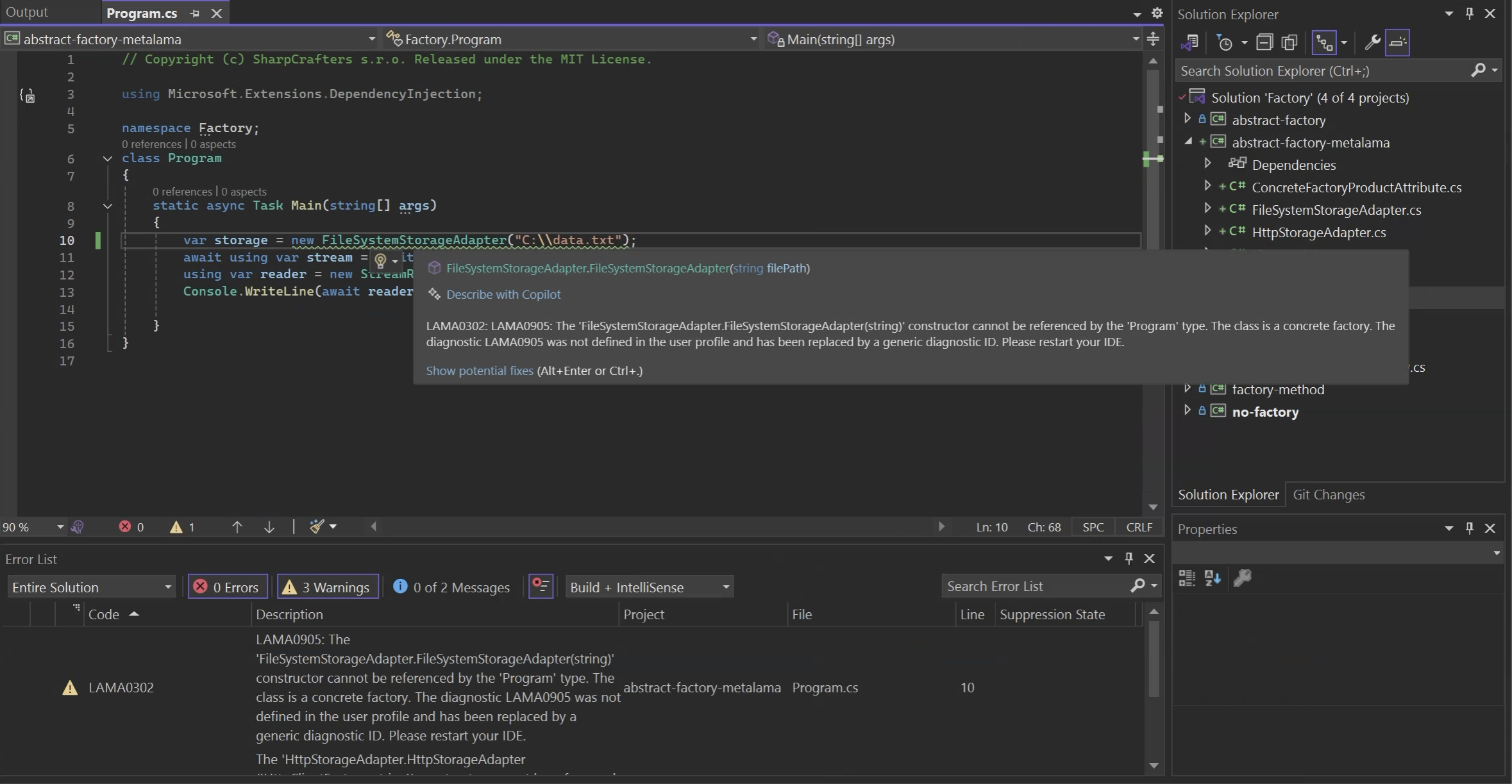
### Can we automatically generate the boilerplate?
In theory, Metalama could also generate the factory classes and the abstract factory pattern. You could define a custom aspect for it, and you have the tools to do it.
We tried, but it proved impractical. It only works if the only thing factory methods are doing is calling a constructor with exactly the same signature as the factory method. We found that the aspect added too little value for too much complexity and would not recommend you go this way in most cases.
## Relationships with other patterns
The beauty of design patterns is that they can be combined to address complex problems and provide more flexible and scalable solutions. The Factory and Abstract Factory patterns can be used in conjunction with other patterns to create more sophisticated systems that meet specific requirements. Here are some patterns that can be combined with the Factory and Abstract Factory patterns to enhance their capabilities.
### Builder pattern
The Abstract Factory can provide builders as its products when families of complex objects are needed. The [Builder pattern](https://postsharp.net/blog/builder-pattern) is used to construct complex objects step by step, allowing the construction process to vary independently from the final object representation.
Builders are objects that must be created, and the Factory patterns are a possible way to instantiate them, offering all the benefits presented in this article.
For example, instead of creating storage adapters just based on the `url` parameter, a factory could provide a more sophisticated interface allowing for step-by-step configuration of different options such as authentication headers, timeouts, and caching policies.
```csharp
public interface IStorageAdapterOptions
{
string Url { get; }
int Timeout { get; }
}
public interface IStorageAdapterOptionsBuilder
{
string Url { get; set; }
int Timeout { get; set; }
IStorageAdapterOptions Build();
}
public interface IStorageAdapterFactory
{
IStorageAdapterOptionsBuilder CreateStorageAdapterOptionsBuilder();
IStorageAdapter CreateStorageAdapter(IStorageAdapterOptions options);
}
```
### Singleton pattern
As we briefly said earlier, the [Singleton pattern](https://postsharp.net/blog/singleton-pattern) can be used to manage the lifecycle of an Abstract Factory, to ensure that only one instance of the factory is created and used throughout the application.
## Conclusion
In this article, we explored the Factory and Abstract Factory design patterns, two creational patterns that help you create objects without specifying the exact class of object that will be created. We discussed the benefits of using these patterns, such as encapsulating object creation logic, promoting loose coupling, and improving scalability and maintainability. We also covered the limitations of these patterns, such as tight coupling and testing challenges, and how to address them. By understanding the Factory and Abstract Factory patterns, you can design more flexible and extensible systems that adapt to changing requirements and support complex object creation scenarios.
---
# Metalama Status Update, November 2024
> New at PostSharp Technologies in November 2025: RC builds of Metalama and PostSharp 2025.0 supporting .NET 9 and C# 13, performance improvements, talk at BuildStuff, and 5 published articles.
Published: 2024-12-01 · Author: Gaël Fraiteur · Canonical: https://postsharp.net/blog/metalama-status-update-2024-11
The focus this month for the whole community was on Microsoft's release of .NET 9. Almost immediately, we published the RC builds of Metalama and PostSharp 2025.0 to support the new stacks. After running our reference performance test suite, we measured 30-40% faster builds in Metalama 2025.0 under typical load.
## Metalama 2025.0 RC
As is now tradition in our development community, Microsoft released the new version of the .NET stack on the first day of [.NET Conf](https://www.dotnetconf.net/). A few days later, we released the first release candidate of Metalama 2025.0.
Here's a short list of features in Metalama 2025.0. New features from this month are marked with stars (✨).
* Support for .NET 9 SDK and C# 13.
* Support for Roslyn interceptors.
* Dramatic performance improvement: [30-40% faster](https://postsharp.net/blog/metalama-performance) than 2024.2 under typical load.
* Async and background WPF commands.
* Implementation of generic interfaces.
* Creation of generic instances of introduced types.
* Define local variables dynamically using the new `meta.DefineLocalVariable` method.
* Introduction of static virtual, abstract, and partial members. ✨
* Support for `this` parameters in introduced methods. ✨
* Suppression of some irrelevant warnings on aspects. ✨
For more details, check out the [Metalama 2025.0 release notes](https://doc.metalama.net/conceptual/release-notes/release-notes-2025-0), or the individual changelogs for versions [2025.0.6-rc](https://github.com/orgs/metalama/discussions/382) and [2025.0.5-preview](https://github.com/orgs/metalama/discussions/379).
We don't release on Fridays, nor in the week before Christmas, so we plan to announce the general availability of Metalama 2025.0 in the very first days of the year. In the meantime, we will publish another RC build.
## Metalama 2024.2
We've merged Roslyn 4.12 (part of .NET 9) into Metalama 2024.2. Although using the new C# language features requires an update to Metalama 2025.0, we want to ensure you're getting the latest Roslyn fixes with all currently supported versions of Metalama.
See the changelog for Metalama [2024.2.30](https://github.com/orgs/metalama/discussions/381).
## PostSharp 2025.0 RC
Along with Metalama, we've released the first RC build of PostSharp 2025.0 with the following additional features:
- Support for .NET 9 SDK and C# 13.
- Long path support in projects targeting .NET Framework.
- Improved Windows PDB support.
We plan to announce the GA of PostSharp 2025.0 in early 2025, with a new RC in the meantime.
## Roadmap
In December, we plan to slow down due to the holiday season. We will focus on fixing bugs, targeting both 2024.2 and 2025.0.
We are planning to uncommission the online Metalama Sandbox because of its high maintenance and operation costs but insignificant usage. This web app was a fork of [.NET Try](https://github.com/dotnet/try), which is no longer maintained by Microsoft.
## Talking code quality at BuildStuff
I had the privilege to talk about code quality at Build Stuff 2024 in Vilnius, delivering my talk: [Overcoming the Broken Window Syndrome: Code Verification Techniques for .NET Developers](https://sessionize.com/s/gael-fraiteur/overcoming-broken-window-syndrome-code-verificatio/87566).
Getting back on stage after a long hiatus that started with Covid and continued until we completed Metalama's first version felt like returning to the village after years in a cave. I loved interacting with the audience and speakers. It's the first time I was thanked with a hug for a talk! Well, that was after the party, and we were all a bit less inhibited than usual...
Build Stuff is a great conference: informative, inspirational, and fun. And Vilnius is a beautiful city, even under the cold November rain, which, I overheard, doesn't last forever.
The talk recordings aren't available yet. Follow [Build Stuff on YouTube](https://www.youtube.com/@BuildStuff) to get notified when they are.
## Five Published Articles
This month, we published five articles in the [Timeless .NET Engineer series](https://postsharp.net/blog/use-cases), all related to WPF.
## Summary
We are ready to launch Metalama and PostSharp 2025.0 in the first days of the new year. Metalama 2025.0 is a substantial release. It supports .NET 9 and also brings 30-40% faster builds, removes previous constraints on implementing interfaces or using introduced types in generic types, and brings long-anticipated features like the introduction of partial, abstract, or static virtual members.
Happy meta-programming!
---
# Metalama Performance Improvements Analysis [Updated for 2025.0]
> This article tracks performance improvements of Metalama over releases since 2024.0.
Published: 2024-11-28 · Author: Gaël Fraiteur · Canonical: https://postsharp.net/blog/metalama-performance
Starting from Metalama 2024.1, we've spent significant effort to optimize performance. After analyzing the benchmarks, we can report that Metalama's performance has more than doubled, typically adding 25-35% to the standard build time.
```text
Article Updates
---------------
2024-04-22: Originally published with Metalama 2024.1 performance
2024-07-30: Added Metalama 2024.2 performance.
2024-11-28: Added Metalama 2025.0 performance.
```
## TL;DR
Using Metalama instead of the standard C# compiler will increase your `dotnet build` time by typically 25%. This overhead varies linearly with the number and complexity of aspects in your project. Even with one aspect on every single method, your build should not be more than 60% slower with Metalama than without it.
## Our methodology
So, how did we arrive at these results?
We forked the [NopCommerce](https://github.com/nopSolutions/nopCommerce) open-source project and introduced aspects to methods at random, regulated by two factors:
- the percentage of types that will have aspects (denoted $\text{Types}$ in the equation below); and
- the percentage of methods _in each target type_ with aspects (denoted $\text{Methods}$).
Using BenchmarkDotNet, we analyzed the execution time of `dotnet build /t:rebuild` for 12 different combinations of the factors. We used a dedicated computer with a minimal Alpine installation to ensure no background process could interfere with the measurements.
We then computed a linear regression based on two factors, $\text{Types}$ (the percentage of types affected) and $\text{Types} \times \text{Methods}$ (the percentage of methods affected), where both $\text{Types}$ and $\text{Methods}$ are included as a percentage between 0 and 1. The output of this function, $\text{TimeRatio}$, is the ratio between the build time with Metalama and without Metalama.
$\text{TimeRatio} = 1 + a + b \times \text{Types} + c \times \text{Types} \times \text{Methods}$
Here are the results of the regression:
| Version | Constant overhead factor ($a$) | Type load factor ($b$) | Method load factor ($c$) |
|---------|-----------------|-------------|---------------|
| 2024.0 | 0.41 | 0.26 | 0.72 |
| 2024.1 | 0.45 | 0.15 | 0.40 |
| 2024.2 | 0.43 | 0.12 | 0.37 |
| 2025.0 | 0.25 | 0.06 | 0.29 |
Our bilinear model has an $R^2$ of 0.98, suggesting that only 2% of the variance is unexplained. Given that benchmark results variance is higher than 2%, we can be confident in the model accuracy.
In simple terms:
- Building your code with Metalama will always be at least 25% slower than without Metalama, and
- Metalama's build time is linearly dependent on two factors: the percentage of affected methods in your projects and the percentage of types containing these affected methods.
The dependency on the number of types containing affected methods is because each type is typically implemented in its own file, and part of Metalama's cost depends on the number of files that need to be rewritten.
## Our improvements
Let's see the improvements we made in different Metalama versions compared to the 2024.0 baseline:
| Version | Constant overhead factor | Type load factor | Method load factor |
|---------|-----------------|-------------|---------------|
| 2024.0 | 100% (baseline) | 100% (baseline) | 100% (baseline) |
| 2024.1 | 109% | 58% | 55% |
| 2024.2 | 105% | 46% | 51% |
| 2025.0 | 61% | 23% | 40% |
As you can see, the efficiency of Metalama in processing aspects has quadrupled from 2024.0 to 2025.0! Even the constant overhead factor is 61% of what it was at the beginning of 2024.
## Wrapping up
Our efforts in enhancing Metalama's performance in 2024 have been largely successful, with aspect processing speed now twice as fast as in v2024.0. Sure, there is still a 20-35% longer build time in typical projects, but hey, the Metalama compiler is doing _much_ more than the plain Jane Roslyn!
We'll continue to work on optimizations whenever we see fit.
---
# Implementing custom dependency properties in WPF (+example)
> Explore various methods to implement the dependency properties efficiently with minimal manual coding.
Published: 2024-11-25 · Author: Metalama Team · Canonical: https://postsharp.net/blog/wpf-dependency-property
If you are creating an app with Windows Presentation Foundation (WPF) and plan to build a user control, you must learn about [dependency properties](https://doc.postsharp.net/metalama/patterns/wpf/dependency-property). They allow your user control to use powerful WPF features such as data binding, change notification, styling, and animations -- just as the system controls. This article explains how to define and use dependency properties in WPF. It compares them with traditional CLR properties and shows their importance through a practical example.
## What is a dependency property in WPF?
In WPF, a [dependency property](https://learn.microsoft.com/en-us/dotnet/desktop/wpf/properties/dependency-properties-overview) is a special kind of property that extends the functionality of standard .NET properties.
The main features of the dependent properties are:
- **Data binding and change notification**: Dependency properties have built-in support for change notifications thanks to data binding: dependency properties are not directly assigned to a _value_but to a _source_ of values.
- **Value precedence**: WPF features a refined system for setting the final value of a dependency property based on [multiple providers](https://learn.microsoft.com/en-us/dotnet/desktop/wpf/properties/dependency-property-value-precedence), including styles, templates, animations, inheritance, and of course explicitly-set values.
- **Default values**: Unlike standard C# properties, have a concept of being _set_ or _unset_, and make a difference between being _unset_ or _set to its default value_. This distinction is important to support the design-time experience. Unset values do not need to be materialized as XAML code. They also don't need to be stored in memory, which means that controls can have a large number of properties without significantly affecting memory usage.
- **Styling, animations, and triggers**: As mentioned above, dependency properties support advanced WPF features such as styling, animations, and triggers.
- **Data validation and coercion**: Dependency properties include a mechanism to validate and coerce (i.e. convert) assigned values.
## When to use dependency properties?
Use dependency properties whenever you build user controls in WPF. As a rule of thumb, every public property of your user control should be implemented as a dependency property.
Dependency properties give your user controls the same features as standard WPF controls.
## What is the difference between WPF dependency properties and CLR properties?
Dependency properties and CLR (Common Language Runtime) properties are both _things_ that can be assigned. However, they are almost entirely different in their implementation:
- [**CLR properties**](https://learn.microsoft.com/en-us/dotnet/standard/base-types/common-type-system#properties) are standard C# properties, defined with simple get and set accessors and backed by a private field within the class. These properties are straightforward, efficient, and suited for scenarios where basic data storage and retrieval are sufficient.
- **Dependency properties** are managed by WPF through the [DependencyObject](https://learn.microsoft.com/en-us/dotnet/api/system.windows.dependencyobject?view=windowsdesktop-8.0) class (from which most WPF visual controls derive) and come with enhanced capabilities. Unlike CLR properties, dependency properties store their values in a dedicated property system maintained by WPF rather than directly in the class.
If your application follows the MVVM pattern (and [it should be](https://postsharp.net/blog/wpf-best-practices-2024)), binding UI elements to view model properties is done smoothly with the dependency properties. As we said before, WPF’s dependency properties allow for a lot of features that CLR properties simply cannot provide. One of the most notable features is the automatic change notification mechanism. When a dependency property value changes, WPF automatically notifies any UI elements bound to that property, ensuring the UI stays in sync with the underlying data model. This is crucial for building responsive and interactive user interfaces.
Here is a list of other differences between dependency properties and CLR properties:
| Feature | Dependency Properties | CLR Properties |
|------------------|--------------------------------------------|---------------------------------------------|
| Memory | More efficient when using default values | Stores value for each instance |
| Implementation | Requires `DependencyProperty` registration | Simple get/set implementation |
| Data Binding | Full support | Basic support with `INotifyPropertyChanged` |
| Value Resolution | Complex precedence system | Direct value storage |
| Performance | Slightly slower for get/set operations | Faster for direct access |
## 1. Implementing a dependency property
To show you how to create a custom dependency property in WPF, we will use a simple example with a custom control called `LimitedTextBox`. This custom control exposes two dependency properties named `MaxLength` and `Text`, which will allow users to set the maximum length of the text and the text itself, respectively. As the user types the text into the `LimitedTextBox`, the control will automatically update a `TextBlock` control with the number of characters remaining to reach the limit.
To show how the control can be used, we've created a simple WPF application with an instance of the `LimitedTextBox` control in the main window. The `MaxLength` property is set to 50, and the `Text` property is initially set to "Initial text".
Here's how the dependency property `Text` is implemented and registered inside the `LimitedTextBox`:
```csharp
public static readonly DependencyProperty TextProperty = DependencyProperty.Register(
nameof(Text),
typeof(string),
typeof(LimitedTextBox),
new PropertyMetadata( string.Empty ) );
```
This code registers the dependency property using the `DependencyProperty.Register` method, which takes following parameters:
- The **property name** is just a string that matches the property's name in the class.
- The **property type** is the property type, in this case, an integer.
- The **owner type** is the class that owns the property.
- The [PropertyMetadata](https://learn.microsoft.com/en-us/dotnet/desktop/wpf/properties/dependency-property-metadata) parameter allows us, among other things, to specify the default value of the property. In this case, we set the default value to a default string
The code above is all you need for your property to work in XAML. If you want to easily set the property using C#, add the following code:
```csharp
public string Text
{
get => (string) this.GetValue( TextProperty );
set => this.SetValue( TextProperty, value );
}
```
The full source code of examples in this article is available on [GitHub](https://github.com/postsharp/TimelessDotNetEngineer/tree/main/src/wpf/dependencyproperties).
Registering the `MaxLength` property is similar.
Let us now see how the `Text` and `MaxLength` properties are used when the `LimitedTextBox` control is added to the main window:
```xml
```
In the XAML code snippet above, we set the `Test` property of the `LimitedTextBox` control to `50`, which sets the maximum length of the text that should be entered into the control. The same we explained before applies to the `Text` property, which is set to "Initial text". Note that the C# property setters are ignored when setting property values through XAML. You should consider the C# property as a wrapper around the dependency property, not the opposite.
## 2. Reacting upon property changes
We must implement a feature in our `LimitedTextBox` example: to modify, as the user is typing the text, the note informing of the number of remaining characters.
For this, we need to add a _property changed_ method. Let's call it `OnTextChanged`:
```csharp
private static void OnTextChanged(
DependencyObject d,
DependencyPropertyChangedEventArgs e )
{
var control = (LimitedTextBox) d;
control.UpdateRemainingCharsText( (string) e.NewValue );
}
private void UpdateRemainingCharsText( string updateTextValue )
{
var remainingChars = this.MaxLength - updateTextValue.Length;
this._remainingCharsTextBlock.Text = $"{remainingChars} characters remaining";
}
```
As you can see, this method casts the `DependencyObject` to a `LimitedTextBox` instance and call the `UpdateRemainingCharsText` method to update the text block with the remaining characters.
To register this method, we add a parameter to the `PropertyMetadata` object
```csharp
public static readonly DependencyProperty TextProperty = DependencyProperty.Register(
nameof(Text),
typeof(string),
typeof(LimitedTextBox),
new PropertyMetadata( string.Empty, OnTextChanged ) );
```
The `OnTextChanged` method is now called whenever the property value changes, allowing us to perform additional logic based on the new value.
## 3. Adding validation
Finally, let's see how we can validate that the `MaxLength` property is assigned a non-negative value.
First, we define a validation method:
```csharp
private static bool ValidateMaxLength( object value ) => value is > 0;
```
This method perform a simple validation check to ensure that the `MaxLength` property is a positive integer. If the value is valid, the method returns `true`; otherwise, it returns `false`.
Then, we register this callback by appending a paraneter to `DependencyProperty.Register`:
```csharp
public static readonly DependencyProperty MaxLengthProperty = DependencyProperty.Register(
nameof(MaxLength),
typeof(int),
typeof(LimitedTextBox),
new PropertyMetadata( 100 ),
ValidateMaxLength );
```
This validation callback is called before the property value is set, allowing us to enforce constraints on the property value.
We would like to enforce the `Text` property to have a value whose length is smaller or equal to `MaxLength`, but we cannot do that using this approach because the `ValidateValueCallback` delegate does not give us the object's instance. An alternative approach is to use pass a [CoerceValueCallback](https://learn.microsoft.com/en-us/dotnet/api/system.windows.coercevaluecallback) to the `PropertyMetalama` constructor.
## 4. Reducing boilerplate code
Implementing dependency properties manually involves a lot of boilerplate code and complexity. They make your code less readable and harder to maintain.
A few tools can simplify this process by automating boilerplate code generation and providing intuitive ways to handle common patterns in implementing dependency properties.
* [Metalama](https://www.postsharp.net/metalama) is an on-the-fly code generation and validation framework. It comes with a ready-made and well-tested `[DependencyProperty]` aspect that turns a C# automatic property into a WPF dependency property. Metalama's `[DependencyProperty]` aspect integrates with contracts such as `[NonNegative]` or `[NotEmpty]`, so it also eases the implementation of value validation.
* [DependencyPropertyGenerator](https://github.com/HavenDV/DependencyPropertyGenerator) is a Roslyn source generator that generates both the C# and the dependency property from type-level custom attributes. This approach is in our opinion non-idiomatic, potentially making the code _less_ readable.
Let's see what your code would look like with Metalama:
```csharp
[StrictlyGreaterThan( 0 )]
[DependencyProperty]
public int MaxLength { get; set; } = 100;
```
To read more about implementing dependency properties with Metalama, see [this blog post](https://postsharp.net/blog/wpf-dependency-property-metalama) or the [reference documentation](https://doc.postsharp.net/metalama/patterns/wpf/dependency-property).
## Summary
Dependency properties are a powerful tool for creating flexible, responsive, feature-rich, and highly reusable user controls in WPF. In fact, it's so important that whenever you build a user control, you should expose all its properties as dependency properties.
The downside of dependency properties is that it requires some boilerplate code to define the property and register the validation and change-processing logic, if any. Fortunately, tools like [Metalama](https://www.postsharp.net/metalama) can help [generate the boilerplate](https://postsharp.net/blog/wpf-dependency-property-metalama) for you, keeping your UI logic clean and succinct.
---
# Implementing WPF dependency properties with Metalama
> Learn how to implement custom WPF dependency properties with minimal manual effort using Metalama, demonstrated through an example application.
Published: 2024-11-21 · Author: Darío Macchi · Canonical: https://postsharp.net/blog/wpf-dependency-property-metalama
When building user controls in WPF, it's [best practice](https://postsharp.net/blog/wpf-best-practices-2024) to expose dependency properties in addition to normal C# properties. Unfortunately, implementing custom dependency properties requires a fair amount of redundant code. Metalama eliminates it.
[Dependency properties](https://postsharp.net/blog/wpf-dependency-property) allow WPF to assign these properties to a _source_ of values, enabling the UI to refresh when the source changes or implement animations (a mechanism called _data binding_). In contrast, C# properties are directly assigned to a _value_, one time. The downside of dependency properties is that implementing them manually can be tedious and error-prone. It requires writing significant boilerplate code to register the property (using `DependencyProperty.Register`) and manage property-changed and validation callbacks.
Each custom WPF dependency property takes a dozen lines of ceremony. Metalama's `[DependencyProperty]` aspect generates that ceremony from a single field. This article shows how, including validation and callbacks.
## Example app
Our example is a simple custom control called `LimitedTextBox`. This control has two dependency properties: `MaxLength` and `Text`. The `MaxLength` property specifies the maximum number of characters allowed in the text box, while the `Text` property holds the text entered by the user. As the user types into the `LimitedTextBox` control, it automatically updates the counter showing the number of characters remaining to reach the limit.
If you were to implement the `MaxLength` dependency [manually](https://postsharp.net/blog/wpf-dependency-property), you'd end up with the following _three_ snippets:
```csharp
public static readonly DependencyProperty MaxLengthProperty = DependencyProperty.Register(
nameof(MaxLength),
typeof(int),
typeof(LimitedTextBox),
new PropertyMetadata( 100, OnMaxLengthChanged ),
ValidateMaxLength );
public int MaxLength
{
get => (int) this.GetValue( MaxLengthProperty );
set => this.SetValue( MaxLengthProperty, value );
}
```
```csharp
private static void OnMaxLengthChanged(
DependencyObject d,
DependencyPropertyChangedEventArgs e )
{
var control = (LimitedTextBox) d;
control.UpdateRemainingCharsText( control._textBox.Text );
}
```
```csharp
private static bool ValidateMaxLength( object value ) => value is > 0;
```
The full source code of examples in this article is available on [GitHub](https://github.com/postsharp/TimelessDotNetEngineer/tree/main/src/wpf/dependencyproperties).
Aside from the complexity of the `DependencyProperty.Register` method, you can see how this manual implementation can easily lead to errors and inconsistencies, especially as the number of properties grows. This is where Metalama reduces the manual work required to implement dependency properties.
## Implementing dependency properties with Metalama
[Metalama](https://www.postsharp.net/metalama) is a tool that facilitates real-time code generation and validation in C# through the use of aspects. Aspects are special classes that work within the compiler to dynamically transforms code when you build, never committing the changes to your source code. This tool helps automate the creation of repetitive code, such as implementing dependency properties, [INotifyPropertyChanged](https://postsharp.net/blog/inotifypropertychanged-metalama), [WPF commands](https://postsharp.net/blog/wpf-command-metalama), and many others.
If you need to generate boilerplate code for a specific situation (like this one), you can create an aspect from scratch for it. However, as this task is quite common among WPF developers, Metalama simplifies it by offering a built-in solution.
The `[DependencyProperty]` aspect is one of the many open-source, production-ready aspects provided by Metalama. This aspect is specifically designed to automate the generation of the boilerplate code needed to implement dependency properties while maintaining flexibility. If you're interested in exploring more of these aspects, be sure to check out the [Metalama Marketplace](https://www.postsharp.net/metalama/marketplace).
The `[DependencyProperty]` aspect turns a plain C# automatic property into a dependency property.
To use the `[DependencyProperty]` aspect in your project, you must:
1. Add the [Metalama.Patterns.Wpf](https://www.nuget.org/packages/Metalama.Patterns.Wpf) package to your project.
2. Add the `[DependencyProperty]` custom attribute to a standard C# automatic property. Note that the containing type of the property must be derived from `DependencyObject`.
Let's see how the `MaxLength` property can be implemented using the `[DependencyProperty]` aspect:
```csharp
[DependencyProperty]
public int MaxLength { get; set; } = 100;
```
In the code snippet above, we use the `[DependencyProperty]` aspect to decorate the `MaxLength` property in the `LimitedTextBox` class. Note that the property should be auto-implemented (no backing field required), and the default value is set directly in the property declaration. The aspect takes care of generating the necessary boilerplate code, including the property registration, metadata, and validation callbacks.
You can take a look at what the generated code will look like using our [Metalama Diff tool](https://doc.metalama.net/conceptual/using/understanding-your-code-with-aspects#metalama-diff) (included in [Visual Studio Tools for Metalama](https://marketplace.visualstudio.com/items?itemName=PostSharpTechnologies.PostSharp)).
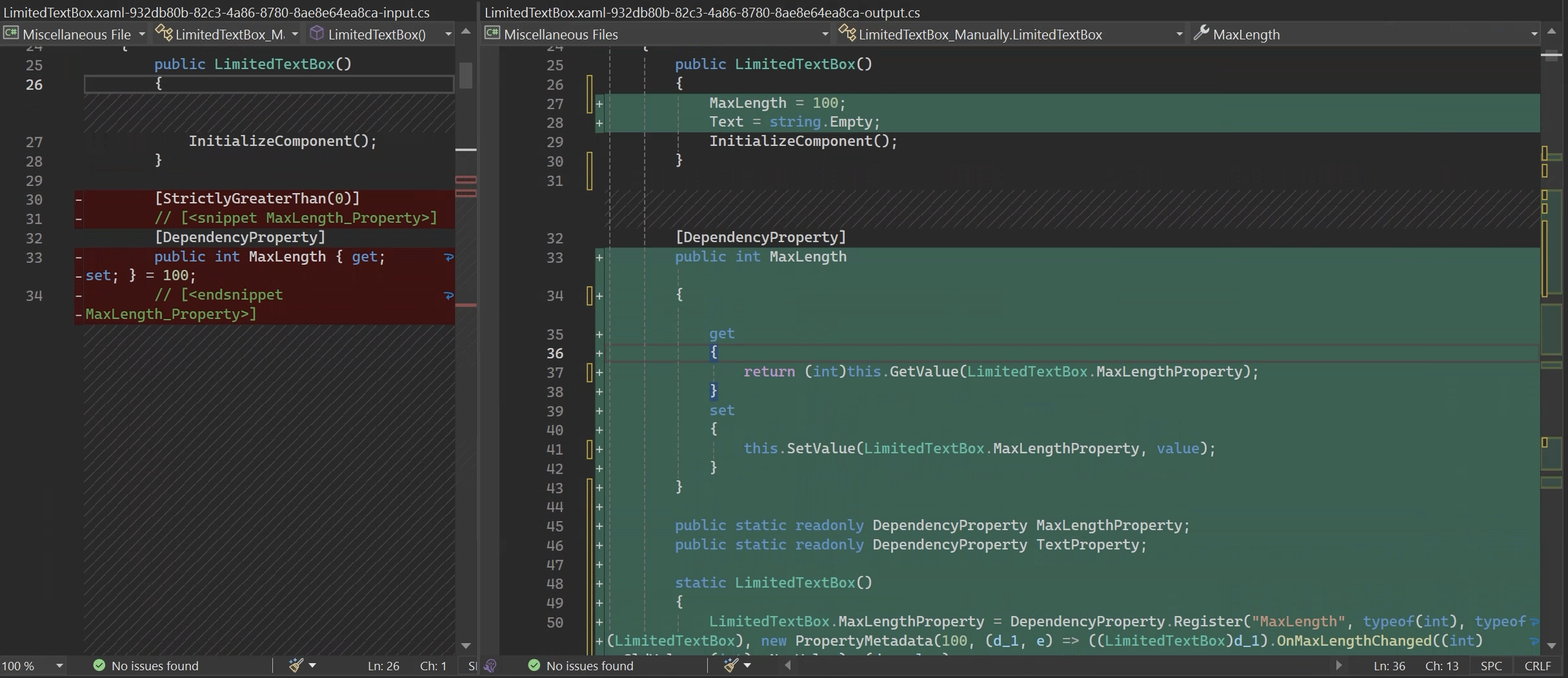
By using the `[DependencyProperty]` aspect, we eliminate the need to manually implement the dependency property registration, metadata, and validation callbacks. This approach significantly reduces the amount of boilerplate code and ensures consistency across different dependency properties in the project.
## Adding validation with an attribute
If you've implemented dependency properties manually, you're likely familiar with _validation callback_ methods. With Metalama, validating a property can often be done using a simple _contract_ custom attribute from the [Metalama.Patterns.Contracts](https://doc.metalama.net/patterns/contracts) package.
Some examples are the [[Email], [Phone], and [Url]](https://doc.metalama.net/patterns/contracts/contract-types#email-phone-and-url), or [[NotEmpty]](https://doc.metalama.net/patterns/contracts/contract-types#notempty) contracts.
Here you can see an example where we apply the [[StrictlyGreaterThan]](https://doc.metalama.net/api/metalama-patterns-contracts-strictlygreaterthanattribute) contract to the `MaxLength` property:
```csharp
[StrictlyGreaterThan( 0 )]
[DependencyProperty]
public int MaxLength { get; set; } = 100;
```
This approach results in compact and readable source code.
## Adding a validation callback
Let's now turn to the second dependency property: `Text`. We want to validate that the text is only made of letters or whitespaces. Although we could implement this requirement by using the [[RegularExpression]](https://doc.metalama.net/api/metalama-patterns-contracts-regularexpressionattribute) contract, we'll show here how to do this using a callback method.
Validation callbacks are methods that run _before_ the property is set. If they fail, the property is not set. There are two ways to add a validation contract:
* _Implicitly_ by following a _naming convention_ and creating a method whose name corresponds to the property name, plus the `Validate` prefix. In this case, the property name is `Text`, so the validation method should be named `ValidateText`.
* _Explicitly_, by setting the `ValidateMethod` parameter of the `[DependencyProperty]` type.
Metalama supports [several signatures](https://doc.metalama.net/patterns/wpf/dependency-property#adding-validation-through-a-callback-method) for the validation callback.
Here is the validation callback for the `Text` property:
```csharp
private void ValidateText( string value )
{
if ( !string.IsNullOrWhiteSpace( value )
&& !value.All( c => char.IsLetter( c ) || char.IsWhiteSpace( c ) ) )
{
throw new ArgumentException(
"Invalid Text value. Only letters and whitespace are allowed." );
}
}
```
```csharp
[DependencyProperty(ValidateMethod = "WhateverValidationMethodNameYouWant")]
public string Text { get; set; }
```
Unlike the method used in the `DependencyProperty.Register`, the validation method used by Metalama doesn't return a boolean value; instead, it throws an exception if the value is invalid.
## Adding a PropertyChanged callback
Property-changed callbacks are invoked _after_ the value of a dependency property has changed. As with the validation callback, there are two ways to specify it:
* _Implicitly_ by following a naming convention. For example, the name of our property is `MaxLength`, so the PropertyChanged method should be named `OnMaxLengthChanged`. The same applies to the `Text` property and the `OnTextChanged` method. Metalama will automatically detect and use them as property-changed callbacks.
* _Explicitly_ by setting the `PropertyChangedMethod` of the `[DependencyProperty]` attribute.
As with the validation callback, there are several signatures for the `PropertyChanged` method (see them in the [documentation here](https://doc.metalama.net/patterns/wpf/dependency-property#adding-validation-through-a-callback-method)), so you can choose the one that best fits your needs. An important detail compared to the method used in the manual implementation (using the `DependencyProperty.Register`) is that the `PropertyChanged` method does not need to be static and can access the instance of the class.
Here are the `PropertyChanged` methods for our dependency properties:
```csharp
private void OnMaxLengthChanged( int oldValue, int newValue )
{
this.UpdateRemainingCharsText( this._textBox.Text );
}
private void OnTextChanged( string oldValue, string newValue )
{
this.UpdateRemainingCharsText( newValue );
}
```
## Why use the Metalama approach?
The Metalama approach to implementing dependency properties offers several advantages over the manual approach. Here are some key benefits.
### Improved code readability and maintainability
By using the `[DependencyProperty]` aspect, you can eliminate the (ugly) boilerplate code typically associated with dependency property registration. This results in cleaner, more concise code that is easier to read and maintain.
The use of idiomatic C# code with aspects makes it easier for developers to understand the purpose of the code and its intended behavior.
### Enhanced developer productivity
With Metalama, developers can focus on more critical aspects of their application, rather than getting bogged down in repetitious tasks. Automating common patterns leads to faster development cycles and more reliable code.
The Metalama approach reduces the manual work needed to implement dependency properties. This is partly due to the reduction in boilerplate code and partly because contracts from the `Metalama.Patterns.Contracts` package provide common validation methods you'd otherwise write yourself.
This approach minimizes the likelihood of errors and makes code maintenance and readability easier. By automatically generating the necessary code using aspects like `DependencyProperty` and contracts, developers can focus more on core functionality rather than repetitive code. As a result, development processes are sped up, and overall efficiency in software projects is improved.
## Conclusion
Manually implementing custom dependency properties in WPF can be a complex and error-prone task. It demands meticulous attention to detail, which can be time-consuming and may lead to inconsistencies or errors if not managed carefully.
However, tools like Metalama can significantly streamline this process. By using the `[DependencyProperty]` aspect, developers can automate the generation of the required code to implement dependency properties. This automation ensures consistency and reduces the potential for errors, simplifying the development of custom controls. It also allows developers to concentrate more on the core functionality of their applications, rather than getting bogged down by repetitive coding tasks.
---
# 10 WPF Best Practices [2024]
> Lists 10 essential best practices to build high-performant and maintainable WPF applications with minimal effort in 2024.
Published: 2024-11-19 · Author: Metalama Team · Canonical: https://postsharp.net/blog/wpf-best-practices-2024
Windows Presentation Foundation, or WPF, remains a vital technology for building visually appealing desktop applications on Windows. In this article, we'll explore some essential best practices for creating high-performance and maintainable WPF applications with minimal effort -- updated with new tools and features released in 2024. We'll cover strategies like using the MVVM pattern, employing commands for user interactions, optimizing the complexity of the visual tree, and utilizing code generation tools.
## What is WPF?
[Windows Presentation Foundation](https://learn.microsoft.com/en-us/dotnet/desktop/wpf/overview/) is a graphical system created by Microsoft for designing user interfaces in Windows applications. It was first introduced with the .NET Framework 3.0. WPF offers a consistent way to build applications by keeping the user interface separate from the business logic. It uses a language called [XAML](https://learn.microsoft.com/en-us/dotnet/desktop/wpf/xaml/), which stands for eXtensible Application Markup Language, to define UI elements. This approach allows designers and developers to collaborate effectively.
Moreover, WPF comes with a range of features, including data binding, 2D and 3D graphics, animations, styles, templates, and media services. These features make WPF a powerful platform for developing rich desktop client applications with visually impressive interfaces.
## What are WPF applications used for?
WPF is one of the most popular UI frameworks for building desktop applications for Windows. Its principal strengths include high adaptability and performance. Its main weakness is being Windows-specific.
Since WPF is shipped with Windows as a part of the .NET Framework, it is possible to build very applications with a minimal download overhead. For those looking for a more modern development toolset, WPF has been ported to .NET Core.
WPF continues to be actively maintained and improved and remains compatible with the latest Windows versions. Although it may not receive as much attention as some newer technologies, WPF still holds its ground as a preferred choice for developers building native Windows desktop applications. This is especially true in industries where the highest levels of performance and reliability are required.
In addition to these strengths, there are exciting developments within the WPF ecosystem that promise even greater potential. For example, [Avalonia XPF](https://avaloniaui.net/xpf) extends the lifespan of existing WPF applications by enabling cross-platform deployment to macOS and Linux. There is also potential for future expansion to iOS, Android, and web browsers.
As WPF has been around for almost two decades, some best practices have emerged and are still valid today.
## Practice 1. Never use UI elements as your primary data storage
When developing applications, it's crucial to adopt a mindset that separates the user interface from the underlying data logic. This is a common pitfall that can lead to code that's hard to maintain and test.
One way to achieve this separation is by imagining your application running smoothly without a user interface. Focus on the fundamental data structures and operations that power its functionality. By doing so, developers are encouraged to create robust model classes that store and manage data independently of UI components. For instance, instead of storing temporary values in UI controls like text boxes, it's better to use backing variables within model classes. By linking these variables to UI elements, you establish a clear separation of concerns. This reduces fragility and maintenance challenges in the code, making your application more scalable and easier to test.
This principle also applies to complex UI structures such as tree views or stateful dependent controls like a master-detail view. In these cases, it's far better to manipulate the underlying data models and leverage WPF's data binding principles. By doing so, you have **a single "source of truth"**; any changes made are automatically reflected in the UI. This promotes a more maintainable and elegant design. This approach not only simplifies your code but also aligns with best practices for modern software development by ensuring your application's logic is cleanly abstracted from its presentation layer.
With WPF, the best design pattern for separating UI from data storage is MVVM.
## Practice 2. Use MVVM - the best architecture for WPF applications
MVVM (Model-View-ViewModel), in its most basic form, is about keeping the data (**Model**) separate from the interface (**View**) by using a mediator (**ViewModel**) between them. Instead of having all the logic directly linked to the UI controls in the code file, MVVM separates the logic from the UI, making the code more modular, easier to maintain, and easier to test.
Ok, you may have heard that a lot of times. Let's see what it means with an example:
```cs
// Model - Just holds data
public class Person
{
public string Name { get; set; }
public int Age { get; set; }
}
// ViewModel - Connects View and Model
public class MainViewModel : INotifyPropertyChanged
{
private Person _person = new Person();
public string Name
{
get { return _person.Name; }
set
{
_person.Name = value;
OnPropertyChanged(nameof(Name));
OnPropertyChanged(nameof(Caption));
}
}
public string Caption => $"{Name} ({_person.Age})";
public event PropertyChangedEventHandler PropertyChanged;
protected void OnPropertyChanged(string name)
{
PropertyChanged?.Invoke(this, new PropertyChangedEventArgs(name));
}
}
```
The code above shows a simple example of a Model and ViewModel in WPF.
- The `Person` class is the Model, which holds the data.
- The `MainViewModel` class is the ViewModel, which connects the View (UI) to the Model. The ViewModel implements the `INotifyPropertyChanged` interface to notify the View of any changes in the data. [Implementing the INotifyPropertyChanged interface](https://postsharp.net/blog/inotifypropertychanged) can require a lot of redundant code. We'll see below how to use a code generation tool to [automate the INotifyPropertyChanged boilerplate](https://postsharp.net/blog/inotifypropertychanged-metalama).
- The XAML code below shows the View, which is the UI of the application. The `TextBox` and `TextBlock` elements are bound to the `Name` property of the ViewModel using data binding. This allows the UI to display and update the data in the ViewModel.
```xml
```
This separation of concerns makes it easy to maintain each part without affecting the others. For example, if you need to change the way the data is displayed, you can modify the View without touching the ViewModel or the Model. Additionally, the model—and more importantly, the view model—can be tested independently of the user interface. This offers a significant advantage when writing unit tests.
It's a good practice to add computed properties to the ViewModel, like `Caption` in this example. The ViewModel can also contain WPF-specific properties, for instance dynamically computing the `Visibility` of an item. The objective is to make the XAML code simple. Ideally, it should be editable by non-programmers!
A problem of exposing WPF-specific properties to your ViewModel is that you cannot reuse it when porting the UI to a different platform. If this matters in your project, you can create two ViewModel layers in your application: one platform-specific, one platform-neutral. An alternative is to use a multi-platform UI framework, for instance, MAUI, Uno Framework, or Avalonia.
For more regarding the MVVM pattern, see read [4 Ways to Implement INotifyPropertyChanged](https://postsharp.net/blog/inotifypropertychanged) on this blog.
## Practice 3. Use WPF Commands to manage user interactions
Let's continue our discussion on maintaining a clear separation between UI logic and business logic in WPF applications. Now, we'll focus on using [WPF Commands](https://postsharp.net/blog/wpf-command) to handle user interactions.
Commands offer a more structured and maintainable approach compared to traditional event handlers. They help achieve this separation by allowing actions to be bound directly to properties in the ViewModel. Another benefit of the commands is that it defines a unified mechanism to bind to the `IsEnabled` state of a button or menu item. This approach results in cleaner code because it ensures that the View is solely responsible for displaying data, while the ViewModel takes care of handling interactions and enforcing business rules.
This architecture is crucial for following the MVVM pattern, as it allows the ViewModel to manage application behavior in response to user inputs without being directly tied to UI elements.
Let's take our previous code example and incorporate a command into the ViewModel. This command will handle a button click event, serving as an illustration of how commands function in practice.
```cs
public class SaveNameCommand : ICommand
{
private readonly MainViewModel _viewModel;
public SaveNameCommand(MainViewModel viewModel)
{
_viewModel = viewModel;
}
public event EventHandler CanExecuteChanged;
public bool CanExecute(object parameter)
{
return !string.IsNullOrEmpty(_viewModel.Name);
}
public void Execute(object parameter)
{
// Save the data
}
}
public class MainViewModel : INotifyPropertyChanged
{
// Properties and methods from previous example
// (...)
public ICommand SaveNameCommand { get; }
public MainViewModel()
{
SaveNameCommand = new SaveNameCommand(this);
}
}
```
```xml
```
As you can see in this example, keeping the command separate from the UI logic:
- Allows better testability because you can easily write unit tests to verify the command's behavior without needing to interact with the UI.
- Makes the code more maintainable as the command's logic is encapsulated in a separate class, making it easier to understand and modify.
Commands also include the `CanExecute` method, which determines whether a command can be executed at any given time. By binding this logic to UI controls, you can dynamically enable or disable them based on the application's state. This feature enhances the user experience by preventing invalid actions and guiding users through valid workflows. For example, a "Submit" button can remain disabled until all required form fields are completed, reinforcing data integrity and application stability.
One drawback of using the Command pattern is that it requires a lot of boilerplate code. However, several approaches can help you [reduce redundant code with WPF commands](https://postsharp.net/blog/wpf-command). One of them is [Metalama](https://postsharp.net/blog/wpf-command-metalama), the free and open-source meta-programming framework for C#, but you can also use [Microsoft's MVVM Toolkit](https://learn.microsoft.com/en-us/dotnet/communitytoolkit/mvvm/) or [ReactiveUI](https://www.reactiveui.net/).
For more about WPF commands, read [4 Ways to Implement ICommand](https://postsharp.net/blog/wpf-command) on this blog.
## Practice 4. Use dependency properties in your user controls
[Dependency properties](https://postsharp.net/blog/wpf-dependency-property) are a powerful feature in WPF that enable data binding, styling, and animation. They allow you to extend the functionality of existing controls and create custom controls with properties that can be set in XAML.
When creating custom user controls, it's essential to use [dependency properties](https://learn.microsoft.com/en-us/dotnet/desktop/wpf/properties/dependency-properties-overview) for properties that need to be data-bound, styled, or animated. By defining dependency properties, you can take advantage of WPF's built-in features and ensure that your controls integrate seamlessly with the rest of the framework.
Let's say you want to create a custom control that includes a label and a textbox. You want to be able to set the label text and the textbox text from the XAML. You can do that by creating dependency properties for the label and textbox text:
```cs
public class CustomControl : Control
{
public static readonly DependencyProperty LabelTextProperty = DependencyProperty.Register(
"LabelText", typeof(string), typeof(CustomControl), new PropertyMetadata(default(string)));
public string LabelText
{
get => (string) GetValue(LabelTextProperty);
set => SetValue(LabelTextProperty, value);
}
public static readonly DependencyProperty TextBoxTextProperty = DependencyProperty.Register(
"TextBoxText", typeof(string), typeof(CustomControl), new PropertyMetadata(default(string)));
public string TextBoxText
{
get => (string) GetValue(TextBoxTextProperty);
set => SetValue(TextBoxTextProperty, value);
}
}
```
Now, to use it in your WPF application, you can set the `LabelText` and `TextBoxText` properties in the XAML like this:
```xml
```
Dependency properties inherently support change notification, so the WPF framework knows when the property value changes and can respond accordingly. This allows WPF to re-render UI elements or trigger property-specific logic when a property is updated (without having to implement the `INotifyPropertyChanged` interface).
As with `INotifyPropertyChanged` and commands, the downside of dependency properties is that they require some redundant code. One way to reduce it is to use [Metalama](https://postsharp.net/blog/wpf-dependency-property-metalama), the free and open-source meta-programming framework, or Roslyn source generators.
For more about WPF dependency properties, read [Implementing custom dependency properties in WPF (+example)](https://postsharp.net/blog/wpf-dependency-property) on this blog.
## Practice 5. Use an on-the-fly code generation tool
As you can see from the prior sections, many WPF best practices involve writing a lot of boilerplate code. Fortunately, in 2024, most of this repetitive code can be generated on the fly.
### Benefits
When it comes to WPF applications, code generation tools can be particularly beneficial for:
1. **Writing less code**: By speeding up initial development phases, these tools and practices allow developers to focus more on core business logic rather than getting bogged down in routine coding tasks. This productivity boost can lead to faster project delivery and reduced time-to-market.
2. **Maintaining less code**: Writing code is only about 30% of its total cost of ownership; for most enterprise projects, maintenance represents the majority of the cost. Since every line of code has a cost, it's important to keep the count low. Avoid tools that generate code you need to check into your source repository because this code, even if it's generated, still needs to be maintained. Instead, use a tool that generates code on the fly during the build.
3. **Ensuring consistency across the whole codebase**: Code generation tools ensure a uniform code structure throughout the project, which helps maintain coding standards and best practices across different components and teams. This uniformity reduces variations in implementation that can lead to discrepancies or integration issues later on, fostering a more cohesive and maintainable code environment.
### Available tools
* [Metalama](https://www.postsharp.net/metalama), the free and open-source meta-programming framework, allows you to automate repetitive tasks in your codebase using aspects, special custom attributes that execute within the compiler or the IDE and dynamically transform your source code. Metalama provides a set of predefined aspects that can be used to automate common tasks in WPF applications, such as [implementing the INotifyPropertyChanged interface](https://postsharp.net/blog/inotifypropertychanged-metalama), [dependency properties](https://postsharp.net/blog/wpf-dependency-property-metalama), and [WPF commands](https://postsharp.net/blog/wpf-command-metalama).
- [MVVM Community Toolkit](https://learn.microsoft.com/en-us/dotnet/communitytoolkit/mvvm/) includes some Roslyn code generators for commands and `INotifyPropertyChanged`. It does not come with as many features as Metalama, the free and open-source meta-programming framework, but it's signed by Microsoft!
- [Fody](https://github.com/Fody/Fody) is an MSIL code weaving tool. It can be used to automatically implement `INotifyPropertyChanged` in WPF applications thanks to the [PropertyChanged.Fody](https://github.com/Fody/PropertyChanged) plug-in, which also comes with its Roslyn code generator.
Of course, you can always write your own [Roslyn code generator](https://github.com/dotnet/roslyn/blob/main/docs/features/source-generators.cookbook.md).
## Practice 6. Minimize visual tree complexity
The visual tree in WPF is the hierarchy of UI elements rendered on the screen, and each element contributes to processing such as layout recalculation, rendering, and event handling. A complex or deeply nested visual tree means more work for the rendering engine, which can result in slower performance, increased memory usage, and longer UI response times.
Why this is important:
- **Rendering Performance**: Each element in the visual tree needs to be rendered and laid out. A deeply nested tree requires more processing, which can lead to slower rendering and layout recalculations, especially when the UI changes dynamically (e.g., resizing windows or updating data).
- **Memory Usage**: Each UI element consumes memory. An overly complex visual tree with unnecessary elements can quickly consume resources, leading to higher memory usage and potential performance bottlenecks.
- **Event Handling Overhead**: WPF handles routed events by traversing the visual tree. The more elements there are, the more time it takes for events to be processed, which can affect UI responsiveness.
Let's take the following code as a simple example of this:
```xml
```
In this example, the `Button` is nested inside a `StackPanel` inside a `Grid` inside another `StackPanel`. This creates a visual tree with multiple layers of nesting, which can impact performance. To optimize the visual tree, you can simplify the structure by removing unnecessary containers:
```xml
```
By flattening the visual tree and reducing unnecessary nesting, you can improve rendering performance, reduce memory usage, and enhance the overall responsiveness of your WPF application.
## Practice 7. Use virtualization for long lists
Virtualization means that only the UI elements currently visible in the viewport are created and rendered, while off-screen elements are not generated until they are scrolled into view.
### Why Virtualization Is Important:
- **Memory Efficiency**: Without virtualization, all items in a list or collection are generated and kept in memory, even if they are not visible. This can lead to high memory consumption, especially for large data sets.
- **Improved Rendering Performance**: Virtualization reduces the number of elements that the WPF rendering engine needs to measure, arrange, and paint. This results in faster scrolling and smoother user interactions.
```
- **Reduced Load Time**: The application starts faster because it doesn't need to create the entire list at once.
Here's an example of a ListBox bound to a `LargeItemCollection` containing 1,000 items with virtualization enabled:
```xml
```
In this example, setting `IsVirtualizing` to `True` enables virtualization for the `ListBox`. The `VirtualizationMode` is set to `Recycling`, meaning that item containers are reused as they scroll out of and back into view. This improves performance by reducing the need to create new UI elements. WPF has built-in support for virtualization through the `VirtualizingStackPanel`, which is the default panel for controls like `ListBox`, `ListView`, and `DataGrid`. So, next time you use one of these controls, remember to enable virtualization to optimize performance and memory usage.
## Practice 8. Use async or background methods for long operations
When a long-running operation (e.g., file I/O, database queries, or web service calls) is executed on the same thread as the application's UI, it will block the UI and cause the application to become unresponsive until the operation completes. To prevent this and keep the user interface (UI) responsive, execute long-running operations asynchronously or on a background thread.
By using `async` methods or running long operations in the background using `Task.Run`, you will:
- **Improve UI responsiveness**: By executing long operations asynchronously or on a background thread, the UI remains responsive and can continue to handle user interactions while the operation is in progress.
- **Prevent UI freezes**: Blocking the UI thread can lead to a poor user experience, as the application appears frozen or unresponsive. Using asynchronous or background methods prevents this issue and maintains a smooth user experience.
- **Improve overall performance**: Asynchronous operations can improve the overall performance of the application by allowing multiple tasks to run concurrently. This can lead to faster execution times and better resource utilization.
Here's an example of a long-running operation that reads data from a file and updates the UI. If done incorrectly, it will block the UI thread and make the application unresponsive:
```cs
public class MainViewModel
{
public void LoadData()
{
// This blocks the UI thread for 3 seconds
// User can't click buttons, scroll, or see updates
Thread.Sleep(3000); // Simulating heavy work
MessageBox.Show("Done!");
}
}
```
To make this operation asynchronous, you can use async/await in C#:
```cs
public class MainViewModel : INotifyPropertyChanged
{
private bool _isLoading;
public bool IsLoading
{
get => _isLoading;
set
{
_isLoading = value;
OnPropertyChanged(nameof(IsLoading));
}
}
public async Task LoadDataAsync()
{
IsLoading = true;
// UI remains responsive while this runs
await Task.Delay(3000); // Simulating heavy work
IsLoading = false;
MessageBox.Show("Done!");
}
}
```
In this example, the `LoadDataAsync` method is marked as `async`, and the heavy work is done inside the `Task.Delay` method. By using `await`, the method returns control to the UI thread while the operation is in progress, allowing the UI to remain responsive. The `IsLoading` property is used to indicate that the operation is in progress, which can be bound to a loading indicator in the UI. The same behavior can be achieved by using `Task.Run` to execute the long-running operation on a background thread:
```cs
public async Task LoadDataAsync()
{
IsLoading = true;
await Task.Run(() =>
{
// This runs on a background thread
Thread.Sleep(3000); // Simulating heavy work
});
IsLoading = false;
MessageBox.Show("Done!");
}
```
By offloading these tasks to background threads or running them asynchronously, you prevent the UI from freezing, enhancing the overall user experience and application performance.
## Practice 9. Minimize code-behind
This best practice is closely related to the MVVM pattern and the separation of concerns explained earlier. But first, let's clarify what code-behind is in WPF.
The code-behind is where event handlers, initializations, and some logic related to the UI are traditionally placed. While the MVVM (Model-View-ViewModel) pattern encourages minimizing code-behind, there are still legitimate use cases where its presence is reasonable or necessary:
- **Handling lifecycle events**: Code-behind is used to handle lifecycle events of the window or control, such as `Loaded`, `Closing`, or `SizeChanged`.
- **Simple UI logic**: Code-behind is used for simple UI logic that doesn't fit well in the ViewModel, such as setting initial values or handling UI-specific behavior.
- **Animations and storyboards**: Code-behind is used to create animations and storyboards that are tightly coupled to the UI elements.
Although there are other legitimate use cases, their use can be kept to a minimum:
- **Event Handlers for UI Controls**: Code-behind is used to handle events raised by UI controls, such as button clicks, text changes, and mouse interactions.
```cs
private void Button_Click(object sender, RoutedEventArgs e)
{
// Handle button click event
}
```
One way to minimize code-behind is to use commands in the ViewModel to handle these events, as discussed earlier.
- **UI Element Initialization**: Code-behind is used to initialize UI elements, set properties, and define the layout.
```cs
public MainWindow()
{
InitializeComponent();
// Initialize UI elements
MyButton.Content = "Dynamically set content";
}
```
While this is a valid use of code-behind, consider using data binding and styles to set properties and define the layout in XAML, reducing the need for code-behind.
- **Direct Access to UI Components**: Code-behind is used to access and manipulate UI elements directly.
```cs
MyTextBox.Text = "Updated text directly in code-behind";
```
To minimize code-behind, consider not using UI components to store data; instead, use data binding and commands to interact with UI elements indirectly through the ViewModel.
While code-behind has its place in WPF applications, it's essential to minimize its use and follow the MVVM pattern to maintain a clean separation of concerns and improve the testability and maintainability of your code.
## Practice 10. Don't reinvent the wheel
This final advice encourages developers to leverage existing, well-tested tools, libraries, and components instead of spending valuable time and resources creating complex controls or frameworks from scratch. The WPF ecosystem offers a wide range of third-party libraries and tools that can help developers build high-quality applications more efficiently.
By sourcing an existing component instead of building your own, you will:
- **Save development time**: Custom controls and automation patterns can be time-consuming and difficult to implement. Using third-party libraries allows developers to focus on building core application features rather than low-level UI elements or libraries.
- **Improve quality**: Established vendors offer components and libraries that have been extensively tested for functionality, performance, and compatibility, ensuring that developers get robust solutions out of the box.
- **Deliver a consistent developer experience**: Professional controls and libraries often come with polished designs and flexible customization options that can improve the overall experience of coding an application.
- **Get support and benefit from the community**: Third-party libraries typically come with documentation, support forums, and community knowledge, making it easier to find solutions to common problems.
Some vendors offer tools that automatically implement design patterns, such as MVVM, which help standardize code and improve productivity. We talked earlier about Metalama and its outstanding capabilities to automate repetitive tasks in your codebase using aspects. Besides allowing you to generate your own aspects (and it's very good at it), Metalama also provides a set of predefined aspects that can be used to automate common tasks in WPF applications. The [Metalama Patterns](https://doc.postsharp.net/metalama/patterns) consist of an open-source library of production-ready aspects that implement the most common design patterns for C#. In the context of WPF applications, Metalama can automate the [implementation of the INotifyPropertyChanged](https://postsharp.net/blog/inotifypropertychanged-metalama), [WPF commands through the ICommand interface](https://postsharp.net/blog/wpf-command-metalama), dependency properties, and other common patterns.
Several vendors offer high-quality UI components like data grids or charts. You will find a comprehensive list on [ComponentSource's website](https://www.componentsource.com/search/products?f[0]=ft%3A710890&f[1]=at%3A913900&ha=1&sort=bestseller).
## Conclusion
Despite being almost two decades old, WPF is still an excellent and highly popular choice for building desktop Windows applications. By following best practices, such as implementing the MVVM pattern, using commands for user interactions, and taking advantage of dependency properties, you can build applications that are not only visually stunning but also easy to maintain and scale.
Utilizing techniques like virtualization and asynchronous operations ensures that applications perform optimally. Minimizing code-behind helps maintain a clear separation of concerns, which is crucial for a clean code architecture. Additionally, using code generation tools like Metalama and tapping into existing libraries allows you to streamline your workflow. This means you can focus on core functionalities rather than reinventing the wheel.
As WPF continues to evolve within the ever-changing tech landscape, adhering to these practices will ensure that your applications remain efficient, reliable, and adaptable to future technological advancements.
---
# 4 Ways to Implement ICommand
> Explore various methods to implement the ICommand interface efficiently with minimal manual coding.
Published: 2024-11-06 · Author: Metalama Team · Canonical: https://postsharp.net/blog/wpf-command
One of the best practices in WPF is to implement the logic behind buttons and menu items as a _command_ instead of a simple event handler. In this article, we review several ways to implement a WPF command, focusing on strategies that minimize the amount of boilerplate code.
## What is the ICommand interface?
`ICommand` is an interface used to define commands in the context of .NET, particularly for the command pattern, which is a behavioral design pattern widely used in the **Model-View-ViewModel (MVVM)** architectural pattern. Commands are a way to bind UI user actions, such as button clicks, to methods in your view model.
The `ICommand` interface is part of the `System.Windows.Input` namespace and typically includes two primary methods and one event:
1. **Execute(Object parameter)**: This method defines the action that will be taken when the command is invoked. It takes an object parameter, which can be used to pass data from the caller to the command logic.
2. **CanExecute(Object parameter)**: This method determines whether the command can execute in its current state. It also takes an object parameter and returns a boolean value. If it returns `false`, it indicates that the command should be disabled in the UI.
3. **CanExecuteChanged**: This event occurs when changes occur that affect whether or not the command should execute. The UI elements bound to this command will typically listen for this event to enable or disable themselves accordingly.
```csharp
public interface ICommand
{
bool CanExecute (object? parameter);
void Execute (object? parameter);
event EventHandler? CanExecuteChanged;
}
```
You can read more about the `ICommand` interface in the [official Microsoft documentation](https://learn.microsoft.com/en-us/dotnet/api/system.windows.input.icommand?view=net-8.0).
## Why use ICommand?
The `ICommand` interface is essential in maintaining a clear separation between command logic and the user interface elements that trigger these commands. This separation follows the design principle of [separation of concerns](https://en.wikipedia.org/wiki/Separation_of_concerns), enhancing maintainability, reusability, and, most importantly, testability.
Isolating command logic from UI components allows you to:
- Ensure that the application's functionality remains independent of its visual representation.
- Conduct unit tests on your application's logic without impacting the user interface.
- Encourage a cleaner and more modular architecture, making it easier to adapt and extend the application over time.
## How to use ICommand from WPF?
In WPF applications, the `ICommand` interface is commonly used to bind user actions to command logic in the view model. This binding is typically done in the XAML file using the `Command` attribute of UI elements such as buttons, checkboxes, and menu items. When the button is clicked, the command's `Execute` method is called, executing the associated logic. The button also uses the `CanExecute` method to determine if it should be displayed as enabled or disabled.
This is how you bind a button to a command in WPF:
```xml
```
And this is how you would define the `MyCommand` property in your view model.
```csharp
public ICommand MyCommand { get; }
```
The `MyCommand` property should be initialized with an instance of a class that implements the `ICommand` interface, such as `MyCommandImplementation`. This class would contain the logic to be executed when the command is invoked.
```csharp
public MyControl()
{
this.MyCommand = new MyCommandImplementation( this );
}
```
Let's now see how we can implement `MyCommandImplementation`.
## How to implement ICommand?
There are basically four ways to implement the `ICommand` interface:
1. [Manually](#scenario1), writing all the code yourself. It's good to do it at least once to understand how things work, but it requires a lot of code.
2. [Using Metalama's Command aspect](#scenario2), which automatically generates all boilerplate code for you on the fly.
3. [Using CommunityToolkit.Mvvm's RelayCommand source generator](#scenario3), similar to Metalama, but does not trigger the `CanExecuteChanged` event for you.
4. [Using the ReactiveObject class from the ReactiveUI package](#scenario4), an alternative solution that does not rely on source generation.
### Our demo app
To illustrate these approaches, we will use the same simple demo app, implemented four times.
It is a basic temperature monitoring application. It asks the user to establish a threshold and retrieve the temperature from the sensor to determine if it exceeds the set limit.
This small WPF application has three different commands of varying complexity:
- A command to toggle the temperature sensor on or off.
- A command to set the sensor's threshold temperature.
- A command to obtain the current temperature from the sensor.
## 1. Implementing the ICommand interface manually
The most basic way to implement the `ICommand` interface is to create a custom class that implements the interface's methods and event. This approach requires you to define the logic for the `Execute` and `CanExecute` methods, as well as the `CanExecuteChanged` event inside that class.
### Parameterless commands
Let's begin with a parameterless command that will execute some action when called. As an example, we have the command that toggles the temperature sensor on or off we mentioned earlier.
To implement this command, we create a class called `ToggleTemperatureSensorCommand` that implements the `ICommand` interface.
```csharp
internal sealed class ToggleTemperatureSensorCommand : ICommand
{
private readonly TemperatureSensor _sensor;
public ToggleTemperatureSensorCommand( TemperatureSensor sensor )
{
this._sensor = sensor;
}
public event EventHandler? CanExecuteChanged;
public bool CanExecute( object? parameter )
{
return true;
}
public void Execute( object? parameter )
{
this._sensor.IsEnabled = !this._sensor.IsEnabled;
}
}
```
The full source code of examples in this article is available on [GitHub](https://github.com/postsharp/TimelessDotNetEngineer/tree/main/src/wpf/icommand).
As you may infer from the code snippet above, this command class has the necessary logic for toggling the temperature sensor on or off. The `Execute` method simply toggles the `IsEnabled` property (ignoring the `object? parameter`), while the `CanExecute` method always returns `true`, indicating that the command can be executed at any time.
To use this command in your view model, you would typically create an instance of the `ToggleTemperatureSensorCommand` class and bind it to a UI element in your XAML file. So, for our example application, we create a property for the command in the `TemperatureViewModel` class and initialize it in the constructor.
Here is the property definition:
```csharp
public ICommand ToggleTemperatureSensorCommand { get; }
```
And here is the initialization line inside the constructor:
```csharp
this.ToggleTemperatureSensorCommand = new ToggleTemperatureSensorCommand( this.Sensor );
```
Remember that the whole point of a command is to be bound to a UI element, so to complete our example, we need to bind the command to the checkbox that will toggle the sensor on or off. Here is the XAML code snippet:
```xml
```
Each time the user clicks the checkbox, the `Execute` method of the `ToggleTemperatureSensorCommand` will be called, toggling the sensor on or off.
### Command with a parameter
Now, let's consider a more complex command that requires a parameter. In our example application, we have a command that sets the threshold temperature for the sensor. This command takes a double as a parameter that represents the new threshold value, which will be used to determine if the temperature exceeds the set limit.
As you may remember, we said before that the `Execute` method of the `ICommand` interface receives an `object` parameter. This parameter can be used to pass data from the UI element to the command logic. In the case of the `SetThresholdTemperatureCommand`, we will pass the new threshold value as that parameter.
How to do it? If the `Set` button is responsible for calling the command (through the `Command` attribute), then we will use the `CommandParameter` attribute to pass the new value of the threshold to the command. Here is the XAML code snippet for the `Set` button:
```xml
```
In this case, the Threshold text box is linked to the `Threshold` property within the view model. So, when the user enters a new value in the text box, the `Threshold` property is updated. Then, when the user presses the `Set` button, the value of the `Threshold` property is passed as a parameter to the `SetThresholdCommand`.
```csharp
public void Execute( object? parameter )
{
this._sensor.Threshold = Convert.ToDouble( parameter!, CultureInfo.CurrentCulture );
}
```
Using this approach allows you to create custom commands tailored to your application's specific requirements, sending parameters to the command logic as needed.
Manually implementing the `ICommand` interface can be cumbersome and error-prone, especially when dealing with multiple commands or complex logic. But if that wasn't enough, we've saved the most cumbersome part for last.
Remember we said that commands should be bound to UI elements? Well, to keep the UI up to date, you should use the `INotifyPropertyChanged`, implementing it at least in your view model (or in other classes like our `TemperatureSensor`) and triggering the corresponding `PropertyChanged` event every time the command changes some state.
Back to our example, the `TemperatureViewModel` class implements the `INotifyPropertyChanged` interface. As we saw in our parameterless example above, when the user toggles the checkbox to activate the sensor, the `ToggleTemperatureSensorCommand` changes the sensor's `IsEnabled` property value. However, the GroupBox that allows user interaction with the sensor remains unaware of this change because it's linked to the `IsSensorEnabled` property of the `TemperatureViewModel` class.
```xml
```
Besides the fact that this property is directly related to the `Sensor` instance (which was updated by the `ToggleTemperatureSensorCommand`), no one informed the UI of the need to read back that value. To achieve this, we must subscribe to the sensor's `PropertyChanged` event (added by the implementation of the `INotifyPropertyChanged` interface) and manually trigger the `OnPropertyChanged` of the `TemperatureViewModel` class.
```csharp
public TemperatureSensor Sensor
{
get => this._sensor;
set
{
if ( !ReferenceEquals( value, this._sensor ) )
{
this.UnsubscribeFromSensor();
this._sensor = value;
this.OnPropertyChanged( nameof(this.Sensor) );
this.SubscribeToSensor();
}
}
}
public bool IsSensorEnabled => this.Sensor.IsEnabled;
```
You can see the `HandleSensorPropertyChanged` method that triggers the `OnPropertyChanged` according to the property that has changed. Note that triggering is done manually.
```csharp
private void SubscribeToSensor()
{
if ( this._sensor != null )
{
this._sensor.PropertyChanged += this.HandleSensorPropertyChanged;
}
}
private void HandleSensorPropertyChanged( object? sender, PropertyChangedEventArgs e )
{
{
var propertyName = e.PropertyName;
if ( propertyName is nameof(this.Sensor.IsEnabled) )
{
this.OnPropertyChanged( nameof(this.IsSensorEnabled) );
}
if ( propertyName is nameof(this.Sensor.Temperature) or nameof(this.Sensor.Threshold) )
{
this.OnPropertyChanged( nameof(this.CurrentTemperature) );
this.OnPropertyChanged( nameof(this.TemperatureStatus) );
}
}
}
```
That's a lot of additional boilerplate code! In such cases, alternative approaches can simplify the process and reduce the amount of boilerplate code required.
## 2. Use Metalama's Command aspect
As stated in the previous section, there are alternative ways to implement the `ICommand` interface than manually creating custom classes for each command. [Metalama](https://www.postsharp.net/metalama) is a tool that allows you to automate repetitive tasks in your codebase using aspects, special custom attributes that execute within the compiler or the IDE and dynamically transform your source code. Metalama has a lightweight implementation of the `ICommand` class named `[Command]` that simplifies the creation of commands in your WPF applications.
To use the `[Command]` class, you need to:
1. Add the `Metalama.Patterns.WPF` package to your project.
2. Create a new method in your view model that will contain the logic for the command. The method should have a `void` return type.
3. Apply the `[Command]` aspect to the command method you just created.
As an end note, make sure the class is `partial` to enable referencing the generated command properties from C# or WPF source code.
### Parameterless command
Here is the same example we implemented manually before (the `ToggleTemperatureSensorCommand`) but now using the `[Command]` class.
```csharp
[Command]
public void ToggleTemperatureSensor()
{
this.Sensor.IsEnabled = !this.Sensor.IsEnabled;
}
```
As you can see, we just moved the `Execute` implementation from the `ToggleTemperatureSensorCommand` class we had before to the `ToggleTemperatureSensor` method in the `TemperatureViewModel` class.
When the `[Command]` attribute is applied to a method, the aspect automatically generates a property following this pattern: method name plus the *Command* word; that's why we are talking about the `ToggleTemperatureSensorCommand`. In this case, the `CanExecute` method is not necessary since the command is always enabled.
### Command with a parameter
Now, let's see how the `SetThresholdTemperatureCommand` can be implemented using the `[Command]` class.
```csharp
[Command]
public void SetThreshold( double threshold )
{
this.Sensor.Threshold = threshold;
}
```
In this case, the `SetThresholdTemperature` method receives a `double` parameter representing the new threshold value. This parameter is passed from the UI as we saw in the previous section. The `[Command]` aspect is applied to the method, which automatically generates the command that will be bound to the UI element.
### Support for CanExecute
The `[Command]` class can also generate the `CanExecute` method, although it is not implemented by default. The easiest way is to define a `CanExecuteFoo` property in your code, where `Foo` is the name of your command.
The following snippet shows the `MeasureTemperature` method with the attribute `[Command]`, which will generate the `MeasureTemperatureCommand` to measure the temperature using the sensor. It also creates the `CanExecute` method using the `CanMeasureTemperature` implementation (following the first convention stated above). The latter will be responsible for enabling or disabling the button based on the sensor's state to prevent repeated requests to the sensor.
```csharp
[Command]
public void MeasureTemperature()
{
this.Sensor.Temperature = this.Sensor.MeasureTemperature();
}
public bool CanMeasureTemperature => this.Sensor is { IsEnabled: true, IsMeasuring: false };
```
Whenever the `CanMeasureTemperature` property changes its value, the `ICommand.CanExecuteChanged` event will be raised, so UI components bound to the command can update their state accordingly. Why? Because Metalama covered that for you too.
When the declaring type implements the `INotifyPropertyChanged` interface (e.g., our `TemperatureViewModel`), the `ICommand.CanExecuteChanged` event will be raised whenever the `CanExecute` property changes. You can even use the `[Observable]` attribute (another [Metalama production-ready aspect](https://www.postsharp.net/metalama/marketplace)) to implement `INotifyPropertyChanged` [reducing even more the boilerplate code](https://postsharp.net/blog/inotifypropertychanged-metalama).
## 3. Use CommunityToolkit.Mvvm's RelayCommand source generator
Another approach to the automatic implementation of the `ICommand` interface is to use the `[RelayCommand]` attribute from the `Microsoft.Toolkit.Mvvm` package. Similarly to Metalama, this attribute triggers a _source generator_ that generates the boilerplate code for you.
To use the `[RelayCommand]` attribute and its source generator, you need to:
1. Add the `Microsoft.Toolkit.Mvvm` package to your project.
2. Create a new method in your view model that will contain the logic for the command.
3. Apply the `[RelayCommand]` attribute to the command method you just created.
```csharp
[RelayCommand]
public void ToggleTemperatureSensor()
{
this.Sensor.IsEnabled = !this.Sensor.IsEnabled;
}
[RelayCommand]
public void SetThreshold( double threshold )
{
this.Sensor.Threshold = threshold;
}
```
As you can see, the process is similar to using the `[Command]` class from Metalama. You create a method in your view model, apply the `[RelayCommand]` attribute to it, and the command is automatically generated.
However, the `[RelayCommand]` does not follow any convention for the `CanExecute` generation and asks you to:
- create a separate method that returns a boolean value indicating whether the command can be executed (as with Metalama)
- use the `CanExecute` property of the `RelayCommand` class to indicate the target property or method to use.
Here is an example of how to implement the `CanExecute` method for the `MeasureTemperature` command:
```csharp
[RelayCommand( CanExecute = nameof(CanMeasureTemperature) )]
public async Task MeasureTemperature()
{
this.Sensor.Temperature = await this.Sensor.MeasureTemperature();
}
private bool CanMeasureTemperature => this.Sensor is { IsEnabled: true, IsMeasuring: false };
```
And how to handle `INotifyPropertyChanged` and notify the UI about changes in the `CanExecute` method?
Well, the `[RelayCommand]` has a `NotifyCanExecuteChanged` method that you can call whenever the `CanExecute` method changes its return value. This method raises the `CanExecuteChanged` event of the command, which notifies the bound UI elements that the command's state has changed.
To do that in our example, we used the `OnSensorChanged` method to subscribe to the `PropertyChanged` event of the `Sensor` object.
```csharp
partial void OnSensorChanged( TemperatureSensor sensor )
{
this.SubscribeToSensor( sensor );
}
```
Then we call the `NotifyCanExecuteChanged` method whenever the `IsEnabled` property changes.
```csharp
private void SubscribeToSensor( TemperatureSensor? value )
{
if ( value != null )
{
value.PropertyChanged += this.HandleSensorPropertyChanged;
}
}
private void HandleSensorPropertyChanged( object? sender, PropertyChangedEventArgs e )
{
{
var propertyName = e.PropertyName;
if ( propertyName is nameof(this.Sensor.IsEnabled) )
{
this.OnPropertyChanged( nameof(this.IsSensorEnabled) );
this.MeasureTemperatureCommand.NotifyCanExecuteChanged();
}
if ( propertyName is nameof(this.Sensor.Temperature) or nameof(this.Sensor.Threshold) )
{
this.OnPropertyChanged( nameof(this.CurrentTemperature) );
this.OnPropertyChanged( nameof(this.TemperatureStatus) );
}
}
}
```
Despite the need for more boilerplate code, the `[RelayCommand]` class is a good alternative to simplify the implementation of the `ICommand` interface in your WPF applications.
## 4. Use ReactiveUI's ReactiveObject
The last alternative we will explore is using the `ReactiveObject` class from the `ReactiveUI` package. [`ReactiveUI`](https://www.reactiveui.net/) is a powerful MVVM framework that provides a set of tools and utilities to simplify the development of reactive applications. The `ReactiveObject` class is a base class that implements the `INotifyPropertyChanged` interface and provides a way to create reactive properties and commands in your view models.
To use the `ReactiveObject` class, you need to:
1. Add the `ReactiveUI.WPF` package to your project.
2. Define a property of type `ReactiveCommand` in your view model.
3. Create a new instance of the `ReactiveCommand` class and pass the command logic to its constructor.
### Parameterless Command
For the `ToggleTemperatureSensorCommand` in our example application, we create a property for the command in the `TemperatureViewModel` class and initialize it in the constructor.
Here is the property definition:
```csharp
public ReactiveCommand ToggleTemperatureSensorCommand { get; }
```
And here is the initialization line inside the constructor:
```csharp
this.ToggleTemperatureSensorCommand = ReactiveCommand.Create(
() =>
{
this.Sensor.IsEnabled = !this.Sensor.IsEnabled;
} );
this.Sensor.WhenAnyValue( s => s.IsEnabled )
.Subscribe( _ => this.RaisePropertyChanged( nameof(this.IsSensorEnabled) ) );
```
What about that last line? The `ReactiveCommand` class doesn't have a `CanExecute` method like the `[RelayCommand]` class. Instead, you can use the `WhenAnyValue` method from the `ReactiveUI` package to create a reactive property that depends on the `IsEnabled` property of the `Sensor` object. This way, the `IsSensorEnabled` property will be updated whenever the `IsEnabled` property of the `Sensor` object changes, and the UI elements bound to the `ToggleTemperatureSensorCommand` command will be updated accordingly.
### Command with Parameter
Now, let's see how the `SetThresholdTemperatureCommand` can be implemented using the `ReactiveCommand` class.
Again, we start by creating a property for the command in the `TemperatureViewModel` class.
```csharp
public ReactiveCommand SetThresholdCommand { get; }
```
And then we initialize it in the constructor.
```csharp
this.SetThresholdCommand = ReactiveCommand.Create(
( double parameter ) =>
{
this.Sensor.Threshold = Convert.ToDouble( parameter );
} );
this.Sensor.WhenAnyValue( s => s.Threshold )
.Subscribe(
_ =>
{
this.RaisePropertyChanged( nameof(this.TemperatureStatus) );
this.RaisePropertyChanged( nameof(this.CurrentTemperature) );
} );
```
In this case, the `ReactiveCommand` class has a `Create` method that takes a lambda expression as a parameter. This lambda expression represents the command logic, which in this case sets the `Threshold` property of the `Sensor` object to the value passed as a parameter.
This last alternative is a great choice if you are already using the `ReactiveUI` framework in your WPF application, as it provides a seamless way to create reactive properties and commands in your view models. However, it may be overkill if you are not using the framework already.
## Comparison
As a summary, let's compare the different alternatives we went through in this article:
| Criteria | Metalama | MVVM Community Toolkit | ReactiveUI |
| ------------------------------------------------- | --------------- | ---------------------- | ---------- |
| Approach | Code generation | Code generation | Delegates |
| Execute method support | Supported | Supported | N/A |
| CanExecute method support | Supported | Supported | N/A |
| CanExecute method through naming conventions | Supported | Not supported | N/A |
| CanExecute integrated with INotifyPropertyChanged | Supported | Not supported | N/A |
| Debug Generated Code | Supported | Supported | N/A |
## Conclusion
The `ICommand` interface is crucial in the MVVM pattern for WPF applications, as it helps separate UI components from their underlying logic, improving maintainability and testability. While manually implementing `ICommand` can be simple for basic scenarios, it becomes complex and error-prone with more intricate cases. Tools like Metalama `[Command]` aspect, CommunityToolkit.Mvvm's `[RelayCommand]`, and ReactiveUI's `ReactiveObject` offer more efficient alternatives by automating repetitive code, allowing developers to focus on business logic.
Metalama provides seamless command generation and `CanExecute` logic through intuitive naming conventions, while CommunityToolkit.Mvvm's RelayCommand offers similar benefits with a different approach to conditional execution logic. The Metalama alternative is less cumbersome when used alongside the `[Observable]` aspect to implement the `INotifyPropertyChanged`. ReactiveUI's `ReactiveObject` class may be a better choice for developers already using the ReactiveUI framework.
All of these tools reduce development time and complexity while maintaining flexibility in design. The choice between them depends on the needs of the project and the developer's preferences, but they all improve productivity and ensure a robust application architecture for commands in WPF applications.
---
# Implement ICommand with Metalama
> Learn how to implement the ICommand interface with minimal manual effort using Metalama, demonstrated through an example application.
Published: 2024-11-04 · Author: Darío Macchi · Canonical: https://postsharp.net/blog/wpf-command-metalama
Implementing `ICommand` by hand means a separate class for every command, each with its own `CanExecute`, `Execute`, and `CanExecuteChanged` plumbing. We'll build a temperature monitor application the manual way, then delete that boilerplate with Metalama's `[Command]` aspect.
## ICommand manual implementation - an example
We'll use a simple example to show how to implement the `ICommand` interface manually before doing it with Metalama. This example is about a temperature monitor application that allows the user to set a threshold and get the temperature from the sensor to check if it is above the threshold or not.
This application has three different commands of varying complexity:
1. A command to toggle the temperature sensor on or off.
2. A command to set the sensor's threshold temperature.
3. A command to obtain the current temperature from the sensor.
Despite each command's specific complexity (due to this particular example's business logic), they all share a common structure:
- Each command is encapsulated in a class implementing the `ICommand` interface.
- Every command includes a `CanExecute` method, which returns a boolean indicating whether execution is possible.
- Each command has an `Execute` method that performs its designated action.
- Commands can trigger a `CanExecuteChanged` event to inform the UI of any changes in their executability (`CanExecute` status).
Let's examine the simplest command: **toggling the sensor on or off**.
```csharp
internal sealed class ToggleTemperatureSensorCommand : ICommand
{
private readonly TemperatureSensor _sensor;
public ToggleTemperatureSensorCommand( TemperatureSensor sensor )
{
this._sensor = sensor;
}
public event EventHandler? CanExecuteChanged;
public bool CanExecute( object? parameter )
{
return true;
}
public void Execute( object? parameter )
{
this._sensor.IsEnabled = !this._sensor.IsEnabled;
}
}
```
This command requires no parameters, and its `CanExecute` method always returns `true`, as toggling is always possible. Consequently, the `Execute` method's sole task is changing the sensor's state. The `CanExecuteChanged` event isn't used here since execution is perpetually feasible.
Next step? Define a public property like this in your view model:
```csharp
public ICommand ToggleTemperatureSensorCommand { get; }
```
and then initialize it in the constructor like this:
```csharp
this.ToggleTemperatureSensorCommand = new ToggleTemperatureSensorCommand( this.Sensor );
```
The last part is to bind this command to a UI component in our view, such as a checkbox for toggling purposes. We bound it to the `ToggleTemperatureSensorCommand` using the `Command` attribute to turn the sensor on or off and enable or disable the GroupBox accordingly.
```xml
```
Before jumping to the Metalama implementation, let's analyze a hand-written implementation of `SetThresholdCommand`:
```csharp
internal sealed class SetThresholdCommand : ICommand
{
private readonly TemperatureSensor _sensor;
public SetThresholdCommand( TemperatureSensor sensor )
{
this._sensor = sensor;
// Subscribe to sensor property changes
this._sensor.PropertyChanged += this.OnSensorPropertyChanged;
}
public event EventHandler? CanExecuteChanged;
public bool CanExecute( object? parameter )
{
return this._sensor.IsEnabled;
}
public void Execute( object? parameter )
{
this._sensor.Threshold = Convert.ToDouble( parameter!, CultureInfo.CurrentCulture );
}
private void OnSensorPropertyChanged( object? sender, PropertyChangedEventArgs e )
{
if ( e.PropertyName is null or nameof(TemperatureSensor.IsEnabled) )
{
// Notify WPF that CanExecute has changed
this.CanExecuteChanged?.Invoke( this, EventArgs.Empty );
}
}
}
```
This command takes a parameter to set the threshold temperature.
- The `CanExecute` method returns `true` only if the sensor is turned on.
- The `Execute` method sets the threshold temperature using the value of the parameter sent by the UI.
- The `CanExecuteChanged` event is triggered when the `OnPropertyChanged` event is fired by the `IsEnabled` property of the sensor, which occurs when the sensor is turned off.
And how the parameter is passed from the UI to the command? To pass a parameter from the user interface to a command, we should use the `CommandParameter` property of the component in the view. In our example, this is applied to the `Set` button.
```xml
```
In the two examples we analyzed (`ToggleTemperatureSensorCommand` and the `SetThresholdCommand`), implementing the commands manually required a lot of repetitive code, increasing the likelihood of errors as you move away from the UI. So, our goal using Metalama is to reduce the amount of manual code required to implement these commands and automating the repetitive tasks.
## Implementing ICommand with Metalama
Metalama is a tool designed for on-the-fly code generation and validation in C# using aspects, special classes that run in the compiler or the IDE and dynamically transform the source code. It automates the creation of boilerplate code, such as the implementation of the `ICommand` interface. You have the option to implement an aspect from scratch to generate boilerplate code for this interface. However, because this is such a common pattern among .NET developers, Metalama simplifies the process by offering a built-in solution.
The `[Command]` aspect is one of the many open-source, production-ready aspects provided by Metalama. This aspect is specifically designed to automate the generation of boilerplate code for the `ICommand` interface while maintaining flexibility. For more information, you can explore additional aspects on the [Metalama Marketplace](https://www.postsharp.net/metalama/marketplace).
Let see the most basic way to apply it to our Temperature Monitor example, starting with the command to toggle the temperature sensor:
1. First, you need to add the `Metalama.Patterns.WPF` package to your project.
2. Then, you have to define a `ToggleTemperatureSensor` method that will execute the toggle action.
3. Finally, the only thing you need to do is to apply the `[Command]` aspect to the `ToggleTemperatureSensor` method.
Here you have the `ToggleTemperatureSensorCommand` implemented with Metalama:
```csharp
[Command]
public void ToggleTemperatureSensor()
{
this.Sensor.IsEnabled = !this.Sensor.IsEnabled;
}
```
When the `[Command]` attribute is applied to a method, the aspect automatically generates a property following this pattern: method name plus the *Command* word; that's why we are talking about the `ToggleTemperatureSensorCommand`.
What about the `CanExecute` method? The aspect may automatically generates a `CanExecute` method for you if you want. You just need to define a boolean property or method that returns a boolean value with a name that follow one of these rules:
- `Can` + method name (e.g. `CanToggleTemperatureSensor`)
- `CanExecute` + method name (e.g. `CanExecuteToggleTemperatureSensor`)
- `Is` + method name + `Enabled` (e.g. `IsToggleTemperatureSensorEnabled`)
In the following example, we have defined the `MeasureTemperature` method with the attribute `[Command]`, which will generate the command to measure the temperature using the sensor and also create the `CanExecute` method. The latter will be responsible for enabling or disabling the button based on the sensor's state to prevent repeated requests to the sensor.
```csharp
[Command]
public void MeasureTemperature()
{
this.Sensor.Temperature = this.Sensor.MeasureTemperature();
}
public bool CanMeasureTemperature => this.Sensor is { IsEnabled: true, IsMeasuring: false };
```
You can take a look at what the generated code will look like using our [Metalama Diff tool](https://doc.metalama.net/conceptual/using/understanding-your-code-with-aspects#metalama-diff) (included in [Visual Studio Tools for Metalama](https://marketplace.visualstudio.com/items?itemName=PostSharpTechnologies.PostSharp)).
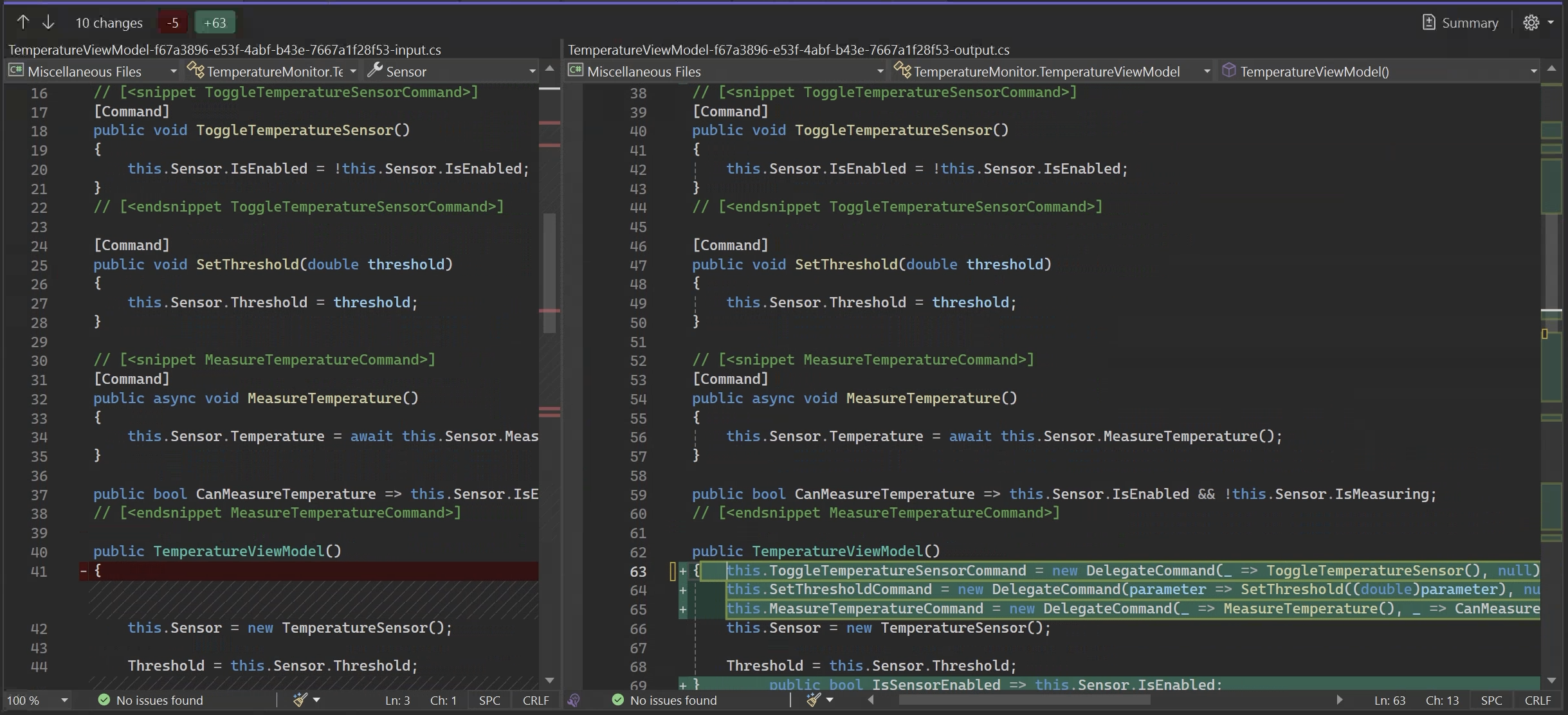
### Supported Scenarios
The `[Command]` aspect supports these scenarios (all covered in the Temperature Monitor example):
* **Simple command**: A method that doesn't take any parameters.
* **Command with parameters**: A method that takes a parameter.
Metalama 2025.0 adds the following features:
* **Async commands**: Commands whose implementation returns `Task`.
* **Background commands**: Commands implemented by a non-`Task` method.
All scenarios are supported following the same idiomatic pattern we have seen in the examples above.
## Is Metalama's [Command] that good?
From our experience, we can say that using Metalama's `[Command]` aspect is better than implementing the `ICommand` interface manually for the following reasons:
### Benefit 1. Fewer human errors
When you manually implement the `ICommand` interface, you often end up writing repetitive code. This involves creating separate classes for each command you want to execute, even though they might only have slight differences. With Metalama, you only need to apply the `[Command]` attribute to the method, and the aspect will generate the boilerplate code for you.
And even in those cases when the automatic generation of boilerplate code conflicts with manually written code, Metalama's `[Command]` will be safe to use. e.g., if you have a method named `ToggleTemperatureSensorCommand` in your model and you apply the `[Command]` attribute to `ToggleTemperatureSensor` property, you'll receive an error message. This occurs because the automatically generated code will conflict with your existing code.
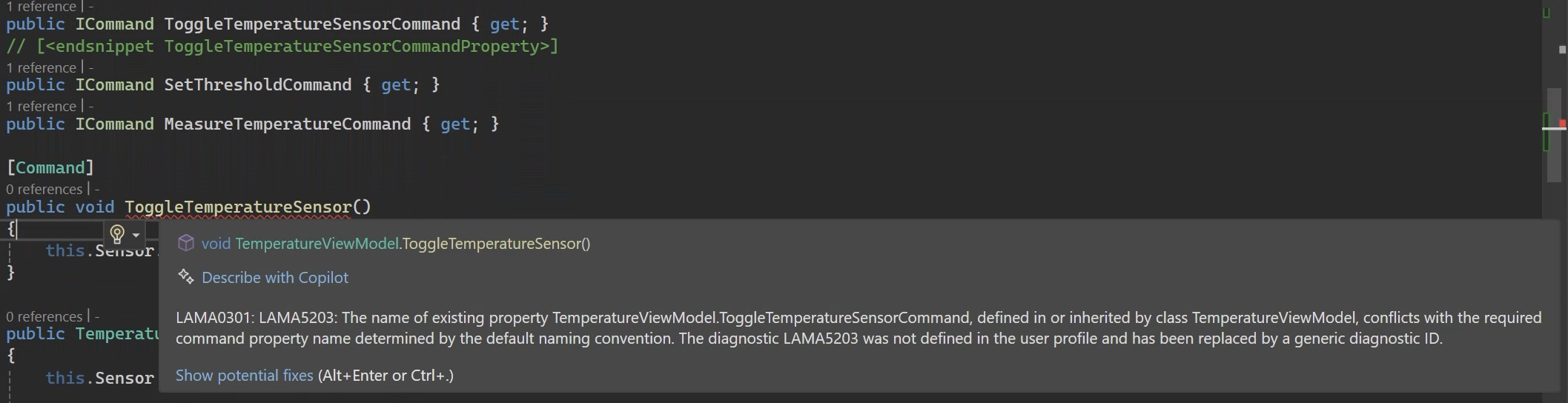
### Benefit 2. Reduce complexity
When you manually implement the `ICommand` interface, you might end up writing more code than needed. For instance, with the `ToggleTemperatureSensorCommand`, all that's required is implementing the `Execute` method. However, we ended up creating an entire new class, passing the sensor through the constructor, and implementing a `CanExecute` method that always returns `true`, even though it's not necessary.
This extra complexity has some drawbacks:
- It can result in an unnecessary explosion of classes in your project, making it more difficult to maintain and understand.
- It can cause scalability issues when you need to add new commands to your application.
- It may lead to code duplication, as the `Command` classes are very similar to each other.
## Integration with the Observable aspect
What if I told you that there is a way to further reduce the boilerplate code in the temperature monitor example?
Metalama's `[Command]` aspect excels by generating boilerplate code for the `ICommand` interface. However, if you're looking to take it a step further, you can pair it with the `[Observable]` aspect we introduced in [this article](https://postsharp.net/blog/inotifypropertychanged-metalama) to automatically create the `INotifyPropertyChanged` interface.
Let's use the `TemperatureViewModel` class as an illustration. This class implements the `INotifyPropertyChanged` interface to inform the UI when a property is updated.
How does this relate to the `ICommand` interface? When you toggle the checkbox to activate or deactivate the sensor, the `ToggleTemperatureSensorCommand` changes the sensor `IsEnabled` property value. However, the GroupBox that allows user interaction with the sensor remains unaware of this change because it's linked to the `IsSensorEnabled` property of the `TemperatureViewModel` class. Beside the fact this property is directly related to the `Sensor` instance (which was updated by the `ToggleTemperatureSensorCommand`), no one told the UI the need to read back that value. To do it we must subscribe to the sensor's `PropertyChanged` event (added by the imlementation of the `INotifyPropertyChanged` interface) and manually trigger the `OnPropertyChanged` of the `TemperatureViewModel` class.
```csharp
public TemperatureSensor Sensor
{
get => this._sensor;
set
{
if ( !ReferenceEquals( value, this._sensor ) )
{
this.UnsubscribeFromSensor();
this._sensor = value;
this.OnPropertyChanged( nameof(this.Sensor) );
this.SubscribeToSensor();
}
}
}
public bool IsSensorEnabled => this.Sensor.IsEnabled;
```
You can see the `HandleSensorPropertyChanged` method that triggers the `OnPropertyChanged` according to the property that has changed. Note that triggering is done manually.
```csharp
private void SubscribeToSensor()
{
if ( this._sensor != null )
{
this._sensor.PropertyChanged += this.HandleSensorPropertyChanged;
}
}
private void HandleSensorPropertyChanged( object? sender, PropertyChangedEventArgs e )
{
{
var propertyName = e.PropertyName;
if ( propertyName is nameof(this.Sensor.IsEnabled) )
{
this.OnPropertyChanged( nameof(this.IsSensorEnabled) );
}
if ( propertyName is nameof(this.Sensor.Temperature) or nameof(this.Sensor.Threshold) )
{
this.OnPropertyChanged( nameof(this.CurrentTemperature) );
this.OnPropertyChanged( nameof(this.TemperatureStatus) );
}
}
}
```
This is a lot of boilerplate code that can be avoided using the `[Observable]` aspect. This attribute will automatically generate the `INotifyPropertyChanged` interface and handle all notifications between properties for you. Just watch how the `TemperatureViewModel` class looks like when the `[Command]` and the `[Observable]` aspect are applied:
```csharp
[Observable]
public partial class TemperatureViewModel
{
public TemperatureSensor Sensor { get; set; }
[Command]
public void ToggleTemperatureSensor()
{
this.Sensor.IsEnabled = !this.Sensor.IsEnabled;
}
[Command]
public void SetThreshold( double threshold )
{
this.Sensor.Threshold = threshold;
}
[Command]
public void MeasureTemperature()
{
this.Sensor.Temperature = this.Sensor.MeasureTemperature();
}
public bool CanMeasureTemperature => this.Sensor is { IsEnabled: true, IsMeasuring: false };
public TemperatureViewModel()
{
this.Sensor = new TemperatureSensor();
this.Threshold = this.Sensor.Threshold;
}
public bool IsSensorEnabled => this.Sensor.IsEnabled;
public double Threshold { get; set; }
public double CurrentTemperature => this.Sensor.Temperature;
public string TemperatureStatus
{
get
=> this.Sensor.Temperature > this.Sensor.Threshold
? "Temperature is above threshold!"
: "Temperature is below threshold.";
}
}
```
For more details on the `[Observable]` pattern, its benefits and how to use it, please read our [Implement INotifyPropertyChanged with Metalama](https://postsharp.net/blog/inotifypropertychanged-metalama) article or the [reference documentation](https://doc.metalama.net/patterns/observability).
## Summary
Metalama's `[Command]` and `[Observable]` aspects cut the boilerplate out of a temperature monitor application. The manual `ICommand` implementation needs a separate class for every command, which adds complexity and room for error. Metalama generates that code from a single attribute, and pairing `[Command]` with `[Observable]` removes the property-change notification code too, leaving less to write, read, and maintain.
---
# Metalama Status Update, October 2024
> New at PostSharp Technologies in October 2024: Preview builds of PostSharp and Metalama 2025.0 (many improvements), bugfixes, community, and articles.
Published: 2024-10-31 · Author: Gaël Fraiteur · Canonical: https://postsharp.net/blog/metalama-status-update-2024-10
As the .NET Conf 2024 approaches, we've made significant progress in supporting .NET 9.0 and C# 13 with both Metalama and PostSharp. But that's not all. We've also filled usability gaps in introduced types and added several minor features. October was buzzing with community interactions: we hosted an event with Andrea Angella from Productive C#, exchanged blog posts with GoatReview, and published five articles on our own.
## PostSharp 2025.0 Preview
We've been updating PostSharp to the new .NET stack and have now fully caught up with .NET 9.0 RC2.
Additionally, we've worked on the following improvements:
- **Long path support**: Previously available only for .NET Core and .NET Standard projects, long paths are now supported in projects targeting .NET Framework.
- **Improved Windows PDB support**: We've revamped our Windows PDB writer, which now supports modern features like embedded sources or compiler info. This update also fixes bugs and incompatibilities with tools in previously supported features.
We consider ourselves done with PostSharp 2025.0 and plan to announce its general availability in the first week of January.
## Metalama 2025.0 Preview
We've focused on two areas. First, ensuring Metalama is compatible with the latest .NET stack. Second, completing gaps left in the previous version, particularly in support for type introductions. We've also implemented minor improvements requested by the community.
We published the following preview builds: [2025.0.1-preview](https://github.com/orgs/metalama/discussions/371), [2025.0.2-preview](https://github.com/orgs/metalama/discussions/374), [2025.0.3-preview](https://github.com/orgs/metalama/discussions/376), and [2025.0.4-preview](https://github.com/orgs/metalama/discussions/378).
### Platform upgrade
Regarding the platform update, we're now completely done with supporting the upcoming .NET 9 and C# 13. We're only waiting for the official GA release, expected mid November.
- .NET 9.0 RC2 is supported.
- C# 13:
- [x] Params collections
- [X] Ref/unsafe in iterators/async
- [X] Ref struct interfaces
- [X] Escape character
- [X] Method group natural type improvements
- [X] Lock object
- [X] Implicit indexer access in object initializers
- [X] Overload resolution priority
- [X] Partial properties
- Platform deprecation:
* The minimal supported Visual Studio version is now 2022 17.6 LTSC.
* The minimal supported Roslyn version is now 4.4.0.
* Third-party package dependencies have been updated.
### Source generators and interceptors
We now consistently execute source generators _after_ any Metalama transformation. Previously, code generators were executed _before_ Metalama at build time, causing inconsistencies with the design time experience, as Metalama would not "see" the output of source generators.
The benefit for you is that aspects can introduce code that relies on the [GeneratedRegex](https://learn.microsoft.com/en-us/dotnet/standard/base-types/regular-expression-source-generators) attribute to use build-time-generated regular expressions.
The second benefit is that you can now use Roslyn interceptors side-by-side with Metalama since they no longer conflict with our code transformations.
### Filling code model gaps
You can now use introduced types in any type construction. For instance, if `Foo` is your introduced type, you can create a field or parameter of type `Foo`, `Foo[]`, `List`, or `Foo*`. This required a major refactoring of our code model.
You can also implement generic interfaces bound to a type parameter of the target type. For instance, you can now build an `Equatable` aspect that generates code for the `IEquatable` interface, even for introduced types.
### Defining local variables
It's now possible to dynamically define local variables with the following new methods:
```cs
// Explicitly typed
meta.DefineLocalVariable( string nameHint, IType type ) : IExpression
meta.DefineLocalVariable( string nameHint, IType type, dynamic? initializerExpression ) : IExpression
meta.DefineLocalVariable( string nameHint, IType type, IExpresson? initializerExpression ) : IExpression
meta.DefineLocalVariable( string nameHint, Type type ) : IExpression
meta.DefineLocalVariable( string nameHint, Type type, dynamic? initializerExpression ) : IExpression
meta.DefineLocalVariable( string nameHint, Type type, IExpression? initializerExpression ) : IExpression
// var typed
meta.DefineLocalVariable( string nameHint, dynamic? initializerExpression ) : IExpression
meta.DefineLocalVariable( string nameHint, IExpresson? initializerExpression ) : IExpression
```
The `nameHint` parameter suggests the desired local variable name, but the actual name will be chosen dynamically by appending a numerical suffix in case of lexical conflicts with other symbols in the scope.
### Clean up of the representation of overridden fields
When you override a field, Metalama turns it into a property. That is, an object of `IField` type _before_ the aspect will be represented as an `IProperty` _after_ the aspect. This usually works well, and most of you likely haven't had to think much about it.
However, the devil is in the details. If you take a reference to a field before the aspect, you will get an `IRef`. If you resolve the reference after the aspect, you could previously run into a problem because the new `IProperty` could not be cast into an `IField`.
This tricky part of the code model has been redesigned. If you attempt to resolve an `IRef` reference to an overridden field, you will get an `IField` _shim_ representing what is actually an `IProperty`. However, this object is _not_ navigable through the `INamedType.Fields` properties, but only, as an `IProperty`, through `INamedType.Properties`. You can navigate to the "real" property using the `IField.OverridingProperty` property. The inverse relationship is the `IProperty.OriginalField` property. Also, the `IRef.As()` method is able to convert an overridden `IField` into its overriding `IProperty` and conversely.
### Other small improvements
* Test framework: Added test options `@Repeat()` and `@RandomSeed()` to help reproduce random issues.
* Code model: `ToDisplayString` and `ToString` implemented for introduced declarations.
## Bugfixing releases
While busy with the 2025.0 versions, we published several bugfixing builds in stable releases:
* Metalama 2024.1: [2024.0.29](https://github.com/orgs/metalama/discussions/369) and [2024.0.30](https://github.com/orgs/metalama/discussions/372).
* Metalama 2024.2: [2024.2.25](https://github.com/orgs/metalama/discussions/367), [2024.2.26](https://github.com/orgs/metalama/discussions/370), [2024.2.27](https://github.com/orgs/metalama/discussions/373), [2024.2.28](https://github.com/orgs/metalama/discussions/375), and [2024.2.29](https://github.com/orgs/metalama/discussions/377).
## Community News
### Why did Cyril Canovas switch from Fody to Metalama for caching?
[Cyril Canovas](https://www.linkedin.com/in/cyril-canovas-23518147/) is a contributing author at [GoatReview](https://goatreview.com) 🐐, a technical blog focused on sharing in-depth developer experiences and best practices in .NET development.
A few months ago, Cyril [explored Fody as a solution to generate the caching boilerplate](https://goatreview.com/master-aspect-oriented-programming-with-fody-weaving/). That was before he discovered Metalama. Yesterday, Cyril published an article on our blog explaining [why he prefers Metalama over Fody](https://postsharp.net/blog/why-switch-from-fody) to handle his caching boilerplate.
On the flip side, we published a two-part series introducing Metalama to GoatReview readers:
- Part 1: [Avoid repetitive code with Metalama](https://goatreview.com/generating-repetitive-code-with-metalama/)
- Part 2: [Verifying code against architecture with Metalama](https://goatreview.com/verifying-code-against-architecture-with-metalama/)
### Presenting Metalama to the Productive C# community
This month, I had the honor of presenting Metalama to the members of the Productive C# community, a group of developers striving to become better C# developers under the expert leadership of former six-time Microsoft MVP [Andrea Angella](https://www.linkedin.com/in/andreaangella). If you're struggling to keep up with the ever-increasing flow of C# features, check out his free course on [Modern C#](https://www.productivecsharp.com/modern-csharp/).
My presentation had two parts. The first part was public and demonstrated the principal Metalama features. The second part, exclusive to [premium members](https://www.productivecsharp.com/membership), opened the hood and explained how Metalama works and how it integrates with Roslyn.
You can watch the first part on Productive C#'s [YouTube channel](https://www.youtube.com/watch?v=x7IZ2skLYoQ).
## Five published articles
Following a quieter end of summer, we're back in full swing, publishing articles in our _Timeless .NET Engineer_ series. This month, we focused on `INotifyPropertyChanged` and the `Builder` pattern. True llamas will notice that we publish articles in pairs: one Metalama-oriented and the other general. Big thanks to [Darío Macchi](https://dariomac.com/) for his invaluable help in creating the content.
## Summary
We've achieved most of the features we set out for Metalama and PostSharp 2025.0, and are now focusing on testing and stabilization. We're confident we'll be ready for the .NET Conf event in November when the General Availability of .NET 9 is expected to be announced. Additionally, we've made strides in bridging the remaining gaps between Metalama and "bare metal" Roslyn generators.
Happy meta-programming!
-gael
---
# Why I switched from Fody to Metalama for method caching
> Cyril Canovas compares Fody and Metalama when it comes to avoiding boilerplate with the implementation of caching. He cites idiomatic C# code and debugging experience as its main benefits.
Published: 2024-10-29 · Author: Cyril Canovas · Canonical: https://postsharp.net/blog/why-switch-from-fody
Having previously written about [implementing caching aspects with Fody](https://goatreview.com/master-aspect-oriented-programming-with-fody-weaving/), I wanted to share my experience switching to Metalama and why I believe it offers significant advantages for Metalama users looking to implement caching in their applications.
> ## About the author
>
> Cyril Canovas is a contributor at [GoatReview](https://goatreview.com) 🐐, a technical blog focused on sharing in-depth developer experiences and best practices in .NET development. At GoatReview, we believe in providing practical, hands-on insights backed by real-world implementations. Our recent exploration of Aspect-Oriented Programming tools led us to evaluate different solutions for implementing method caching in .NET applications.
## My journey from Fody to Metalama
Let's start with a look at the [Fody implementation](https://github.com/goatreview/FodyWeaverSample) I had been using:
```csharp
public class ModuleWeaver : BaseModuleWeaver
{
// ... (more than 100 lines of complex code)
private void InjectCache(MethodDefinition method)
{
var processor = method.Body.GetILProcessor();
var instructions = method.Body.Instructions;
var returnInstructions = instructions.Where(instr => instr.OpCode == OpCodes.Ret).ToList();
foreach (var returnInstruction in returnInstructions)
{
processor.InsertInstructions(returnInstruction, SetCacheValue(method));
}
var firstInstruction = instructions.First();
processor.InsertInstructions(firstInstruction, ReturnGetValueCacheIfAny(method));
}
// ... (several complex helper methods)
}
```
While Fody is a powerful tool, I encountered several challenges:
1. The need to write and maintain complex CIL code
2. Difficult debugging processes
3. Limited visibility into the generated code
4. No native support for dependency injection
5. A steep learning curve for team members
## The Metalama advantage
When I switched to Metalama, I was able to rewrite the same caching functionality with much cleaner, more maintainable code:
```csharp
public class CacheAttribute : OverrideMethodAspect
{
[IntroduceDependency]
private readonly ICache _cache;
public override dynamic? OverrideMethod()
{
var cacheKey = CacheKeyBuilder.GetCachingKey().ToValue();
if (this._cache.TryGetValue(cacheKey, out object? value))
{
return value;
}
var result = meta.Proceed();
this._cache.TryAdd(cacheKey, result);
return result;
}
}
```
What immediately struck me was how Metalama's approach aligned with modern .NET development practices:
1. **Native C# Code**: Instead of dealing with IL, I could write aspects in familiar C# syntax.
2. **Built-in DI Support**: The `[IntroduceDependency]` attribute made dependency injection straightforward.
3. **Clear separation of concerns**: The aspect's responsibility is clearly defined and isolated.
## Simplified debugging experience
One of the most significant improvements I found was in the debugging experience. Using the LamaDebug configuration, I could inspect the generated code directly in Visual Studio:
```csharp
public class Calculator
{
public int InvocationCounts { get; private set; }
[Cache]
public int Add(int a, int b)
{
var cacheKey = $"Calculator.Add((int){{{a}}}, (int){{{b}}})";
if (_cache.TryGetValue(cacheKey, out object? value))
{
return (int)value;
}
int result;
Console.WriteLine("Thinking...");
this.InvocationCounts++;
result = a + b;
_cache.TryAdd(cacheKey, result);
return result;
}
private ICache _cache;
public Calculator(ICache? cache = default)
{
this._cache = cache ?? throw new System.ArgumentNullException(nameof(cache));
}
}
```
This transparency in the generated code made it much easier to:
- Understand how the aspect modifies the original code
- Debug issues by stepping through the actual transformed code
- Explain the caching behavior to team members
## Visual Studio integration
The Visual Studio Tools for Metalama provided another significant advantage. The CodeLens integration lets you preview aspect-modified code directly in the IDE, making it immediately clear how your aspects affect the codebase. This visibility is invaluable when working with team members who might be less familiar with AOP concepts.
## Conclusion
While Fody served us well for implementing caching aspects, my experience with Metalama has shown it to be a more developer-friendly and maintainable solution. The combination of:
- Clean C# syntax for aspects
- Native dependency injection support
- Transparent debugging capabilities
- Excellent IDE integration
Makes Metalama a compelling choice for implementing caching in your .NET applications. If you're currently using Fody for caching, I encourage you to try Metalama - you might find, as I did, that it significantly simplifies your AOP implementation while providing better tools for development and debugging.
Have a 🦙-zing day!
---
# 4 Ways to Implement INotifyPropertyChanged
> Explore various methods to implement the INotifyPropertyChanged interface efficiently with minimal manual coding.
Published: 2024-10-24 · Author: Metalama Team · Canonical: https://postsharp.net/blog/inotifypropertychanged
In .NET desktop and mobile, the `INotifyPropertyChanged` interface is typically implemented by data objects (i.e., the _model_ layer) to notify the _view_ layer when something changes and the UI needs updating. Implementing this interface is straightforward for trivial cases like automatic properties, but it becomes more complex for computed properties or those that depend on other objects. In this article, we'll explore several implementation strategies and tools to simplify the implementation of `INotifyPropertyChanged`.
## What is INotifyPropertyChanged?
The `INotifyPropertyChanged` interface is part of the .NET framework, primarily used in data binding scenarios. Its main role is to provide a standardized way for objects to notify subscribers, such as UI elements, when a property's value changes. The interface defines a single event, `PropertyChanged`, which is triggered whenever a property's value is updated. By implementing this interface in your classes and raising the `PropertyChanged` event in property setters, you can effectively inform any subscribers about these changes.
This mechanism is particularly vital when using the **Model-View-ViewModel (MVVM)** design pattern, which is widely used in **Windows Presentation Foundation (WPF)** applications.
## Why INotifyPropertyChanged is Useful
The `INotifyPropertyChanged` interface plays a crucial role in data-driven and interactive applications by enabling real-time updates to the user interface. Within the MVVM framework, it ensures that changes in the ViewModel's properties are automatically reflected in the View. This automatic synchronization removes the need for manual UI updates whenever underlying data changes, reducing both complexity and the likelihood of errors.
Consider an app that calculates the area of a rectangle based on its width and height. When the user enters new values for the width or height, the area should be recalculated and displayed immediately. This is where `INotifyPropertyChanged` comes into play, ensuring that the UI is updated whenever the `Width` or `Height` properties change.
Beyond UI scenarios, `INotifyPropertyChanged` is valuable in contexts where objects need to respond to property changes, such as event-driven programming or data synchronization tasks. It facilitates the creation of a loosely coupled, responsive system where components can react to state changes without directly monitoring or modifying the objects.
## How to Use INotifyPropertyChanged in C#?
### 1. From Code
To react to property changes in code, you can subscribe to the `PropertyChanged` event of an object that implements `INotifyPropertyChanged`. Here's an example:
```cs
rectangle.PropertyChanged += (_, args) => Console.WriteLine($"Property {args.PropertyName} has changed.");
```
In this example, whenever a property of the `rectangle` object changes, a message will be printed to the console indicating which property has changed.
### 2. From XAML, Using a Binding
In XAML-based applications like WPF or UWP, you can bind UI elements to properties of objects that implement `INotifyPropertyChanged`. This allows the UI to automatically update when the underlying property values change. Here's a basic example:
```xml
```
In this case, if the data context implements `INotifyPropertyChanged` and the `Width` property changes, the text displayed by the `TextBlock` will automatically update.
These approaches help to keep the user interface and data models efficiently synchronized without the need for manual updates for each change.
## How to implement INotifyPropertyChanged?
You have different options:
1. [Manually](#approach1)
2. [Metalama](#approach2)
3. [MVVM Community Toolkit](#approach3)
4. [Fody.NotifyPropertyChanged](#approach4)
## Approach 1. Write the code manually
To implement `INotifyPropertyChanged` manually, you’ll need to:
- Use the `System.ComponentModel` namespace.
- Define the `PropertyChanged` event within your class.
- Create a protected method `OnPropertyChanged` to trigger the `PropertyChanged` event with a string parameter for the changed property's name (optional but highly recommended).
- Edit all methods or property setters that modify the state of your object and call the `OnPropertyChanged` method.
Let’s set up the infrastructure for our example `Rectangle` class of the area calculator.
```cs
public class Rectangle : INotifyPropertyChanged
{
//...
public event PropertyChangedEventHandler PropertyChanged;
protected void OnPropertyChanged([CallerMemberName] string? propertyName = null)
{
PropertyChanged?.Invoke(this, new PropertyChangedEventArgs(propertyName));
}
}
```
With the event and method set up, we now need to make sure the property setters call the `OnPropertyChanged` method to notify the changes. In this article, we'll cover 4 different scenarios depending on how the property is implemented:
1. [Simple, automatic properties](#scenario1)
2. [Computed properties, dependent on other fields or properties](#scenario2)
3. [Properties depending on other objects](#scenario3)
4. [Properties depending on properties of the base class](#scenario4)
### 1. Simple properties
Let's say we want to add `Width` and `Height` properties to our `Rectangle` class. In the setter of each property, we should check if the new value differs from the current one to prevent unnecessary notifications. If it does, update the backing field and invoke `OnPropertyChanged`, passing the property's name. This ensures that any bound UI elements will be updated immediately when any change occurs. Here's how it looks in code:
```cs
private double _width;
public double Width
{
get => _width;
set
{
if (_width != value)
{
_width = value;
OnPropertyChanged(nameof(this.Width));
}
}
}
// Same pattern for the Height property
```
You can even simplify this code a bit by creating a helper method that encapsulates the property change logic. Here's an example of how you can refactor the `Rectangle` property using this helper method:
```cs
protected void ChangeProperty(ref T field, T value, [CallerMemberName] string? propertyName = null)
{
if (field != value)
{
field = value;
OnPropertyChanged(propertyName);
}
}
private double _width;
public double Width
{
get => _width;
set => ChangeProperty(ref _width, value);
}
```
However, this simple scenario, with or without the helper, can quickly become cumbersome in real-world cases as we will see in the next sections.
So far, things look quite simple. However, it gets more complex once we add more advanced properties to our object.
### 2. Computed properties
To illustrate this new scenario, let's add to our basic `Rectangle` class, an `Area` property that depends on `Width` and `Height`.
```csharp
public double Area => this.Height * this.Width;
public double ScaledArea => this.Area * this.ScaleFactor;
```
When properties are dependent on other properties, you have to ensure that all related properties are notified to the user interface. In this case, every time the `Width` or `Height` property changes, we must notify the user interface that the `Area` property has also changed. Here's how you can do this in code:
```csharp
private double _width;
public double Width
{
get
{
return this._width;
}
set
{
if ( this._width != value )
{
this._width = value;
this.OnPropertyChanged( nameof(this.Width) );
this.OnPropertyChanged( nameof(this.Area) );
this.OnPropertyChanged( nameof(this.ScaledArea) );
}
}
}
```
Here, the `Width` setter not only raises the `PropertyChanged` event for `Width` but also for `Area` due to their dependency. As you can imagine, this manual process can easily (and quickly) become difficult to maintain as we define more dependent properties like in this case the `ScaledArea`.
### 3. Properties depending on child objects
An example of this type of property occurs when we add an `Area` property to a `RectangleCalcViewModel` class that depends on a `Rectangle` property. In this case, the `Area` property in the `Rectangle` instance that calculates the area of the rectangle is accessed through the `Area` property of the `RectangleCalcViewModel`.
```csharp
public double Area => this.Rectangle.Area;
```
In this scenario, the `INotifyPropertyChanged` interface does not automatically manage changes in properties within child objects. When a child property's value changes (e.g., `Width` in the `Rectangle` instance), the parent object (`RectangleCalcViewModel`) does not receive a notification that the `Area` property of the `Rectangle` object changed, which prevents the UI from updating as expected.
Developers need to implement additional logic to propagate these changes, which increases complexity and the potential for errors.
```csharp
private Rectangle _rectangle = new( 10, 5 );
public Rectangle Rectangle
{
get => this._rectangle;
set
{
if ( !ReferenceEquals( value, this._rectangle ) )
{
this.UnsubscribeFromRectangle();
this._rectangle = value;
this.OnPropertyChanged( nameof(this.Rectangle) );
this.SubscribeToRectangle( this.Rectangle );
}
}
}
public double Area => this.Rectangle.Area;
private void SubscribeToRectangle( Rectangle value )
{
if ( value != null )
{
value.PropertyChanged += this.HandleRectanglePropertyChanged;
}
}
private void HandleRectanglePropertyChanged( object? sender, PropertyChangedEventArgs e )
{
{
var propertyName = e.PropertyName;
if ( propertyName is null or nameof(this.Rectangle.Width)
or nameof(this.Rectangle.Height) )
{
this.OnPropertyChanged( nameof(this.Area) );
}
}
}
private void UnsubscribeFromRectangle()
{
if ( this._rectangle != null! )
{
this._rectangle.PropertyChanged -= this.HandleRectanglePropertyChanged;
}
}
```
In this example, the `RectangleCalcViewModel` subscribes to the `PropertyChanged` event of the `Rectangle` object. This ensures that changes to `Width` or `Height` trigger a `PropertyChanged` event for the `Area` property in the ViewModel. Managing such subscriptions manually is tedious, especially when dealing with multiple child objects or more complex dependencies.
### 4. Properties depending on properties of the base class
For this last case, let's create a superclass `Polygon` with a `ScaleFactor` property, and make `Rectangle` a subclass of `Polygon`. Then, add a `ScaledArea` property to the `Rectangle` class that returns the `Area` value multiplied by the `ScaleFactor` of the parent class. Thus, the `ScaledArea` property will depend on the `Area` and `ScaleFactor` properties.
```csharp
internal partial class Polygon : INotifyPropertyChanged
{
private double _scaleFactor = 1;
// This attribute represents a multiplier for dimensions
public double ScaleFactor
{
get
{
return this._scaleFactor;
}
set
{
if ( this._scaleFactor != value )
{
this._scaleFactor = value;
this.OnPropertyChanged( nameof(this.ScaleFactor) );
}
}
}
protected virtual void OnPropertyChanged( string propertyName )
{
this.PropertyChanged?.Invoke( this, new PropertyChangedEventArgs( propertyName ) );
}
public event PropertyChangedEventHandler? PropertyChanged;
}
```
When properties depend on those from a base class, developers must ensure changes in base class properties propagate to derived class properties, leading to more boilerplate code. Let's see how to tackle this in the `Rectangle` class:
```csharp
public double ScaledArea => this.Area * this.ScaleFactor;
protected override void OnPropertyChanged( string propertyName )
{
switch ( propertyName )
{
case nameof(this.ScaleFactor):
this.OnPropertyChanged( nameof(this.ScaledArea) );
break;
}
base.OnPropertyChanged( propertyName );
}
```
In this example, the `Rectangle` class overrides the `OnPropertyChanged` method to raise a `PropertyChanged` event for `ScaledArea` whenever `ScaleFactor` changes. This manual propagation is error-prone and challenging to maintain, especially with multiple derived classes and intricate property dependencies.
### Limitations of the manual approach
While implementing `INotifyPropertyChanged` manually is a viable option, it has several limitations:
1. **Boilerplate code**
- Repetitive code can clutter meaningful business code, making it difficult to read and understand.
- Increases the likelihood of errors due to oversight.
- Risk of forgetting to call `OnPropertyChanged` in a property setter.
- Possibility of missing a dependency.
2. **Scalability**
- As the number of properties and dependencies grows, manual implementation becomes increasingly complex.
- More challenging to maintain with increased complexity.
- Error-prone nature of manual event raising.
- Missing an update can lead to incorrect application behavior that's hard to track through testing or debugging.
As an example of both limitations, see the amount of code needed to implement the `INotifyPropertyChanged` interface in the `Rectangle` class. This code is repetitive and error-prone, especially when dealing with multiple properties and dependencies.
```csharp
internal partial class Rectangle : Polygon
{
private double _width;
public double Width
{
get
{
return this._width;
}
set
{
if ( this._width != value )
{
this._width = value;
this.OnPropertyChanged( nameof(this.Width) );
this.OnPropertyChanged( nameof(this.Area) );
this.OnPropertyChanged( nameof(this.ScaledArea) );
}
}
}
private double _height;
public double Height
{
get
{
return this._height;
}
set
{
if ( this._height != value )
{
this._height = value;
this.OnPropertyChanged( nameof(this.Height) );
this.OnPropertyChanged( nameof(this.Area) );
this.OnPropertyChanged( nameof(this.ScaledArea) );
}
}
}
public double Area => this.Height * this.Width;
public double ScaledArea => this.Area * this.ScaleFactor;
protected override void OnPropertyChanged( string propertyName )
{
switch ( propertyName )
{
case nameof(this.ScaleFactor):
this.OnPropertyChanged( nameof(this.ScaledArea) );
break;
}
base.OnPropertyChanged( propertyName );
}
public Rectangle( double width, double height )
{
this.Width = width;
this.Height = height;
}
}
```
Think about adding more complex properties like `Perimeter`, `Diagonal`, etc., and how quickly those new properties would muddy up the `Width` and `Height` properties.
## Approach 2. Metalama
As stated in the previous section, manually implementing `INotifyPropertyChanged` can be error-prone and burdensome. In such scenarios, Metalama can be highly beneficial. [Metalama](https://www.postsharp.net/metalama) is a tool that allows you to automate repetitive tasks in your codebase using aspects, special custom attributes that execute within the compiler or the IDE and dynamically transform your source code.
You can proceed directly to our article on [how to implement INotifyPropertyChanged without boilerplate code using Metalama](https://postsharp.net/blog/inotifypropertychanged-metalama). However, if you'd like a brief overview here, let me guide you through it, because there are multiple ways to implement `INotifyPropertyChanged` with Metalama.
The most practical method is by utilizing the `Observable` pattern, which is one of the [many](https://www.postsharp.net/metalama/marketplace) open-source, production-ready aspects provided by Metalama. This pattern is designed to automatically identify properties dependent on others and send out change notifications for them. This means you don't have to manually trigger the `PropertyChanged` event for these dependent properties, child objects, or any other previous cases because the aspect manages that for you.
Let me demonstrate it using the same `Rectangle` class we used earlier, but now employing the `Observable` pattern:
```csharp
[Observable]
internal partial class Rectangle : Polygon
{
public Rectangle( double width, double height )
{
this.Width = width;
this.Height = height;
}
public double Width { get; set; }
public double Height { get; set; }
public double Area => this.Height * this.Width;
public double ScaledArea => this.Area * this.ScaleFactor;
}
```
And that's it. See how we can still use our beloved automatic properties without having to deal with complex and repetitive code? You might be wondering, "Okay, but what about the dependencies of derived classes? How is the `ScaleFactor` handled?" Well, the `Observable` pattern also manages that for you.
```csharp
[Observable]
internal partial class Polygon
{
// This attribute represents a multiplier for dimensions
public double ScaleFactor { get; set; } = 1;
}
```
The same applies to the `RectangleCalcViewModel`. You can observe how the `Observable` pattern handles dependencies of child objects like the `Rectangle` property in this instance.
```csharp
[Observable]
internal partial class RectangleCalcViewModel
{
public Rectangle Rectangle { get; set; } = new( 10, 5 );
public double Area => this.Rectangle.Area;
}
```
And while it may seem like magic, it’s not. It’s simply Metalama doing its job. Behind the scenes, Metalama analyzes your code to track all managed relationships between properties. Then, it dynamically generates the necessary code to implement the `INotifyPropertyChanged` interface for you. This way, you can concentrate on what truly matters: your business logic.
Okay, so you don't take one person's word for it and prefer to get different perspectives? Let's analyze other tools you can use to reduce the boilerplate code when implementing `INotifyPropertyChanged`, although they may not overcome all the issues we've discussed.
## Approach 3. CommunityToolkit.Mvvm
The CommunityToolkit.Mvvm package is a contemporary, efficient, and modular MVVM library maintained and released by Microsoft. It is part of the [.NET Community Toolkit](https://github.com/CommunityToolkit/dotnet) and offers a collection of essential classes, utilities, and helpers aimed at simplifying the implementation of the **Model-View-ViewModel (MVVM)** architectural pattern in .NET applications.
The CommunityToolkit.Mvvm library includes a class called `ObservableObject` which is responsible for the automatic implementation of the `INotifyPropertyChanged` interface. It also includes the `ObservableProperty` attribute, which converts annotated fields into properties that emit `PropertyChanged` events when their values change.
Now, let's examine how the `Rectangle` class would look using the `ObservableProperty` attribute:
```csharp
internal partial class Rectangle : Polygon // Polygon inherits from ObservableObject
{
public Rectangle( double width, double height )
{
this.width = width;
this.height = height;
}
[ObservableProperty]
[NotifyPropertyChangedFor( nameof(Area) )]
[NotifyPropertyChangedFor( nameof(ScaledArea) )]
public double width;
[ObservableProperty]
[NotifyPropertyChangedFor( nameof(Area) )]
[NotifyPropertyChangedFor( nameof(ScaledArea) )]
public double height;
public double Area => this.Height * this.Width;
public double ScaledArea => this.Area * this.ScaleFactor;
}
```
As you can observe, the `ObservableProperty` attribute is applied to the `width` and `height` fields, while the `Rectangle` class derives from the `ObservableObject` base class (via the `Polygon` class). This basic setup automatically generates the necessary code to trigger the `PropertyChanged` event when either the `width` or `height` properties change.
It is important to note that the `ObservableProperty` is applied to fields rather than properties. This is because it generates a corresponding property by converting its name into UpperCamelCase, adhering to proper .NET naming conventions. Consequently, the `width` field becomes a `Width` property, and similarly for height. You can create properties that rely on other fields or properties by using the `NotifyPropertyChangedFor` attribute. This attribute specifies which dependent properties should automatically raise the `PropertyChanged` event whenever the related fields or properties change.
### Limitations of the CommunityToolkit.Mvvm approach
Compared with traditional implementations of `INotifyPropertyChanged`, using the `ObservableProperty` attribute reduces repetitive code needed to trigger the `PropertyChanged` event for each property. However, it has some limitations:
* Manual intervention is still needed to specify dependent properties, so there remains a risk of forgetting to add an attribute or missing a dependency.
* Dependencies on child objects are not supported.
Nevertheless, if you seek a straightforward and lightweight solution for minimizing repetitive code when implementing `INotifyPropertyChanged`, then utilizing `ObservableProperty` from the CommunityToolkit.Mvvm library is an excellent choice.
## Approach 4. Fody.PropertyChanged
Fody is a popular code weaving tool that simplifies the implementation of repetitive tasks in .NET applications. One of the plugins available for Fody is `PropertyChanged`, which automatically implements the `INotifyPropertyChanged` interface for classes and properties. This plugin is particularly useful for reducing boilerplate code and ensuring that property changes are automatically propagated to subscribers.
Let's see how our `Rectangle` class would look using the `Fody.PropertyChanged` plugin:
```csharp
internal partial class Rectangle : Polygon
{
public Rectangle( double width, double height )
{
this.Width = width;
this.Height = height;
}
public double Width { get; set; }
public double Height { get; set; }
public double Area => this.Height * this.Width;
public double ScaledArea => this.Area * this.ScaleFactor;
}
```
But wait, where is the `INotifyPropertyChanged` interface implementation? Remember, our `Rectangle` class inherits from `Polygon`. Let's check there.
```csharp
internal partial class Polygon : INotifyPropertyChanged
{
public event PropertyChangedEventHandler PropertyChanged;
// This attribute represents a multiplier for dimensions
public double ScaleFactor { get; set; } = 1;
}
```
Okay, now we see how the `Fody.PropertyChanged` plugin works. You just need to implement the `INotifyPropertyChanged` interface in the class, and the plugin will take care of the rest. The `Fody.PropertyChanged` plugin automatically generates the necessary code to raise the `PropertyChanged` event when a property changes, eliminating the need for manual implementation in each property setter.
Again, compared with traditional implementations of `INotifyPropertyChanged`, using the `Fody.PropertyChanged` plugin significantly reduces boilerplate code and simplifies the implementation of `INotifyPropertyChanged`. It also supports the use of properties depending on properties of the base class (our calculated `ScaledArea` property).
### Limitations of the Fody.PropertyChanged Approach
While the `Fody.PropertyChanged` plugin is a powerful tool for automating the implementation of `INotifyPropertyChanged`, it has some limitations:
* Dependencies on child objects (the scenario #3 reviewed earlier) are not supported.
## Comparison
As a summary, let's compare the different approaches we went through in this article:
| Criteria | Metalama | MVVM Community Toolkit | Fody |
|------------------------------------------|-----------|-----------------------------------|---------------|
| Field Backed Properties | Supported | Supported (generated from fields) | Supported |
| Automatic Properties | Supported | Supported (generated from fields) | Supported |
| Complex Properties (Dependent on Others) | Supported | Supported, requires manual code | Supported |
|------------------------------------------|-----------|---------------------------------|---------------|
| Properties Depending on Child Objects | Supported | Not supported | Not supported |
| Properties Depending on Base Class Props | Supported | Not supported | Supported |
| Idiomatic C# Code | Supported | Not supported | Supported |
| Debug Generated Code | Supported | Supported | Not supported |
## Conclusion
In this article, we've explored various methods to implement the `INotifyPropertyChanged` interface efficiently, minimizing manual coding. While a manual approach is certainly an option, it can become cumbersome and prone to errors, especially when dealing with complex property hierarchies or dependencies. Tools like Metalama, MVVM Community Toolkit, and Fody.PropertyChanged provide alternative solutions that automate the implementation of `INotifyPropertyChanged`, helping to reduce boilerplate code.
---
# The Builder Pattern in C# [2024]
> The Builder design pattern is a creational design pattern that aims to separate the creation process of a complex object from the object itself. The move of .NET to a functional-programming style and to immutability have made this pattern one of the most popular. In this article, we detail both when to use this pattern, and how to implement it.
Published: 2024-10-21 · Author: Metalama Team · Canonical: https://postsharp.net/blog/builder-pattern
The popularity of _immutable_ objects has made the Builder pattern one of the most essential in C#. In this article, we'll discuss which use cases are a good fit for the Builder pattern and how to practically implement it in .NET, with real-world examples and source code on GitHub. We'll see different tools to automatically generate the implementation instead of writing it by hand.
## What is the Builder pattern?
The Builder design pattern is a creational design pattern that aims to separate the _creation_ process of a complex object from the object itself.
Instead of creating an object directly using its constructor, you use a `Builder` class. When you're done configuring the object, you call a `Build()` or `ToImmutable()` method of the `Builder` class, which returns the constructed object.
## When to use a Builder Pattern?
There are basically 3 uses cases for the Builder pattern:
1. [Complex creation of immutable objects](#immutable)
2. [Abstracting the instantiation process](#abstraction)
3. [Async creation of objects](#async)
### Use case 1: Complex creation of immutable objects
The most common use case for the Builder pattern is when you want to use a mutable object during the _initialization_ phase of an object but want the constructed object to be _immutable_.
To take a real-word example, suppose you're building a clone of Amazon and want to start selling books. You have an immutable `Book` class. To make it possible to edit a book, you create a `BookBuilder` object with mutable properties. In the `Build` method, you check that all properties have acceptable values before instantiating the immutable object.
```csharp
public record Book( string Title, ImmutableArray Authors, ImmutableArray Tags );
public class BookBuilder
{
public string? Title { get; set; }
public List Authors { get; set; } = new();
public List Tags { get; set; } = new();
public virtual Book Build()
{
return new Book( this.Title!, [..this.Authors], [..this.Tags] );
}
}
```
The full source code of examples in this article is available on [GitHub](https://github.com/postsharp/TimelessDotNetEngineer/tree/main/src/patterns/builder).
You might want to create a Builder class for your immutable objects in the following scenarios:
1. When building an interactive UI, you must bind the UI controls to writable properties.
2. When you want to allow for initialization in multiple steps.
For instance, imagine that the `Build` method depends on a service that tags the books right before an immutable instance is created:
```csharp
public class TaggingService
{
private readonly List> _taggers = new();
public void RegisterTagger( Action tagger ) => this._taggers.Add( tagger );
public void Tag( BookBuilder bookBuilder )
{
foreach ( var tagger in this._taggers )
{
tagger.Invoke( bookBuilder );
}
}
}
```
3. When you must validate the object before creating it, and you cannot do it before knowing the value of all properties.
```csharp
public class ValidatingBookBuilder : BookBuilder
{
public override Book Build()
{
if ( this.Title == null )
{
throw new ValidationException( "The Title property must not be null." );
}
if ( this.Authors.Count == 0 )
{
throw new ValidationException( "There must be at least one author." );
}
if ( this.Tags.Contains( "Kid" ) && this.Tags.Contains( "Adult" ) )
{
throw new ValidationException( "The 'Kids' and 'Adults' tags are exclusive." );
}
return base.Build();
}
}
```
4. When the optimal data structure of the immutable object differs from the optimal data structure of the builder. A typical example is the `System.Collections.Immutable` namespace, where immutable collections and their builders have radically different implementations.
5. When you want to ensure that your callers only modify the objects when it is allowed. A good example of this use case is the .NET Core AppBuilder pattern. When creating an API to build components, you want to allow API users to modify the configuration during the initialization phase by offering an API like `AddMyComponent(Action? builder = null)`. However, you want to forbid them from modifying the configuration after the component has started.
### Use case 2: Abstraction of the instantiation process
In the "Gang of Four's" seminal Design Patterns book, the Builder pattern is described as a way to abstract the process of building objects.
Suppose you want to build an object of type `IBook`. The `IBook` interface has two implementations, `PaperBook` and `EBook`, which differ in their implementation of the `Deliver` method. For some reason, you want the implementation classes to remain `internal`. To make it possible to create `IBook` instances, you provide a new public interface: `IBookBuilder`. This interface is meant to be bound to the UI, so its properties are not strongly validated: we only ask the object to be valid when the `Build` method is called. The `IBookBuilderFactory` interface supplies `IBookBuilder` for the required kind of book. To get an `IBookBuilderFactory`, the caller will use `IServiceProvider`.
This long chain of invocation (`IBookBuilderFactory` → `IBookBuilder` → `IBook`) can seem cumbersome, but it's a realistic design if you must pull a dependency, for instance `IIdGenerator`, from `IServiceProvider`.
Here is the public API:
```csharp
public interface IBook
{
string Title { get; }
ImmutableArray Authors { get; }
void Deliver();
}
public interface IBookBuilder
{
string? Title { get; set; }
List Authors { get; }
IBook Build();
}
public enum BookKind
{
Paper = 1,
EBook = 2
}
public interface IBookFactory
{
IBookBuilder CreateBookBuilder( BookKind bookKind );
}
```
This API is meant to be used as follows:
```csharp
var factory = serviceProvider.GetRequiredService();
var builder = factory.CreateBookBuilder( BookKind.Paper );
builder.Title = "Dix contes de Perrault";
builder.Authors.Add( "Charles Perrault" );
var book = builder.Build();
book.Deliver();
```
Let's look at the implementation of immutable classes:
```csharp
internal abstract record Book( int Id, string Title, ImmutableArray Authors ) : IBook
{
public abstract void Deliver();
}
internal record PaperBook( int Id, string Title, ImmutableArray Authors )
: Book( Id, Title, Authors )
{
public override void Deliver() => throw new NotImplementedException();
}
internal record EBook( int Id, string Title, ImmutableArray Authors )
: Book( Id, Title, Authors )
{
public override void Deliver() => throw new NotImplementedException();
}
```
The builders are almost equally trivial:
```csharp
internal abstract class BookBuilder : IBookBuilder
{
public int Id { get; }
public string? Title { get; set; }
public List Authors { get; } = new();
protected BookBuilder( int id )
{
this.Id = id;
}
public abstract IBook Build();
}
internal class PaperBookBuilder : BookBuilder
{
public PaperBookBuilder( int id ) : base( id ) { }
public override IBook Build() => new PaperBook( this.Id, this.Title!, [..this.Authors] );
}
internal class EBookBuilder : BookBuilder
{
public EBookBuilder( int id ) : base( id ) { }
public override IBook Build() => new EBook( this.Id, this.Title!, [..this.Authors] );
}
```
Finally, here is the top-level class, the one added to the `IServiceProvider`:
```csharp
internal class BookBuilderFactory( IIdGenerator idGenerator ) : IBookFactory
{
public IBookBuilder CreateBookBuilder( BookKind kind )
{
var id = idGenerator.Next();
return kind switch
{
BookKind.Paper => new PaperBookBuilder( id ),
BookKind.EBook => new EBookBuilder( id ),
_ => throw new ArgumentException()
};
}
}
```
### Use case 3: Async creation of objects
Another use case is when the creation of the object requires an asynchronous call. Since there is no `async` constructor in C#, you must use either an async Factory pattern or an async Builder pattern.
As an example, suppose that books have an `Id` property whose value must be uniquely generated by the database.
```csharp
public record Book( int Id, string Title );
internal interface IDatabaseIdGenerator
{
Task NextIdAsync();
}
public class BookBuilder
{
private readonly IDatabaseIdGenerator _idGenerator;
internal BookBuilder( IDatabaseIdGenerator idGenerator )
{
this._idGenerator = idGenerator;
}
public string? Title { get; set; }
public async Task BuildAsync()
{
var id = await this._idGenerator.NextIdAsync();
return new Book( id, this.Title! );
}
}
```
## Alternatives to the Builder pattern
* Since C# 9.0, `record` types make it easier to build immutable objects. Thanks to `init` fields and properties, you no longer need mammoth constructors, so one of the traditional justifications of the Builder pattern falls. Last but not least, the `with` keyword allows you to perform incremental modifications of immutable objects. The downside of the `with` keyword is that each use instantiates a new object, so it might add some performance overhead for initializations that require many steps. This overhead may be negligible when this happens only at application startup.
* The _Factory pattern_ and the _Abstract Factory pattern_ can also be used to instantiate immutable objects, but these patterns do not allow for multi-step initializations.
* The _Freezable pattern_ combines the benefits of mutability during initialization and immutability after initialization.
## How to implement the Builder pattern in C#?
You can either implement the Builder pattern manually or automate its implementation using meta-programming. In both cases, you should first define an implementation strategy and ensure that everyone on the team always uses the same strategy.
### Requirements
Most of the time, you will want your Builder pattern to support the following features:
* The builder object must always have a `Build()` method that creates the immutable object.
* The builder object may have a `Validate()` method called by the `Build()` method to validate the object integrity before creating an instance of the immutable type.
* The immutable object may have a `ToBuilder()` method that creates a new builder initialized with the current values.
* Collection properties of the builder type must be mutable. For instance, if the immutable object has a property of type `ImmutableArray` or `IReadOnlyList`, the builder object must have a corresponding property of type `ImmutableArray.Builder` or `List`.
* The implementation pattern must support type inheritance.
### Example
Consider the following immutable classes:
```csharp
public partial record Book( string Title, ImmutableArray Authors );
public partial record EBook( string Title, ImmutableArray Authors, string Url )
: Book( Title, Authors );
```
The implementation of the Builder pattern for `Book`, the base class, is the following:
```csharp
public partial record Book
{
public virtual Builder ToBuilder() => new( this );
public class Builder
{
public string? Title { get; set; }
public ImmutableArray.Builder Authors { get; set; }
public Builder()
{
this.Authors = ImmutableArray.CreateBuilder();
}
public Builder( Book prototype )
{
this.Title = prototype.Title;
this.Authors = prototype.Authors.ToBuilder();
}
protected virtual void Validate()
{
if ( this.Title == null )
{
throw new ValidationException( "The book title cannot be null." );
}
if ( this.Authors.Count == 0 )
{
throw new ValidationException( "The book author cannot be null." );
}
}
protected virtual Book Build()
{
this.Validate();
return new Book( this.Title!, this.Authors.ToImmutableArray() );
}
}
}
```
Note the following points in the above snippet:
* We used an `ImmutableArray.Builder` to represent the collection of authors in the builder class.
* We included a _copy constructor_ in the build class, copying values from the `Book` class into `Book.Builder`.
Let's now implement the pattern for the derived class to check that our pattern is sound for class inheritance.
```csharp
public partial record EBook
{
public override Builder ToBuilder() => new( this );
public new class Builder : Book.Builder
{
public string? Url { get; set; }
public Builder() { }
public Builder( EBook prototype ) : base( prototype )
{
this.Url = prototype.Url;
}
protected override void Validate()
{
base.Validate();
if ( this.Url == null )
{
throw new ValidationException( "The book Url cannot be null." );
}
}
protected override EBook Build()
{
base.Validate();
return new EBook( this.Title!, this.Authors.ToImmutableArray(), this.Url! );
}
}
}
```
## How to automate its implementation?
If you feel that the Builder pattern requires a lot of boilerplate code, you're absolutely right. Although the pattern is very convenient for _users_ of your code, it's a pain for the author. Unless, of course, you automate its implementation.
Two technologies can generate the code for you: Roslyn code generators and Metalama. Metalama is itself based on Roslyn, including code generators. While code generators are string-oriented, Metalama offers a real object model for meta-programming.
With Metalama, you're done in three steps:
1. Add a package reference:
```xml
```
2. Copy into your project the aspect code developed in the article [Implementing the Builder pattern with Metalama](https://postsharp.net/blog/builder-pattern-with-metalama). The code is [available on GitHub](https://github.com/postsharp/Metalama.Samples/tree/develop/2024.2/examples/builder/builder-1). It's not the simplest aspect, but you can read the source code and adapt it to your needs.
3. Since the aspect is a custom attribute, you can it to your code like this:
```csharp
[GenerateBuilder]
public partial record Book(string Title, ImmutableArray Authors);
```
And you're done! The Builder code is now generated automatically both at build time and as you type in the editor.
## What is the Director in the Builder design pattern?
You may have heard of a component of the Builder pattern called the _Director_, mentioned in the GoF book.
You don't necessarily need a Director when using the Builder pattern. In this article, we have shown simple examples of single-part objects. The Director is useful when you build a multi-part object and need to orchestrate the work of several builders or build methods.
## Conclusion
The Builder pattern is one of the most common in C#, especially in recent years, as the functional style relying on immutability has gained popularity. This pattern has many benefits, effectively decoupling the _initialization_ of an object from its _use_. It is both more flexible and complex than patterns such as Factory or Abstract Factory. A traditional use case (avoiding mammoth constructors) has been made obsolete by recent C# features like records, `init` properties, or `required` members. Yet, it remains very useful.
The problem with the Builder pattern is the sheer amount of boilerplate code it requires. Fortunately, you can use meta-programming to automate the generation of this code. In this article, we mentioned using Metalama. The implementation of the Builder pattern using Metalama is detailed in a separate article.
---
# Implement INotifyPropertyChanged with Metalama
> How to use Metalama to implement the INotifyPropertyChanged interface with minimal manual effort. We give an example application.
Published: 2024-10-14 · Author: Metalama Team · Canonical: https://postsharp.net/blog/inotifypropertychanged-metalama
Most of today's UI applications rely on _binding_ data classes to UI classes. The `INotifyPropertyChanged` interface is the standard way to achieve this. However, implementing this interface manually is cumbersome and error-prone, particularly when dealing with a large number of properties. Metalama lets you implement it with minimal manual effort. We'll approach this in two ways: first, a basic, educational aspect; and second, our open-source, production-ready implementation of the [Observable pattern](https://doc.metalama.net/patterns/observability). This eliminates almost all observability boilerplate and removes a significant source of human error.
## Example
We'll use a simple WPF application example that changes the background color based on RGB color values entered by the user. Additionally, two buttons allow changing the brightness.
This application consists of a model class named `RgbColor` and a view-model class named `ColorViewModel`. The model class has a `Hex` property of type `string` computed from the individual color components.
```csharp
public partial class RgbColor
{
public RgbColor( int red, int green, int blue )
{
this.Red = red;
this.Green = green;
this.Blue = blue;
}
public int Red { get; set; }
public int Green { get; set; }
public int Blue { get; set; }
public string Hex => $"#{this.Red:x2}{this.Green:x2}{this.Blue:x2}";
public void IncreaseBrightness( int increment )
{
this.Red += increment;
this.Green += increment;
this.Blue += increment;
}
public RgbColor Grayscale => ColorHelper.RgbToGrayscale(this);
}
```
The `ColorViewModel` class has a `BackgroundBrush` property that depends on the `HexColor` property and is bound to the UI background color.
```csharp
public partial class ColorViewModel
{
public RgbColor RgbColor { get; set; } = new RgbColor( 255, 255, 255 );
public SolidColorBrush BackgroundBrush => ColorHelper.ConvertToBrush( this.RgbColor.Hex );
}
```
For the `RgbColor` class, the code handling `INotifyPropertyChanged` is quite straightforward. If we had to write the code by hand, we would probably end up with the following snippet:
```csharp
public partial class RgbColor : INotifyPropertyChanged
{
public RgbColor(int red, int green, int blue)
{
this.Red = red;
this.Green = green;
this.Blue = blue;
}
private int _red;
public int Red
{
get => this._red;
set
{
if (this._red != value)
{
this._red = value;
this.OnPropertyChanged("Hex");
this.OnPropertyChanged("Red");
}
}
}
// Idem for Green and Blue.
public string Hex => $"#{this.Red:x2}{this.Green:x2}{this.Blue:x2}";
protected virtual void OnPropertyChanged(string propertyName)
{
this.PropertyChanged?.Invoke(this, new PropertyChangedEventArgs(propertyName));
}
public event PropertyChangedEventHandler? PropertyChanged;
}
```
As you can see, simple automatic properties must be replaced by much longer implementations that call the `OnPropertyChanged` method. The setter of each `Red`, `Green`, and `Blue` property must notify a change both of the property itself and of the `Hex` computed property.
The code necessary to implement `INotifyPropertyChanged` in `ColorViewModel` is even longer because the `BackgroundBrush` property depends on a property _of a property_, namely `this.RgbColor.Hex`.
Our goal is to automate this code implementation. Let's see how we can do this using Metalama.
The full source code of examples in this article is available on [GitHub](https://github.com/postsharp/TimelessDotNetEngineer/tree/main/src/wpf/notifypropertychanged).
## Approach 1: Building our own aspect
For those who like to understand how things work instead of using black boxes, let's start with our own implementation.
Metalama allows you to automate repetitive tasks using _aspects_, special kinds of classes that run within the compiler or the IDE and can modify, on the fly, the code to which they are applied. You can think of aspects as special custom attributes that transform your source code during the build.
In this case, we will write an aspect named `NotifyPropertyChangedAttribute` that will implement the `INotifyPropertyChanged` interface for the target class and automatically raise the `PropertyChanged` event for each property that changes.
Here is the full code of it.
```csharp
namespace ColorSwatch
{
[Inheritable]
// The aspect will be applicable to types, so it will inherit from the provided TypeAspect class.
internal class NotifyPropertyChangedAttribute : TypeAspect
{
public override void BuildAspect(IAspectBuilder builder)
{
// Then, we use the ImplementInterface implement the INotifyPropertyChanged interface.
builder.Advice.ImplementInterface(builder.Target, typeof(INotifyPropertyChanged),
OverrideStrategy.Ignore);
// We also override the properties using the OverridePropertySetter template
// to ensure that all change notifications are properly triggered.
foreach (var property in builder.Target.Properties.Where(p =>
!p.IsAbstract && p.Writeability == Writeability.All))
{
builder.Advice.OverrideAccessors(property, null, nameof(this.OverridePropertySetter));
}
}
// Finally we add the PropertyChanged event of the INotifyPropertyChanged interface.
[InterfaceMember] public event PropertyChangedEventHandler? PropertyChanged;
[Introduce(WhenExists = OverrideStrategy.Ignore)]
protected void OnPropertyChanged(string name) =>
this.PropertyChanged?.Invoke(meta.This, new PropertyChangedEventArgs(name));
[Template]
private dynamic OverridePropertySetter(dynamic value)
{
if (value != meta.Target.Property.Value)
{
meta.Proceed();
this.OnPropertyChanged(meta.Target.Property.Name);
}
return value;
}
}
}
```
For a comprehensive breakdown of the above code, along with its limitations and potential drawbacks, check out [Implementing INotifyPropertyChanged without Boilerplate](https://doc.metalama.net/examples/notifypropertychanged) in Metalama's documentation.
We can now use the `[NotifyPropertyChanged]` aspect with our `ColorViewModel` class.
```csharp
[NotifyPropertyChanged]
public class ColorViewModel
{
// ...
}
```
You can take a look at what the generated code will look like using our [Metalama Diff tool](https://doc.metalama.net/conceptual/using/understanding-your-code-with-aspects#metalama-diff) (included in [Visual Studio Tools for Metalama](https://marketplace.visualstudio.com/items?itemName=PostSharpTechnologies.PostSharp)).
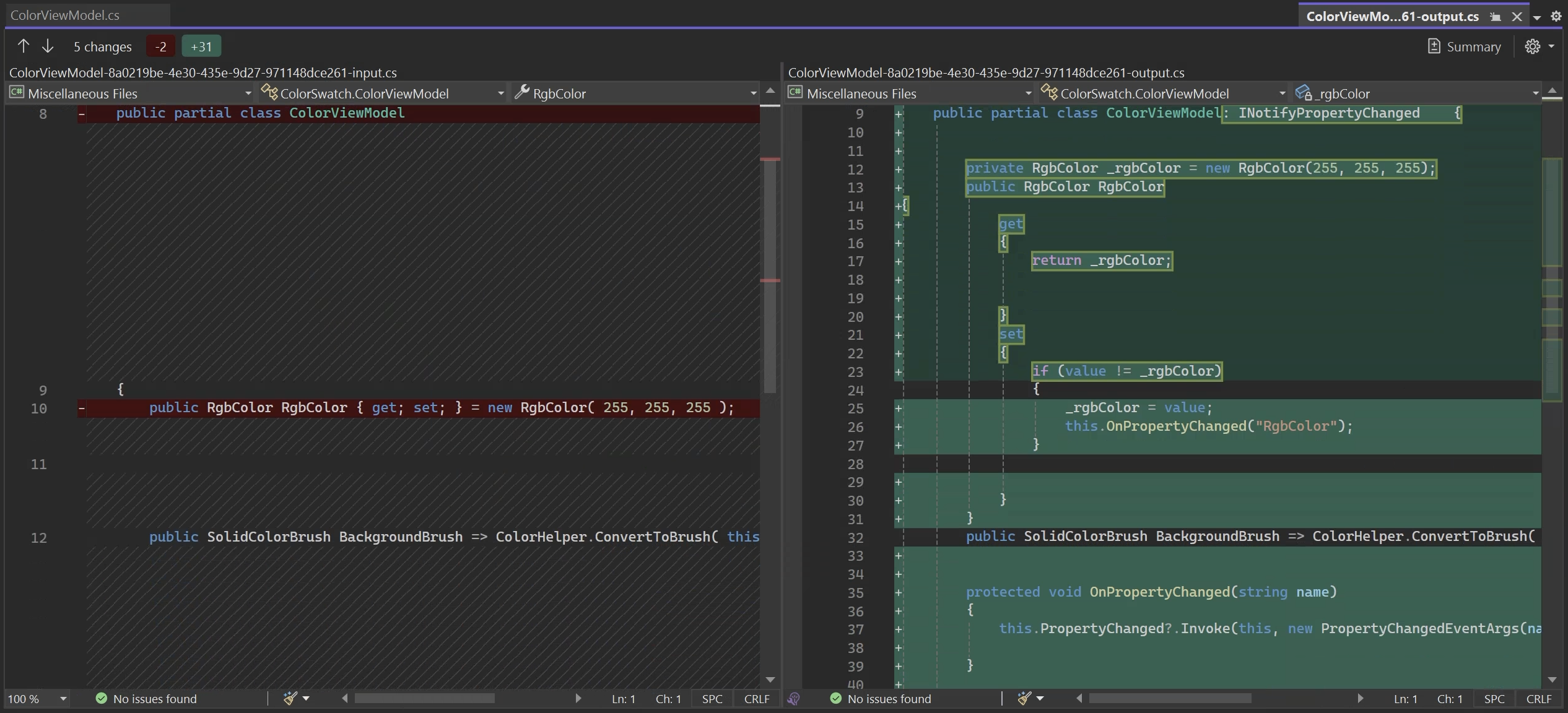
If you run the application with this aspect, you'll see that the _Brighter_ and _Darker_ buttons work and that the RGB values in the text boxes are correctly updated.
However, the background color is not updated. Why? Because our aspect does not have any logic to handle _dependent properties_. Specifically, it does not notify a change of `Hex` when `Red`, `Green`, or `Blue` is modified. Also, there's nothing to notify a change to the `ColorViewModel.BackgroundBrush` property when the `RgbColor.Hex` property it depends on is modified.
## Approach 2: Using Metalama.Patterns.Observable
As you can now imagine, you can totally use Metalama to automate the implementation of a pattern like `INotifyPropertyChanged`. However, going beyond the trivial case of automatic properties is not so simple. That's why our team built the `[Observable]` aspect from the open-source `Metalama.Patterns.Observable` package, which supports most imaginable scenarios.
The `[Observable]` aspect is one of the [many](https://www.postsharp.net/metalama/marketplace) open-source, production-ready aspects provided by Metalama. This particular pattern is a (much) more advanced and enhanced version of the `NotifyPropertyChangedAttribute` aspect that we developed here above.
This pattern is designed to automatically identify properties that rely on others and send out change notifications for them. This means you don't have to manually trigger the `PropertyChanged` event for these dependent properties, as the aspect takes care of that for you.
To use it in our example app, we just need to apply the `Observable` attribute to our `ColorViewModel` class (instead of the `NotifyPropertyChangedAttribute` attribute):
1. Add the `Metalama.Patterns.Observability` package to your project.
2. Add the `[Observable]` custom attribute to your class.
```csharp
using Metalama.Patterns.Observability;
[Observable]
public partial class ColorViewModel
{
// ...
}
```
The `[Observable]` aspect now analyzes your source code and automatically adds just what's needed to implement change notification in your objects.
### Supported Scenarios
The `Metalama.Patterns.Observability` package supports a variety of common scenarios that go beyond the usual automatic properties.
* **Automatic properties**
Starting with the obvious, the automatic property `Red` will be converted to a property with a backing field, and the `OnPropertyChanged` method will be called when the property is set. The same will happen with the `Green` and `Blue` properties.
```csharp
public int Red { get; set; }
```
* **Explicitly-implemented properties referencing other fields and properties**
In this scenario, the aspect will examine how the `Hex` property depends on other properties (such as `Red`, `Green`, and `Blue`) and will trigger the `PropertyChanged` event for `Hex` whenever any of these dependent properties are modified. The dependency to `Hex` is automatically detected, so you can clear that from the back of your head.
```csharp
public string Hex => $"#{this.Red:x2}{this.Green:x2}{this.Blue:x2}";
```
* **Child objects (properties of properties)**
When a property’s getter accesses the property of another object (a *child object* like `RgbColor`), the `[Observable]` aspect automatically creates a `SubscribeTo` method for that property. This method listens for the child object’s `PropertyChanged` event, ensuring that any changes in the child are detected and handled properly. Thus, the `BackgroundBrush` property will be updated whenever the `RgbColor.Hex` property changes. Please refer to the [documentation](https://doc.metalama.net/patterns/observability/standard-cases) to see the code generation pattern in action.
```csharp
public SolidColorBrush BackgroundBrush => ColorHelper.ConvertToBrush(this.RgbColor.Hex);
```
* **Derived types**
If you have a base class with the `[Observable]` attribute, any derived classes will automatically inherit the same behavior. This means you can extend the functionality of your classes without worrying about breaking the change notification system.
For instance, in the following snippet, the `HexWithAlpha` property depends on properties of the base type.
```csharp
public class TransparentRgbColor : RgbColor
{
public TransparentRgbColor(int red, int green, int blue, double alpha)
: base(red, green, blue) // Call the base class constructor
{
this.Alpha = alpha;
}
public double Alpha { get; set; }
public string HexWithAlpha => $"{Hex}{((byte)(Alpha * 255)):x2}";
}
```
The aspect will automatically override the `OnPropertyChanged` method if a method of the derived type depends on a property of the base type.
## Is Metalama's [Observable] really better?
Using Metalama's `[Observable]` aspect offers many benefits compared to implementing `INotifyPropertyChanged` by hand or using alternative code generation solutions:
### Boilerplate code elimination
Our experience shows that the vast majority of the repetitive code supporting `INotifyPropertyChanged` can be avoided thanks to the `[Observable]` aspect. The result: simpler, cleaner code that is easier to read, maintain, and debug.
While other solutions exist to generate the `INotifyPropertyChanged` boilerplate, they don't cover as many scenarios, so while you can avoid _some_ boilerplate, you still have some hand work to do.
### Safety from human errors
One of the key benefits of using the Observable aspect is its ability to prevent human errors. You no longer need to remember to manually raise notifications; the Observable aspect automatically handles property change notifications. This eliminates frustrating bugs where the UI fails to update or dependent logic doesn't respond to data changes.
The Observable aspect provides clear warnings when it encounters unsupported situations. These warnings help you identify potential issues in your code and offer suggestions on how to resolve or ignore them. By alerting you to potential problems, the Observable pattern helps you maintain the integrity of your codebase and avoid common pitfalls that could lead to bugs or inconsistencies.
For example, let's say we add a property to our `RgbColor` class to convert an `RgbColor` to a grayscale color.
```cs
public RgbColor Grayscale => ColorHelper.RgbToGrayscale(this);
```
And we add a static method to the `ColorHelper` class to convert a color to grayscale.
```csharp
public static RgbColor RgbToGrayscale(RgbColor color)
{
// Calculate the grayscale value using the luminance formula
var grayValue = (int)(color.Red * 0.299 + color.Green * 0.587 + color.Blue * 0.114);
// Ensure the grayscale value is clamped between 0 and 255
grayValue = Math.Clamp(grayValue, 0, 255);
return new RgbColor(grayValue, grayValue, grayValue); // Return the grayscale RGB
}
```
After compiling the code, .NET will issue a warning to inform you that the `RgbToGrayscale` method cannot be analyzed and provide clear suggestions on how to resolve the issue.

Here, Metalama complains because a method of a separate class is called, and this method has non-immutable arguments. This method may (and indeed does) reference some mutable properties of the parameter, but the Observable aspect does not know it. The right solution in our case is to refactor `RgbToGrayscale` to accept the color components as three separate but immutable values. It may seem complex, but without that warning, you would probably have a very hard-to-find bug in your code.
### Idiomatic source code
Some alternative technologies purely based on Roslyn generators (I'm looking at you, Microsoft's MVVM Community Toolkit) force you to write _fields_ by hand and generate properties. They take this approach because, unlike Metalama, they can only generate code _besides_ hand-written code rather than _into_ it. This approach works _against_ your code.
Metalama works _with_ your code. Your .NET code still looks like .NET code. This ensures that your code will be intuitive to other developers familiar with .NET.
## Summary
In this article, we've shown you how to use Metalama to implement the `INotifyPropertyChanged` interface with minimal manual effort. We've explored two approaches: building our own aspect and using the `[Observable]` aspect provided by Metalama. The `[Observable]` aspect is a more advanced and enhanced version of the `NotifyPropertyChanged` aspect, offering additional features such as automatic handling of dependent properties and child objects. By automating the implementation of `INotifyPropertyChanged`, Metalama helps reduce boilerplate code through code generation and prevent human errors through code analysis and warnings.
---
# Implementing the Builder pattern with Metalama
> This article shows how to implement the Builder pattern automatically with Metalama. It starts discussing the implementation strategy, then comments the source code of the aspect.
Published: 2024-10-07 · Author: Metalama Team · Canonical: https://postsharp.net/blog/builder-pattern-with-metalama
The popularity of _immutable_ objects has made the Builder pattern one of the most important in C#. However, implementing the Builder pattern by hand is a tedious and repetitive task. Because it is repetitive, it can be automated using a Metalama aspect. We will start with the implementation strategy, then walk through the source code of the aspect.
## Components of the Builder pattern
As with any pattern automation, the very first step is to describe how we would implement the process _by hand_. It's a good practice to start with a few code snippets _before_ transformation and to handwrite the code we want to generate. Once we think we have covered all the cases we can identify, we can reason about how to turn this into an algorithm.
### Features
A proper implementation of the Builder pattern should include the following features:
* A `Builder` constructor accepting all required properties.
* A writable property in the `Builder` type corresponding to each property of the build type. For properties returning an immutable collection, the property of the `Builder` type should be read-only but return the corresponding _mutable_ collection type.
* A `Builder.Build` method returning the built immutable object.
* The ability to call an optional `Validate` method when an object is built.
* In the source type, a `ToBuilder` method returning a `Builder` initialized with the current values.
### Examples
Let's start with a simple example:
```c#
[GenerateBuilder]
public partial class Song
{
[Required] public string Artist { get; }
[Required] public string Title { get; }
public TimeSpan? Duration { get; }
public string Genre { get; } = "General";
}
```
We want the `[GenerateBuilder]` aspect to generate the following code:
```c#
public partial class Song
{
private Song(string artist, string title, TimeSpan? duration, string genre)
{
Artist = artist;
Title = title;
Duration = duration;
Genre = genre;
}
public Builder ToBuilder() => new Builder(this);
public class Builder
{
// Public constructor.
public Builder(string artist, string title)
{
Artist = artist;
Title = title;
}
// Copy constructor.
internal Builder(Song source)
{
Artist = source.Artist;
Title = source.Title;
Duration = source.Duration;
Genre = source.Genre;
}
public string Artist { get; set; }
public TimeSpan? Duration { get; set; }
public string Genre { get; set; } = "General";
public string Title { get; set; }
public Song Build()
{
var instance = new Song(Artist, Title, Duration, Genre)!;
return instance;
}
}
}
```
By the end of this article, we will be able to generate this code automatically on-the-fly during the build.
Here are some use cases for this code:
```csharp
// Use case 1. Create from scratch.
var songBuilder = new Song.Builder( "Joseph Kabasele", "Indépendance Cha Cha" );
songBuilder.Genre = "Congolese rumba";
var song = songBuilder.Build();
// Use case 2. Create builder from existing object.
var songBuilder2 = song.ToBuilder();
songBuilder2.Duration = new TimeSpan(0, 3, 5);
var song2 = songBuilder.Build();
```
### Implementation steps
Our `[GenerateBuilder]` aspect will need to perform the following steps:
- Introduce a nested class named `Builder` with the following members:
- A _copy constructor_ initializing the `Builder` class from an instance of the source class.
- A _public constructor_ for users of our class, accepting values for all required properties.
- A writable property for each property of the source type.
- A `Build` method that instantiates the source type with the values set in the `Builder`, calling the `Validate` method if present.
- Add the following members to the source type:
- A private constructor called by the `Builder.Build` method.
- A `ToBuilder` method returning a new `Builder` initialized with the current instance.
## Implementing the Builder pattern
In this article, I will only outline the major steps of the implementation. For a detailed implementation, see the [Builder pattern example](https://doc.metalama.net/examples/builder) in the reference documentation.
### Step 1. Create a Metalama aspect
The first step is to add the `Metalama.Framework` package to your project:
```xml
```
Then, create an aspect class:
```csharp
public partial class GenerateBuilderAttribute : TypeAspect
```
The `TypeAspect` class is an abstract base class for aspects that can be applied to types.
### Step 2. Define some infrastructure
Before adding anything to the aspect, we need a data structure to store references to the declarations we generate. The `PropertyMapping` type maps a property of the source code to its corresponding property in the `Builder` type and in constructor parameters.
```csharp
[CompileTime]
private record Tags(
INamedType SourceType,
IReadOnlyList Properties,
IConstructor SourceConstructor,
IConstructor BuilderCopyConstructor );
[CompileTime]
private class PropertyMapping
{
public PropertyMapping( IProperty sourceProperty, bool isRequired )
{
this.SourceProperty = sourceProperty;
this.IsRequired = isRequired;
}
public IProperty SourceProperty { get; }
public bool IsRequired { get; }
public IProperty? BuilderProperty { get; set; }
public int? SourceConstructorParameterIndex { get; set; }
public int? BuilderConstructorParameterIndex { get; set; }
}
```
Note that we added the `[CompileTime]` attribute to these classes because they need to be accessible at _compile time_ by the aspect.
The full source code of examples in this article is available on [GitHub](https://github.com/metalama/Metalama.Samples/tree/HEAD/src/builder/builder-1).
### Step 3. Identify the properties to be mapped
We can now start implementing the aspect. Its entry point is the `BuildAspect` method. The first thing we do is create a list of properties.
```csharp
public override void BuildAspect( IAspectBuilder builder )
{
base.BuildAspect( builder );
var sourceType = builder.Target;
// Create a list of PropertyMapping items for all properties that we want to build using the Builder.
var properties = sourceType.Properties.Where( p => p.Writeability != Writeability.None &&
!p.IsStatic )
.Select( p => new PropertyMapping(
p,
p.Attributes.OfAttributeType( typeof(RequiredAttribute) ).Any() ) )
.ToList();
```
### Step 4. Introduce the Builder type and its properties
Let's create a nested type using the `IntroduceClass` method:
```csharp
// Introduce the Builder nested type.
var builderType = builder.IntroduceClass(
"Builder",
buildType: t => t.Accessibility = Accessibility.Public );
```
Now we can add properties to our new `Builder` type:
```csharp
// Add builder properties and update the mapping.
foreach ( var property in properties )
{
property.BuilderProperty =
builderType.IntroduceAutomaticProperty(
property.SourceProperty.Name,
property.SourceProperty.Type,
buildProperty: p =>
{
p.Accessibility = Accessibility.Public;
p.InitializerExpression = property.SourceProperty.InitializerExpression;
} )
.Declaration;
}
```
### Step 5. Creating the Builder public constructor
Our next task is to create the public constructor of the `Builder` nested type, which should have parameters for all required properties. Let's add this code to the `BuildAspect` method:
```csharp
// Add a builder constructor accepting the required properties and update the mapping.
builderType.IntroduceConstructor(
nameof(this.BuilderConstructorTemplate),
buildConstructor: c =>
{
c.Accessibility = Accessibility.Public;
foreach ( var property in properties.Where( m => m.IsRequired ) )
{
var parameter = c.AddParameter(
NameHelper.ToParameterName( property.SourceProperty.Name ),
property.SourceProperty.Type );
property.BuilderConstructorParameterIndex = parameter.Index;
}
} );
```
Here is `BuilderConstructorTemplate`, the template for this constructor. You can see how we use the `Tags` and `PropertyMapping` objects. This code iterates through required properties and assigns a property of the `Builder` type to the value of the corresponding constructor parameter.
```csharp
[Template]
private void BuilderConstructorTemplate()
{
var tags = (Tags) meta.Tags.Source!;
foreach ( var property in tags.Properties.Where( p => p.IsRequired ) )
{
property.BuilderProperty!.Value =
meta.Target.Parameters[property.BuilderConstructorParameterIndex!.Value].Value;
}
}
```
### Step 6. Adding a constructor to the source type
Before we implement the `Build` method, we must implement the constructor in the source type. This code snippet from the `BuildAspect` method creates the constructor and its parameters:
```csharp
// Add a constructor to the source type with all properties.
var sourceConstructor = builder.IntroduceConstructor(
nameof(this.SourceConstructorTemplate),
buildConstructor: c =>
{
c.Accessibility = Accessibility.Private;
foreach ( var property in properties )
{
var parameter = c.AddParameter(
NameHelper.ToParameterName( property.SourceProperty.Name ),
property.SourceProperty.Type );
property.SourceConstructorParameterIndex = parameter.Index;
}
} )
.Declaration;
```
The template for this constructor is `SourceConstructorTemplate`. It simply assigns properties based on constructor parameters.
```csharp
[Template]
private void SourceConstructorTemplate()
{
var tags = (Tags) meta.Tags.Source!;
foreach ( var property in tags.Properties )
{
property.SourceProperty.Value =
meta.Target.Parameters[property.SourceConstructorParameterIndex!.Value].Value;
}
}
```
### Step 7. Implementing the Build method
The `Build` method of the `Builder` type is responsible for creating an instance of the source (immutable) type from the values of the `Builder`.
```csharp
// Add a Build method to the builder.
builderType.IntroduceMethod(
nameof(this.BuildMethodTemplate),
IntroductionScope.Instance,
buildMethod: m =>
{
m.Name = "Build";
m.Accessibility = Accessibility.Public;
m.ReturnType = sourceType;
} );
```
The T# template for the `Build` method first invokes the newly introduced constructor, then tries to find and call the optional `Validate` method before returning the new instance of the source type.
```csharp
[Template]
private dynamic BuildMethodTemplate()
{
var tags = (Tags) meta.Tags.Source!;
// Build the object.
var instance = tags.SourceConstructor.Invoke( tags.Properties.Select( x => x.BuilderProperty! ) )!;
// Find and invoke the Validate method, if any.
var validateMethod = tags.SourceType.AllMethods.OfName( "Validate" )
.SingleOrDefault( m => m.Parameters.Count == 0 );
if ( validateMethod != null )
{
validateMethod.WithObject( (IExpression) instance ).Invoke();
}
// Return the object.
return instance;
}
```
### Next implementation steps
I hope the previous steps gave you an idea of how Metalama works. Automating the implementation of the Builder pattern requires a few more steps, all covered in the [Builder pattern example](https://doc.metalama.net/examples/builder):
* Generating the `ToBuilder` method
* Coping with base and derived types
* Handling collection types
## Is it worth it?
As you can see, even with Metalama, automating the Builder pattern is not completely trivial. So, is it worth it?
It depends on how often the aspect will be used in your application. Typically, if an aspect is used fewer than a dozen times, automation may not be worthwhile. However, if you're planning a large project with dozens or even hundreds of classes that would benefit from the builder pattern, then automating it is definitely worth the effort.
Remember, every project will have slightly different requirements for implementing the Builder pattern. To save time, start with the [Builder pattern example](https://doc.metalama.net/examples/builder), understand its principles, and customize it to your needs.
The benefit of automating the pattern implementation as an aspect is that when you want to change the pattern, you only have to edit a _single_ class: the aspect.
## Wrapping up
The Builder pattern has become one of the most important patterns in modern .NET, thanks to its focus on immutability. With the Builder pattern, you get the convenience of mutability during the configuration stage of a component, coupled with the safety and simplicity of immutability after the component has been built.
Implementing the Builder pattern traditionally involves a lot of boilerplate code. Fortunately, tools like Metalama make it easier to automate its implementation.
---
# Metalama Status Update, September 2024
> We're implementing .NET 9 and C# 13 in PostSharp and Metalama 2025.0, with a preview coming soon, plus highlights from our code-quality talk at JetBrains Online Days.
Published: 2024-09-30 · Author: Gaël Fraiteur · Canonical: https://postsharp.net/blog/metalama-status-update-2024-09
Autumn is here, and with it comes work on the new .NET and C# versions. We've made good progress on PostSharp and Metalama 2025.0 and will release a preview soon. On the community side, we've had the honor of discussing code quality at JetBrains Online Days, showcasing how Metalama and Qodana can work together to verify the architectural soundness of your codebase.
## Work on .NET 9.0 and C# 13
As is tradition in the .NET community, Microsoft released the first RC of .NET 9.0, and we immediately started implementing it in PostSharp 2025.0 and Metalama 2025.0.
As I write these lines, the build of the first preview of PostSharp 2025.0 is in progress and should be out soon. It fixes most known issues with .NET 9.0 and C# 13.
For Metalama, we are still working on the first preview. The most significant improvement is that interceptors will now be supported. Code generators will run _after_ Metalama to ensure consistency between design time and compile-time experiences.
## Updates and bug fixes
We updated Metalama 2024.1 and 2024.2 to Roslyn 4.11.
In addition, we continued fixing design time bugs in 2024.2. See the [change log](https://github.com/orgs/metalama/discussions/364) for details.
## JetBrains Online Days 2024
I was honored and delighted to speak at the JetBrains Online Days on September 25th with a new talk: *Overcoming Broken Window Syndrome: Code Verification Techniques for .NET Developers*. In the first chapter, I covered five different approaches to architecture verification, including `Metalama.Extensions.Architecture`. In the second part, acknowledging that the _zero warning_ strategy is not always realistic, I discussed strategies to cope with thousands of warnings and briefly showed how to implement them using [Qodana](https://www.jetbrains.com/qodana/) from JetBrains.
You can watch the recording here:
## New and updated examples
The [Commented Examples](https://doc.metalama.net/examples) section of the Metalama documentation has received some updates. The following articles have been added or improved:
* [Ignoring specific values](https://doc.metalama.net/examples/validation/ignore-values) in property setters
* [String normalization](https://doc.metalama.net/examples/validation/string-normalization), like trimming, uppercasing, or UTF normalization
* [ToString](https://doc.metalama.net/examples/tostring) generation
* [Enum View-Model](https://doc.metalama.net/examples/enum-viewmodel), generating a XAML-friendly view-model class for flags or non-flags enums
## The Timeless .NET Engineer Blog
We published one article in our _Timeless .NET Engineer_ blog:
As every year, we are spending most of Autumn working on .NET 9.0 and C# 13. We are just about to publish the first preview of PostSharp 2025.0, and Metalama 2025.0 will follow soon. Our objective is to have an RC of both products within days after Microsoft announces the general availability of .NET 9, and to publish both PostSharp and Metalama 2025.0 in the first week of January 2025.
Happy meta-programming!
-gael
---
# Serilog Log Levels: When and How to Use Them
> This describes a few best practices to use different log levels with Serilog. We also discuss how to configure the minimal level in Serilog.
Published: 2024-09-04 · Author: Metalama Team · Canonical: https://postsharp.net/blog/serilog-log-levels
Serilog has different logging levels, ranging from verbose to fatal. In this article, we describe a few best practices to log records of different severities. We also discuss how to configure Serilog to filter logs by minimum level.
## What are the log levels in Serilog?
When using logging, it is very useful to be able to specify the importance of a log message. This has been recognized at least since the 1980s, when the Unix-based [Syslog](https://en.wikipedia.org/wiki/Syslog) standard used 8 logging levels of severity for its messages.
Modern logging frameworks follow the same principle, and while they mostly seem to have settled on 6 levels of severity with comparable meanings, the actual names of these levels can vary. This also applies to the two frameworks that are relevant when using Serilog in a modern .NET application: Serilog itself and Microsoft.Extensions.Logging.
The following table shows the mapping between the log levels of Serilog, `Microsoft.Extensions.Logging`, and the original Syslog:
| Serilog.Events.LogEventLevel | Microsoft.Extensions.Logging.LogLevel | Syslog's severity level |
|-------------------------|-----------------------------------------|-----------------------|
| Verbose | Trace | |
| Debug | Debug | Debug |
| Information | Information | Informational |
| | | Notice |
| Warning | Warning | Warning |
| Error | Error | Error |
| Fatal | Critical | Critical |
| | | Alert |
| | | Emergency |
## When to use which log level?
The choice of log level depends on how important a message is and what is the chance that it will be useful in the future. Here are some guidelines:
| LogEventLevel | When to use it |
|---|---|
| **Fatal** | A very serious error has happened, causing the whole application or system to crash. |
| **Error** | A single operation (like processing an HTTP request) has failed. |
| **Warning** | Something unexpected has happened, but the application can still continue. |
| **Information** | A major step in the application has started or completed. This is useful for tracking the progress of the application. |
| **Debug** | Detailed information about the internal workings of an application that is useful when debugging. For instance, log a debug record when a key decision was made in the processing of a request, or when a minor step in the application has started or completed. |
| **Verbose** | Even more detailed information, potentially logging every single thing that happens. |
## How to set the log level of a message
When logging, the logging level is usually specified by choosing which method you call.
If you're writing your error messages directly using the `Serilog.Log` namespace, it could look like this:
```csharp
Log.Information( "Rolling a {sides}-sided die.", sides );
```
If you're using the `Microsoft.Extensions.Logging` API to emit your log records, it could look like this:
```csharp
this._logger.LogInformation( "Rolling a {sides}-sided die.", sides );
```
The full source code of examples in this article is available on [GitHub](https://github.com/postsharp/TimelessDotNetEngineer/tree/main/src/logging/serilog-log-levels).
There are methods corresponding to each log level, with obvious names. In both cases, it is also possible to specify the log level as an argument, though that's generally only useful when you're building some kind of abstraction on top of the logging framework:
```csharp
this._logger.Log( LogLevel.Information, "Rolling a {sides}-sided die.", sides ); // Microsoft.Extensions.Logging API
Log.Write( LogEventLevel.Information, "Rolling a {sides}-sided die.", sides ); // Serilog API
```
Another case is when using the `Microsoft.Extensions.Logging` source generator, where you specify the log level on the `[LoggerMessage]` attribute:
```csharp
[LoggerMessage( LogLevel.Information, "Rolling a {sides}-sided die." )]
private partial void LogRollingDie( int sides );
```
```csharp
this.LogRollingDie( sides );
```
## How to filter log messages by minimum level
When configuring Serilog, it is possible to filter log messages by their `LogLevel`. This can be done by specifying the `MinimumLevel` when creating a configuration (by default, the minimum level is set to `Information`). You can also change the minimum level dynamically by using a `LoggingLevelSwitch`, or override the minimum level for a specific namespace prefix.
Another option is to restrict a specific sink to a certain log level by specifying the `restrictedToMinimumLevel` parameter when adding the sink.
A configuration that uses all these options would look something like this:
```csharp
var acmeLogLevelSwitch = new LoggingLevelSwitch();
acmeLogLevelSwitch.MinimumLevel = LogEventLevel.Information;
Log.Logger = new LoggerConfiguration()
.MinimumLevel.Debug()
.MinimumLevel.Override( "Microsoft", LogEventLevel.Warning )
.MinimumLevel.Override( "Acme", acmeLogLevelSwitch )
.WriteTo.File( "log.txt" )
.WriteTo.Console( restrictedToMinimumLevel: LogEventLevel.Information )
.CreateLogger();
```
You can also read Serilog configuration from other sources, like `Microsoft.Extensions.Configuration`, which is usually stored in `appsettings.json`.
Using that approach, the code would look like this:
```csharp
var configuration = new ConfigurationBuilder()
.AddJsonFile( "appsettings.json" )
.Build();
Log.Logger = new LoggerConfiguration()
.ReadFrom.Configuration( configuration )
.CreateLogger();
```
A comparable configuration file would then look like this:
```json
{
"Serilog": {
"MinimumLevel": {
"Default": "Debug",
"Override": {
"Microsoft": "Warning"
}
},
"WriteTo": [
{
"Name": "File",
"Args": { "path": "log.txt" }
},
{
"Name": "Console",
"Args": { "restrictedToMinimumLevel": "Information" }
}
]
}
}
```
## Error level: logging exceptions
### Logging uncaught exceptions in ASP.NET Core
A common situation that justifies the `Error` log level in an ASP.NET Core app is an uncaught exception when processing a request. (Since this doesn't crash the whole application, it shouldn't be considered `Fatal`.)
Such exceptions are automatically logged either by `DeveloperExceptionPageMiddleware`, which is enabled by default in the `Development` environment, or by `ExceptionHandlerMiddleware`, which is commonly used in the `Production` environment and is enabled by calling `app.UseExceptionHandler()` in your startup code. (If no such middleware is enabled, the exception will still be logged by the Kestrel server.)
Both of these middlewares allow customization of how exactly the exceptions are handled, which can include logging additional information about the exception.
### Enriching exceptions with parameter values
When logging an exception, it can be useful to understand what the values of the parameters were at the time the exception was thrown. .NET doesn't have a built-in way to do this, which is where [Metalama](https://postsharp.net/metalama) comes in. Metalama is a free and open-source tool that allows you to modify the code of your methods en masse, which can be used exactly for this purpose. It does it _on the fly_ during compilation, so your source code remains clean and succinct.
We do this by creating a class that inherits from `OverrideMethodAspect`, which lets us modify the behavior of a method. In this case, we want to attach information about the parameters to any exceptions thrown by the body of the method:
```csharp
public class EnrichExceptionAttribute : OverrideMethodAspect
{
public override dynamic? OverrideMethod()
{
try
{
return meta.Proceed();
}
catch ( Exception e )
{
// Compile-time code: create an interpolated string containing the method name and its arguments.
var methodSignatureBuilder = new InterpolatedStringBuilder();
methodSignatureBuilder.AddText( meta.Target.Type.ToString() );
methodSignatureBuilder.AddText( "." );
methodSignatureBuilder.AddText( meta.Target.Method.Name );
methodSignatureBuilder.AddText( "(" );
foreach ( var p in meta.Target.Parameters )
{
if ( p.Index > 0 )
{
methodSignatureBuilder.AddText( ", " );
}
methodSignatureBuilder.AddExpression( p.Value );
}
methodSignatureBuilder.AddText( ")" );
e.AppendContextFrame( (string) methodSignatureBuilder.ToValue() );
throw;
}
}
}
```
How to actually attach extra information to the exception? We can use the [Exception.Data](https://docs.microsoft.com/en-us/dotnet/api/system.exception.data) property for that:
```csharp
public static class EnrichExceptionHelper
{
private const string _slotName = "MetalamaEnrichExceptionContext";
[ExcludeAspect( typeof(EnrichExceptionAttribute) )]
public static void AppendContextFrame( this Exception e, string frame )
{
// Get or create a StringBuilder for the exception where we will add additional context data.
var stringBuilder = (StringBuilder?) e.Data[_slotName];
if ( stringBuilder == null )
{
stringBuilder = new StringBuilder();
e.Data[_slotName] = stringBuilder;
}
// Add current context information to the string builder.
stringBuilder.AppendLine( frame );
}
public static string? GetContextInfo( this Exception e )
=> ((StringBuilder?) e.Data[_slotName])?.ToString();
}
```
Now you can apply the aspect class as an attribute to methods where capturing parameter values in exceptions is important (this is free), or you can apply the aspect to many or all methods in your application at once using a fabric (this is a paid feature):
```csharp
public class Fabric : ProjectFabric
{
public override void AmendProject( IProjectAmender amender )
{
amender.Outbound
.SelectMany( p => p.Types )
.SelectMany( t => t.Methods )
.AddAspectIfEligible();
}
}
```
Finally, in an ASP.NET Core app, you can use the `ExceptionHandlerMiddleware` to log the additional information about the exception (by default, this won't work in the `Development` environment, since it doesn't use `ExceptionHandlerMiddleware`):
```csharp
public class EnchrichedExceptionLoggingHandler( ILogger logger ) : IExceptionHandler
{
public ValueTask TryHandleAsync(
HttpContext httpContext, Exception exception, CancellationToken cancellationToken )
{
if ( exception.GetContextInfo() is { } contextInfo )
{
logger.LogError( "{contextInfo}", contextInfo );
}
// Never say that we handled the exception.
return ValueTask.FromResult( false );
}
}
```
```csharp
builder.Services.AddExceptionHandler();
```
Using this, when an exception occurs inside a controller, we will also see information about the parameter values in the log, for example:
```
[15:06:12 ERR] An unhandled exception has occurred while executing the request.
...
[15:06:12 ERR] DieRollerController.GetShapeName(1)
DieRollerController.Index(1)
```
## Info level: Logging HTTP requests
In a web app, one of the most typical things you would log with info level is the beginning and the end of an HTTP request. You have several options.
### Microsoft.AspNetCore.Hosting
The first one is basic logging performed by `Microsoft.AspNetCore.Hosting`, which looks like this:
```
[15:42:18 INF] Request starting HTTP/1.1 GET http://localhost:5004/DieRoller - null null
[15:42:18 INF] Request finished HTTP/1.1 GET http://localhost:5004/DieRoller - 200 null text/plain; charset=utf-8 40.5249ms
```
As you can see, this log manages to be quite verbose, while not providing much information. It's also not customizable.
### Serilog request logging middleware
A better option might be to use [Serilog request logging middleware](https://github.com/serilog/serilog-aspnetcore#request-logging), which is enabled and configured by calling `app.UseSerilogRequestLogging()` in your startup code. Its default output looks like this:
```
[15:49:23 INF] HTTP GET /DieRoller responded 200 in 39.1169 ms
```
It can also be configured to include extra information about the request and response or have its log level changed.
### ASP.NET Core HTTP logging middleware
Another option, which provides much more information by default, is [the ASP.NET Core HTTP logging middleware](https://learn.microsoft.com/en-us/aspnet/core/fundamentals/http-logging). It can be enabled like this:
```csharp
builder.Services.AddHttpLogging( _ => { } );
```
```csharp
app.UseHttpLogging();
```
The default output of this middleware looks like this:
```
[16:00:33 INF] Request:
Protocol: HTTP/1.1
Method: GET
Scheme: http
PathBase:
Path: /DieRoller
Accept: text/html,application/xhtml+xml,application/xml;q=0.9,image/avif,image/webp,image/apng,*/*;q=0.8,application/signed-exchange;v=b3;q=0.7
Connection: keep-alive
Host: localhost:5004
User-Agent: Mozilla/5.0 (Windows NT 10.0; Win64; x64) AppleWebKit/537.36 (KHTML, like Gecko) Chrome/126.0.0.0 Safari/537.36 Edg/126.0.0.0
Accept-Encoding: gzip, deflate, br, zstd
Accept-Language: en-US,en;q=0.9
Cache-Control: max-age=0
Cookie: [Redacted]
Upgrade-Insecure-Requests: [Redacted]
sec-ch-ua: [Redacted]
sec-ch-ua-mobile: [Redacted]
sec-ch-ua-platform: [Redacted]
Sec-Fetch-Site: [Redacted]
Sec-Fetch-Mode: [Redacted]
Sec-Fetch-User: [Redacted]
Sec-Fetch-Dest: [Redacted]
[16:00:33 INF] Response:
StatusCode: 200
Content-Type: text/plain; charset=utf-8
Date: Wed, 17 Jul 2024 14:00:33 GMT
Server: Kestrel
Transfer-Encoding: chunked
```
As you can see, it provides a lot of information about the request and response, primarily their headers. This can be configured to log the start of the request and response bodies, log particular headers, or combine all this information into a single log message. (Though the log level can't be changed and is always `Information`.)
## Verbose level: logging every method execution
At the highest level of logging verbosity, you might want to consider logging every single method in your code, or every non-private method, including its arguments.
It's important to understand that verbose logging should never be enabled by default -- probably not even in your debug build. However, it's good to have a high level of logging built into your application so that, when a problem arises in production, you can gather more detailed logs without redeploying your app -- just by changing a configuration file. This is even more important when the app runs on your customers' devices and not yours, since you might want to collect logs only for a specific customer.
This scenario is why you should always use a specific instance of the logger class for each type in your application. This will allow you to enable and disable logging for each namespace or type by using the `Override` node of the `appsettings.json` configuration file (see above).
For instance, the following configuration logs only warnings and errors by default, but verbose logging is enabled for `My.Problematic.Namespace`.
```json
{
"Serilog": {
"MinimumLevel": {
"Default": "Warning",
"Override": {
"My.Problematic.Namespace": "Verbose"
}
}
}
}
```
In verbose logging, configuration is the easy part. It's much more cumbersome to implement the logging code in every single method you want to instrument, at least if you plan to do it manually.
When implementing verbose logging, it is critical to avoid degrading performance when logging is disabled for this type. For instance, the following code allocates memory every time the Get method is called, even when logging is disabled:
```cs
public IEnumerable Get( int days = 5 )
{
// Don't do this!
this._logger.LogTrace( "WeatherForecastController.Get(days: {days}) started.", days );
// ...
}
```
In highly-used parts of your app, you should use this code instead:
```cs
public IEnumerable Get( int days = 5 )
{
// Do this instead.
if ( this._logger.IsEnabled( LogLevel.Trace ) )
{
this._logger.LogTrace( "WeatherForecastController.Get(days: {days}) started.", days );
}
// ...
}
```
You probably don't want to repeat this code all over your codebase. It's not only work-intensive (and boring) to write, but what if you later decide to modify your code generation pattern? Will you modify the thousands of methods where you _already_ implemented the patterns... wrongly?
Hopefully, a few frameworks allow you to generate this code automatically during compilation. One of them is Metalama, the free and open-source meta-programming framework we already mentioned above.
In the [previous article in this series](https://postsharp.net/blog/serilog-aspnetcore#adding-logging-to-all-your-code), we showed how to create a code pattern named an _aspect_, which generates verbose logging for all methods to which you apply the aspect. You can customize the aspect code to your needs. Once the aspect is written, you can apply it to all methods using a fabric as we've already demonstrated with the `EnrichExceptionAttribute` aspect.
If you're a DIY diehard, consider using at least [this string interpolation approach to logging](https://postsharp.net/blog/structured-logging-with-string-interpolation), which is both compact and high-performance.
## Conclusion
In this article, we reviewed the different logging levels in Serilog. We described how to configure them programmatically using the `LoggerConfiguration` API or using the `appsettings.json` configuration file. We also demonstrated techniques to log events of different verbosities -- exceptions, HTTP requests, and method executions.
---
# Metalama Status Update, July-August 2024
> On the last day of July, we announced the GA of Metalama 2024.2, shipping some long-awaited features. In August, we mostly focused on bug fixes and minor features, all released in the 2024.2 branch. The most significant addition is the ability to decouple aspects from attributes.
Published: 2024-08-30 · Author: Gaël Fraiteur · Canonical: https://postsharp.net/blog/metalama-status-update-2024-08
I hope those of you in the Northern Hemisphere had a wonderful and restful summer! Despite the annual slowdown, our development team didn't stay idle. On the last day of July, we announced the GA of Metalama 2024.2, shipping some long-awaited features. In August, we mostly focused on bug fixes and minor features, all released in the 2024.2 branch.
## Metalama 2024.2 GA
We released the [first stable build of Metalama 2024.2](https://postsharp.net/blog/metalama-2024-2-ga) on July 29th. This release introduces the most-requested feature: the ability to generate new classes (previously, you could only introduce new members into existing classes). We also added new ready-made aspects. Here's a summary of the new features:
* New code generation abilities:
* [Generate new types](https://doc.metalama.net/conceptual/aspects/advising/introducing-types)
* [Introduce](https://doc.metalama.net/conceptual/aspects/advising/introducing-members) or [override](https://doc.metalama.net/conceptual/aspects/advising/overriding-constructors) constructors
* [Switch statement builder](https://doc.metalama.net/api/metalama-framework-code-syntaxbuilders-switchstatementbuilder)
* Lambda statements and anonymous methods in T# templates
* New open-source, ready-made aspects:
* [Observable](https://doc.metalama.net/patterns/observability) for `INotifyPropertyChanged`
* [Command](https://doc.metalama.net/patterns/wpf/command) and [DependencyProperty](https://doc.metalama.net/patterns/wpf/dependency-property) for WPF
* [Immutable](https://doc.metalama.net/patterns/immutability)
* [Performance improvements](https://postsharp.net/blog/metalama-performance)
* Dozens of [smaller enhancements](https://doc.metalama.net/conceptual/release-notes/release-notes-2024-2)
After the GA, we primarily focused on fixing bugs, particularly in the design-time (i.e., editing) experience. A total of 32 bugs were fixed after the GA.
See all [changelogs](https://github.com/orgs/metalama/discussions/categories/changelog) for details.
## Post-release improvements in Metalama 2024.2
In addition to bug fixes, we also added a few minor features in Metalama 2024.2:
### Decoupling aspects from attributes
It's now easier to separate your aspect logic from the custom attribute. Several approaches are supported and [documented here](https://doc.metalama.net/conceptual/aspects/decoupling-from-attributes). This is made possible by the following new APIs:
* Most interfaces derived from `IDeclaration` (e.g., `IField`, `IMethod`, ...) now have a `GetRef()` method returning a strongly-typed `IRef`.
* `IRef` now has an `As()` method to up-type the reference.
* `ExpressionFactory` enhancements: `Null` and `Default` methods.
* We added a method `IAttributeCollection.GetConstructedAttributesOfType(): IEnumerable`.
* We added extension methods `ICompilation.GetDeclarationsWithAttribute()`.
* We added extension methods `IAspectReceiver.SelectDeclarationsWithAttribute()` and `IValidatorReceiver.SelectDeclarationsWithAttribute()` for use in fabrics.
* We added extension methods `IAttribute.GetArgumentValue()` and `IAttribute.GetArgumentValue()` to easily get arguments by name.
* The `TypedConstant` struct now implements `IEquatable`.
* When a `TypedConstant` represents an array, the `Value` property now returns the "user" array, e.g., `int[]` or `object[]`, instead of an `ImmutableArray`.
### Testing experience
* New `TestContext.WithExecutionContext()` method added, allowing the use of classes like `ExpressionFactory` in compile-time unit tests.
* You can now test your aspects in scenarios other than compile-time generation by specifying the `@TestScenario` test directive. The following additional scenarios are available: code fix, live template, and design-time preview.
## Articles
This summer, we published 6 general .NET articles.
## Roadmap
September is usually the time when Microsoft releases the first RC of their new .NET stack. We plan to focus on .NET 9 and C# 13 as soon as this happens, updating both PostSharp and Metalama in what will become the 2025.0 versions. Our objective is to publish RCs of both products soon after the GA of the new .NET stack, traditionally in November. We expect these new versions to be generally available in the very first days of 2025. The feature that will likely require most of our attention is the Roslyn interceptors.
You might experience issues if you update your projects to .NET 9 without updating to Metalama 2025.0, so we suggest you pin your .NET SDK version in `global.json` and limit `rollforward` to `minor`.
## Conclusion
We released Metalama 2024.2, the most anticipated release with support for type introductions, on July 29th. In August, we focused on bug fixes. The design-time experience is much more comfortable than before, and we encourage everyone to update to the newest build.
Stay tuned for news on Metalama 2025.0 starting in September.
Happy meta-programming with Metalama!
-gael
---
# Five Ways To Add Caching To Your ASP.NET App
> ASP.NET Core offers several approaches to improving application performance through caching. This article presents and compares them all.
Published: 2024-08-06 · Author: Metalama Team · Canonical: https://postsharp.net/blog/aspnet-caching
Caching has been a fundamental feature of ASP.NET since its inception. From response caching to tag caching and data source caching, there are many solutions available for each layer of your application. This article gives you an overview of these techniques and the challenges they present. We propose a solution to cache invalidation, robust cache key generation, and tools to avoid boilerplate code and keep your code clean.
## 1. Caching the HTTP response
[HTTP Response Caching](https://learn.microsoft.com/en-us/aspnet/core/performance/caching/response) has been part of ASP.NET since version 1.0. In ASP.NET Core, it is implemented by the [Response Caching Middleware](https://learn.microsoft.com/en-us/aspnet/core/performance/caching/middleware).
It's an implementation of the [RFC 9111](https://www.rfc-editor.org/rfc/rfc9111) internet standard. The protocol specifies request and response headers (such as `Cache-Control`) for cache control and defines conditions under which a response can be cached by any node in the internet infrastructure, i.e., not only the web server but also the browser or intermediate nodes such as a CDN or a corporate proxy.
### How to use Response Caching?
To use HTTP Response Caching in ASP.NET Core:
1. Add the middleware service using the `AddResponseCaching` method:
```cs
builder.Services.AddResponseCaching();
```
2. Add the `[ResponseCache]` attribute to controller classes or methods:
```cs
[ApiController]
public class TimeController : ControllerBase
{
[Route("api/[controller]")]
[HttpGet]
[ResponseCache]
public ContentResult GetTime() => Content(DateTime.Now.ToString());
}
```
These two steps will cause the HTTP response of the page or API call to be cached in memory. Some settings allow the cached response to vary according to some HTTP headers or query string parameters. Please refer to the ASP.NET documentation for details.
The full source code of examples in this article is available on [GitHub](https://github.com/postsharp/TimelessDotNetEngineer/tree/main/src/aspire/caching).
### Limitations of Response Caching
The benefit of Response Caching is also its inconvenience: it respects the cache control HTTP headers sent by the client. However, giving the client control over the server's performance can be dangerous. Additionally, some web frameworks like Blazor always set the `Cache-Control` header to `no-cache, no-store`, ultimately defeating this approach to caching.
Another limitation of Response Caching is that it only uses in-memory storage.
## 2. Output Caching
[Output Caching](https://learn.microsoft.com/en-us/aspnet/core/performance/caching/output) is an alternative to response caching that does not depend on the HTTP headers set by the client. It offers different storage options than local memory, like Redis. Additionally, Output Caching implements some advanced features such as [cache stampede](https://en.wikipedia.org/wiki/Cache_stampede), [thundering herd](https://en.wikipedia.org/wiki/Thundering_herd_problem), and cache revalidation that go beyond the scope of this article.
1. The first thing to do is to add the output caching service to the application builder. There are several approaches according to the storage you want:
- To use an in-memory store for your output cache, call the `AddOutputCache()` method:
```cs
builder.Services.AddOutputCache();
```
- Using a Redis cache is more challenging to configure, except if you let .NET Aspire do the wiring for you.
In your _app host_, add a Redis component:
```cs
builder.AddRedis("cache");
```
Then, in your web app, call `AddRedisOutputCache`:
```cs
builder.AddRedisOutputCache("cache");
```
2. Then, call `UseOutputCache` on the application.
```cs
var app = builder.Build();
// ...
app.UseOutputCache();
// ...
```
3. Enable output for your controller or page using one of the following techniques:
- Call the `CacheOutput()` extension method after `MapGet(...)`:
```csharp
app.MapGet(
"/weatherforecast-cached",
( WeatherForecastService forecastService )
=> forecastService.GetWeatherForecast() )
.CacheOutput( policy => policy.Expire( TimeSpan.FromSeconds( 5 ) ) );
```
- Add the `[CacheOutput]` attribute to the controller class, controller method, or controller delegate:
```csharp
app.MapGet(
"/weatherforecast-cached-attribute",
[OutputCache( Duration = 5 )]( WeatherForecastService forecastService )
=> forecastService.GetWeatherForecast() );
```
- Add the `[CacheOutput]` attribute to the Razor page:
```csharp
@attribute [OutputCache( Duration = 5 )]
```
## 3. Caching Razor Tags
The first two approaches allowed you to cache the whole output of a page or API call. Instead of caching the whole page, you might want to cache just a part. In Razor, this is possible thanks to the `` tag helper.
For instance, consider a to-do list app displaying the weather forecast. This forecast varies only by the user's hometown and is refreshed every 15 minutes. However, the content of the to-do list can change at any time upon user action. Therefore, we choose to cache the weather forecast component.
```html
```
For more details regarding this technique, see [cache tag helpers](https://learn.microsoft.com/en-us/aspnet/core/mvc/views/tag-helpers/built-in/cache-tag-helper).
## 4. Caching the data source
The preceding techniques added caching to the very end of the server pipeline, by caching _our_ response to the client. Suppose that several pages use the same data source and that every call to this data source is expensive. By adding caching to the _calls_ to this data source, we would not only increase the performance of our own website but also save real money if we have to pay for that service per call.
.NET comes with two abstractions for caching:
- The [`IMemoryCache` service](https://learn.microsoft.com/en-us/aspnet/core/performance/caching/memory) allows for caching objects in local memory. The advantage of a local cache is the absence of serialization and deserialization.
- The [`IDistributedCache`](https://learn.microsoft.com/en-us/aspnet/core/performance/caching/distributed) service lets your app share a cache with multiple instances of the app. Using this service requires serialization and out-of-process communication, usually including network communication, so the cache operations may be slower here.
Let's see how we can cache an HTTP request using `IMemoryCache`:
1. Add the `IMemoryCache` service to your app:
```cs
builder.Services.AddMemoryCache();
```
2. Where you need caching, call the `GetOrCreateAsync` extension method.
```csharp
public partial class WeatherApiClient( HttpClient httpClient, IMemoryCache cache )
{
private async Task GetWeatherAsync(
string endpoint,
int maxItems,
CancellationToken cancellationToken )
{
var forecast = await cache.GetOrCreateAsync(
CacheKeyFactory.GetWeather( endpoint ),
async _ => await httpClient.GetFromJsonAsync(
endpoint,
cancellationToken ) );
return forecast!.Take( maxItems ).ToArray();
}
```
One of the challenges of caching is cache invalidation. For instance, if we cache the to-do list, we must not forget to remove the list from the cache whenever this list is modified. This causes the challenge of producing consistent caching keys: the caching key generated in the _update_ method must exactly match the one used by the _get_ method. This is why we moved the cache key generation logic to a `CacheKeyFactory` class, which both the _update_ and the _get_ method would call.
```csharp
public static class CacheKeyFactory
{
public static string GetWeather(string endpoint) => $"{nameof(GetWeather)}({endpoint})";
public static string GetToDo(string endpoint, int id) => $"{nameof(GetToDo)}({endpoint}, {id})";
public static string GetToDoList(string endpoint) => $"{nameof(GetToDo)}({endpoint})";
}
```
Still, implementing caching by hand results in some boilerplate code, making the business code harder to read. To avoid repetitive work _and_ keep your source clean, we can use source generation.
## 5. Caching method results using aspects
Instead of writing caching code manually, you can use a special kind of custom attribute called an _aspect_ to generate that code for you at build time. Tools that make this magic possible are called _aspect-oriented frameworks_. One of them, based on Roslyn, is [Metalama](https://www.postsharp.net/metalama).
Metalama comes with its own open-source [caching library](https://www.postsharp.net/metalama/marketplace?metalama-marketplace%5Bquery%5D=Metalama.Patterns.Caching), which makes caching method return values a no-brainer.
To cache the return value of a method according to its parameters, just add the `[Cache]` attribute:
```csharp
[Cache]
public async Task> GetTodosAsync(
[NotCacheKey] CancellationToken cancellationToken = default )
=> await db.Todos.ToListAsync( cancellationToken );
[Cache]
public async Task GetTodoAsync(
int id,
[NotCacheKey] CancellationToken cancellationToken = default )
=> await db.Todos.FindAsync( id );
```
To remove a method return value from the cache when an _update_ method is executed, use the `[InvalidateCache]` attribute:
```csharp
[InvalidateCache( nameof(this.GetTodosAsync) )]
public async Task AddTodoAsync( Todo todo, CancellationToken cancellationToken = default )
{
var newEntry = db.Todos.Add( todo );
await db.SaveChangesAsync( cancellationToken );
return newEntry.Entity;
}
[InvalidateCache( nameof(this.GetTodosAsync), nameof(this.GetTodoAsync) )]
public async Task UpdateTodoAsync(
int id,
Todo todo,
CancellationToken cancellationToken = default )
{
var existingTodo = await this.GetTodoAsync( id, cancellationToken );
if ( existingTodo is null )
{
return false;
}
existingTodo.IsCompleted = todo.IsCompleted;
existingTodo.Title = todo.Title;
db.Todos.Update( existingTodo );
await db.SaveChangesAsync( cancellationToken );
return true;
}
```
Metalama Caching offers the following benefits:
- Reduces the amount of repetitive code, saving you time and making your code cleaner and easier to read.
- Minimizes errors related to the consistent generation of cache keys.
- Provides robust support for cache invalidation.
- Offers several caching topologies, including in-memory, Redis, Redis with an in-memory L1, and more.
If you're interested in learning more about Metalama Caching, read [Simplify Your .NET Aspire Caching With Metalama](https://postsharp.net/blog/aspire-caching-metalama).
## Summary
Choosing the right level of caching can greatly improve the performance of your application and, at the same time, reduce its operating costs. However, implementing caching can have its own challenges. Doing cache invalidation properly is a [notoriously hard problem](https://martinfowler.com/bliki/TwoHardThings.html). Open-source libraries like Metalama Caching can reduce the boilerplate involved with caching and improve its robustness.
---
# The Singleton Pattern in C# Today Is Not Your Dad's One!
> How to implement the Singleton pattern in C#? How to avoid its pitfalls by using dependency injection and architectural validation? Find out in this article.
Published: 2024-08-01 · Author: Metalama Team · Canonical: https://postsharp.net/blog/singleton-pattern
The Singleton pattern is one of the oldest, but its role and implementation in modern C# have evolved. This article presents two versions of Singleton in C#: the classic "GoF" version and the modern, DI-friendly one. We briefly discuss techniques that ensure that the essence of Singleton classes is respected through the code base, i.e., that instances are not illegally created.
## What is a Singleton in C#?
A Singleton is a class whose a single instance can exist in the application.
It's one of the original design patterns described in the 1994 *Design Patterns* book by the "Gang of Four".
Initially, the interpretation of the Singleton process was that a single instance could exist per _process_.
In modern C#, where dependency injection and unit testing are ubiquitous, the definition of a Singleton has evolved: it now means a class whose a single instance can exist in each _application context_, and each unit test typically has its own application context, but all share the same process.
## When should you use the Singleton pattern?
The Singleton pattern feels so natural that you probably already use it without knowing it's a pattern.
Ensuring that only a single object instance exists is essential in several cases:
- When access to an external resource, such as a file, must be synchronized.
- When shared data must be kept consistent.
- To optimize access to a resource-intensive functionality, where a Singleton can significantly reduce memory and processing overhead.
As we will see in this article, the Singleton pattern has evolved. Nowadays, most application services managed by the dependency injection container are _de facto_ singletons.
## How to implement the Singleton pattern in C#?
The classic implementation of the Singleton pattern involves having a private constructor in the class, preventing it from being instantiated from outside and exposing a single instance through a static member.
A performance counter manager serves as an excellent example for the Singleton pattern, as its metrics must be consistently gathered across the entire application:
```csharp
public partial class PerformanceCounterManager
{
private readonly Stopwatch _stopwatch = Stopwatch.StartNew();
private readonly ConcurrentDictionary _counters = new();
public void IncrementCounter( string name )
=> this._counters.AddOrUpdate( name, 1, ( _, value ) => value + 1 );
public void PrintAndReset()
{
Dictionary oldCounters;
TimeSpan elapsed;
lock ( this._stopwatch )
{
oldCounters = this._counters.RemoveAll();
elapsed = this._stopwatch.Elapsed;
this._stopwatch.Restart();
}
foreach ( var counter in oldCounters )
{
Console.WriteLine(
$"{counter.Key}: {counter.Value / elapsed.TotalSeconds:f2} calls/s" );
}
}
}
```
Here is the implementation of the Singleton pattern:
```csharp
public partial class PerformanceCounterManager
{
private PerformanceCounterManager() { }
public static PerformanceCounterManager Instance { get; } = new();
}
```
The full source code of examples in this article is available on [GitHub](https://github.com/postsharp/TimelessDotNetEngineer/tree/main/src/patterns/singleton).
As you can see, this class has a private constructor that prevents it from being instantiated from outside and a static `Instance` property that holds the only class instance. Like any static initializer in .NET, it is guaranteed to be executed a single time before any other member of the type is accessed, ensuring a single instance of the type.
Since the single instance is shared across the whole application, you need to make the type thread-safe, as its public members can be accessed from any thread. In the example above, this is done using `ConcurrentDictionary` and a `lock`.
The full source code of examples in this article is available on [GitHub](https://github.com/postsharp/TimelessDotNetEngineer/tree/main/src/patterns/singleton).
## Reducing the Singleton boilerplate
Implementing the Singleton pattern requires some boilerplate code, which can be avoided by using either [Roslyn source generators](https://learn.microsoft.com/en-us/dotnet/csharp/roslyn-sdk/source-generators-overview) or [Metalama](https://www.postsharp.net/metalama), the free and open-source meta-programming framework for C#.
Regardless of the technique you choose, it's good practice to mark singletons with a `[Singleton]` custom attribute. This practice makes it immediately apparent to anyone reading the code, without parsing the implementation details, that the class follows the Singleton pattern:
```csharp
[Singleton]
public partial class PerformanceCounterManager
```
To check the implementation of the `[Singleton]` attribute, refer to [this example](https://doc.postsharp.net/metalama/examples/singleton/singleton-1) in the Metalama documentation. It generates the same code as above and conveniently reports warnings if the type contains accessible constructors.
## Is Singleton an anti-pattern?
The main problem with the classic Singleton pattern is that it tightly couples singleton _consumers_ with singleton _implementations_. Tight coupling means you can't easily replace the singleton implementation with a different one or have multiple instances of the class.
This can be especially problematic when writing unit tests for two reasons:
1. You will certainly want to run your tests in parallel, so you must isolate them from each other. In this case, you will often need one instance of some singleton classes _for each test_. For instance, if I want to test the `PerformanceCounterManager` class, I will want each test method to have its own instance.
2. You might want your tests to use a specific implementation of the Singleton. For instance, we might want our `PerformanceCounterManager` to use AWS in production but an in-memory mock for unit tests.
The incompatibility of the classic Singleton pattern with the whole Dependency Injection paradigm is why Singleton is sometimes considered an [anti-pattern](https://en.wikipedia.org/wiki/Anti-pattern), i.e., something to avoid.
These issues can be alleviated by having the Singleton class implement an interface and accessing it through the interface. Now, you are on your way toward the modern version of the Singleton pattern, which uses dependency injection.
## The modern Singleton pattern
The modern Singleton pattern is an evolution of the classic pattern, allowing one instance of the Singleton class per context. In production, there is typically a single context for the whole application, which means there's only one instance of the Singleton class for the entire application. Each unit test, however, would have its own context, which means each test would have its own instance of the Singleton class. In modern .NET, the Singleton concept is built into the concept of a service container, also called a dependency injection (DI) container.
If you're using the most common `Microsoft.Extensions.DependencyInjection` DI framework, you typically add a singleton to an `IServiceCollection` using the `AddSingleton` extension method. Today, it's hard to think of a case where you might want a Singleton but _not_ use `IServiceCollection.AddSingleton`.
Therefore, today’s Singletons are almost indistinguishable from other service classes (those managed by the DI framework) because most of these services are indeed singletons. They are regular classes, have a public constructor, can have dependencies, and usually implement an interface.
Here is a modern variation of the `PerformanceCounterManager`. The significant changes here are that the class is now abstracted by an `IPerformanceCounterManager` interface, has a public constructor that accepts a dependency to an abstracted `IPerformanceCounterUploader`, and does not have the landmark static `Instance` property.
```csharp
public class PerformanceCounterManager : IPerformanceCounterManager
{
private readonly Stopwatch _stopwatch = Stopwatch.StartNew();
private readonly ConcurrentDictionary _counters = new();
private readonly IPerformanceCounterUploader _uploader;
public PerformanceCounterManager( IPerformanceCounterUploader uploader )
{
this._uploader = uploader;
}
public void IncrementCounter( string name )
=> this._counters.AddOrUpdate( name, 1, ( _, value ) => value + 1 );
public void UploadAndReset()
{
Dictionary oldCounters;
TimeSpan elapsed;
lock ( this._stopwatch )
{
oldCounters = this._counters.RemoveAll();
elapsed = this._stopwatch.Elapsed;
this._stopwatch.Restart();
}
foreach ( var counter in oldCounters )
{
this._uploader.UploadCounter( counter.Key, counter.Value / elapsed.TotalSeconds );
}
}
}
```
The only thing that makes this class a Singleton is that we are using `AddSingleton` to register it into our DI container:
```csharp
public static class Startup
{
public static void ConfigureServices( IServiceCollection serviceCollection )
{
serviceCollection
.AddSingleton()
.AddSingleton();
}
}
```
Since we are using `AddSingleton`, the DI container will create at most one class instance. And since a production application usually has only one DI container, the class will effectively be a Singleton.
This is different in tests, where each test commonly has its own DI container. This is precisely why we want to isolate the tests from each other.
And speaking of tests, you can now write all kinds of tests related to `PerformanceCounterManager`:
1. Unit tests for `PerformanceCounterManager` itself.
2. Unit tests for classes that generally use `PerformanceCounterManager` but use a mock implementation for testing.
3. Integration tests, where the `PerformanceCounterManager` is used as an actual implementation.
None of these are easy or even possible with the classic Singleton pattern.
## Preventing illegal uses of a Singleton class
The modern DI-based approach seems to solve all the problems associated with the classic Singleton pattern.
However, it brings its own problems: because of the presence of a public constructor, nothing is stopping you (and your colleagues!) from creating multiple instances of the class. While that is very useful for testing, it can be downright wrong in production code.
How do we prevent the constructor from being used outside the `Startup` class or unit tests? No C# feature would allow you to do that. We need another way to express these constraints in the code and a tool to enforce them. A few solutions are available:
* **Roslyn analyzers** tend to be excessively complex for this kind of verification unless you're building a framework for thousands of developers.
* **Architectural unit tests** verify your architecture from (almost) regular unit tests.
* **Metalama, the free and open-source meta-programming framework,** can validate your code against your architecture in real time.
Let's dig into the last two options.
### Architectural unit tests
Architectural unit testing aims to write unit tests that validate the architecture, running queries and assertions over the code model and failing if the constraints are unmet.
The leading project for architectural unit testing in .NET is [ArchUnitNET](https://github.com/TNG/ArchUnitNET).
To make this general, we first need to detect all modern Singletons in the code. As mentioned above, a practical idea is to mark them with a `[Singleton]` custom attribute. This attribute can have an empty implementation since it only works as a marker. The test would then look like this:
```csharp
using static ArchUnitNET.Fluent.ArchRuleDefinition;
public class SingletonTest
{
private static readonly Architecture _architecture = new ArchLoader()
.LoadAssemblies( typeof(PerformanceCounterManager).Assembly )
.Build();
private static readonly IObjectProvider _singletons =
Classes().That().HaveAnyAttributes( typeof(SingletonAttribute) ).As( "singletons" );
[Fact]
public void SingletonContructorCannnotBeAccessed()
{
Types()
.Should()
.NotCallAny(
MethodMembers().That().AreConstructors().And().AreDeclaredIn( _singletons ) )
.Check( _architecture );
}
}
```
As is typical with ArchUnitNET, we first create an `Architecture` object, which includes all the assemblies to check. We then select all classes with the `[Singleton]` attribute and finally create a test that checks that none of the constructors of these classes are called.
If the constraint is violated, running the test will fail with a message like this:
```text
ArchUnitNET.xUnit.FailedArchRuleException : "Types should not call Method members that are constructors and are declared in singletons" failed:
Program does call System.Void PerformanceCounterManager::.ctor(IPerformanceCounterUploader)
```
Note that this test ensures that constructors of singletons are never called in your code, leaving the reflection-based DI code as the only place where these constructors are called. If you have a reason to call the constructor of a Singleton manually in your DI code, you can add an exception to the test:
```csharp
[Fact]
public void SingletonContructorCannnotBeAccessed()
{
Types()
.That()
.AreNot( typeof(Startup) )
.Should()
.NotCallAny(
MethodMembers().That().AreConstructors().And().AreDeclaredIn( _singletons ) )
.Check( _architecture );
}
```
The problem with most architectural unit testing frameworks is that they behave like unit tests rather than code linters. In case of a violation, you end up with a broken test, while developers usually prefer having a squiggle directly in their code. To achieve this development experience, you must either write your own Roslyn analyzer or use Metalama, the free and open-source meta-programming framework, which is much simpler.
### Metalama Architecture Validation
The [Metalama.Extensions.Architecture](https://doc.postsharp.net/metalama/conceptual/architecture) open-source package allows you to enforce architectural constraints both on-the-fly, in the IDE, and at build time. The library is quite flexible and offers several approaches. Here, we'll add the validation logic directly into the `[Singleton]` attribute. If you've used Metalama, the free and open-source meta-programming framework, [aspects](https://www.postsharp.net/solutions/aspect-oriented-programming) before, you may be familiar with the concept of an _aspect_, which often encapsulates code transformations. Another lesser-known feature of aspects is that they can perform code validation and report errors. This is what we are going to do here.
```csharp
public class SingletonAttribute : TypeAspect
{
public override void BuildAspect( IAspectBuilder builder )
{
builder.Outbound
.SelectMany( t => t.Constructors )
.CanOnlyBeUsedFrom(
scope => scope.Type( typeof(Startup) ).Or().Namespace( "**.Tests.**" ),
description: "The class is a [Singleton]." );
}
}
```
The `[Singleton]` [aspect](https://www.postsharp.net/solutions/aspect-oriented-programming) selects all constructors and calls the [CanOnlyBeUsedFrom](https://doc.postsharp.net/metalama/api/metalama-extensions-architecture-architectureextensions-canonlybeusedfrom) method, which produces a warning if the constructor is called from an unwanted part of the code.
When the Singleton is misused, you will get a familiar squiggle in your code:
If you build your code (whether in your IDE or from your CI), you will get this kind of warning.
```text
warning LAMA0905: The 'PerformanceCounterManager.PerformanceCounterManager(IPerformanceCounterUploader)' constructor cannot be referenced by the 'Program' type. The class is a [Singleton].
```
And of course, double-clicking on the warning will get you straight to the offending line of code.
## Conclusion
The Singleton pattern is one of the most classic and ubiquitous ones. With the adoption of unit testing and dependency injection, its implementation rules have widely evolved. Today, what defines a service as a singleton is the use of `AddSingleton` to add it to the DI container, ensuring that only one instance is created. However, this approach does not prevent multiple instances from being created since other parts of the code, unaware of the singleton nature of the service, may illegally use the public constructor. To address this issue, you can use architectural testing libraries or Metalama, the free and open-source meta-programming framework, to enforce constraints on the Singleton class. Automatic code validation ensures that your Singleton class is used correctly and avoids potential issues in your codebase.
---
# Metalama 2024.2 Generally Available: Class Introductions, Observability, and Much More
> Announcing the general availability of Metalama 2024.2: class introductions, constructor overriding and introductions, new ready-made INotifyPropertyChanged aspect, WPF aspects, and dozens of smaller improvements.
Published: 2024-07-29 · Author: Gaël Fraiteur · Canonical: https://postsharp.net/blog/metalama-2024-2-ga
Metalama 2024.2 is now Generally Available. It is the first release to allow the automatic implementation of _any_ code pattern. Its most-wanted features: you can now generate new classes and override or introduce constructors. This release also adds a ready-made implementation of `INotifyPropertyChanged` through the `Metalama.Patterns.Observability` package, supporting complex expressions and child objects. The `Metalama.Patterns.Wpf` package automatically implements dependency properties and commands. To enable these new features, we've made dozens of improvements across various aspects.
## Generating whole classes
You couldn't generate new types before. Now you can.
In previous versions, Metalama could generate members of existing types, but introducing new types wasn't possible. With Metalama 2024.2, you can build new classes, both top-level and nested, from scratch.
To illustrate this, here is an incomplete implementation of the _Builder_ pattern:
```cs
public class BuilderAttribute : TypeAspect
{
public override void BuildAspect( IAspectBuilder builder )
{
base.BuildAspect( builder );
// Introduce a nested type.
var nestedType = builder.IntroduceClass( "Builder" );
// Introduce properties.
var properties =
builder.Target.Properties.Where(
p => p.Writeability != Writeability.None && !p.IsStatic );
foreach ( var property in properties )
{
nestedType.IntroduceAutomaticProperty(
property.Name,
property.Type );
}
}
}
```
For a complete implementation of the Builder pattern, see [Introducing types](https://doc.metalama.net/conceptual/aspects/advising/introducing-types) in the reference documentation. You might also be interested in our implementations of the [Memento](https://doc.metalama.net/examples/memento) and [Enum View-Model](https://doc.metalama.net/examples/enum-viewmodel) patterns.
## Observability (INotifyPropertyChanged)
The second highlight of Metalama 2024.2 is our [Observable](https://doc.metalama.net/patterns/observability/observabilty) aspect, implementing the `INotifyPropertyChanged` interface. This implementation stands out by supporting complex properties and _child objects_, i.e., properties that depend on properties _of properties_, recursively.
```cs
[Observable]
public sealed class PersonViewModel
{
public Person Person { get; set; }
public PersonViewModel( Person model )
{
this.Person = model;
}
public string? FirstName => this.Person.FirstName;
public string? LastName => this.Person.LastName;
public string FullName => $"{this.FirstName} {this.LastName}";
}
```
Our [Observable](https://doc.metalama.net/patterns/observability) aspect is designed for safety: it will warn you if it doesn't understand all dependencies in your code. Best of all, it is [completely open-source](https://github.com/metalama/Metalama.Patterns/tree/HEAD/src/Metalama.Patterns.Observability).
## Metalama.Patterns.Wpf
This package (formerly named `Metalama.Patterns.Xaml`) automatically implements **dependency properties** and **commands** through the [DependencyProperty](https://doc.metalama.net/patterns/wpf/dependency-property) and [Command](https://doc.metalama.net/patterns/wpf/command) aspects.
They integrate with [Observable](https://doc.metalama.net/patterns/observability) and [Metalama Code Contracts](https://doc.metalama.net/patterns/contracts) to minimize boilerplate code.
```cs
[Observable]
public class MyWindow : Window
{
[DependencyProperty]
[Range(0, 10)]
public int Counter { get; private set; }
public bool CanExecuteIncrement => this.Counter < 10;
public bool CanExecuteDecrement => this.Counter > 0;
[Command]
public void Increment()
{
this.Counter++;
}
[Command]
public void Decrement()
{
this.Counter--;
}
}
```
## Performance improvements
We continue to enhance performance in Metalama 2024.2. This time, we've optimized _fabrics_ to run object queries in parallel and redesigned the _reference validation_ facility used by `Metalama.Extensions.Architecture` to avoid redundant verifications.
## Dozens of other improvements
Beyond the spotlight features, Metalama 2024.2 includes dozens of improvements in the following areas:
* The new package `Metalama.Patterns.Immutability` materializes the concept of immutability and is used by the `Metalama.Patterns.Observability` package.
* You can now [introduce](https://doc.metalama.net/api/metalama-framework-advising-adviserextensions-introduceconstructor) and [override](https://doc.metalama.net/conceptual/aspects/advising/overriding-constructors) constructors.
* The T# language has been improved. You can:
* Use lambda statements and anonymous methods in templates, both in run-time and compile-time code.
* Dynamically build `switch` statements with [SwitchStatementBuilder](https://doc.metalama.net/api/metalama-framework-code-syntaxbuilders-switchstatementbuilder).
* Evaluate a T# template into an `IStatement` with [StatementFactory.FromTemplate](https://doc.metalama.net/api/metalama-framework-code-syntaxbuilders-statementfactory-fromtemplate).
* The `Metalama.Extensions.Architecture` and the underlying Fabric API have been revamped to improve performance and extensibility. There are [breaking changes](https://doc.metalama.net/conceptual/release-notes/release-notes-2024-2#breaking-changes) in the extensibility API.
* `Metalama.Patterns.Contracts` now generate idiomatic code, fix some terminology issue, also with some breaking changes.
* When suppressing warnings, you can now [add a warning filter](https://doc.metalama.net/api/metalama-framework-diagnostics-suppressiondefinition-withfilter) to suppress only warnings with specific arguments.
* The test framework is now integrated with [DiffEngine](https://github.com/VerifyTests/DiffEngine).
* The quality and performance of code formatting have improved.
* When troubleshooting Metalama, it is now possible to enable and [direct tracing to the build output](https://doc.metalama.net/conceptual/configuration/troubleshooting-unattended-build) using an environment variable.
## Release notes and change log
For a list of all improvements, see the [Metalama 2024.2 Release Notes](https://doc.metalama.net/conceptual/release-notes/release-notes-2024-2). There are [breaking changes](https://doc.metalama.net/conceptual/release-notes/release-notes-2024-2#breaking-changes)!
For an even more detailed list of all changes, including bug fixes, see the [change logs](https://github.com/orgs/metalama/discussions/categories/changelog).
Remember that Metalama is [source-available](https://github.com/metalama/Metalama), so you can review every single commit.
## Roadmap
With Metalama 2024.2, we feel we have implemented enough new features for this year and need to focus on quality and stability. Although we always fix customer-reported bugs as soon as possible, we have a growing backlog of less critical issues that we've neglected to make time for new features, and these will now get our attention.
During the rest of the summer, we will concentrate on fixing bugs, writing more examples, and perhaps implementing a few small features requested by the community. This work will be done in the 2024.2 branch.
As every year, starting in the autumn, we plan to work on .NET 9 and C# 13 support. The new .NET stack will be supported in Metalama 2025.0. Our goal is to release a preview of Metalama 2025.0 with support for .NET 9.0 within days after Microsoft announces its GA, to have an RC before the Christmas break, and to make Metalama 2025.0 generally available in the first days of 2025.
## Conclusion
Metalama 2024.2 is the first release to allow the implementation of virtually _any_ pattern with Metalama. While writing documentation and examples for this release, I felt a strong craftsman's pride. Metalama now (almost) completely realizes my initial vision. Its APIs are smooth, and we can give a positive answer to most user concerns.
_With Metalama 2024.2, we made it!_
We're looking forward to your feedback. Don't hesitate to reach out on [GitHub](https://github.com/orgs/metalama/discussions) or [Slack](https://www.postsharp.net/slack) with any problems or questions.
Happy meta-programming!
---
# The Memento Design Pattern in C#, Practically With Examples [2024]
> Discover how to implement the Memento design pattern in C# to create user-friendly applications with undo and redo functionalities, enhancing user experience and boosting your app’s robustness.
Published: 2024-07-25 · Author: Metalama Team · Canonical: https://postsharp.net/blog/memento
The Memento pattern is one of the foundational design patterns. It helps build UI features like undo/redo or UI transactions. In this article, we will see how to implement the Memento pattern in C#. We use a small WPF-based Fish Tank Manager as a sample application.
## What is the Memento design pattern?
The **Memento design pattern** is a software design pattern that provides the ability to restore an object to its previous state without revealing its internal structure. The aim is to provide standardization in scenarios where the object's state needs to be saved and restored, such as the GUI undo/redo mechanism we presented earlier, but also for, for example, in-memory transactions.
The Memento pattern consists of three key components:
- **Originator**: The object whose state needs to be saved and restored.
- **Memento**: An object that contains a snapshot of the Originator's state.
- **Caretaker**: The object that keeps track of multiple mementos, often implementing mechanisms to store and retrieve them.
While using the Memento pattern, two processes occur:
- **Capture**: When a state snapshot is needed, the Originator creates a Memento object and passes it to the Caretaker for safekeeping.
- **Restore**: To restore the state, the Caretaker provides the stored Memento back to the Originator, which rewrites its state.
## When to use the Memento pattern?
Here are some situations when you might use the Memento pattern:
1. **Undo/Redo Functionality**: When you need to implement undo and redo mechanisms, the Memento pattern is ideal. It allows you to save the state of an object at a certain point and revert back to it when needed. For example, in text editors, graphic editors, or games.
2. **State History or Snapshot Tracking**: If an application requires keeping a history of different states of an object, the Memento pattern can be useful. This is common in version control systems or in any system where you need to track changes over time.
3. **Transaction Management**: In applications where transactions are used (like database operations), the Memento pattern can help in saving the state before the transaction starts. If the transaction fails, the state can be restored to its original state.
When introduced in an application, the Memento pattern must be exhaustively implemented in the whole object model for the user experience to be consistent. This means significant implementation and maintenance costs.
## Example: Fish in a Fish Tank
Imagine you are implementing an application that allows for tracking fish in your home fish tank.
The application consists of a list of fish, allowing you to add a fish, remove a fish, and edit a fish.
Let's see how it looks, with its beatiful Undo button:
The app, which is implemented in WPF, initially has no functionality for undoing changes. We will add this as the article progresses. In particular, the `Fish` class, which represents a single fish, looks like this:
```csharp
public sealed class Fish : ObservableRecipient
{
private string? _name;
private string? _species;
private DateTime _dateAdded;
public string? Name
{
get => this._name;
set => this.SetProperty( ref this._name, value, true );
}
public string? Species
{
get => this._species;
set => this.SetProperty( ref this._species, value, true );
}
public DateTime DateAdded
{
get => this._dateAdded;
set => this.SetProperty( ref this._dateAdded, value, true );
}
}
```
As you can see, the class is initially pretty simple and contains only the data fields.
Let's also look at the data fields of the `MainViewModel` class, which we will change later:
```csharp
private readonly IFishGenerator _fishGenerator;
private bool _isEditing;
private Fish? _currentFish;
public ObservableCollection Fishes { get; } = new();
```
The full source code of examples in this article is available on [GitHub](https://github.com/postsharp/TimelessDotNetEngineer/tree/main/src/patterns/memento).
## How to implement the Memento pattern in C#?
The Memento pattern is implemented by defining interfaces for the Memento, Originator, and Caretaker:
- The `IMementoable` interface is implemented by _originator_ objects that hold state needing to be captured and restored. It allows `IMementoCaretaker` to retrieve memento objects and restore the state of the object.
```csharp
public interface IMementoable
{
IMemento SaveToMemento();
void RestoreMemento( IMemento memento );
}
```
- The `IMemento` interface is minimalistic: it just exposes an `Originator` property used by the `IMementoCaretaker` during the Undo process.
```csharp
public interface IMemento
{
IMementoable Originator { get; }
}
```
- The `IMementoCaretaker` is a service that manages stored `IMemento` instances and uses them to restore states of `IMementoable` objects.
```csharp
public interface IMementoCaretaker
{
bool CanUndo { get; }
void CaptureSnapshot( IMementoable mementoable );
void Undo();
}
```
In C#, it's best to define the implementation of the `IMemento` interface as a _private_ nested class. This stays true to the primary goal of the Memento pattern to respect encapsulation and allow the memento to access the private state of the originator.
A straightforward approach involves manually implementing the `IMementoable` and `IMemento` interfaces. In our example, this involves declaring a `Memento` nested type in both `MainViewModel` and `Fish`.
### Step 1: Implement the Caretaker class
First, we implement the `Caretaker` class that implements the `IMementoCaretaker` interface. Our implementation is very simple: just a stack of memento objects.
```csharp
public sealed class MementoCaretaker : IMementoCaretaker
{
private readonly Stack _mementos = new();
public void CaptureSnapshot( IMementoable mementoable )
{
this._mementos.Push( mementoable.SaveToMemento() );
}
public void Undo()
{
if ( this._mementos.Count > 0 )
{
var memento = this._mementos.Pop();
memento.Originator.RestoreMemento( memento );
}
}
public bool CanUndo => this._mementos.Count > 0;
}
```
### Step 2: Register the Caretaker service
Conceptually, the Caretaker is often a Singleton. In a modern .NET app, it's a good practice to use `appBuilder.Services.AddSingleton` to register it.
```csharp
services.AddSingleton();
```
### Step 3: Implement the IMementoable interface
Here is the most boring and repetitive part. We must implement the `IMementoable` interface for all classes that hold undoable state. In each of these classes, we create the following artifacts:
* A private nested `Memento` with the following members:
* For each mutable field or property of the originator class, a public field of the same name and type.
* An implementation of the `IMemento` interface, specifically the `Originator` property.
* A constructor that stores the fields and properties of the originator class into the properties of the `Memento` class, as well as the `Originator` property.
* An implementation of the `IMementoable` interface including:
* The `SaveToMemento` method, returning an instance of the `Memento` nested class.
* The `RestoreMemento` method, copying the memento properties back into the originator's fields and properties.
Let's implement this pattern into the `Fish` class:
```csharp
public sealed class Fish : ObservableRecipient, IMementoable
{
private string? _name;
private string? _species;
private DateTime _dateAdded;
public string? Name
{
get => this._name;
set => this.SetProperty( ref this._name, value, true );
}
public string? Species
{
get => this._species;
set => this.SetProperty( ref this._species, value, true );
}
public DateTime DateAdded
{
get => this._dateAdded;
set => this.SetProperty( ref this._dateAdded, value, true );
}
public void RestoreMemento( IMemento memento )
{
if ( memento is not Memento s )
{
throw new InvalidOperationException( "Invalid snapshot." );
}
this.Name = s.Name;
this.Species = s.Species;
this.DateAdded = s.DateAdded;
}
public IMemento SaveToMemento()
{
return new Memento( this, this.Name, this.Species, this.DateAdded );
}
private sealed record Memento(
Fish Originator,
string? Name,
string? Species,
DateTime DateAdded ) : IMemento
{
IMementoable IMemento.Originator => this.Originator;
}
}
```
### Step 4: Coping with collection types
When implementing the Memento pattern, ensure that _all_ mutable classes implement it. For collections, you have two options: either implement `IMementoable` collections or use immutable collections. In this example, we use the second approach. In `MainViewModel`, we trade our `ObservableCollection` for an `ImmutableList`. Using `ImmutableList` instead of, say, an `ImmutableArray`, is a good choice because `ImmutableList` tries to reuse as much memory as possible between different edits of the list, while `ImmutableArray` would always create a new copy.
Let's see how the data fields of `MainViewModel` have changed:
```csharp
private readonly IMementoCaretaker? _caretaker;
private readonly IFishGenerator _fishGenerator;
private bool _isEditing;
private Fish? _currentFish;
private ImmutableList _fishes = ImmutableList
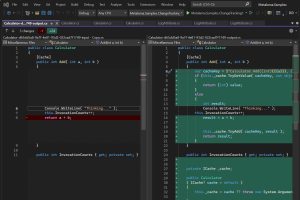
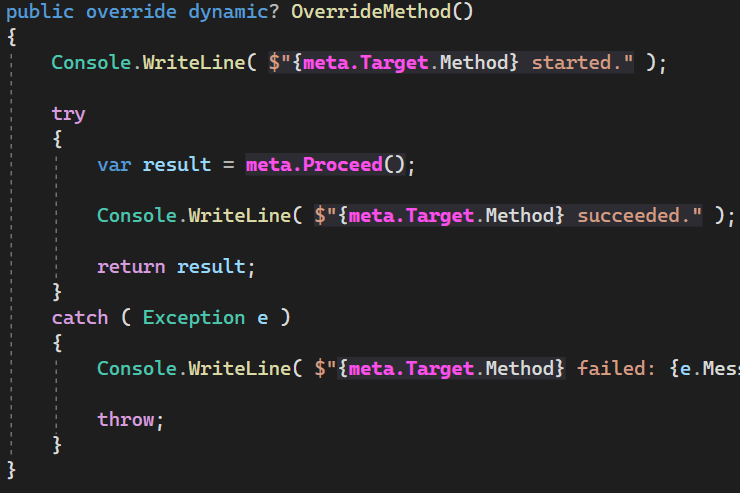
 Let me start with the announcement that brings me the greatest joy.
This past summer, Metalama received its first contribution from the open-source community. [Giuseppe Marazzi](https://github.com/beppemarazzi) submitted [two PRs](https://github.com/metalama/Metalama/pulls?q=author%3Abeppemarazzi++is%3Apr&filterScopeGroup=true) fixing two small and hard-to-find bugs.
A warm thanks to Giuseppe!
While Metalama may look like a complex codebase at first glance, Giuseppe's contribution proves that anyone can make a meaningful impact. Don't let the technical depth intimidate you: every contribution counts, however small. Our [contributor's guide](https://doc.metalama.net/contributing) shows you where to start.
## .NET SDK 10 readiness
As autumn arrives, Microsoft is finalizing the new .NET stack, and, like all .NET extenders, we’re working hard to make sure you can use the new features as soon as possible.
We’ve split the work into two releases:
- Metalama 2025.1 received quick fixes to keep working with the .NET 10 SDK, with limitations;
- Metalama 2026.0 will be built natively for the .NET 10 SDK.
### Metalama 2025.1: limited .NET SDK 10 support
With the .NET SDK 10 already in RC, we didn’t want you to wait for full integration, so we made small changes to ensure compatibility with the new .NET SDK.
This build is Metalama 2025.1.14, released this week. From our [platform integration matrix tests](https://github.com/metalama/Metalama.Tests.DotNetSdk/actions/workflows/test.yml), most .NET workloads are working.
Keep in mind that Metalama 2025.1 is still based on Roslyn 4.14, while the .NET SDK 10 includes Roslyn 5.0. This has some implications:
- Analyzers and source generators compiled against Roslyn 5.0 will not work. When possible, we replace them with an older Roslyn 4.14 version. This often works, but not always.
- Specifically, Blazor projects (all flavors) are not supported yet because of an incompatibility in their source generators.
- You cannot use C# 14 features in your Metalama projects.
### Metalama 2026.0 in progress
The goal of Metalama 2026.0 is to bring full native support for the .NET 10 SDK and C# 14: native, not hacks.
C# 14 brings a lot of new features, and we won’t support all of them in every scenario in November, when the new .NET is expected to become generally available. Our primary goal with Metalama 2026.0 is to let you safely use any new C# feature in your runtime code, but not necessarily in aspect templates. Support for new language features in templates may come in later versions. This aligns with our design philosophy: Metalama should be able to compile any valid C# code, but it’s okay to limit features available in aspects.
We’re using GitHub to track our progress. You can use [this meta-issue](https://github.com/metalama/Metalama/issues/1045) or [this dashboard](https://github.com/orgs/metalama/projects/1/views/2?sliceBy%5Bvalue%5D=2026.0) to check the status.
We plan to have an RC ready in November, when Microsoft is expected to release the new stack.
If you’re eager for a preview, look for one next week. Or, if you’re more patient, compile the develop/2026.0 branch of [Metalama](https://github.com/metalama/Metalama/tree/develop/2026.0) and [Metalama.Compiler](https://github.com/metalama/Metalama.Compiler/tree/develop/2026.0) repos (merged from Roslyn tag `NET-SDK-10.0.100-preview.7.25380.108` as of today).
## Visual Studio 2026 readiness
We ran some initial tests of our Metalama Tools for Visual Studio with Visual Studio 2026. They failed, subtly but miserably.
It seems those incompatibilities can be addressed with fairly small bug fixes. If that proves to be true, we’ll update our tooling 2025.1 to support Visual Studio 2026, and there will be no need to wait for Metalama 2026.0.
## Metalama 2025.2 RC: Event invocation overrides
We have just released the first (and hopefully final) RC of Metalama 2025.2.
Since the beginning, Metalama has allowed overriding the _add_ and _remove_ accessors of events, which were arguably of limited utility. This version adds the ability to override the _invocation_ of event handlers. The OverrideInvoke method of the OverrideEventAspect class lets you intercept the invocation of an individual event handler.
Typical use cases are:
- safe events (exception handling)
- background/asynchronous events
- event invocation logging
Let's illustrate this with an example. This aspect catches exceptions in event handlers; if any exception is caught, it removes it from the event invocation list.
```csharp
public class SafeEventAttribute : OverrideEventAspect
{
// If there are many event handlers, this method will be called several times.
public override dynamic? OverrideInvoke( dynamic? handler )
{
try
{
return meta.Proceed();
}
catch ( Exception e )
{
Console.WriteLine( e );
// First time shame on you, second time shame on me.
meta.Target.Event.Remove( handler );
throw;
}
}
}
```
We can now add this to any event:
```csharp
public class Camera
{
[SafeEvent]
public event EventHandler? FocusChanged;
private void OnFocusChanged()
{
this.FocusChanged?.Invoke( this, EventArgs.Empty );
}
}
```
As you might expect, it took us a while to implement. It's far from simple.
Here’s how Metalama transforms your code:
```csharp
public class Camera
{
// The field backing the event.
private event EventHandler? _focusChanged;
// A broker sitting between the event API and the backing field.
private volatile ActionEventBroker
Let me start with the announcement that brings me the greatest joy.
This past summer, Metalama received its first contribution from the open-source community. [Giuseppe Marazzi](https://github.com/beppemarazzi) submitted [two PRs](https://github.com/metalama/Metalama/pulls?q=author%3Abeppemarazzi++is%3Apr&filterScopeGroup=true) fixing two small and hard-to-find bugs.
A warm thanks to Giuseppe!
While Metalama may look like a complex codebase at first glance, Giuseppe's contribution proves that anyone can make a meaningful impact. Don't let the technical depth intimidate you: every contribution counts, however small. Our [contributor's guide](https://doc.metalama.net/contributing) shows you where to start.
## .NET SDK 10 readiness
As autumn arrives, Microsoft is finalizing the new .NET stack, and, like all .NET extenders, we’re working hard to make sure you can use the new features as soon as possible.
We’ve split the work into two releases:
- Metalama 2025.1 received quick fixes to keep working with the .NET 10 SDK, with limitations;
- Metalama 2026.0 will be built natively for the .NET 10 SDK.
### Metalama 2025.1: limited .NET SDK 10 support
With the .NET SDK 10 already in RC, we didn’t want you to wait for full integration, so we made small changes to ensure compatibility with the new .NET SDK.
This build is Metalama 2025.1.14, released this week. From our [platform integration matrix tests](https://github.com/metalama/Metalama.Tests.DotNetSdk/actions/workflows/test.yml), most .NET workloads are working.
Keep in mind that Metalama 2025.1 is still based on Roslyn 4.14, while the .NET SDK 10 includes Roslyn 5.0. This has some implications:
- Analyzers and source generators compiled against Roslyn 5.0 will not work. When possible, we replace them with an older Roslyn 4.14 version. This often works, but not always.
- Specifically, Blazor projects (all flavors) are not supported yet because of an incompatibility in their source generators.
- You cannot use C# 14 features in your Metalama projects.
### Metalama 2026.0 in progress
The goal of Metalama 2026.0 is to bring full native support for the .NET 10 SDK and C# 14: native, not hacks.
C# 14 brings a lot of new features, and we won’t support all of them in every scenario in November, when the new .NET is expected to become generally available. Our primary goal with Metalama 2026.0 is to let you safely use any new C# feature in your runtime code, but not necessarily in aspect templates. Support for new language features in templates may come in later versions. This aligns with our design philosophy: Metalama should be able to compile any valid C# code, but it’s okay to limit features available in aspects.
We’re using GitHub to track our progress. You can use [this meta-issue](https://github.com/metalama/Metalama/issues/1045) or [this dashboard](https://github.com/orgs/metalama/projects/1/views/2?sliceBy%5Bvalue%5D=2026.0) to check the status.
We plan to have an RC ready in November, when Microsoft is expected to release the new stack.
If you’re eager for a preview, look for one next week. Or, if you’re more patient, compile the develop/2026.0 branch of [Metalama](https://github.com/metalama/Metalama/tree/develop/2026.0) and [Metalama.Compiler](https://github.com/metalama/Metalama.Compiler/tree/develop/2026.0) repos (merged from Roslyn tag `NET-SDK-10.0.100-preview.7.25380.108` as of today).
## Visual Studio 2026 readiness
We ran some initial tests of our Metalama Tools for Visual Studio with Visual Studio 2026. They failed, subtly but miserably.
It seems those incompatibilities can be addressed with fairly small bug fixes. If that proves to be true, we’ll update our tooling 2025.1 to support Visual Studio 2026, and there will be no need to wait for Metalama 2026.0.
## Metalama 2025.2 RC: Event invocation overrides
We have just released the first (and hopefully final) RC of Metalama 2025.2.
Since the beginning, Metalama has allowed overriding the _add_ and _remove_ accessors of events, which were arguably of limited utility. This version adds the ability to override the _invocation_ of event handlers. The OverrideInvoke method of the OverrideEventAspect class lets you intercept the invocation of an individual event handler.
Typical use cases are:
- safe events (exception handling)
- background/asynchronous events
- event invocation logging
Let's illustrate this with an example. This aspect catches exceptions in event handlers; if any exception is caught, it removes it from the event invocation list.
```csharp
public class SafeEventAttribute : OverrideEventAspect
{
// If there are many event handlers, this method will be called several times.
public override dynamic? OverrideInvoke( dynamic? handler )
{
try
{
return meta.Proceed();
}
catch ( Exception e )
{
Console.WriteLine( e );
// First time shame on you, second time shame on me.
meta.Target.Event.Remove( handler );
throw;
}
}
}
```
We can now add this to any event:
```csharp
public class Camera
{
[SafeEvent]
public event EventHandler? FocusChanged;
private void OnFocusChanged()
{
this.FocusChanged?.Invoke( this, EventArgs.Empty );
}
}
```
As you might expect, it took us a while to implement. It's far from simple.
Here’s how Metalama transforms your code:
```csharp
public class Camera
{
// The field backing the event.
private event EventHandler? _focusChanged;
// A broker sitting between the event API and the backing field.
private volatile ActionEventBroker Godot, the open-source game engine, has gained popularity among developers. While many prefer using C# over GDScript due to its rich ecosystem, exporting C# properties to Godot often involves tedious boilerplate code.
In his latest guest post, [Enhancing Godot Development with Metalama](https://postsharp.net/blog/metalama-with-godot), [Philip Rotter](https://www.linkedin.com/in/philip-rotter-588a53259/) demonstrates how Metalama can streamline this process. Philip eliminates redundant code and makes C# development with Godot both fun and efficient, all through a single aspect.
Thanks to Philip for this contribution, a useful starting point for Godot users trying Metalama for the first time.
## **Looking ahead**
With Metalama now open source, 2025 is about building in the open. Share your feedback on [Slack](https://www.postsharp.net/) or [GitHub](https://github.com/orgs/metalama/discussions/388). Much of what we build next will start there.
Happy meta-programming!
---
# Enhancing Godot Development with Metalama
> The article shows how to use Metalama to reduce boilerplate in Godot, automatically implementing the _ValidateProperty method.
Published: 2025-01-29 · Author: Philip Rotter · Canonical: https://postsharp.net/blog/metalama-with-godot
Godot is an amazing open-source game engine that provides developers with the tools to build games efficiently. While GDScript is Godot’s native language, many developers prefer to use C# for its rich ecosystem and the ability to leverage third-party libraries. One such library is [Metalama](https://www.postsharp.net/metalama), a powerful meta-programming framework that can streamline repetitive or error-prone tasks.
In this article, we’ll explore how to use Metalama to simplify property usage customization in Godot. Specifically, we’ll address a common problem: defining property usage for exported properties in the Godot editor.
> ## About the author
>
Godot, the open-source game engine, has gained popularity among developers. While many prefer using C# over GDScript due to its rich ecosystem, exporting C# properties to Godot often involves tedious boilerplate code.
In his latest guest post, [Enhancing Godot Development with Metalama](https://postsharp.net/blog/metalama-with-godot), [Philip Rotter](https://www.linkedin.com/in/philip-rotter-588a53259/) demonstrates how Metalama can streamline this process. Philip eliminates redundant code and makes C# development with Godot both fun and efficient, all through a single aspect.
Thanks to Philip for this contribution, a useful starting point for Godot users trying Metalama for the first time.
## **Looking ahead**
With Metalama now open source, 2025 is about building in the open. Share your feedback on [Slack](https://www.postsharp.net/) or [GitHub](https://github.com/orgs/metalama/discussions/388). Much of what we build next will start there.
Happy meta-programming!
---
# Enhancing Godot Development with Metalama
> The article shows how to use Metalama to reduce boilerplate in Godot, automatically implementing the _ValidateProperty method.
Published: 2025-01-29 · Author: Philip Rotter · Canonical: https://postsharp.net/blog/metalama-with-godot
Godot is an amazing open-source game engine that provides developers with the tools to build games efficiently. While GDScript is Godot’s native language, many developers prefer to use C# for its rich ecosystem and the ability to leverage third-party libraries. One such library is [Metalama](https://www.postsharp.net/metalama), a powerful meta-programming framework that can streamline repetitive or error-prone tasks.
In this article, we’ll explore how to use Metalama to simplify property usage customization in Godot. Specifically, we’ll address a common problem: defining property usage for exported properties in the Godot editor.
> ## About the author
>  ## Step 2. Creating a logging aspect
An _aspect_ is a special kind of class, usually a custom attribute, that executes within the compiler or the IDE and dynamically transforms your source code. There are several [aspect frameworks](https://www.postsharp.net/solutions/aspect-oriented-programming) for .NET. Here we'll use the most modern of them: [Metalama](https://www.postsharp.net/metalama).
We will use the [example logging aspect](https://doc.metalama.net/examples/log) of the reference documentation.
Here is the `[Log]` aspect in real code:
```csharp
public partial class TodoApiClient( HttpClient httpClient )
{
public async Task
## Step 2. Creating a logging aspect
An _aspect_ is a special kind of class, usually a custom attribute, that executes within the compiler or the IDE and dynamically transforms your source code. There are several [aspect frameworks](https://www.postsharp.net/solutions/aspect-oriented-programming) for .NET. Here we'll use the most modern of them: [Metalama](https://www.postsharp.net/metalama).
We will use the [example logging aspect](https://doc.metalama.net/examples/log) of the reference documentation.
Here is the `[Log]` aspect in real code:
```csharp
public partial class TodoApiClient( HttpClient httpClient )
{
public async Task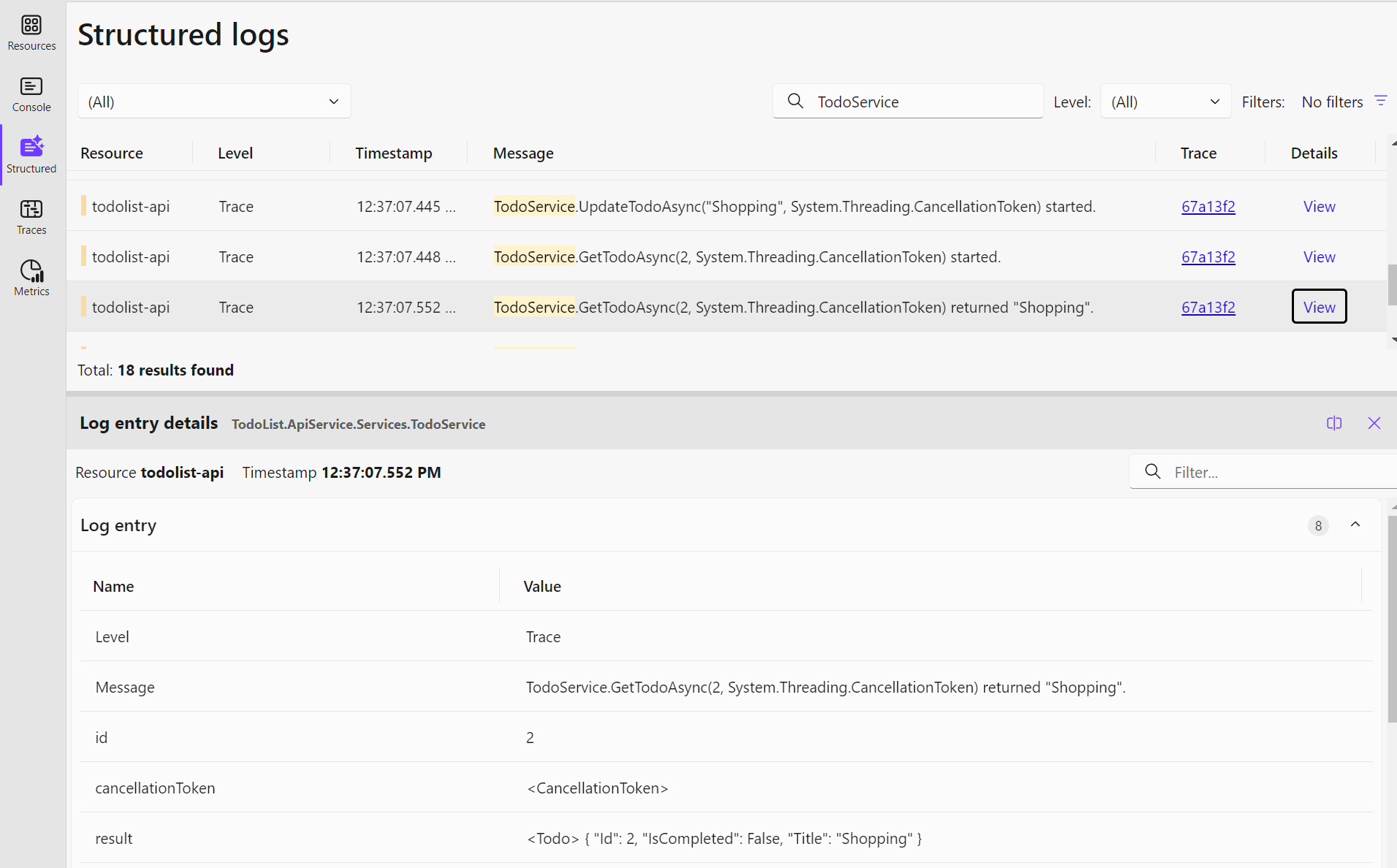 The values shown on the dashboard can be further improved using a [custom log record processor](https://github.com/open-telemetry/opentelemetry-dotnet/blob/main/docs/logs/extending-the-sdk/README.md#processor), as we did in our sample, or by wiring up a logging framework with better support for structured logging of .NET objects like [Serilog](https://serilog.net/).
## Summary
In this article, we've shown how to trace method calls in a .NET Aspire app without boilerplate code using Metalama. We've used a base example of a to-do list app with an ASP.NET Core Minimal API backend and a Blazor front-end, orchestrated using .NET Aspire. We've demonstrated how to log all public methods of the app using the `[Log]` aspect using a special kind of class called a fabric. We've also shown how to analyze the logs using the .NET Aspire dashboard.
---
# The State of Aspect-Oriented Programming in C# [2025]
> This article reviews the state of aspect-oriented programming in C# and .NET in 2025. It addresses misconceptions, lists and compares implementations, and studies how the main challenges have been resolved.
Published: 2024-12-09 · Author: Gaël Fraiteur · Canonical: https://postsharp.net/blog/state-of-aop
Aspect-oriented programming (AOP) was invented in the early 2000s and enjoyed a few years of hype. Although it has been implemented in many languages, it seems to have faded into the background. Even Metalama, the most comprehensive AOP framework for .NET, does not primarily market itself as an AOP framework. What ever happened to AOP, and what is its status in the .NET world today?
I'm writing this article in the context of the [C# Advent 2024](https://www.csadvent.christmas/) as a wink to its creator [Matt Groves](https://www.linkedin.com/in/mgroves/). In 2013, Matt wrote a book named [AOP in .NET](https://www.manning.com/books/aop-in-net), covering both PostSharp and Castle DynamicProxy. This article reviews how the .NET landscape has evolved since that book was written.
## What is aspect-oriented programming?
If you haven't heard about AOP before, it's a programming concept that extends Object-Oriented Programming and focuses on separating the implementation of _repetitive code patterns_ from the main business logic, improving modularity and separation of concerns.
Without AOP, repetitive code patterns are often required to implement _cross-cutting concerns_, i.e., non-business features, such as logging, security, observability, or thread synchronization, that apply to several business features.
With AOP, you can encapsulate these code patterns in a special kind of class named _aspects_. Aspects know how to mechanically add behaviors to your source code. For instance, you can create aspects for logging, security, and observability or implement design patterns such as Memento or Builder.
### Example: a caching aspect
Here's how to implement a _caching_ aspect using Metalama.
Here is the implementation of an aspect that adds logging to its target method:
```csharp
public class CacheAttribute : OverrideMethodAspect
{
// Pull a dependency into the target class.
[IntroduceDependency]
private readonly ICache _cache;
public override dynamic? OverrideMethod()
{
// Builds the caching string.
var cacheKey = CacheKeyBuilder.BuildCacheKey( meta.Target.Method ).ToValue();
// Cache lookup.
if ( this._cache.TryGetValue( cacheKey, out object value ) )
{
// Cache hit.
return value;
}
// Cache miss. Go and invoke the method.
var result = meta.Proceed();
// Add to cache.
this._cache.TryAdd( cacheKey, result );
return result;
}
}
```
In the code above, `OverrideMethod` is a _template_ applied to the method to which we want to add caching. You can consider `meta` as a "magic" keyword (actually, it's a static class) that gives you access to meta-programming features. `meta.Proceed()` is replaced by the _original_ method implementation (before caching is applied), and `meta.Target.Method` represents the method to which the aspect is applied. `CacheKeyBuilder` is a compile-time utility method. Read [this article](https://doc.metalama.net/examples/caching) for details about this aspect.
Since this class is a custom attribute, we can add it to any method we want to cache. Here is our _source_ code, i.e., the one we write manually and commit to _git_:
```csharp
public class Calculator
{
public int InvocationCounts { get; private set; }
[Cache]
public int Add( int a, int b )
{
Console.WriteLine( "Thinking..." );
this.InvocationCounts++;
return a + b;
}
}
```
At compile time, Metalama transparently transforms your source code using the `[Cache]` aspect. Here is the code that gets _executed_:
```csharp
public class Calculator
{
ICache _cache;
public Calculator( ICache cache )
{
this._cache = cache;
}
public int InvocationCounts { get; private set; }
[Cache]
public int Add( int a, int b )
{
var cacheKey = $"Calculator.Add({a}, {b})";
if ( this._cache.TryGetValue( cacheKey, out object value ) )
{
return (int) value;
}
Console.WriteLine( "Thinking..." );
this.InvocationCounts++;
var result = a + b;
this._cache.TryAdd( cacheKey, result );
return result;
}
}
```
As you can see, the aspect:
1. Pulls the new `ICache` dependency into the `Calculator` class, and
2. Overrides the `Add` method to add caching.
Your caching logic is now decoupled from your business logic. You can apply caching to dozens of methods without repeating yourself.
That sounds nice. So, why isn't AOP more popular in .NET today?
## A horrendous communication strategy
Before we go through the state of AOP in .NET, I'd like to rant about the _horrendous_ communication strategy chosen by the AOP researchers in the early 2000s.
Remember, when you're an innovator, your role is not only to come up with a _technology_ or an _implementation_. Most importantly, as an innovator, your role is also to imagine new _concepts_ to analyze the world and a new _language_ to describe it. This discipline is known as _messaging and positioning_ in technical marketing. It eventually defines how people will talk about your new product: which words they will use and how they will frame the technology when talking to their friends. Microsoft is especially good at this exercise. Looking closely, you will never see a product published without a strong communication framework. Occasionally, they will have an excellent communication framework with a very poor product! That's because Microsoft is not an innovative company...
The first mistake of AOP founders was positioning the technology as a _paradigm_ and to name it aspect _oriented_ programming. This choice consequently framed AOP as an _alternative_ to object-oriented programming, which I think was a big mistake. In my opinion, AOP is _not_ a paradigm of its own. It is an _extension_ of object-oriented programming, certainly not an alternative.
Another communication mistake was to rely on jargon terms like _advice_, _joinpoint_, _pointcut_ or even _cross-cutting concerns_. This leads to this terrible definition: _Aspect-oriented programming is a programming paradigm aiming to improve the separation of cross-cutting concerns by encapsulating them into aspects, which use pointcuts to add advice to select joinpoints_.
Although I think this initial lexicon was a mistake, it was probably understandable given the context of the early 2000s. When AspectJ was released, Java did not have custom attributes yet (called _annotations_ in Java). Other than using specially formatted comments, there was no way to specify that some methods should be logged or made transactional. Therefore, the researchers had to invent a mechanism to select which elements of code would be advised, and this mechanism was called _pointcut_.
From the early days, AOP was positioned as a technology that aimed to extend the longevity of codebases by making it possible to alter their behavior without modifying their source code by adding aspect files purely orthogonal to the original source. Some people and OOP influencers misunderstood AOP as a _hacking_ or _patching_ technology to get around bad object-oriented designs.
As with any tool, we must acknowledge that AOP can be used for better or worse. Thankfully, after a quarter of a century of existence, we now understand better how to talk about aspect-oriented programming, when it is useful, and when it is harmful.
## Talking about AOP today
Despite the progress of programming languages and software engineering practices, despite the catastrophic communication around AspectJ, I still think that classic languages have not completely addressed the gap identified by the early AOP researchers.
I'm talking about the abstraction gap between human reasoning and programming languages.
Software architects, like all humans, think in terms of _patterns_ and say things like: "Add logging to all public methods of public classes in namespace `X`, and implement `INotifyPropertyChanged` for all classes derived from `BaseEntity`." However, the C# language does not have a way to do "for each declaration `X`, add behavior `Y`." Aspect-oriented programming (AOP) comes as a mechanism to fill this abstraction gap.
[Aspect-oriented programming](https://www.postsharp.net/solutions/aspect-oriented-programming) is a form of meta-programming that operates at the same level of abstraction as the C# language. It attempts to _raise_ the level of abstraction, not _lower_ it. Therefore, IL rewriting is _not_ AOP. Nor are Roslyn source generators.
The question is whether aspect-oriented programming, redefined as a mechanism to bridge this abstraction gap, is still AOP.
Due to communication issues, we no longer primarily position Metalama, our flagship product, as an AOP framework. We say that it is a code generation and validation framework. Like AOP, Metalama encourages well-engineered practices. It focuses on robustness and predictability. It aims to make the code more understandable, not less.
Yet, Metalama is now the most extensive and mature AOP framework for .NET.
## Is AOP still useful in modern C#?
AOP was formalized when Java and C# were still in their infancy. In the meantime, both languages and development practices have evolved. The generalization of higher-order functions (delegates, anonymous methods, lambdas) and dependency injection have greatly improved modularity, covering some of the initial use cases of aspect-oriented programming. Therefore, some developers question the usefulness of AOP in modern applications.
* **Higher-order functions** (methods accepting delegates) can help encapsulate cross-cutting logic like, for instance, caching (see the [IMemoryCache.GetOrCreateAsync](https://learn.microsoft.com/en-us/dotnet/api/microsoft.extensions.caching.memory.cacheextensions.getorcreateasync) extension method). However, they still have limitations:
- You still have to manually pass the context (i.e., parameters), and
- You still have to manually add a method call everywhere, potentially in hundreds of methods.
AOP solves these two problems.
* **Dependency injection** has popularized the practice of separating interfaces from implementations, which is especially useful for unit testing. This design allows the addition of behaviors through _proxies_ (often dynamically generated ones) instead of by modifying the source or IL code. However, this approach only allows the addition of behaviors in the communication lines _between_ components. Unlike compile-time AOP, dependency injection does not allow you to add behaviors _inside_ components.
In .NET, examples of code patterns that are still better handled by AOP than by other mechanisms include:
* Instrumentation: [logging](https://doc.metalama.net/examples/log), profiling;
* Security: authorization, audit, encryption;
* Resilience: [caching](https://postsharp.net/blog/aspire-caching-metalama), transaction handling, [exception handling](https://doc.metalama.net/examples/exception-handling);
* UI: [observability](https://postsharp.net/blog/inotifypropertychanged-metalama) (`INotifyPropertyChanged`), change tracking, undo/redo, WPF [dependency properties](https://postsharp.net/blog/wpf-dependency-property-metalama) and [commands](https://postsharp.net/blog/wpf-command-metalama);
* Classic design patterns: [Builder](https://postsharp.net/blog/builder-pattern-with-metalama), [Singleton](https://doc.metalama.net/examples/singleton), [Memento](https://doc.metalama.net/examples/memento), Factory, Proxy, [Decorator](https://postsharp.net/blog/decorator-pattern);
* Multi-threading: synchronization (locking), freezable, background execution;
* Classic object services: equality, `ToString`;
* Persistence: object-database mapping, serialization, object-configuration mapping.
## When to use AOP?
I often hear you can implement the above use cases with standard OOP.
To this criticism, I want to refute this:
Yes, you are right. There is nothing you can do with AOP that OOP alone cannot do. Eventually, all languages are compiled into assembly language. So, this is a question of cost and complexity rather than an all-or-nothing ability.
Without AOP, your initial costs of implementing these features will certainly be lower. But your _marginal_ cost will be higher. You'll pay the cost of coding the same pattern hundreds of times and also the cost of refactoring if you ever change your mind.
With AOP, you are trading a near-zero marginal cost for a higher initial cost. The same applies to complexity. Yes, using AOP adds complexity, but this is a one-off, while _not_ using AOP adds complexity for each new feature added to your product.
With AOP, scale is everything.
Just because you need to cache one or two methods does not mean that you should use an aspect for it.
As a rule of thumb, you need _dozens_ of uses of an aspect to justify building one. _Getting Started_ guides will always insist on how easy it is to create something easy. Perhaps. But with aspects, the devil is in the detail. It can take days to create a robust aspect, one that will act as a productivity multiplier for your team instead of one of those the-boss-wants-us-to-use-it libraries.
Of course, if you're using ready-made, tested aspects ([and we release a lot of them open-source for free](https://doc.metalama.net/patterns)), it will pay off sooner than if you build your own.
Let's be honest. AOP frameworks like PostSharp or Metalama are heavyweight dependencies. You don't want them in your projects until it _really_ makes a difference. In a small project, it's probably not going to make a big difference. However, one of our customers confessed to having saved _tens of millions of euros_ thanks to AOP.
## How is AOP implemented in .NET today?
Today's aspect-oriented frameworks all rely on one of the following approaches:
* [MSIL Rewriting](https://www.postsharp.net/solutions/msil-rewriting) is the process of modifying the binary assembly during the build process. An additional step is added to this process just after the C# compiler. This approach was pioneered by PostSharp when the C# compiler was a black box. It is now considered obsolete, but many tools still rely on it.
* **Roslyn-based** frameworks interact directly with the compiler without requiring an additional process. They are based on official Roslyn extension points such as analyzers and code generators, plus unofficial extension points added by [Metalama.Compiler](https://github.com/metalama/Metalama.Compiler), an open-source Roslyn fork, which allows arbitrary code transformations. [Metalama](https://www.postsharp.net/metalama) is currently the only framework in this category. Roslyn-based frameworks can give you real-time feedback as you are typing, while MSIL-based ones require you to rebuild.
* [Middleware-based frameworks](https://www.postsharp.net/solutions/middleware) generally rely on a dependency injection framework and generate dynamic proxies at runtime. They are limited to intercepting interface methods and adding new interfaces to types.
Here is an overview of the main aspect-oriented frameworks available for .NET in 2024. This list is followed by a table comparing their features.
### PostSharp
[PostSharp](https://www.postsharp.net/il), launched in 2008, was the first complete implementation of AOP concepts in .NET. It is based on [MSIL rewriting](https://www.postsharp.net/solutions/msil-rewriting). PostSharp became a source of inspiration for several MSIL-based AOP frameworks.
PostSharp includes a broad set of ready-made aspects. It has complete documentation.
It comes with a Visual Studio extension that provides visibility into the transformations performed by aspects.
### Metalama
[Metalama](https://www.postsharp.net/metalama), built by the same team as PostSharp and first launched in 2023, is PostSharp's successor. Based on Roslyn, Metalama works both at design time (within the IDE) and compile time. It is today's most complete implementation of aspect-oriented principles.
Metalama uses a C#-to-C# template language coined _T#_. T# is 100% C#-compatible, so you can get full IntelliSense support with any IDE.
Since Metalama generates C# and not MSIL, you can preview and even debug the code generated by your aspects.
Metalama shares the same Visual Studio extension as PostSharp.
### AspectInjector
Like PostSharp, [AspectInjector](https://github.com/pamidur/aspect-injector) is based on [MSIL rewriting](https://www.postsharp.net/solutions/msil-rewriting).
While far from PostSharp regarding features, AspectInjector supports most code overriding and introduction features expected from an AOP framework.
### Rougamo
[Rougamo](https://github.com/inversionhourglass/Rougamo) is another compile-time AOP framework based on [MSIL rewriting](https://www.postsharp.net/solutions/msil-rewriting). Its code transformation abilities are limited. It implements an AspectJ-inspired pointcut mechanism to select code to be modified.
### AspectCore
[AspectCore](https://github.com/dotnetcore/AspectCore-Framework) is an aspect-oriented framework based on [dynamic proxies](https://www.postsharp.net/solutions/middleware). This approach operates at runtime by generating a _proxy_ type between the consumer and the implementation of an interface. It works only with components served by a dependency injection framework.
### Fody
[Fody](https://github.com/Fody/Fody) is an extensible tool for weaving .NET assemblies. It is not an aspect framework in itself, but [some](https://github.com/vescon/MethodBoundaryAspect.Fody) [plug-ins](https://github.com/Fody/MethodDecorator) allow for PostSharp-style decoration of methods, allowing for the implementation of some simple aspects.
Fody has a long list of [plug-ins](https://github.com/Fody/Home/blob/master/pages/addins.md) that implement specific code transformations. Because these transformations must be coded directly in MSIL and not in C#, Fody does not fully qualify as an aspect-oriented framework.
## Unit-testing aspects in 2025
When we discussed with Matt about his book back in 2013, we had a disagreement about unit testing of aspects. The only way to test PostSharp aspects was to apply them to a method, invoke that method, and check its output or its side effect. Matt argued that this was not real unit testing. And he was right.
Ten years later, you can finally unit-test aspects! Metalama, PostSharp's successor, now generates C# code instead of MSIL. You can now test that your aspect generates the code you expect. We've built an [aspect test framework](https://doc.metalama.net/conceptual/aspects/testing/aspect-testing) for this purpose. It works as a _snapshot test_, similar to [Verify](https://github.com/VerifyTests/Verify), and integrates with [DiffEngine](https://github.com/VerifyTests/DiffEngine).
## Dependency injection in aspect in 2025
Another area that has greatly improved in the last decade is the integration of aspects with dependency injection (DI) containers.
The reason that the concepts of DI and AOP were not properly integrated from the beginning is that they were both formalized around the same time, in the early 2000s. The first AOP implementations, including PostSharp, were not designed for dependency injection. This was a serious limitation because many aspects depend on services that are typically exposed in a dependency injection container. For instance, a logging aspect uses `ILogger`, caching uses `IMemoryCache`, and so on. That led to excessive use of static methods in aspects, which made them difficult to test.
Metalama now has first-class support for dependency injection. As you have seen in the example above, aspects can [import dependencies](https://doc.metalama.net/patterns/dependency-injection) using the `Metalama.Extensions.DependencyInjection` package. With the default .NET Core dependency injection pattern, dependencies are [added as constructor parameters](https://doc.metalama.net/conceptual/aspects/advising/introducing-constructor-parameters) and pulled from derived classes.
Therefore, I consider that today, dependency injection and AOP are complementary and almost orthogonal concepts.
## Comparing AOP frameworks for .NET
| | Metalama | PostSharp | AspectInjector | Rougamo | AspectCore |
|----------|----------|-----------|----------------|---------|------------|
| Technology | Roslyn | MSIL | MSIL | MSIL | Dynamic Proxies |
| Override virtual members | Yes | Yes | Yes | Yes | Yes |
| Override non-virtual members | Yes | Yes | Yes | Yes | No |
| Implement interfaces | Yes | Yes | Yes | No | Yes |
| Introduce new members | Yes | Yes | Yes | No | No |
| Reference introduced members from source code | Yes | No | No | No | No |
| Allocationless context passing | Yes | No | Yes | No | No |
| IDE: Aspect Explorer | Yes | Yes | No | No | No |
| IDE: CodeLens | Yes | Yes | No | No | No |
| View/Debug Generated C# | Yes | No | No | No | No |
| Large library of pre-built aspects | Yes | Yes | No | No | No |
| Unit testing of aspects | Yes | No | No | No | No |
| Pulling dependencies from aspects | Yes | No | No | No | Yes |
## Conclusion
Although the initial creators of aspect-oriented programming made a couple of communication mistakes, they identified a gap that the C# language still fails to address. This is the gap between the abstraction level of human reasoning and the abstraction level of the C# language. This problem has not yet been completely addressed by the C# language. It is still responsible for a large amount of boilerplate.
According to our telemetry data, using PostSharp or Metalama typically reduces hand-written code by 15%. This shows that disciplined, robust meta-programming is still an axis on which mainstream programming languages can be improved. For those who don't want to wait for C# 22, there's Metalama!
---
# The Factory design pattern in C#
> This article explains the Factory Method and Abstract Factory patterns and provides examples in C#, two creational patterns that help you create objects without specifying the exact class of object that will be created.
Published: 2024-12-03 · Author: Metalama Team · Canonical: https://postsharp.net/blog/factory-pattern
_Factories_ are methods or objects whose only role is to create other objects. The _Factory Method_ and _Abstract Factory_ patterns are two creational design patterns originally identified in the seminal "Gang of Four" _Design Patterns_ book. They are still crucial today in .NET. This article explains, with concrete examples, when to use this pattern in modern C# applications and how to make sure that they are properly applied.
## Example: setting up the scene
This article will use a concrete, real-world example. Let's set up the scene.
Let's say you are a software developer at a startup. You need to read and write binary files. Initially, you might have chosen to use local file storage because it was simple and met the immediate needs of your business -- to make the demo work for potential investors.
Your company gets more funding, and management decides it's time to deploy the application to the cloud. File-system storage is no longer sufficient. You now need to support cloud storage too. For the sake of simplicity in this article, we will assume that the cloud storage has a simple HTTP interface. Since your app can still be used on-premises as well as on the cloud, you decide to abstract storage access under the following interface:
```csharp
internal interface IStorageAdapter
{
Task
The values shown on the dashboard can be further improved using a [custom log record processor](https://github.com/open-telemetry/opentelemetry-dotnet/blob/main/docs/logs/extending-the-sdk/README.md#processor), as we did in our sample, or by wiring up a logging framework with better support for structured logging of .NET objects like [Serilog](https://serilog.net/).
## Summary
In this article, we've shown how to trace method calls in a .NET Aspire app without boilerplate code using Metalama. We've used a base example of a to-do list app with an ASP.NET Core Minimal API backend and a Blazor front-end, orchestrated using .NET Aspire. We've demonstrated how to log all public methods of the app using the `[Log]` aspect using a special kind of class called a fabric. We've also shown how to analyze the logs using the .NET Aspire dashboard.
---
# The State of Aspect-Oriented Programming in C# [2025]
> This article reviews the state of aspect-oriented programming in C# and .NET in 2025. It addresses misconceptions, lists and compares implementations, and studies how the main challenges have been resolved.
Published: 2024-12-09 · Author: Gaël Fraiteur · Canonical: https://postsharp.net/blog/state-of-aop
Aspect-oriented programming (AOP) was invented in the early 2000s and enjoyed a few years of hype. Although it has been implemented in many languages, it seems to have faded into the background. Even Metalama, the most comprehensive AOP framework for .NET, does not primarily market itself as an AOP framework. What ever happened to AOP, and what is its status in the .NET world today?
I'm writing this article in the context of the [C# Advent 2024](https://www.csadvent.christmas/) as a wink to its creator [Matt Groves](https://www.linkedin.com/in/mgroves/). In 2013, Matt wrote a book named [AOP in .NET](https://www.manning.com/books/aop-in-net), covering both PostSharp and Castle DynamicProxy. This article reviews how the .NET landscape has evolved since that book was written.
## What is aspect-oriented programming?
If you haven't heard about AOP before, it's a programming concept that extends Object-Oriented Programming and focuses on separating the implementation of _repetitive code patterns_ from the main business logic, improving modularity and separation of concerns.
Without AOP, repetitive code patterns are often required to implement _cross-cutting concerns_, i.e., non-business features, such as logging, security, observability, or thread synchronization, that apply to several business features.
With AOP, you can encapsulate these code patterns in a special kind of class named _aspects_. Aspects know how to mechanically add behaviors to your source code. For instance, you can create aspects for logging, security, and observability or implement design patterns such as Memento or Builder.
### Example: a caching aspect
Here's how to implement a _caching_ aspect using Metalama.
Here is the implementation of an aspect that adds logging to its target method:
```csharp
public class CacheAttribute : OverrideMethodAspect
{
// Pull a dependency into the target class.
[IntroduceDependency]
private readonly ICache _cache;
public override dynamic? OverrideMethod()
{
// Builds the caching string.
var cacheKey = CacheKeyBuilder.BuildCacheKey( meta.Target.Method ).ToValue();
// Cache lookup.
if ( this._cache.TryGetValue( cacheKey, out object value ) )
{
// Cache hit.
return value;
}
// Cache miss. Go and invoke the method.
var result = meta.Proceed();
// Add to cache.
this._cache.TryAdd( cacheKey, result );
return result;
}
}
```
In the code above, `OverrideMethod` is a _template_ applied to the method to which we want to add caching. You can consider `meta` as a "magic" keyword (actually, it's a static class) that gives you access to meta-programming features. `meta.Proceed()` is replaced by the _original_ method implementation (before caching is applied), and `meta.Target.Method` represents the method to which the aspect is applied. `CacheKeyBuilder` is a compile-time utility method. Read [this article](https://doc.metalama.net/examples/caching) for details about this aspect.
Since this class is a custom attribute, we can add it to any method we want to cache. Here is our _source_ code, i.e., the one we write manually and commit to _git_:
```csharp
public class Calculator
{
public int InvocationCounts { get; private set; }
[Cache]
public int Add( int a, int b )
{
Console.WriteLine( "Thinking..." );
this.InvocationCounts++;
return a + b;
}
}
```
At compile time, Metalama transparently transforms your source code using the `[Cache]` aspect. Here is the code that gets _executed_:
```csharp
public class Calculator
{
ICache _cache;
public Calculator( ICache cache )
{
this._cache = cache;
}
public int InvocationCounts { get; private set; }
[Cache]
public int Add( int a, int b )
{
var cacheKey = $"Calculator.Add({a}, {b})";
if ( this._cache.TryGetValue( cacheKey, out object value ) )
{
return (int) value;
}
Console.WriteLine( "Thinking..." );
this.InvocationCounts++;
var result = a + b;
this._cache.TryAdd( cacheKey, result );
return result;
}
}
```
As you can see, the aspect:
1. Pulls the new `ICache` dependency into the `Calculator` class, and
2. Overrides the `Add` method to add caching.
Your caching logic is now decoupled from your business logic. You can apply caching to dozens of methods without repeating yourself.
That sounds nice. So, why isn't AOP more popular in .NET today?
## A horrendous communication strategy
Before we go through the state of AOP in .NET, I'd like to rant about the _horrendous_ communication strategy chosen by the AOP researchers in the early 2000s.
Remember, when you're an innovator, your role is not only to come up with a _technology_ or an _implementation_. Most importantly, as an innovator, your role is also to imagine new _concepts_ to analyze the world and a new _language_ to describe it. This discipline is known as _messaging and positioning_ in technical marketing. It eventually defines how people will talk about your new product: which words they will use and how they will frame the technology when talking to their friends. Microsoft is especially good at this exercise. Looking closely, you will never see a product published without a strong communication framework. Occasionally, they will have an excellent communication framework with a very poor product! That's because Microsoft is not an innovative company...
The first mistake of AOP founders was positioning the technology as a _paradigm_ and to name it aspect _oriented_ programming. This choice consequently framed AOP as an _alternative_ to object-oriented programming, which I think was a big mistake. In my opinion, AOP is _not_ a paradigm of its own. It is an _extension_ of object-oriented programming, certainly not an alternative.
Another communication mistake was to rely on jargon terms like _advice_, _joinpoint_, _pointcut_ or even _cross-cutting concerns_. This leads to this terrible definition: _Aspect-oriented programming is a programming paradigm aiming to improve the separation of cross-cutting concerns by encapsulating them into aspects, which use pointcuts to add advice to select joinpoints_.
Although I think this initial lexicon was a mistake, it was probably understandable given the context of the early 2000s. When AspectJ was released, Java did not have custom attributes yet (called _annotations_ in Java). Other than using specially formatted comments, there was no way to specify that some methods should be logged or made transactional. Therefore, the researchers had to invent a mechanism to select which elements of code would be advised, and this mechanism was called _pointcut_.
From the early days, AOP was positioned as a technology that aimed to extend the longevity of codebases by making it possible to alter their behavior without modifying their source code by adding aspect files purely orthogonal to the original source. Some people and OOP influencers misunderstood AOP as a _hacking_ or _patching_ technology to get around bad object-oriented designs.
As with any tool, we must acknowledge that AOP can be used for better or worse. Thankfully, after a quarter of a century of existence, we now understand better how to talk about aspect-oriented programming, when it is useful, and when it is harmful.
## Talking about AOP today
Despite the progress of programming languages and software engineering practices, despite the catastrophic communication around AspectJ, I still think that classic languages have not completely addressed the gap identified by the early AOP researchers.
I'm talking about the abstraction gap between human reasoning and programming languages.
Software architects, like all humans, think in terms of _patterns_ and say things like: "Add logging to all public methods of public classes in namespace `X`, and implement `INotifyPropertyChanged` for all classes derived from `BaseEntity`." However, the C# language does not have a way to do "for each declaration `X`, add behavior `Y`." Aspect-oriented programming (AOP) comes as a mechanism to fill this abstraction gap.
[Aspect-oriented programming](https://www.postsharp.net/solutions/aspect-oriented-programming) is a form of meta-programming that operates at the same level of abstraction as the C# language. It attempts to _raise_ the level of abstraction, not _lower_ it. Therefore, IL rewriting is _not_ AOP. Nor are Roslyn source generators.
The question is whether aspect-oriented programming, redefined as a mechanism to bridge this abstraction gap, is still AOP.
Due to communication issues, we no longer primarily position Metalama, our flagship product, as an AOP framework. We say that it is a code generation and validation framework. Like AOP, Metalama encourages well-engineered practices. It focuses on robustness and predictability. It aims to make the code more understandable, not less.
Yet, Metalama is now the most extensive and mature AOP framework for .NET.
## Is AOP still useful in modern C#?
AOP was formalized when Java and C# were still in their infancy. In the meantime, both languages and development practices have evolved. The generalization of higher-order functions (delegates, anonymous methods, lambdas) and dependency injection have greatly improved modularity, covering some of the initial use cases of aspect-oriented programming. Therefore, some developers question the usefulness of AOP in modern applications.
* **Higher-order functions** (methods accepting delegates) can help encapsulate cross-cutting logic like, for instance, caching (see the [IMemoryCache.GetOrCreateAsync](https://learn.microsoft.com/en-us/dotnet/api/microsoft.extensions.caching.memory.cacheextensions.getorcreateasync) extension method). However, they still have limitations:
- You still have to manually pass the context (i.e., parameters), and
- You still have to manually add a method call everywhere, potentially in hundreds of methods.
AOP solves these two problems.
* **Dependency injection** has popularized the practice of separating interfaces from implementations, which is especially useful for unit testing. This design allows the addition of behaviors through _proxies_ (often dynamically generated ones) instead of by modifying the source or IL code. However, this approach only allows the addition of behaviors in the communication lines _between_ components. Unlike compile-time AOP, dependency injection does not allow you to add behaviors _inside_ components.
In .NET, examples of code patterns that are still better handled by AOP than by other mechanisms include:
* Instrumentation: [logging](https://doc.metalama.net/examples/log), profiling;
* Security: authorization, audit, encryption;
* Resilience: [caching](https://postsharp.net/blog/aspire-caching-metalama), transaction handling, [exception handling](https://doc.metalama.net/examples/exception-handling);
* UI: [observability](https://postsharp.net/blog/inotifypropertychanged-metalama) (`INotifyPropertyChanged`), change tracking, undo/redo, WPF [dependency properties](https://postsharp.net/blog/wpf-dependency-property-metalama) and [commands](https://postsharp.net/blog/wpf-command-metalama);
* Classic design patterns: [Builder](https://postsharp.net/blog/builder-pattern-with-metalama), [Singleton](https://doc.metalama.net/examples/singleton), [Memento](https://doc.metalama.net/examples/memento), Factory, Proxy, [Decorator](https://postsharp.net/blog/decorator-pattern);
* Multi-threading: synchronization (locking), freezable, background execution;
* Classic object services: equality, `ToString`;
* Persistence: object-database mapping, serialization, object-configuration mapping.
## When to use AOP?
I often hear you can implement the above use cases with standard OOP.
To this criticism, I want to refute this:
Yes, you are right. There is nothing you can do with AOP that OOP alone cannot do. Eventually, all languages are compiled into assembly language. So, this is a question of cost and complexity rather than an all-or-nothing ability.
Without AOP, your initial costs of implementing these features will certainly be lower. But your _marginal_ cost will be higher. You'll pay the cost of coding the same pattern hundreds of times and also the cost of refactoring if you ever change your mind.
With AOP, you are trading a near-zero marginal cost for a higher initial cost. The same applies to complexity. Yes, using AOP adds complexity, but this is a one-off, while _not_ using AOP adds complexity for each new feature added to your product.
With AOP, scale is everything.
Just because you need to cache one or two methods does not mean that you should use an aspect for it.
As a rule of thumb, you need _dozens_ of uses of an aspect to justify building one. _Getting Started_ guides will always insist on how easy it is to create something easy. Perhaps. But with aspects, the devil is in the detail. It can take days to create a robust aspect, one that will act as a productivity multiplier for your team instead of one of those the-boss-wants-us-to-use-it libraries.
Of course, if you're using ready-made, tested aspects ([and we release a lot of them open-source for free](https://doc.metalama.net/patterns)), it will pay off sooner than if you build your own.
Let's be honest. AOP frameworks like PostSharp or Metalama are heavyweight dependencies. You don't want them in your projects until it _really_ makes a difference. In a small project, it's probably not going to make a big difference. However, one of our customers confessed to having saved _tens of millions of euros_ thanks to AOP.
## How is AOP implemented in .NET today?
Today's aspect-oriented frameworks all rely on one of the following approaches:
* [MSIL Rewriting](https://www.postsharp.net/solutions/msil-rewriting) is the process of modifying the binary assembly during the build process. An additional step is added to this process just after the C# compiler. This approach was pioneered by PostSharp when the C# compiler was a black box. It is now considered obsolete, but many tools still rely on it.
* **Roslyn-based** frameworks interact directly with the compiler without requiring an additional process. They are based on official Roslyn extension points such as analyzers and code generators, plus unofficial extension points added by [Metalama.Compiler](https://github.com/metalama/Metalama.Compiler), an open-source Roslyn fork, which allows arbitrary code transformations. [Metalama](https://www.postsharp.net/metalama) is currently the only framework in this category. Roslyn-based frameworks can give you real-time feedback as you are typing, while MSIL-based ones require you to rebuild.
* [Middleware-based frameworks](https://www.postsharp.net/solutions/middleware) generally rely on a dependency injection framework and generate dynamic proxies at runtime. They are limited to intercepting interface methods and adding new interfaces to types.
Here is an overview of the main aspect-oriented frameworks available for .NET in 2024. This list is followed by a table comparing their features.
### PostSharp
[PostSharp](https://www.postsharp.net/il), launched in 2008, was the first complete implementation of AOP concepts in .NET. It is based on [MSIL rewriting](https://www.postsharp.net/solutions/msil-rewriting). PostSharp became a source of inspiration for several MSIL-based AOP frameworks.
PostSharp includes a broad set of ready-made aspects. It has complete documentation.
It comes with a Visual Studio extension that provides visibility into the transformations performed by aspects.
### Metalama
[Metalama](https://www.postsharp.net/metalama), built by the same team as PostSharp and first launched in 2023, is PostSharp's successor. Based on Roslyn, Metalama works both at design time (within the IDE) and compile time. It is today's most complete implementation of aspect-oriented principles.
Metalama uses a C#-to-C# template language coined _T#_. T# is 100% C#-compatible, so you can get full IntelliSense support with any IDE.
Since Metalama generates C# and not MSIL, you can preview and even debug the code generated by your aspects.
Metalama shares the same Visual Studio extension as PostSharp.
### AspectInjector
Like PostSharp, [AspectInjector](https://github.com/pamidur/aspect-injector) is based on [MSIL rewriting](https://www.postsharp.net/solutions/msil-rewriting).
While far from PostSharp regarding features, AspectInjector supports most code overriding and introduction features expected from an AOP framework.
### Rougamo
[Rougamo](https://github.com/inversionhourglass/Rougamo) is another compile-time AOP framework based on [MSIL rewriting](https://www.postsharp.net/solutions/msil-rewriting). Its code transformation abilities are limited. It implements an AspectJ-inspired pointcut mechanism to select code to be modified.
### AspectCore
[AspectCore](https://github.com/dotnetcore/AspectCore-Framework) is an aspect-oriented framework based on [dynamic proxies](https://www.postsharp.net/solutions/middleware). This approach operates at runtime by generating a _proxy_ type between the consumer and the implementation of an interface. It works only with components served by a dependency injection framework.
### Fody
[Fody](https://github.com/Fody/Fody) is an extensible tool for weaving .NET assemblies. It is not an aspect framework in itself, but [some](https://github.com/vescon/MethodBoundaryAspect.Fody) [plug-ins](https://github.com/Fody/MethodDecorator) allow for PostSharp-style decoration of methods, allowing for the implementation of some simple aspects.
Fody has a long list of [plug-ins](https://github.com/Fody/Home/blob/master/pages/addins.md) that implement specific code transformations. Because these transformations must be coded directly in MSIL and not in C#, Fody does not fully qualify as an aspect-oriented framework.
## Unit-testing aspects in 2025
When we discussed with Matt about his book back in 2013, we had a disagreement about unit testing of aspects. The only way to test PostSharp aspects was to apply them to a method, invoke that method, and check its output or its side effect. Matt argued that this was not real unit testing. And he was right.
Ten years later, you can finally unit-test aspects! Metalama, PostSharp's successor, now generates C# code instead of MSIL. You can now test that your aspect generates the code you expect. We've built an [aspect test framework](https://doc.metalama.net/conceptual/aspects/testing/aspect-testing) for this purpose. It works as a _snapshot test_, similar to [Verify](https://github.com/VerifyTests/Verify), and integrates with [DiffEngine](https://github.com/VerifyTests/DiffEngine).
## Dependency injection in aspect in 2025
Another area that has greatly improved in the last decade is the integration of aspects with dependency injection (DI) containers.
The reason that the concepts of DI and AOP were not properly integrated from the beginning is that they were both formalized around the same time, in the early 2000s. The first AOP implementations, including PostSharp, were not designed for dependency injection. This was a serious limitation because many aspects depend on services that are typically exposed in a dependency injection container. For instance, a logging aspect uses `ILogger`, caching uses `IMemoryCache`, and so on. That led to excessive use of static methods in aspects, which made them difficult to test.
Metalama now has first-class support for dependency injection. As you have seen in the example above, aspects can [import dependencies](https://doc.metalama.net/patterns/dependency-injection) using the `Metalama.Extensions.DependencyInjection` package. With the default .NET Core dependency injection pattern, dependencies are [added as constructor parameters](https://doc.metalama.net/conceptual/aspects/advising/introducing-constructor-parameters) and pulled from derived classes.
Therefore, I consider that today, dependency injection and AOP are complementary and almost orthogonal concepts.
## Comparing AOP frameworks for .NET
| | Metalama | PostSharp | AspectInjector | Rougamo | AspectCore |
|----------|----------|-----------|----------------|---------|------------|
| Technology | Roslyn | MSIL | MSIL | MSIL | Dynamic Proxies |
| Override virtual members | Yes | Yes | Yes | Yes | Yes |
| Override non-virtual members | Yes | Yes | Yes | Yes | No |
| Implement interfaces | Yes | Yes | Yes | No | Yes |
| Introduce new members | Yes | Yes | Yes | No | No |
| Reference introduced members from source code | Yes | No | No | No | No |
| Allocationless context passing | Yes | No | Yes | No | No |
| IDE: Aspect Explorer | Yes | Yes | No | No | No |
| IDE: CodeLens | Yes | Yes | No | No | No |
| View/Debug Generated C# | Yes | No | No | No | No |
| Large library of pre-built aspects | Yes | Yes | No | No | No |
| Unit testing of aspects | Yes | No | No | No | No |
| Pulling dependencies from aspects | Yes | No | No | No | Yes |
## Conclusion
Although the initial creators of aspect-oriented programming made a couple of communication mistakes, they identified a gap that the C# language still fails to address. This is the gap between the abstraction level of human reasoning and the abstraction level of the C# language. This problem has not yet been completely addressed by the C# language. It is still responsible for a large amount of boilerplate.
According to our telemetry data, using PostSharp or Metalama typically reduces hand-written code by 15%. This shows that disciplined, robust meta-programming is still an axis on which mainstream programming languages can be improved. For those who don't want to wait for C# 22, there's Metalama!
---
# The Factory design pattern in C#
> This article explains the Factory Method and Abstract Factory patterns and provides examples in C#, two creational patterns that help you create objects without specifying the exact class of object that will be created.
Published: 2024-12-03 · Author: Metalama Team · Canonical: https://postsharp.net/blog/factory-pattern
_Factories_ are methods or objects whose only role is to create other objects. The _Factory Method_ and _Abstract Factory_ patterns are two creational design patterns originally identified in the seminal "Gang of Four" _Design Patterns_ book. They are still crucial today in .NET. This article explains, with concrete examples, when to use this pattern in modern C# applications and how to make sure that they are properly applied.
## Example: setting up the scene
This article will use a concrete, real-world example. Let's set up the scene.
Let's say you are a software developer at a startup. You need to read and write binary files. Initially, you might have chosen to use local file storage because it was simple and met the immediate needs of your business -- to make the demo work for potential investors.
Your company gets more funding, and management decides it's time to deploy the application to the cloud. File-system storage is no longer sufficient. You now need to support cloud storage too. For the sake of simplicity in this article, we will assume that the cloud storage has a simple HTTP interface. Since your app can still be used on-premises as well as on the cloud, you decide to abstract storage access under the following interface:
```csharp
internal interface IStorageAdapter
{
Task I had the privilege to talk about code quality at Build Stuff 2024 in Vilnius, delivering my talk: [Overcoming the Broken Window Syndrome: Code Verification Techniques for .NET Developers](https://sessionize.com/s/gael-fraiteur/overcoming-broken-window-syndrome-code-verificatio/87566).
Getting back on stage after a long hiatus that started with Covid and continued until we completed Metalama's first version felt like returning to the village after years in a cave. I loved interacting with the audience and speakers. It's the first time I was thanked with a hug for a talk! Well, that was after the party, and we were all a bit less inhibited than usual...
Build Stuff is a great conference: informative, inspirational, and fun. And Vilnius is a beautiful city, even under the cold November rain, which, I overheard, doesn't last forever.
The talk recordings aren't available yet. Follow [Build Stuff on YouTube](https://www.youtube.com/@BuildStuff) to get notified when they are.
## Five Published Articles
This month, we published five articles in the [Timeless .NET Engineer series](https://postsharp.net/blog/use-cases), all related to WPF.
I had the privilege to talk about code quality at Build Stuff 2024 in Vilnius, delivering my talk: [Overcoming the Broken Window Syndrome: Code Verification Techniques for .NET Developers](https://sessionize.com/s/gael-fraiteur/overcoming-broken-window-syndrome-code-verificatio/87566).
Getting back on stage after a long hiatus that started with Covid and continued until we completed Metalama's first version felt like returning to the village after years in a cave. I loved interacting with the audience and speakers. It's the first time I was thanked with a hug for a talk! Well, that was after the party, and we were all a bit less inhibited than usual...
Build Stuff is a great conference: informative, inspirational, and fun. And Vilnius is a beautiful city, even under the cold November rain, which, I overheard, doesn't last forever.
The talk recordings aren't available yet. Follow [Build Stuff on YouTube](https://www.youtube.com/@BuildStuff) to get notified when they are.
## Five Published Articles
This month, we published five articles in the [Timeless .NET Engineer series](https://postsharp.net/blog/use-cases), all related to WPF.
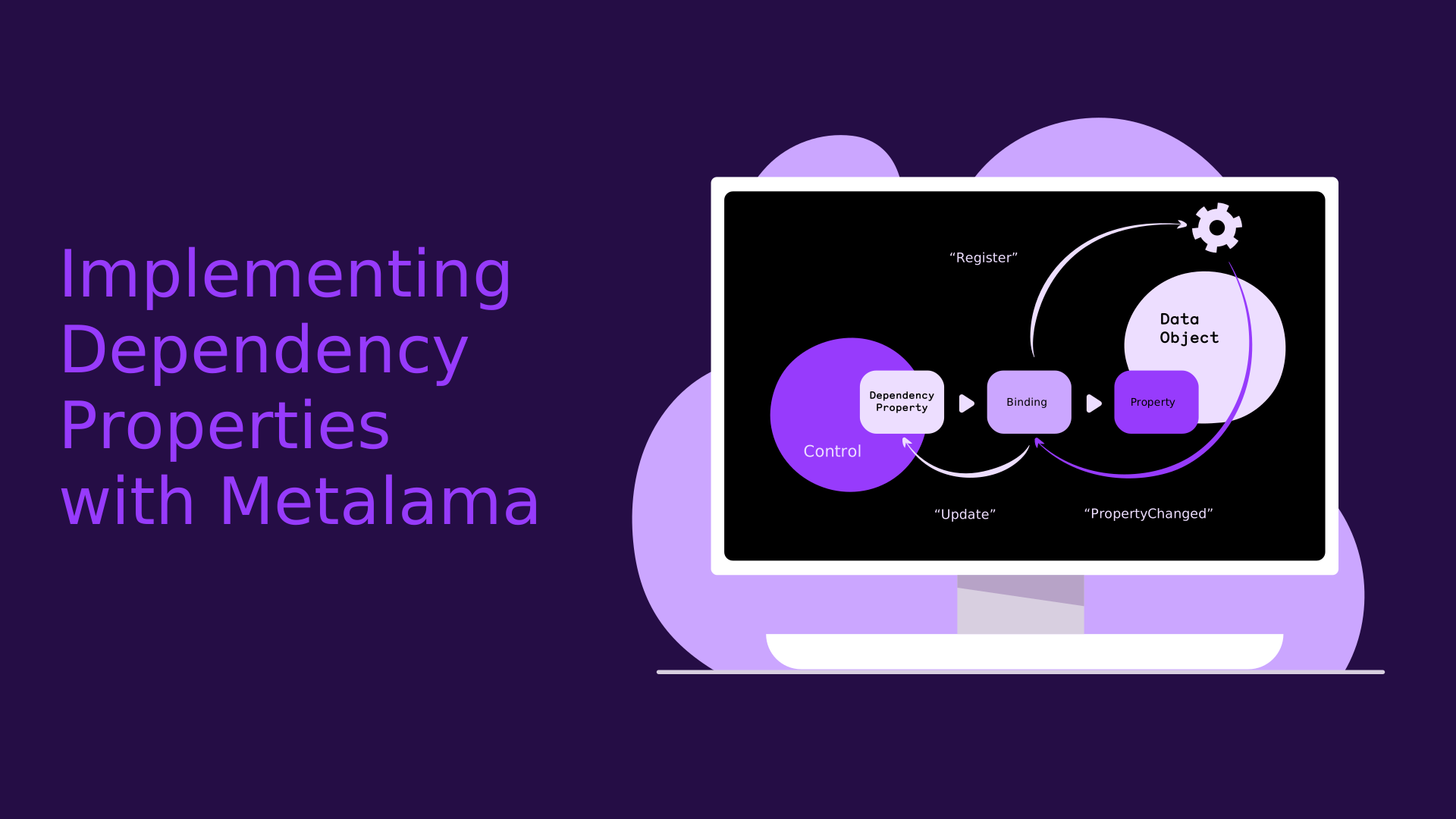
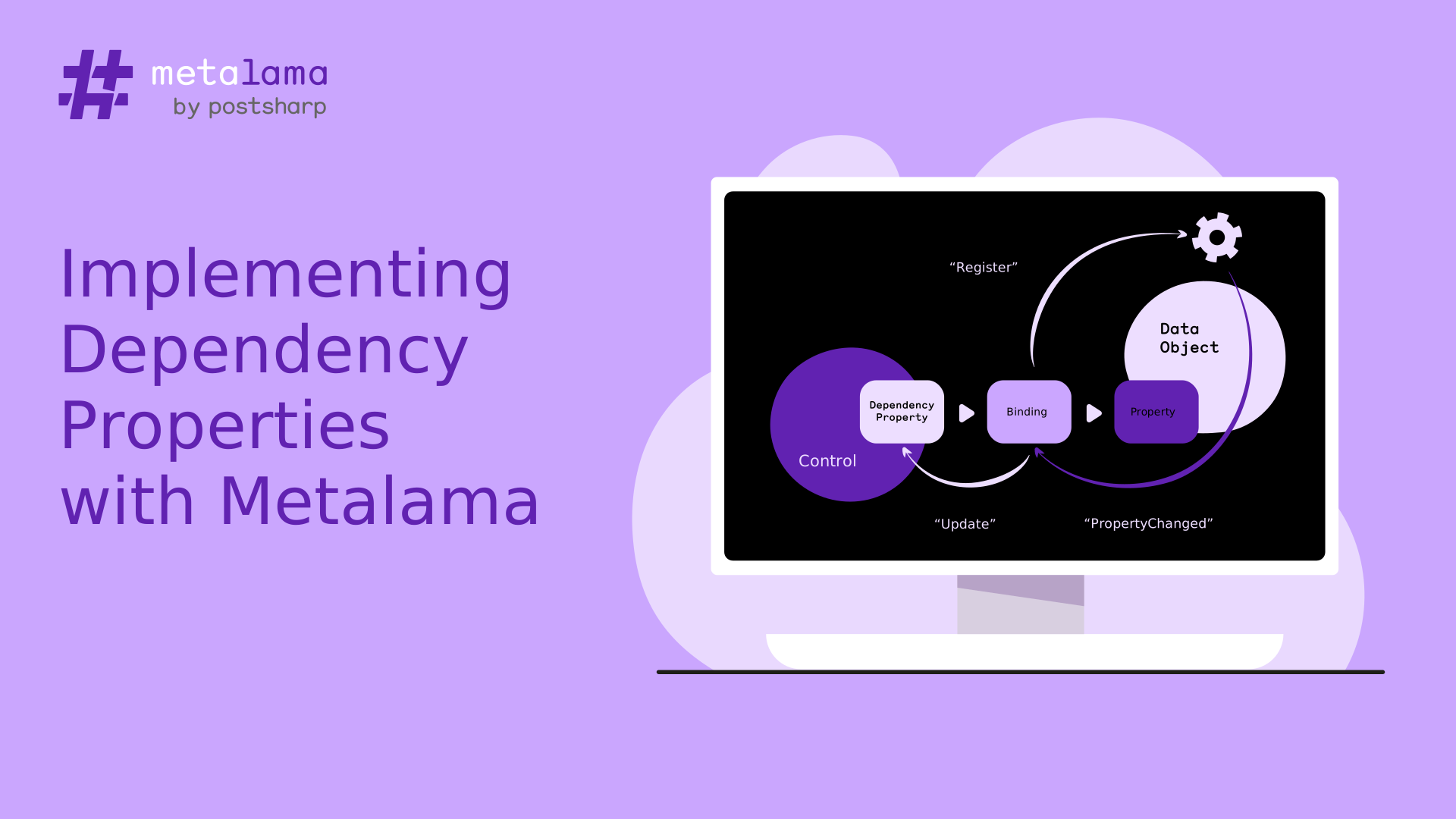
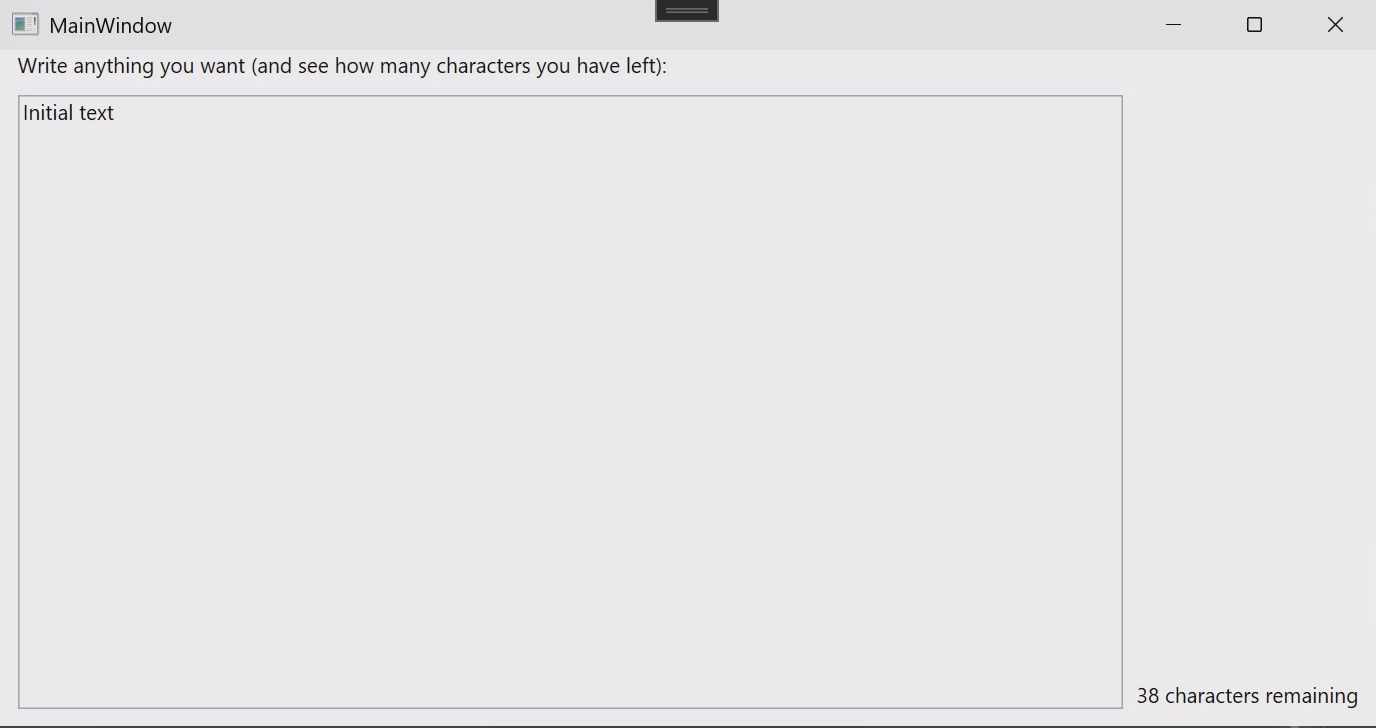
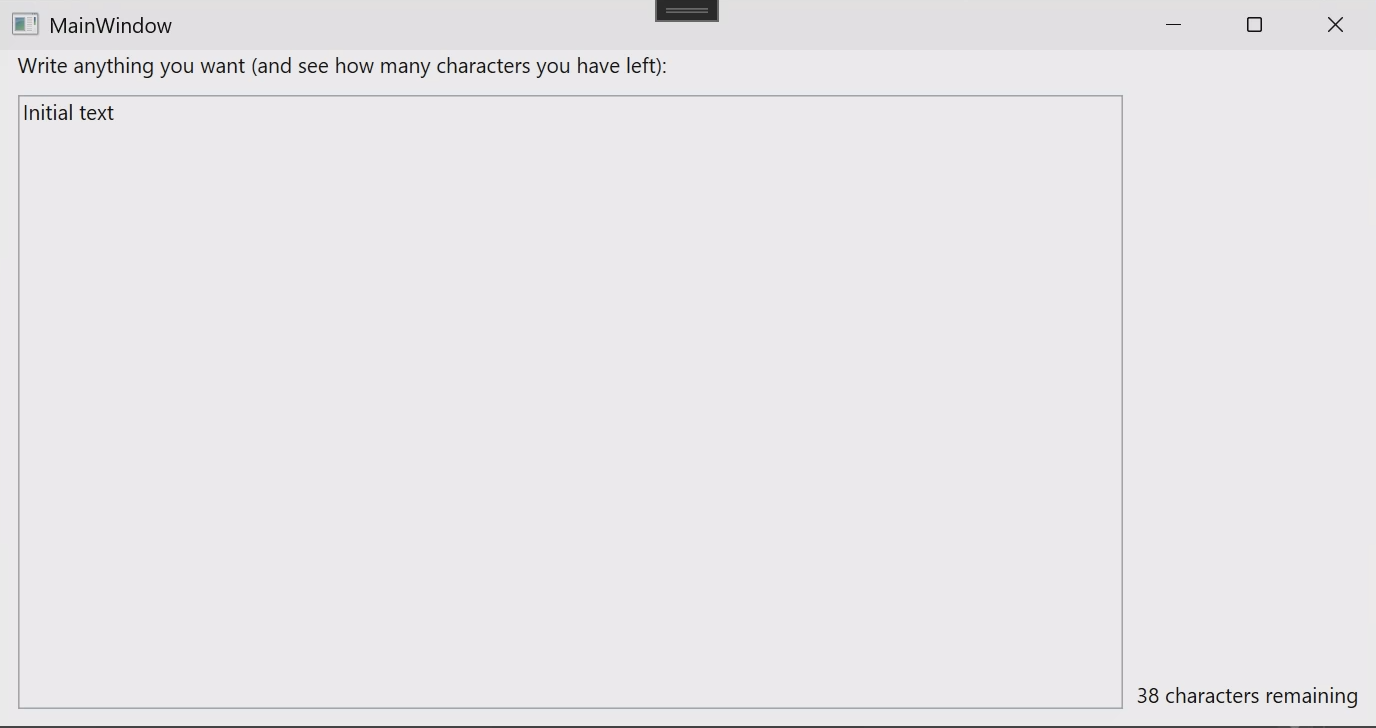
 [Cyril Canovas](https://www.linkedin.com/in/cyril-canovas-23518147/) is a contributing author at [GoatReview](https://goatreview.com) 🐐, a technical blog focused on sharing in-depth developer experiences and best practices in .NET development.
A few months ago, Cyril [explored Fody as a solution to generate the caching boilerplate](https://goatreview.com/master-aspect-oriented-programming-with-fody-weaving/). That was before he discovered Metalama. Yesterday, Cyril published an article on our blog explaining [why he prefers Metalama over Fody](https://postsharp.net/blog/why-switch-from-fody) to handle his caching boilerplate.
On the flip side, we published a two-part series introducing Metalama to GoatReview readers:
- Part 1: [Avoid repetitive code with Metalama](https://goatreview.com/generating-repetitive-code-with-metalama/)
- Part 2: [Verifying code against architecture with Metalama](https://goatreview.com/verifying-code-against-architecture-with-metalama/)
### Presenting Metalama to the Productive C# community
[Cyril Canovas](https://www.linkedin.com/in/cyril-canovas-23518147/) is a contributing author at [GoatReview](https://goatreview.com) 🐐, a technical blog focused on sharing in-depth developer experiences and best practices in .NET development.
A few months ago, Cyril [explored Fody as a solution to generate the caching boilerplate](https://goatreview.com/master-aspect-oriented-programming-with-fody-weaving/). That was before he discovered Metalama. Yesterday, Cyril published an article on our blog explaining [why he prefers Metalama over Fody](https://postsharp.net/blog/why-switch-from-fody) to handle his caching boilerplate.
On the flip side, we published a two-part series introducing Metalama to GoatReview readers:
- Part 1: [Avoid repetitive code with Metalama](https://goatreview.com/generating-repetitive-code-with-metalama/)
- Part 2: [Verifying code against architecture with Metalama](https://goatreview.com/verifying-code-against-architecture-with-metalama/)
### Presenting Metalama to the Productive C# community
 This month, I had the honor of presenting Metalama to the members of the Productive C# community, a group of developers striving to become better C# developers under the expert leadership of former six-time Microsoft MVP [Andrea Angella](https://www.linkedin.com/in/andreaangella). If you're struggling to keep up with the ever-increasing flow of C# features, check out his free course on [Modern C#](https://www.productivecsharp.com/modern-csharp/).
My presentation had two parts. The first part was public and demonstrated the principal Metalama features. The second part, exclusive to [premium members](https://www.productivecsharp.com/membership), opened the hood and explained how Metalama works and how it integrates with Roslyn.
You can watch the first part on Productive C#'s [YouTube channel](https://www.youtube.com/watch?v=x7IZ2skLYoQ).
## Five published articles
Following a quieter end of summer, we're back in full swing, publishing articles in our _Timeless .NET Engineer_ series. This month, we focused on `INotifyPropertyChanged` and the `Builder` pattern. True llamas will notice that we publish articles in pairs: one Metalama-oriented and the other general. Big thanks to [Darío Macchi](https://dariomac.com/) for his invaluable help in creating the content.
This month, I had the honor of presenting Metalama to the members of the Productive C# community, a group of developers striving to become better C# developers under the expert leadership of former six-time Microsoft MVP [Andrea Angella](https://www.linkedin.com/in/andreaangella). If you're struggling to keep up with the ever-increasing flow of C# features, check out his free course on [Modern C#](https://www.productivecsharp.com/modern-csharp/).
My presentation had two parts. The first part was public and demonstrated the principal Metalama features. The second part, exclusive to [premium members](https://www.productivecsharp.com/membership), opened the hood and explained how Metalama works and how it integrates with Roslyn.
You can watch the first part on Productive C#'s [YouTube channel](https://www.youtube.com/watch?v=x7IZ2skLYoQ).
## Five published articles
Following a quieter end of summer, we're back in full swing, publishing articles in our _Timeless .NET Engineer_ series. This month, we focused on `INotifyPropertyChanged` and the `Builder` pattern. True llamas will notice that we publish articles in pairs: one Metalama-oriented and the other general. Big thanks to [Darío Macchi](https://dariomac.com/) for his invaluable help in creating the content.


![The Builder Pattern in C# [2024]](https://postsharp.net/assets/images/2024/2024-10-builder-2/builder-dark-9ab86b4d4f.svg)




![The Memento Design Pattern in C#, Practically With Examples [2024]](https://postsharp.net/assets/images/2024/2024-07-memento/memento-light-ed245f11a8.svg)